Restaurant Management

Reservations go in a notebook, table status lives in the host's head; the guest at the door cannot see the empty table

Tables and Reservations brings online booking, the floor plan, the waiting list and QR table verification onto one screen. The host sees occupancy and the right table at a glance; confirmation and reminders go to the guest automatically.

Tables and reservations
In short

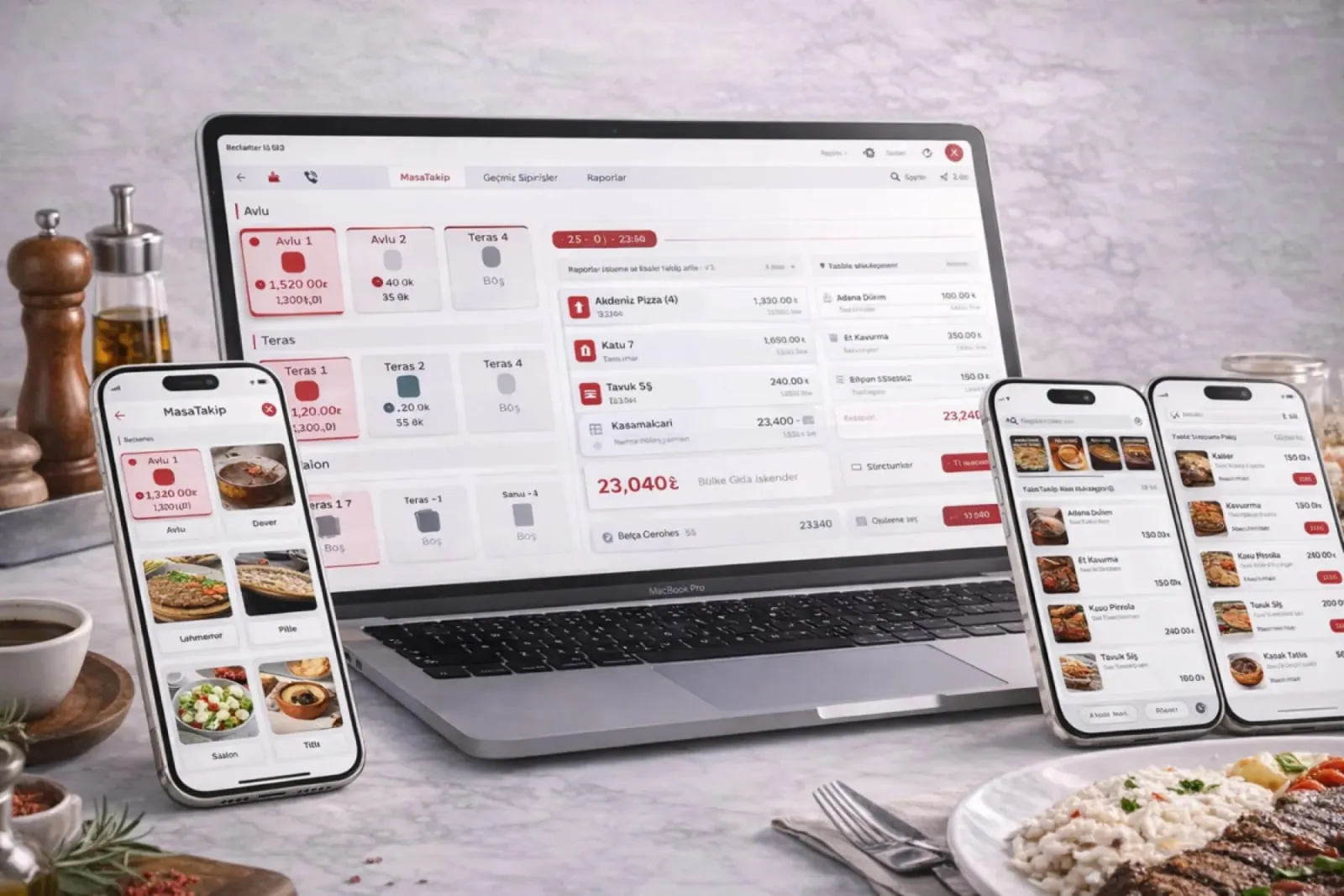
Tables and Reservations is the Panda Restoran layer that combines online booking, the floor plan, guest greeting and the waiting list on one screen. Bookings from the web, an app and the phone land on the floor plan; the host sees occupied, free and reserved tables live, and a suitable table is suggested by party size. A waiting guest is notified when the table is ready; an order tied to a table by QR is written to that table's check.

How is this work done today?

  • Bookings are in a notebook, there is no floor plan

    A booking taken by phone is written in a notebook; when the host changes in the evening, who has which table gets muddled. The same table is promised to two parties.

    1 host × 30 minutes / day
  • The guest at the door cannot see the empty table

    A table has been freed at the back of the room and the host is talking to a guest at the front; if the waiter does not say, the table stays empty and the guest leaves.

    1 host × 15 minutes / peak hour
  • No reminders, so tables stay empty

    The person who booked does not show up and nobody called; the table stays held all evening. No list of no-show guests is kept.

    1 restaurant manager × 20 minutes / day

How does Tables and reservations work?

  1. 1

    A reservation is taken

    A booking from the website, the mobile interface or by phone lands on the floor plan with date, time and party size; a confirmation message and a reminder go to the guest automatically.

  2. 2

    The host seats the party

    On the greeting screen, occupancy and suitable tables are visible at a glance; the system suggests a table by party size and the host approves or picks another.

  3. 3

    Table status is followed live

    Occupied, free, reserved and waiting-for-bill tables show in colour on the floor plan; an order from a guest tied to a table by QR is written to that table's check.

  4. 4

    The waiting list is managed

    At peak hours the guest is put in the queue and an estimated wait is calculated; when the table is ready an SMS goes out, and table turnover is reported.

See how Tables and reservations would work in your business

Tell us briefly about your process and we will walk through the screens with your own example.

  • Reply the same business day
  • 15+ years of experience
  • 90 client businesses

Tables and reservations features

Tables and reservations: Online booking
  • Online booking

    Booking from the website and mobile interface; confirmation, cancellation and reminder messages go to the guest automatically, and the host screen lists bookings in date order.

  • Floor plan and room layout

    Table layout by room, terrace and floor drawn by dragging; table merging and splitting are done from the host screen.

  • Greeting and seating

    A suggested table by party size, an occupancy view and reserved tables marked with their time, all on one screen.
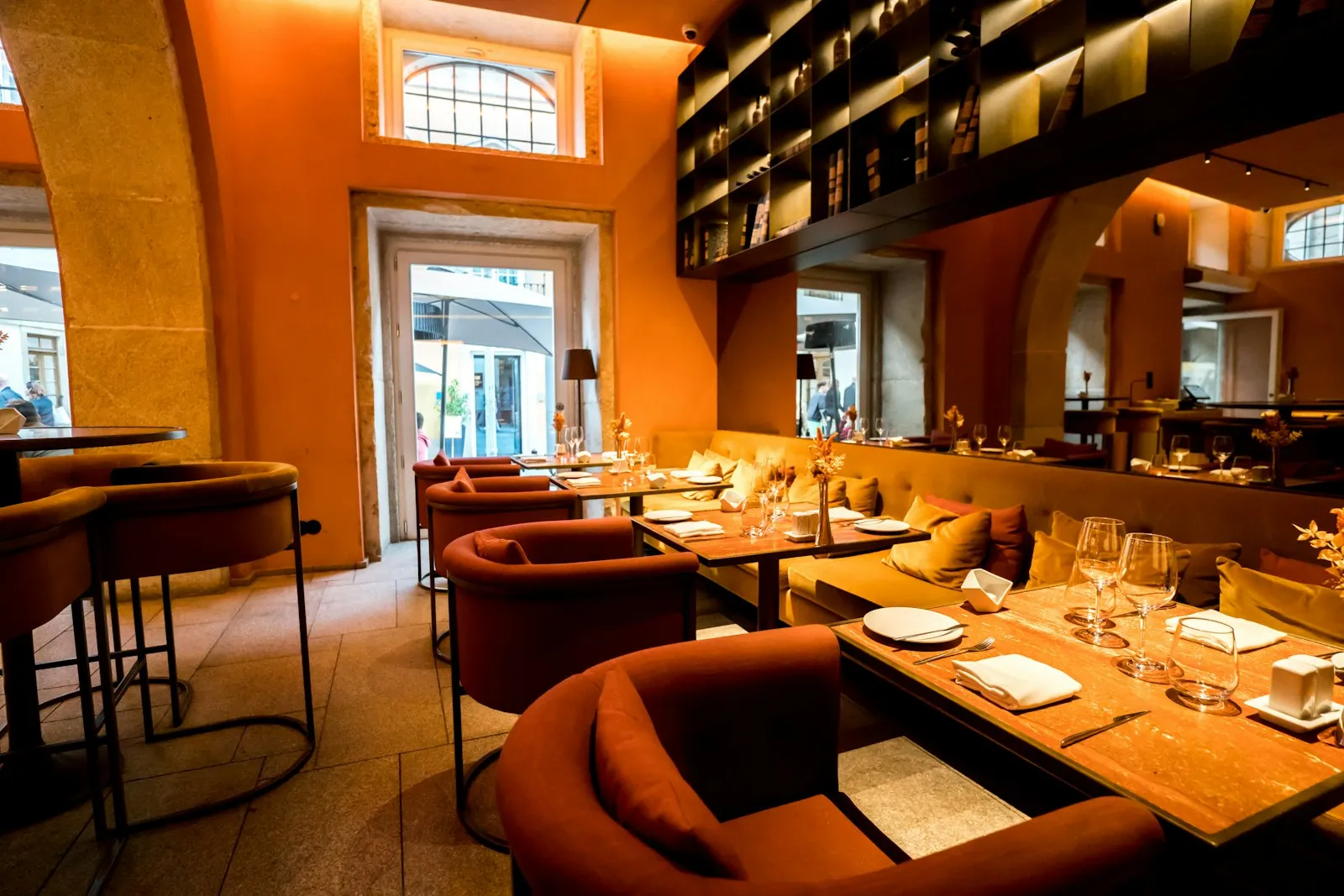

Tables and reservations: Live table status
  • Live table status

    Occupied, free, reserved, waiting-to-order and bill-requested statuses in colour; when a table is changed, the open check moves to the new table.

  • QR table verification

    A guest who scans the QR code on the table is tied to that table; ordering and bill flow are written to the table automatically and the waiter does not pick a table.

  • Waiting list

    Queueing at peak hours, an estimated wait, an SMS when the table is ready; a guest who drops out of the list is marked.

  • Guest record and history

    A guest card by phone number; previous bookings, preferred table and no-show record are visible on the host screen.

  • Occupancy and turnover report

    Occupancy by hour, average table time, and show and no-show counts for bookings; by day, week and month as Excel and PDF.

What does Panda AI add to Tables and reservations?

The Customer Service Agent is the Panda AI agent that answers order, shipping and invoice questions 24/7 on WhatsApp and e-mail and hands over what it cannot solve to the right person.

  1. Today A rep looks in the ERP to check an order’s status With the agent Order and shipping status answered 24/7
  2. Today Out-of-hours messages wait until morning With the agent Hands over what it cannot solve to the right person
  3. Today Complaints can get lost before they are logged With the agent Every request is logged and reported

Jobs it takes on

  • Order, shipping and invoice queries
  • 24/7 answers on WhatsApp and e-mail
  • Logging requests and handing them to the right person
  • Starting return and complaint processes
  • Frequently asked questions knowledge base
  • Request and satisfaction reports

The agent prepares, a person approves. Anything that posts a record or sends something outside the company goes through your approval.

Explore Panda AI agents

Frequently asked questions about Tables and reservations

Through which channels are bookings taken?

The website booking form, the mobile interface and the phone. A booking taken by phone is entered from the host screen; with Caller ID set up, the calling guest's card opens automatically. Every channel lands on the same floor plan, and a double booking for the same table and time is blocked.

How are confirmation and reminders sent to the guest?

A confirmation SMS goes out when the booking is made, and a reminder SMS goes out a set time before the booking; the text is your own template. The guest can cancel from the link in the message; the cancellation reaches the host screen and the table is released. Messages are sent from the business's SMS account.

How do the floor plan and bookings work together?

When a booking is taken, a table suited to the party size is suggested and marked reserved for that time. On the floor plan the reserved table shows with its time; if the host seats another guest there before then, a warning appears. Merging and splitting tables is done by dragging on the plan.

How is a guest on the waiting list called?

The host puts the guest in the queue with party size and phone number; the system calculates an estimated wait from open tables and average table time. When a table frees up, the host selects the guest and a 'your table is ready' SMS goes out. A guest who does not come drops off the list, and the record stays in the report.

What is QR table verification for?

A guest who scans the QR code on the table is tied to that table; the order they place and the bill they ask for are written to that table's check. The waiter does not ask for a table number and the cashier does not pick a table. When the table changes, the host defines the new table, the open check moves and the QR link moves to the new table.

Which sub-modules does it work with?

This page is an overview of the table and reservation flow. Floor plan detail is on Table and Floor Management, online booking detail on Online Reservation Management, and ordering from the table on QR Menu and Online Ordering. They open together in the same setup.

How are no-show guests tracked?

After the booking time, the host marks 'arrived' or 'no-show'; a no-show is written to the guest card. On repeated no-shows a warning appears on the host screen; a prepayment or deposit rule is defined by the business. The report shows show and no-show counts by date.

What does the agent do in tables and reservations?

Panda AI compares booking requests from the web, phone and messages with the floor plan; it suggests a suitable table and prepares a confirmation message draft. The host resolves a conflicting request, and no message reaches the guest without approval. The agent does not seat anyone; it prepares the list in front of the host.

See Tables and reservations with your own data

Describe your process in a few sentences and we will show you the modules that fit.

  • 15+ years of enterprise software experience
  • In the cloud or on your own server
  • Processes compliant with KVKK (Turkey's data protection law)

Last reviewed: · Panda Yazılım product team