Restaurant Management

To learn the end-of-day revenue you have to call the branch

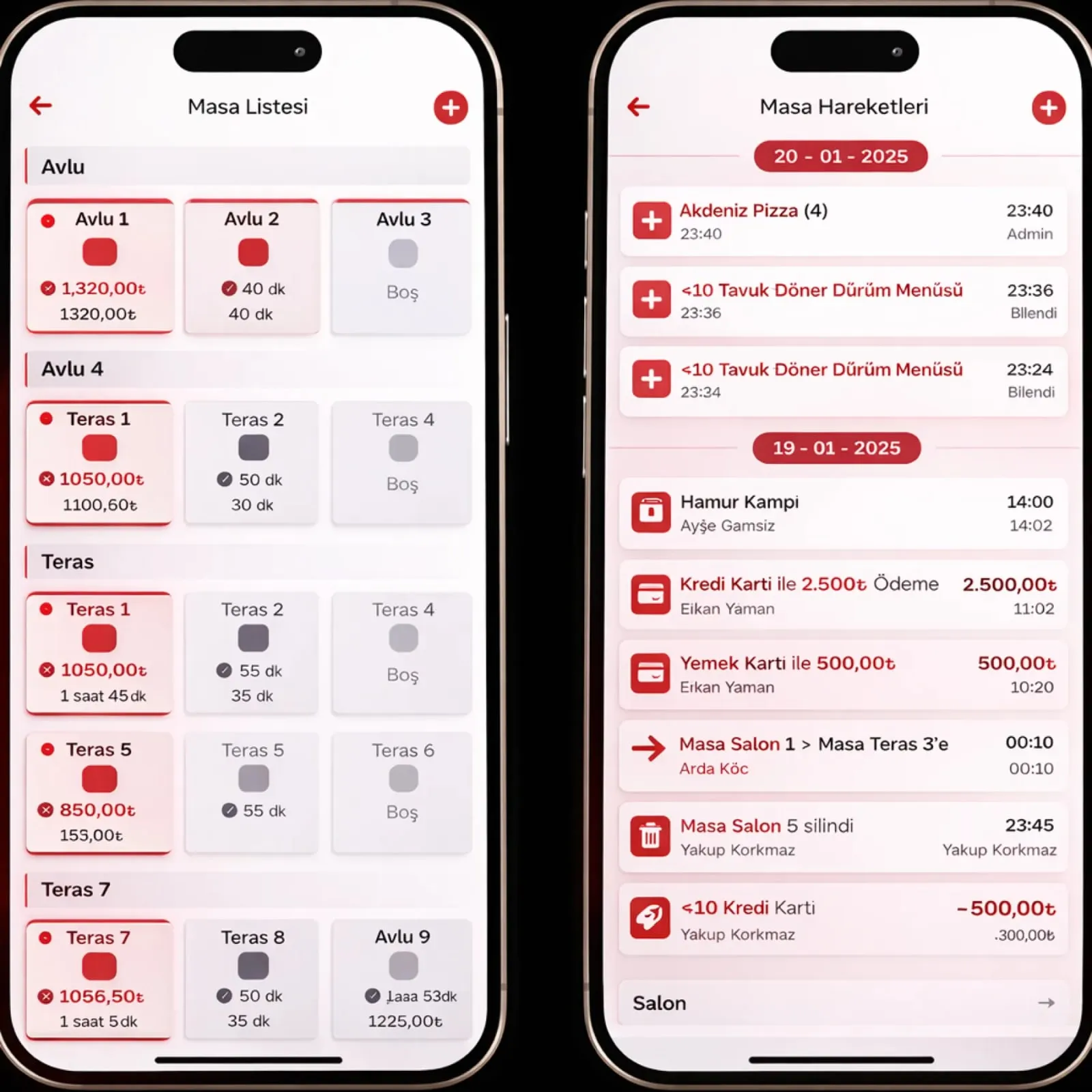
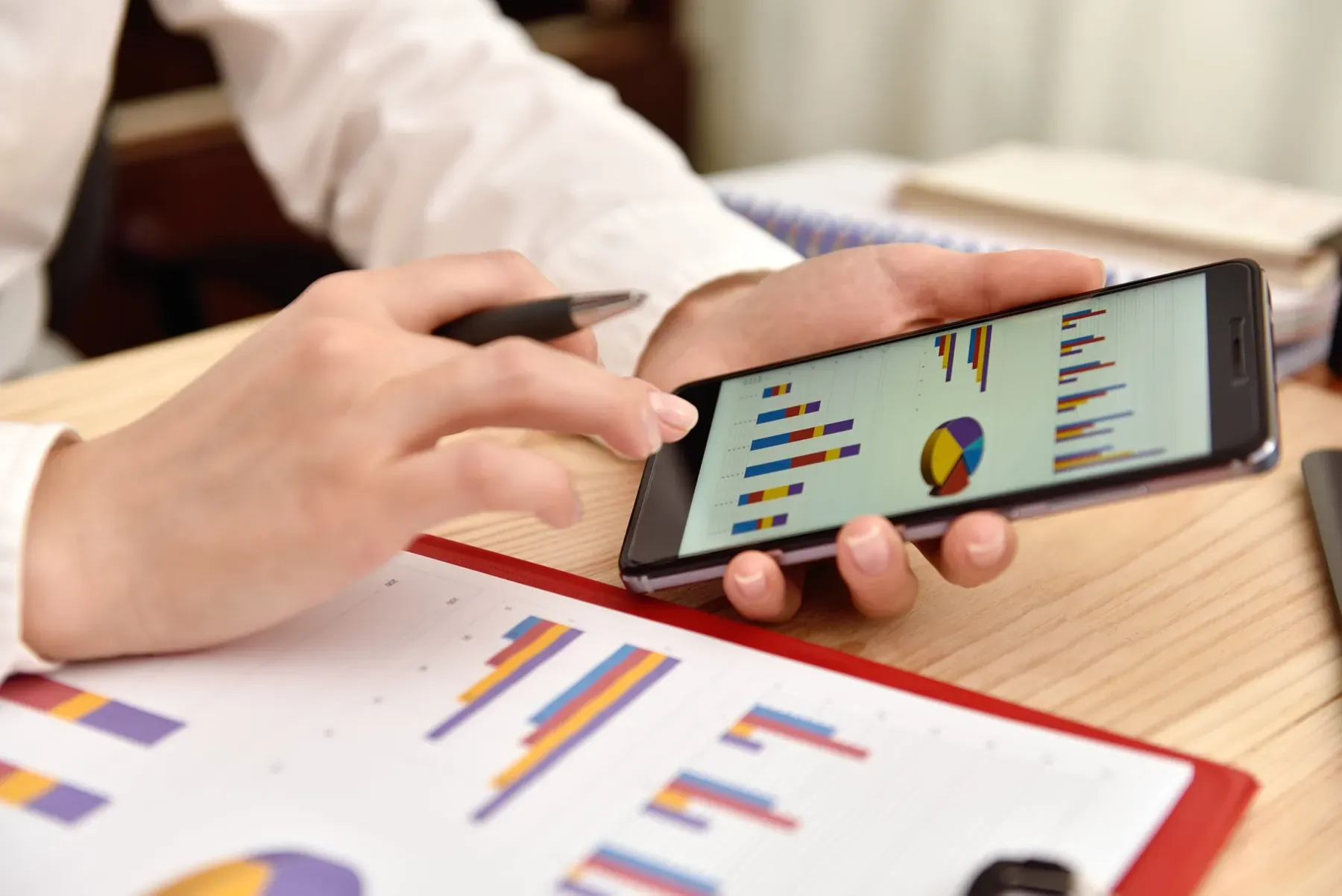
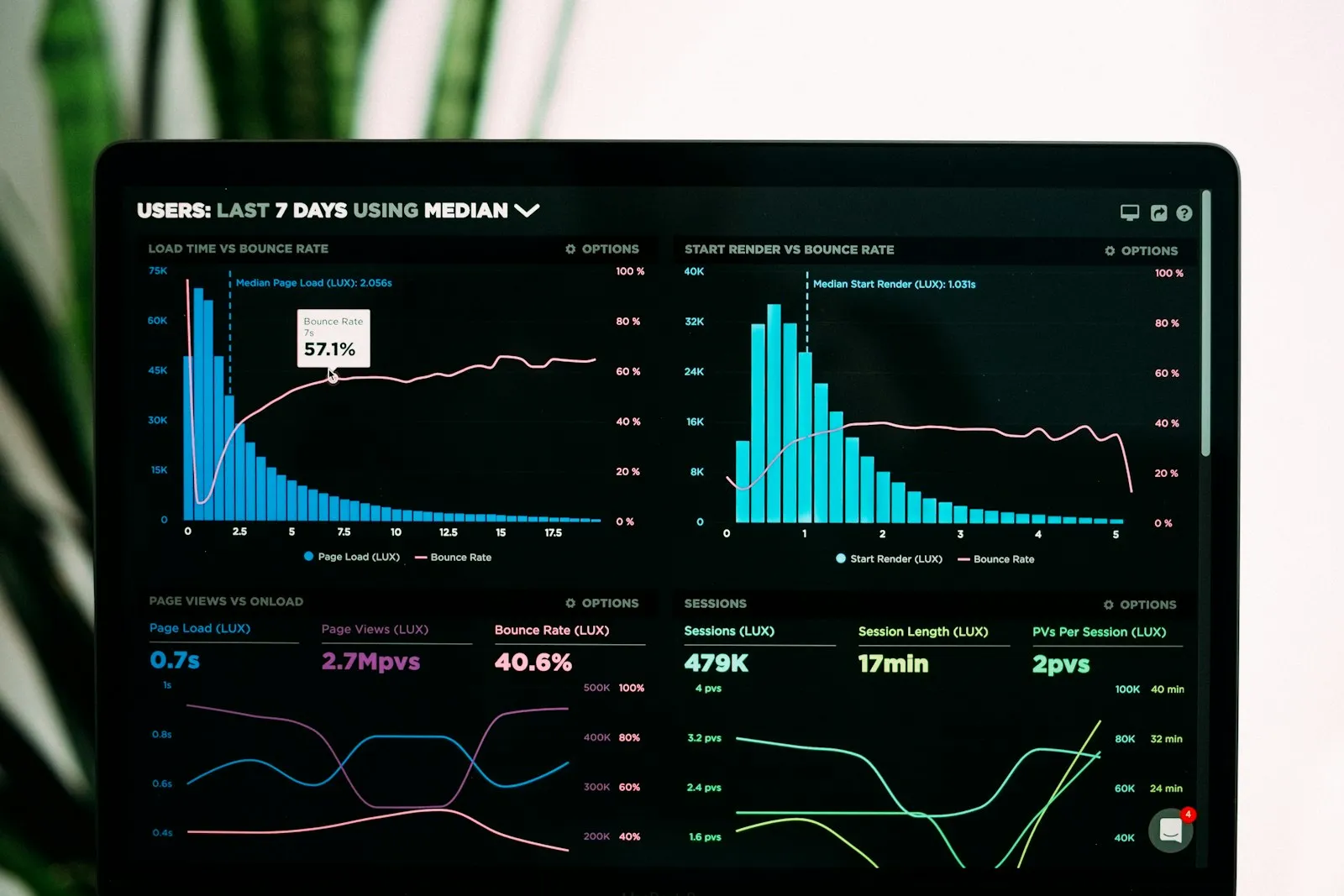
Mobile Reporting brings daily, monthly and yearly sales, stock, cash and account reports to your phone. The end-of-day summary is ready at the time you set; item cards, best sellers and POS settings are managed from the same app.

Mobile reporting
In short

Mobile Reporting is the Panda Restoran module that shows sales, cash, stock and account reports on an iOS or Android phone. The end-of-day revenue and cash summary, best-selling items and daily, weekly, monthly and yearly comparison charts are ready in the app. Item cards are switched on and off, and the end-of-day report time and POS settings are changed from the same app.

How is this work done today?

  • The branch is called for revenue

    The business owner phones the cashier in the evening and gets the figure by word of mouth; the card and cash split is learned the next day. With three branches, that is three calls.

    1 restaurant owner × 30 minutes / day
  • Best sellers are unknown

    How much each item sold is in the month-end report; campaign planning runs on gut feeling and a sold-out item is noticed during evening service.

    1 restaurant manager × 1 hour / week
  • The report is on the computer, the owner is on the road

    Reports can only be pulled from the office computer; when away, a screenshot is requested and the decision slips to the next day.

    2 people × 20 minutes / day

How does Mobile reporting work?

  1. 1

    The app is installed and permissions are set

    The Panda Restoran mobile app goes on an iOS or Android phone; which reports of which branch a user sees is set on the permission card.

  2. 2

    The end-of-day summary is prepared

    At the time you set, end-of-day revenue, cash, card, foreign currency and other payment types are prepared as a summary; a notification reaches the phone.

  3. 3

    Reports open on the phone

    Sales, stock, cash and account reports open with a tap; period comparison shows on a chart and the date range is free.

  4. 4

    Items and settings are managed

    An item card is searched, its photo and price viewed, and it is switched on or off for sale; the end-of-day time and POS settings are changed from the app.

See how Mobile reporting would work in your business

Tell us briefly about your process and we will walk through the screens with your own example.

  • Reply the same business day
  • 15+ years of experience
  • 90 client businesses

Mobile reporting features

Mobile reporting: End-of-day and cash report
  • End-of-day and cash report

    End-of-day revenue summary; cash, credit card, foreign currency and other payment types on separate lines; branch totals in one tap.

  • Best-selling items

    A best-seller list by day, week and month; category and branch filters, with units sold and amount together.

  • Period comparison

    Daily, weekly, monthly and yearly sales charts side by side; the difference from the previous period is shown in colour.
Mobile reporting: Stock report
  • Stock report

    Stock of items, semi-finished goods and raw materials, in-out movements and the last count result on the phone; the critical stock list comes first.

  • Account tracking

    Supplier payables, customer receivables and cash movements on mobile; the list of payments coming due arrives as a notification.

  • Detailed item card

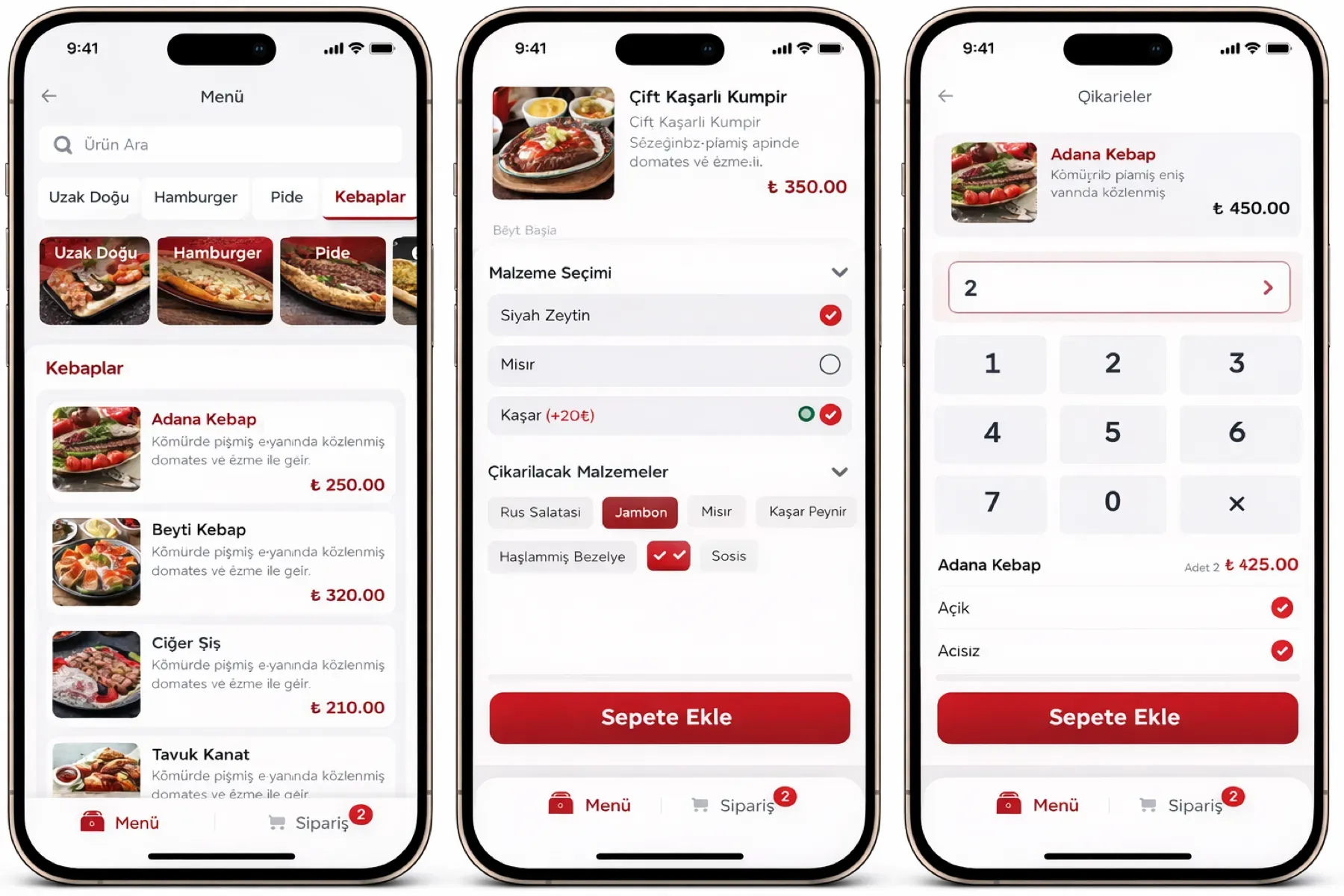
    Search by typing the item name; photo, barcode, price, description, subcategory and sale status are visible, and an item is made active or inactive.

  • Settings and permissions

    Account, general system, POS and language settings from the phone; the end-of-day report time is set and POS features are switched on and off.

  • iOS and Android

    One app on two platforms; notifications reach the phone, data is read live from the cloud, and the last report is stored when there is no connection.

What does Panda AI add to Mobile reporting?

The Executive Briefing Agent is the Panda AI agent that turns sales, collections, stock and production data into a single-message summary every morning.

  1. Today Departments are asked for Excel files for the weekly report With the agent A single-message summary lands on WhatsApp every morning
  2. Today Figures arrive from different systems at different times With the agent Sales, collections, stock and production in one table
  3. Today A critical delay is only noticed in the meeting With the agent The agent alerts you itself when a threshold is crossed

Jobs it takes on

  • Daily and weekly management summary
  • Target versus actual comparison
  • Cash, stock and delay threshold alerts
  • Pre-meeting briefing pack
  • Spotting inconsistencies between departments
  • Instant questions and answers

The agent prepares, a person approves. Anything that posts a record or sends something outside the company goes through your approval.

Explore Panda AI agents

Frequently asked questions about Mobile reporting

Which phones does mobile reporting run on?

It runs on iOS and Android phones; the app is installed from the store and you sign in with your Panda Restoran username. Each user sees reports according to their permissions: the business owner all branches, a branch manager their own branch. The same app is used on a tablet.

What time does the end-of-day report arrive?

You set the time; the end-of-day report time is entered on the app's settings screen. At that time revenue, cash, card, foreign currency and other payment types are prepared as a summary and a notification arrives. If register closing has not been done, the report arrives with a 'closing pending' note.

Can an item price be changed from the phone?

An item card is searched on the phone, its price and photo viewed, and the item switched on or off for sale. A user with price-change permission updates the price on the item card; the change flows to every channel. Permission comes from the role in the Staff and Shift module.

Can several branches be seen in one app?

Yes. With the branch selector you see a single branch or the total of all branches; ranking by branch is on the end-of-day screen. A franchise owner sees only their own branch. The consolidated report comes from the same data as the Franchise and Multi-Branch module.

How detailed is the stock report on the phone?

Current stock by item, semi-finished goods and raw material, in-out movements and the last count result are visible; items at critical level are at the top of the list. Count entry is done from a tablet or handheld terminal; the phone is for following the report. Detail lives in the Stock and Recipe module.

Can account and cash movements be managed on mobile?

Supplier payables, customer receivables and cash movements are visible on the phone; a payment coming due arrives as a notification. Payment records and collection entries can be made from the app depending on permission. Conversion to an accounting voucher stays in the Panda ERP pre-accounting module.

Does a report open without internet?

The last downloaded report is stored in the app and opens without a connection; a 'last updated' time is written on it. New data refreshes when the connection returns. A branch register runs on its own local network, so sales at the branch do not stop; only the transfer to head office waits.

What does the agent do in mobile reporting?

Panda AI prepares the end-of-day revenue, cash and stock summary in the morning and sends it to your phone; a value outside thresholds (low revenue, high voids, critical stock) is notified separately. Nobody has to prepare the report; the business owner looks at the deviation and makes the decision. Scenario: report automation.

See Mobile reporting with your own data

Describe your process in a few sentences and we will show you the modules that fit.

  • 15+ years of enterprise software experience
  • In the cloud or on your own server
  • Processes compliant with KVKK (Turkey's data protection law)

Last reviewed: · Panda Yazılım product team