





















Panda ERP

Finance, stock, production and sales on one database; no Excel in between

Panda ERP is modular, web-based business software. You switch on only the modules you need; orders, stock, invoices and accounting entries move along the same record.

Panda ERP
In short

Panda ERP is browser-based enterprise resource planning software that runs finance, stock, production, purchasing, sales, human resources, CRM and e-documents modules on a single database. Modules are switched on one at a time; a sales order moves to stock, shipment, e-invoice and the accounting voucher on the same record. It is installed on your own server or in your own cloud account.

Panda ERP modules

Start with only the module you need; the others can be switched on later, on top of the same records.

How is this work done today?

  • The same order is typed in four places

    A sales order goes into an Excel tracking list, then the accounting program, then the warehouse book; the customer confirmation goes out separately by email.

    1 person × 15 minutes / order
  • Month-end figures come from three programs

    Revenue is pulled from accounting, stock from the warehouse list and collections from the bank statement, then merged in Excel; when the numbers do not match, someone starts hunting.

    2 people × 1 day / month
  • The production plan knows nothing about stock

    When a work order is opened, raw material stock is checked by phone with the warehouse; a shortage is noticed only when the line stops.

    1 planner × 1 hour / day

How does Panda ERP work?

  1. 1

    Discovery and module selection

    Together we list which job is done by hand at which desk. Only the modules that cover those jobs are switched on; the rest can be added later.

  2. 2

    Data migration

    Customer/supplier accounts, stock cards, bills of materials and open balances are imported from Excel or your old program; records that do not match come back to you as a list.

  3. 3

    One record flows through

    A quotation becomes an order, the order a waybill, the waybill an e-invoice, and the e-invoice an accounting voucher, all on the same record. Nothing is re-entered.

  4. 4

    The agent takes over repetitive work

    The morning report, bank reconciliation and order entry from email are handed to Panda AI; anything outside the rules lands with a person.

See how Panda ERP would work in your business

Tell us briefly about your process and we will walk through the screens with your own example.

  • Reply the same business day
  • 15+ years of experience
  • 90 client businesses

Panda ERP features

Panda ERP: Pre-accounting and general ledger
  • Pre-accounting and general ledger

    Customer/supplier accounts, cash, bank, cheques and notes, invoices and accounting vouchers in one record chain; e-invoice and electronic ledger connect as modules.

  • Stock and warehouse

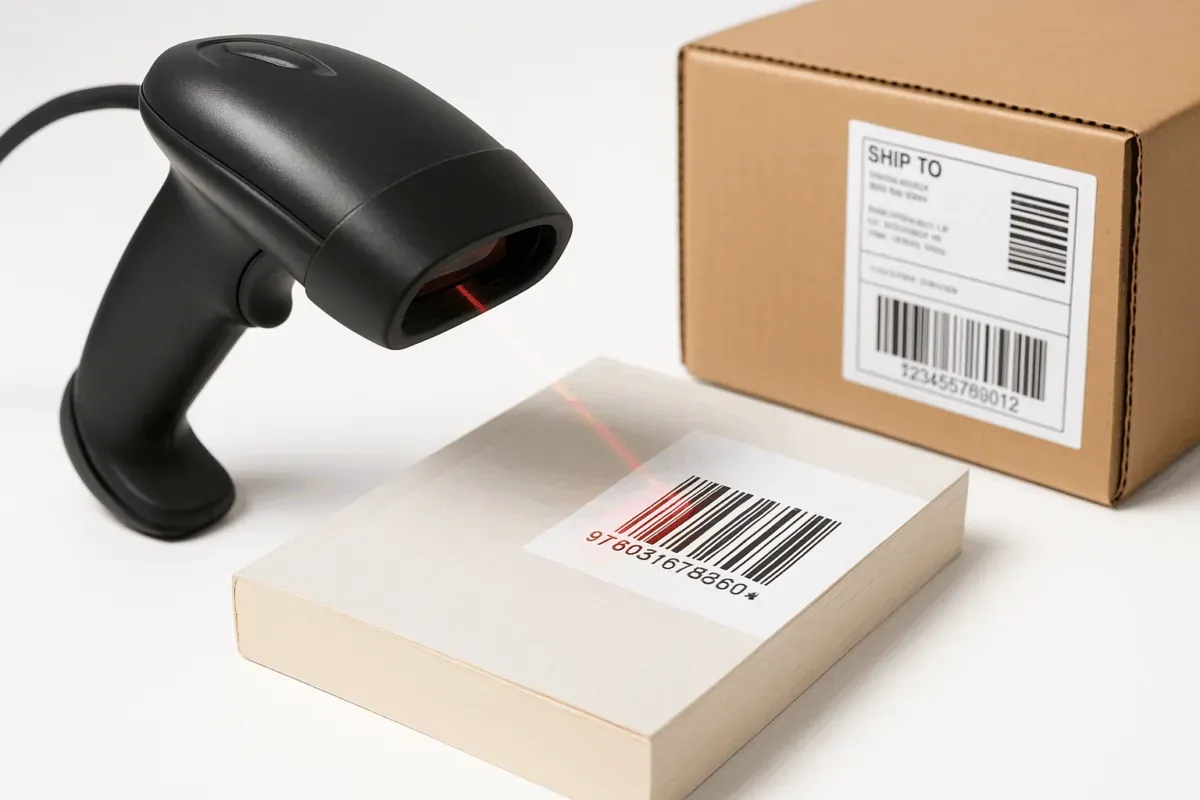
    Multiple warehouses, barcode and QR-code in/out movements, count lists and warehouse transfers; stock level updates with every movement.

  • Production

    Work orders, bills of materials and semi-finished product recipes; operator-level start/finish entries and cost per work order.


Panda ERP: Purchasing and requests
  • Purchasing and requests

    Employee requests, quote collection, approval chain and purchase orders; an approved request becomes an order in one click.

  • Sales, quotations and orders

    Quotation templates export as PDF, an approved quotation becomes an order; partial shipments and order reservations are tracked.

  • CRM and e-documents

    Leads, opportunities and field sales records together with e-invoice, electronic delivery note and electronic ledger in one system; integration with your country's tax platform is scoped per project.

  • Human resources and payroll

    Employee file, attendance, leave and payroll; SGK (social security) notifications are prepared from the system.

  • Business intelligence

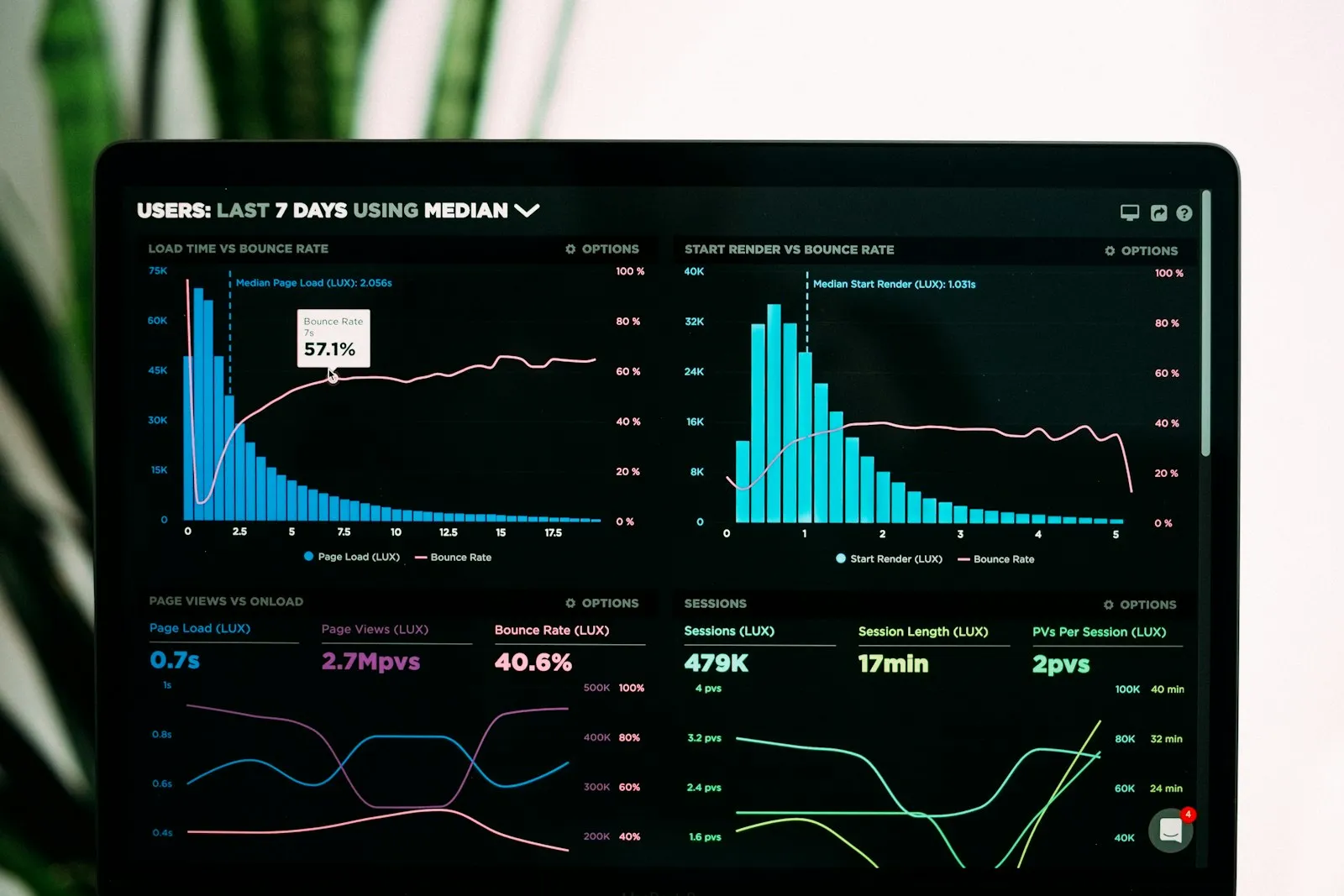
    Finance, sales, production and stock data on one dashboard; group-company and branch reports for any date range.

What does Panda AI add to Panda ERP?

The Executive Briefing Agent is the Panda AI agent that turns sales, collections, stock and production data into a single-message summary every morning.

  1. Today Departments are asked for Excel files for the weekly report With the agent A single-message summary lands on WhatsApp every morning
  2. Today Figures arrive from different systems at different times With the agent Sales, collections, stock and production in one table
  3. Today A critical delay is only noticed in the meeting With the agent The agent alerts you itself when a threshold is crossed

Jobs it takes on

  • Daily and weekly management summary
  • Target versus actual comparison
  • Cash, stock and delay threshold alerts
  • Pre-meeting briefing pack
  • Spotting inconsistencies between departments
  • Instant questions and answers

The agent prepares, a person approves. Anything that posts a record or sends something outside the company goes through your approval.

Explore Panda AI agents

Frequently asked questions about Panda ERP

Which modules does Panda ERP start with?

Most installations start with the trio of pre-accounting, stock and sales-orders. Production, CRM, e-documents and human resources are added to the same database later; no reinstallation is needed.

Where is it installed and where does the data live?

It is installed on your own server or in a cloud account opened in your name. Data does not leave the company boundary; the backup plan is set out in writing at installation.

Can data be moved from our current program?

Customer/supplier cards, stock cards, bills of materials and open balances are imported from Excel or an export of the old program. The list of unmatched records comes back to you and is closed with your approval.

Is Panda AI part of the ERP?

It is a separate product but runs on top of Panda ERP. It takes over repetitive work such as the morning report, bank reconciliation and order entry from email; every record outside the rules goes to a person for approval.

How is the licence priced?

Panda ERP is licensed by the number of modules and users. The discovery meeting and a 3-business-day demonstration are free; the quote depends on the module set you choose.

Which ERPs can it run alongside?

Panda ERP works on its own; Panda AI, on the other hand, sits on top of existing systems such as Logo, Netsis, Mikro, Nebim, SAP, Canias and Odoo. Neither product requires the other. You can start with the agent without changing your ERP and move to Panda ERP module by module later.

How many users do we start with, and can we add more?

The user count is set in the licence and increased whenever you want; a new user needs no installation, only a permission profile. Mobile users for warehouse and field teams and limited-access users for your accountant are defined separately.

How are training and support provided?

Each module comes with user training at installation, and screen recordings and short guides stay with you. After go-live, the support line works through the ticket system; the request record and resolution time are visible in the same panel you see.

See Panda ERP with your own data

Describe your process in a few sentences and we will show you the modules that fit.

  • 15+ years of enterprise software experience
  • In the cloud or on your own server
  • Processes compliant with KVKK (Turkey's data protection law)

Last reviewed: · Panda Yazılım product team