
Restaurant Management

Four platforms, four tablets; orders are re-keyed at the register by hand

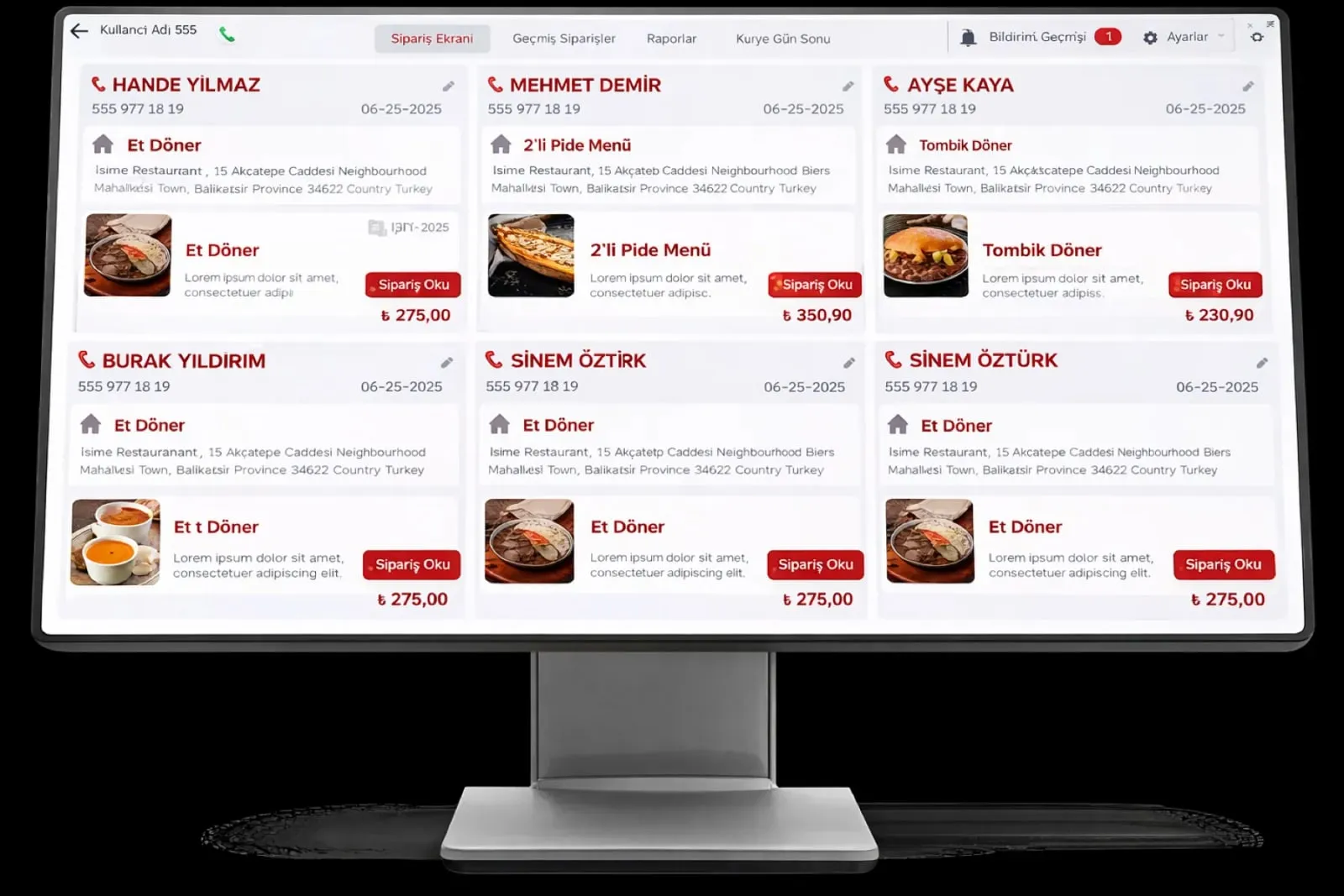
Digital Platform Integrations gathers Yemeksepeti, Getir, Trendyol Yemek and Migros Yemek orders onto one delivery order screen. Orders drop onto the register and the kitchen by themselves; status updates go back to the platform.

Digital platform integrations
In short

Digital Platform Integrations is the Panda Restoran module that brings orders from online food platforms such as Yemeksepeti, Getir, Trendyol Yemek and Migros Yemek onto one delivery order screen. Orders are not read off the platform tablet and re-keyed at the register; they drop by themselves onto the register, the kitchen screen and the courier list. Preparing, on the way and delivered statuses are reported back to the platform.

How is this work done today?

  • Orders are typed into the register from the platform tablet

    Each platform has its own tablet on the counter; when an order arrives, the cashier reads it and enters it into the POS again. At peak hours a line gets skipped and an item goes missing.

    1 cashier × 2 minutes / order
  • Platform menu does not match the register menu

    A price changes at the register but stays old on the platform; a sold-out item keeps being sold there. Cancellations and complaints pull the platform rating down.

    1 restaurant manager × 30 minutes / day
  • End of day is pieced together from four statements

    Each platform's settlement report is downloaded separately, commission is deducted and the totals are added up in Excel; then the difference against the register is hunted down.

    1 person × 1 hour / day

How does Digital platform integrations work?

  1. 1

    Platform accounts are connected

    Your Yemeksepeti, Getir, Trendyol Yemek and Migros Yemek restaurant accounts are connected to Panda Restoran during setup; branches are matched one by one.

  2. 2

    The menu is matched

    Items on the platform are matched with Panda Restoran item cards; price and sold-out status flow from the item card to the platform.

  3. 3

    Orders land on one screen

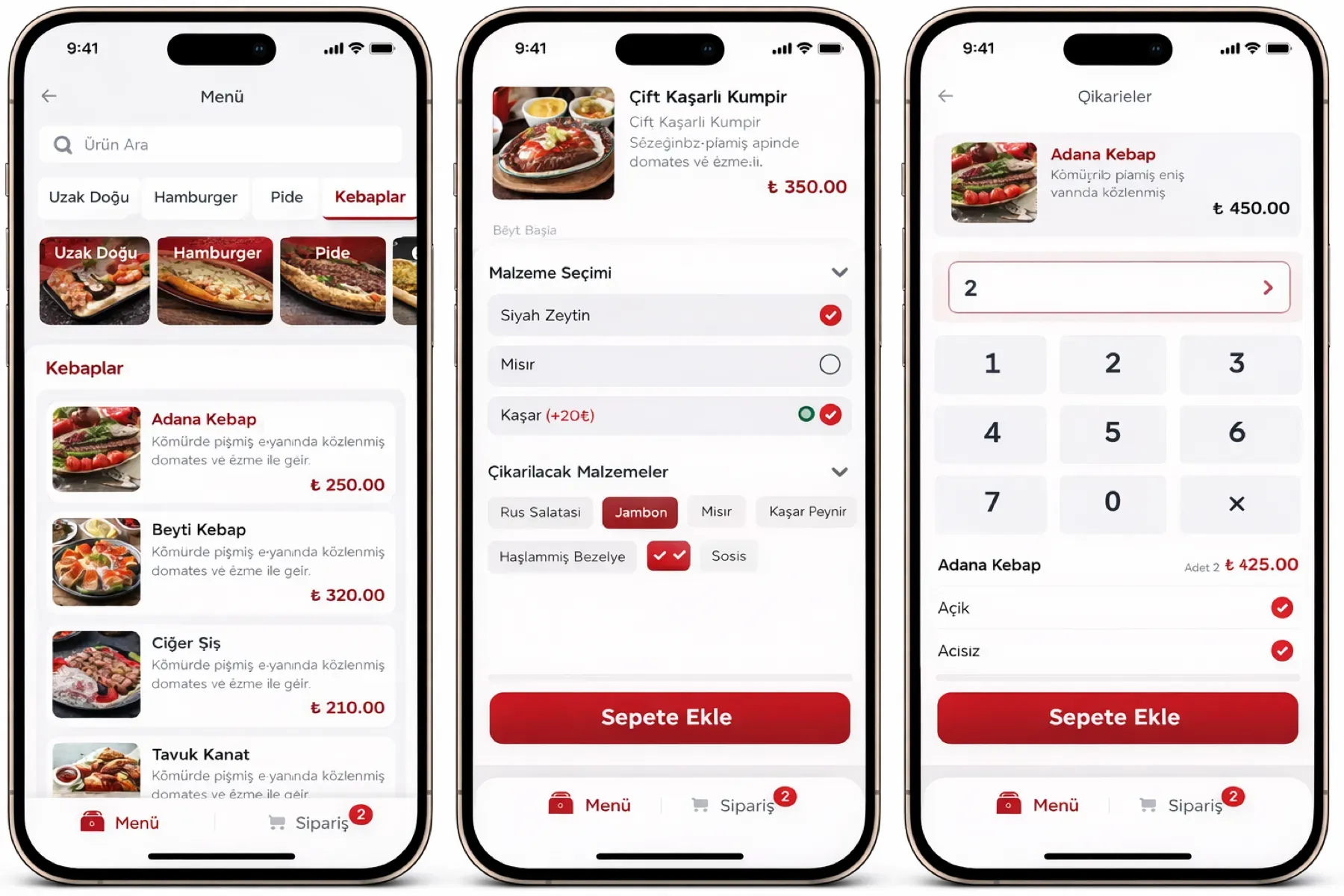
    An order from the platform appears on the delivery order screen, is posted to the register and goes to the kitchen screen. Customer address and note arrive with the order.

  4. 4

    Status and end of day flow back

    Preparing, with courier and delivered statuses are reported to the platform. At end of day, a sales, commission and cancellation report by platform comes out with the register report.

See how Digital platform integrations would work in your business

Tell us briefly about your process and we will walk through the screens with your own example.

  • Reply the same business day
  • 15+ years of experience
  • 90 client businesses

Digital platform integrations features

Digital platform integrations: Yemeksepeti integration
  • Yemeksepeti integration

    Yemeksepeti orders land on the delivery order screen and prep and delivery status update live; menu and price go from the item card.

  • Trendyol Yemek integration

    Order details, customer information and order status are managed from one screen; cancellation and change notices reach the register.

  • Getir integration

    Getir Yemek orders are passed to the register and the kitchen screen; the courier type (restaurant courier or platform courier) shows on the order.
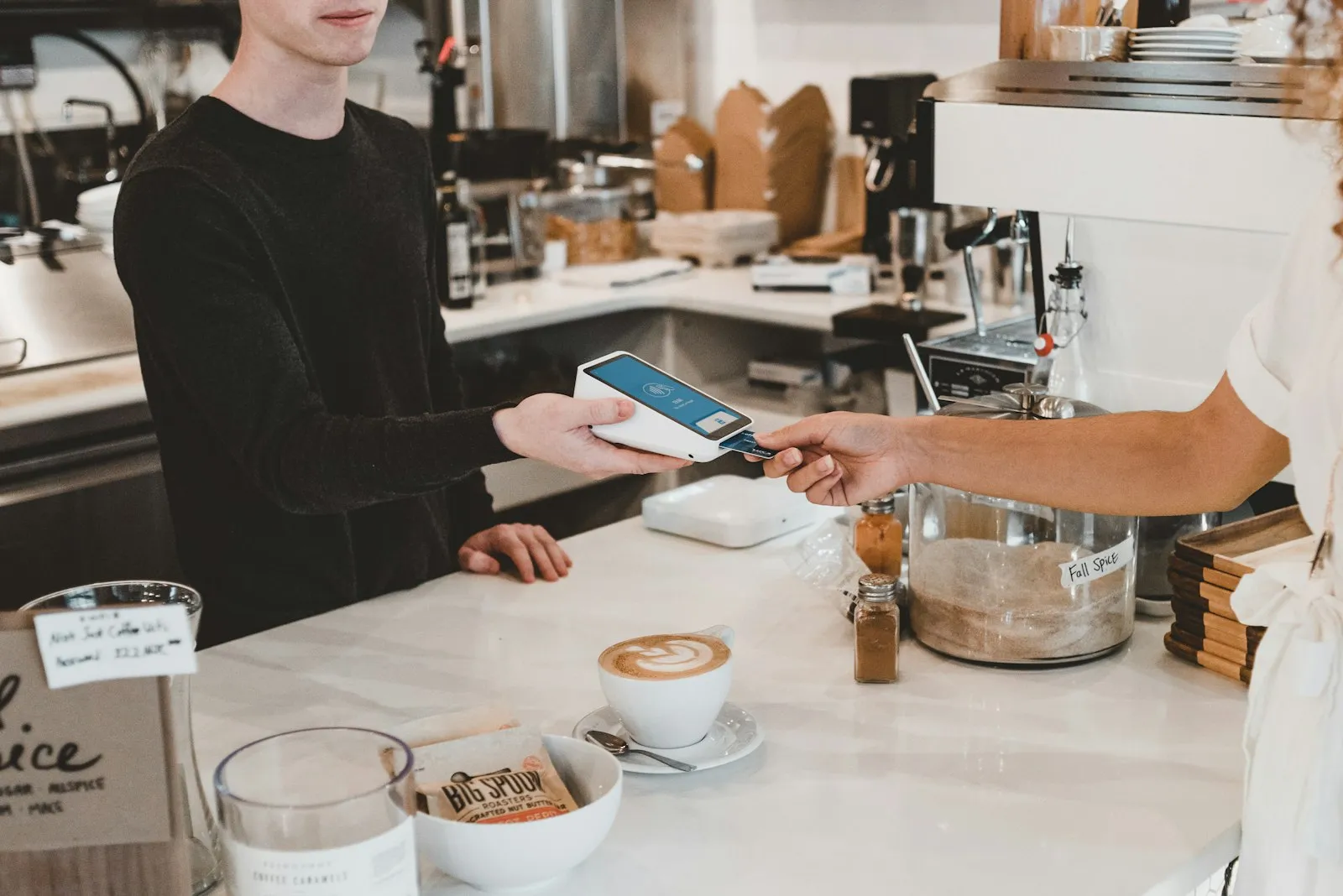
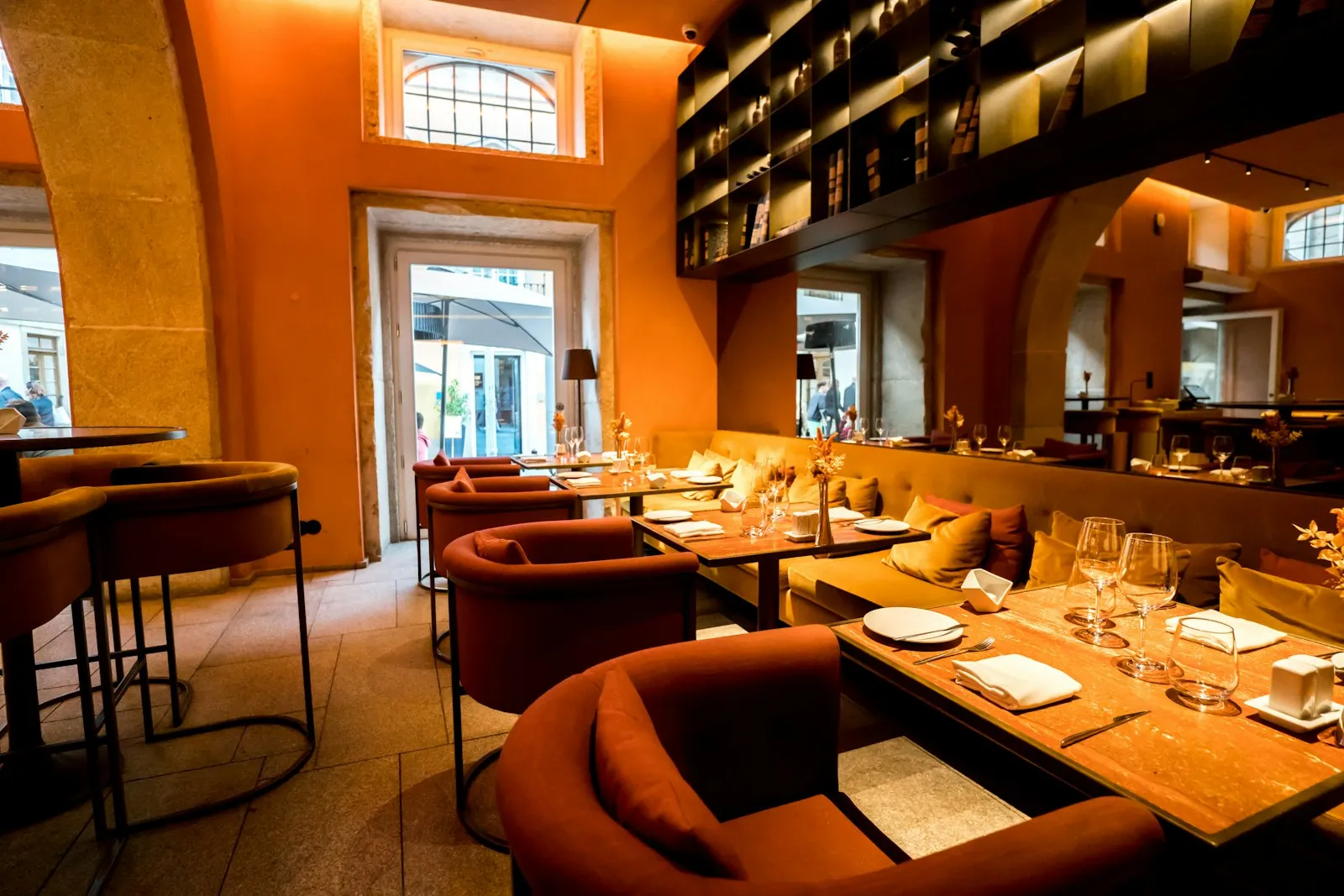
Digital platform integrations: Migros Yemek integration
  • Migros Yemek integration

    Migros Yemek orders are followed from the same panel; prep time and cancellation rate by platform are separate lines in the report.

  • One delivery order screen

    Every platform's orders and phone orders in the same list with a source label; filters by platform, status and courier.

  • Menu and sold-out sync

    A price change and a 'sold out' mark made on the item card go to the connected platforms; the platform menu is not managed separately.

  • End of day by platform

    Order count, revenue, commission and cancellations by platform, branch and day; with a comparison list against the settlement statement.

  • Courier and kitchen link

    A platform order reaches the kitchen screen with a 'delivery' label and, when ready, drops to the Courier and Delivery module for assignment.

What does Panda AI add to Digital platform integrations?

The Finance and Accounting Agent is the Panda AI agent that takes on due-date tracking, bank-to-ERP matching and draft account reconciliations.

  1. Today Bank transactions are matched to the ERP by hand With the agent Unmatched transactions are listed every morning
  2. Today Due-date lists are kept separately in Excel With the agent A cash flow forecast is ready on current data
  3. Today Account reconciliation e-mails are written one by one With the agent Reconciliation e-mails arrive as drafts; approval is yours

Jobs it takes on

  • Due-date and collections tracking
  • Bank-to-ERP matching check
  • Cash flow and budget variance report
  • Draft account reconciliations
  • Invoice and expense inconsistency alerts
  • Month-end closing checklist

The agent prepares, a person approves. Anything that posts a record or sends something outside the company goes through your approval.

Explore Panda AI agents

Frequently asked questions about Digital platform integrations

Which platforms can be connected?

Yemeksepeti, Getir, Trendyol Yemek and Migros Yemek integrations are ready. During setup your restaurant's platform account is connected to Panda Restoran and branches are matched. Receiving orders, reporting status and sending the menu are covered to the extent the platform offers an open API.

Do the platform tablets go away?

Receiving, accepting and reporting status are done from the Panda Restoran screen; the tablet can stay as a second screen but is not required. Actions a platform only allows from its own tablet (for example some return types) stay on the tablet depending on the setup; the setup team shares that list with you.

How are the platform menu and register menu kept in sync?

During setup, platform items are matched with Panda Restoran item cards. For a matched item, price changes and the sold-out mark go to the platform automatically. If a platform needs its own price, it is defined separately on the item card; you do not manage the menu in two places.

How is a cancelled order handled?

A cancellation notice from the platform puts the order into cancelled status at the register and on the kitchen screen; if food was already prepared, it goes to the kitchen for a waste record. The cancellation reason and time are kept in the report. Delays and cancellations that affect the platform rating appear by platform in the end-of-day summary.

How is end-of-day settlement compared with the register?

The end-of-day report by platform shows order count, gross amount, commission and net payout. The platform's settlement statement is imported and compared line by line with the system record; unmatched orders go to accounting as a list. Accounting approves the reconciliation.

Are phone orders on the same screen too?

Yes. Phone orders arriving through Caller ID, and delivery orders taken through the website and QR menu, are listed on the same delivery order screen as platform orders, with a source label. Courier assignment for every source is made from the same list.

How are several branches on the same platform separated?

Each branch's platform account is matched to its own branch record; an order goes to the register and kitchen of the branch whose account it landed on. Head office follows every branch's platform orders in one list with a branch filter; reports come out by branch and platform.

What does the agent do in digital platform integrations?

Panda AI follows Yemeksepeti, Getir and Trendyol Yemek orders in one flow; a cancellation, delay or missing item reaches the right person as a notification right away. Updating the platform menu and prices is the business's decision; the agent shows the deviation and does not touch the menu. Scenario: order entry.

See Digital platform integrations with your own data

Describe your process in a few sentences and we will show you the modules that fit.

  • 15+ years of enterprise software experience
  • In the cloud or on your own server
  • Processes compliant with KVKK (Turkey's data protection law)

Last reviewed: · Panda Yazılım product team