Restaurant Management

POS is separate, the platform tablet is separate, accounting is separate; the numbers are merged at month end

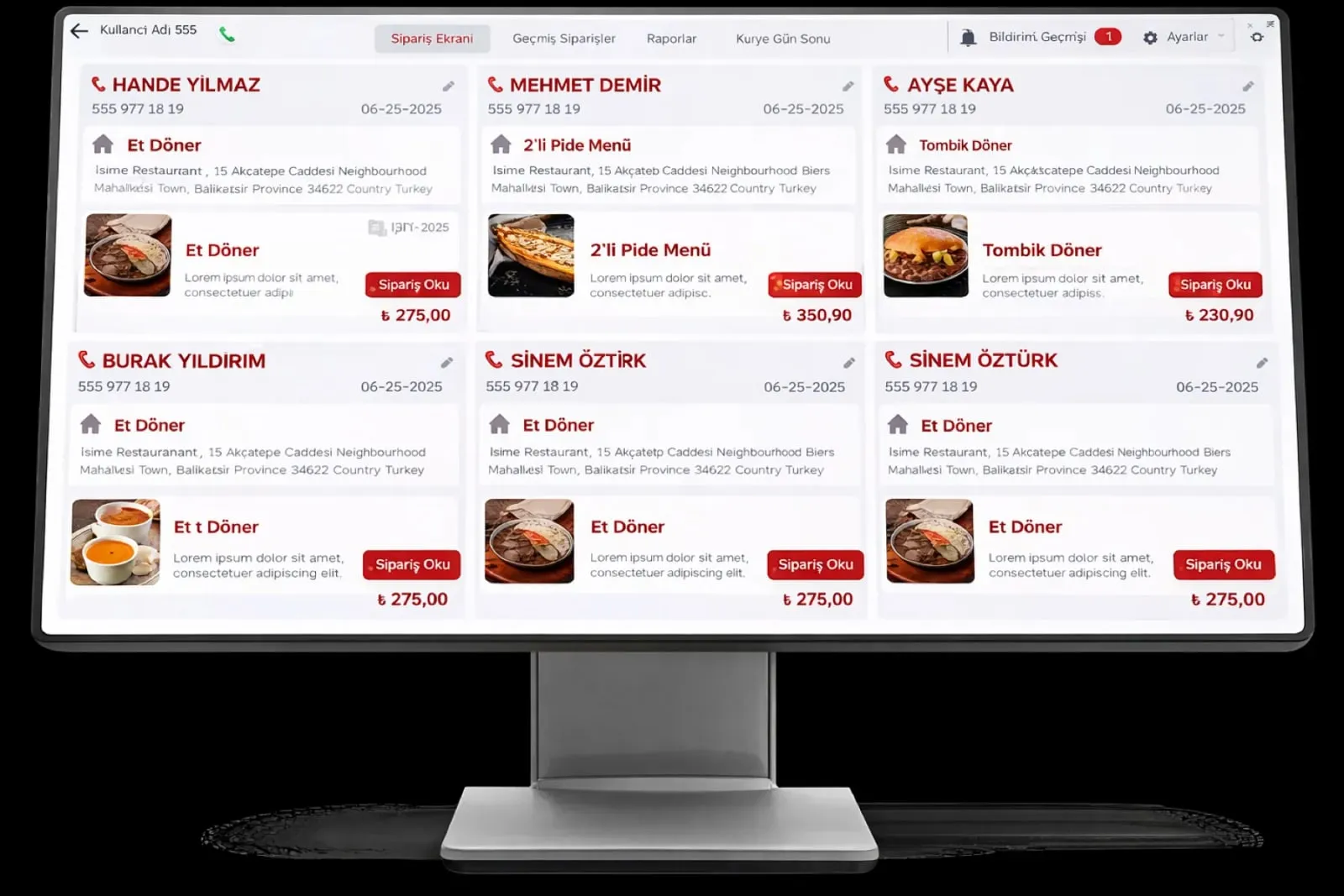
Management and Integration gathers the order, kitchen, payment, menu and report screens on one head office panel. Online ordering channels, the bank POS and accounting match on the same record; external systems connect by API.

Management and integration
In short

Management and Integration is the Panda Restoran layer that gathers all modules on one head office panel and manages connections to external systems. A POS order goes to the kitchen screen, the kitchen's ready status to the register and the payment record to accounting, all from the same record. Yemeksepeti, Getir and Trendyol Yemek orders, the bank POS, the loyalty program, CRM and the accounting system connect by API; records that do not match are listed.

How is this work done today?

  • Every system gives its own report

    POS end of day, platform payout, bank POS statement and accounting voucher are separate; the business owner merges four figures in Excel and hunts for the difference.

    1 restaurant owner × 1 hour / day
  • Menu and user settings differ on every screen

    A price is changed separately at the register, on the kiosk and on the platform; a new employee's permissions are defined separately in each system, and a leaver's stay open in one of them.

    1 restaurant manager × 2 hours / week
  • Data goes to accounting by hand

    The end-of-day report is sent to the accountant as a PDF and they key it in again; platform commission and card commission are forgotten in the books.

    2 people × 3 hours / month

How does Management and integration work?

  1. 1

    Data is gathered in one record

    Order, item, stock and collection records go into the same database whichever channel they come from; they are separated by a source label, with no second entry.

  2. 2

    The head office panel manages

    Menu editing, prices, categories, campaigns, user permissions and sales control are done from one panel; changes flow to every screen and branch.

  3. 3

    Order, kitchen and register run in sync

    An order placed at the POS is on the kitchen screen instantly; the kitchen's ready status is at the register and on the waiter terminal; the payment record closes the check and goes to accounting.

  4. 4

    External systems connect by API

    Online ordering platforms, the bank POS, the payment provider, loyalty and CRM solutions and the accounting system connect by API; a record that does not match falls into a list.

See how Management and integration would work in your business

Tell us briefly about your process and we will walk through the screens with your own example.

  • Reply the same business day
  • 15+ years of experience
  • 90 client businesses

Management and integration features

Management and integration: Central management panel
  • Central management panel

    Menu, price, category, campaign, user permission and branch settings on one screen; changes go to the POS, kiosk, QR menu and platforms from the same record.

  • Real-time sync flow

    A POS order reaches the kitchen screen, the ready status the register, and a closed check the report and accounting, all in the same second; no transfer waits at peak hours.

  • Online order integration

    Yemeksepeti, Getir, Trendyol Yemek and Migros Yemek orders in the same flow as the POS; payment and stock movement match the order.

Management and integration: Accounting integration
  • Accounting integration

    End-of-day revenue, payment type, and platform and card commission go to Panda ERP pre-accounting as a single record; Excel and an e-invoice link for the accountant.

  • Open API layer

    Loyalty programs, CRM, payment providers, logistics and accounting systems connect by API; documentation and sample requests are shared at setup.

  • User and permission management

    An employee is defined in one place; POS, kitchen screen, mobile report and head office panel permissions come from the same card, and a leaver is closed with one click.

  • Audit log

    Price changes, voids, discounts and settings changes are stored with who did what and when; an audit report is taken for a date range.

  • Cloud and local operation

    Register and kitchen screen on the local network, reports and the head office panel in the cloud; sales continue if the connection drops and data syncs when it returns.

What does Panda AI add to Management and integration?

The Executive Briefing Agent is the Panda AI agent that turns sales, collections, stock and production data into a single-message summary every morning.

  1. Today Departments are asked for Excel files for the weekly report With the agent A single-message summary lands on WhatsApp every morning
  2. Today Figures arrive from different systems at different times With the agent Sales, collections, stock and production in one table
  3. Today A critical delay is only noticed in the meeting With the agent The agent alerts you itself when a threshold is crossed

Jobs it takes on

  • Daily and weekly management summary
  • Target versus actual comparison
  • Cash, stock and delay threshold alerts
  • Pre-meeting briefing pack
  • Spotting inconsistencies between departments
  • Instant questions and answers

The agent prepares, a person approves. Anything that posts a record or sends something outside the company goes through your approval.

Explore Panda AI agents

Frequently asked questions about Management and integration

What is managed from the head office panel?

Menu and prices, categories and campaigns, branch and user permissions, opening hours, POS settings, platform connections and reports are managed from one panel. A change flows to every screen and branch from the same record. In a franchise structure, which setting is opened to a branch is decided by head office.

Can it connect if our accounting program is not Panda?

End-of-day revenue, payment type split, and platform and card commission are available as Excel and standard export formats; the accountant enters them in their own program. If Panda ERP pre-accounting is used, the record goes straight to the voucher draft. An API connection to another accounting system is assessed in discovery.

How does a platform order match the accounting record?

An order from a platform, its payment record and its stock movement are held under the same order number; when the platform payout statement is imported, they are matched order by order. The net amount after commission goes to the accounting record; an order that does not match falls to accounting as a list and is closed with approval.

Which external systems can connect by API?

Loyalty and campaign programs, CRM, payment providers, courier and logistics systems, accounting software and a hotel management system can connect. API documentation and sample requests are shared at setup; your team or the Panda setup team makes the connection. An authorisation key is defined separately for each connection.

How is a new employee defined in all systems?

The employee is defined once in the Staff and Shift module; their role determines permissions at the POS, kitchen screen, waiter terminal, mobile report and head office panel. A leaver's account is closed with one click and access on every screen ends at once. Permission changes are kept in the audit log.

Which sub-modules does it work with?

This page is an overview of the management and integration layer. Platform connection detail is on Digital Platform Integrations, cash register connection on Cash Register and e-receipt Integration, branch management on Franchise and Multi-Branch Management, and reports from your phone on Mobile Reporting.

Does the business keep working if the internet goes down?

The register, kitchen screen and waiter terminal run on the local network; sales, checks and receipt issuing continue. Platform orders, QR payment and the cloud report sync when the connection returns; the list of pending records is visible on the head office panel. If the local network also fails, the register keeps selling on its own.

What does the agent do in management and integration?

Panda AI compares online order, payment and stock movements with the accounting record every day; records that do not match come as a list. Accounting does not key anything in, it approves the list; the agent does not finalise an accounting voucher on its own. Scenario: reconciliation.


See Management and integration with your own data

Describe your process in a few sentences and we will show you the modules that fit.

  • 15+ years of enterprise software experience
  • In the cloud or on your own server
  • Processes compliant with KVKK (Turkey's data protection law)

Last reviewed: · Panda Yazılım product team