Restaurant Management

Branch revenue is collected over WhatsApp in the evening; price changes are phoned in branch by branch

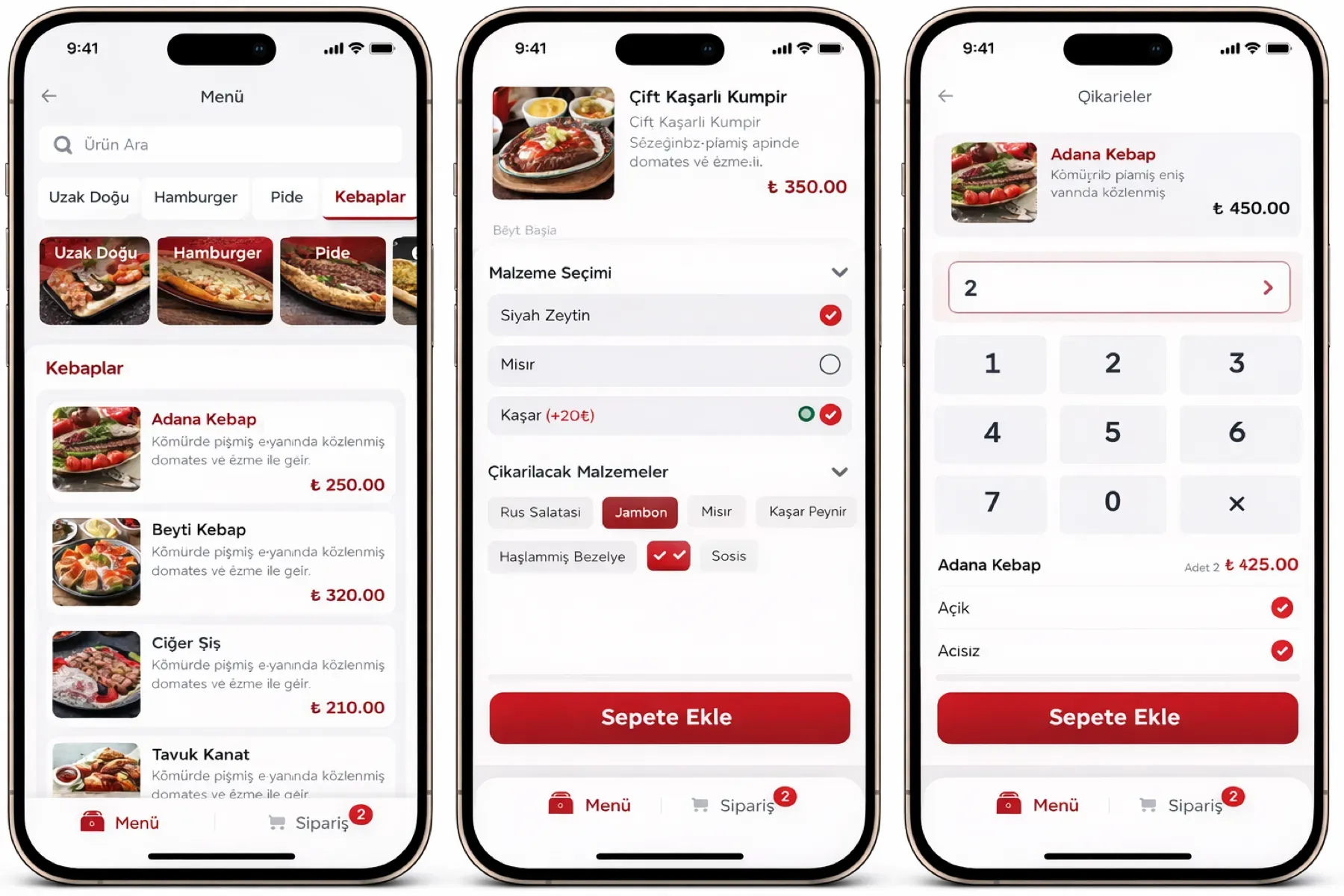
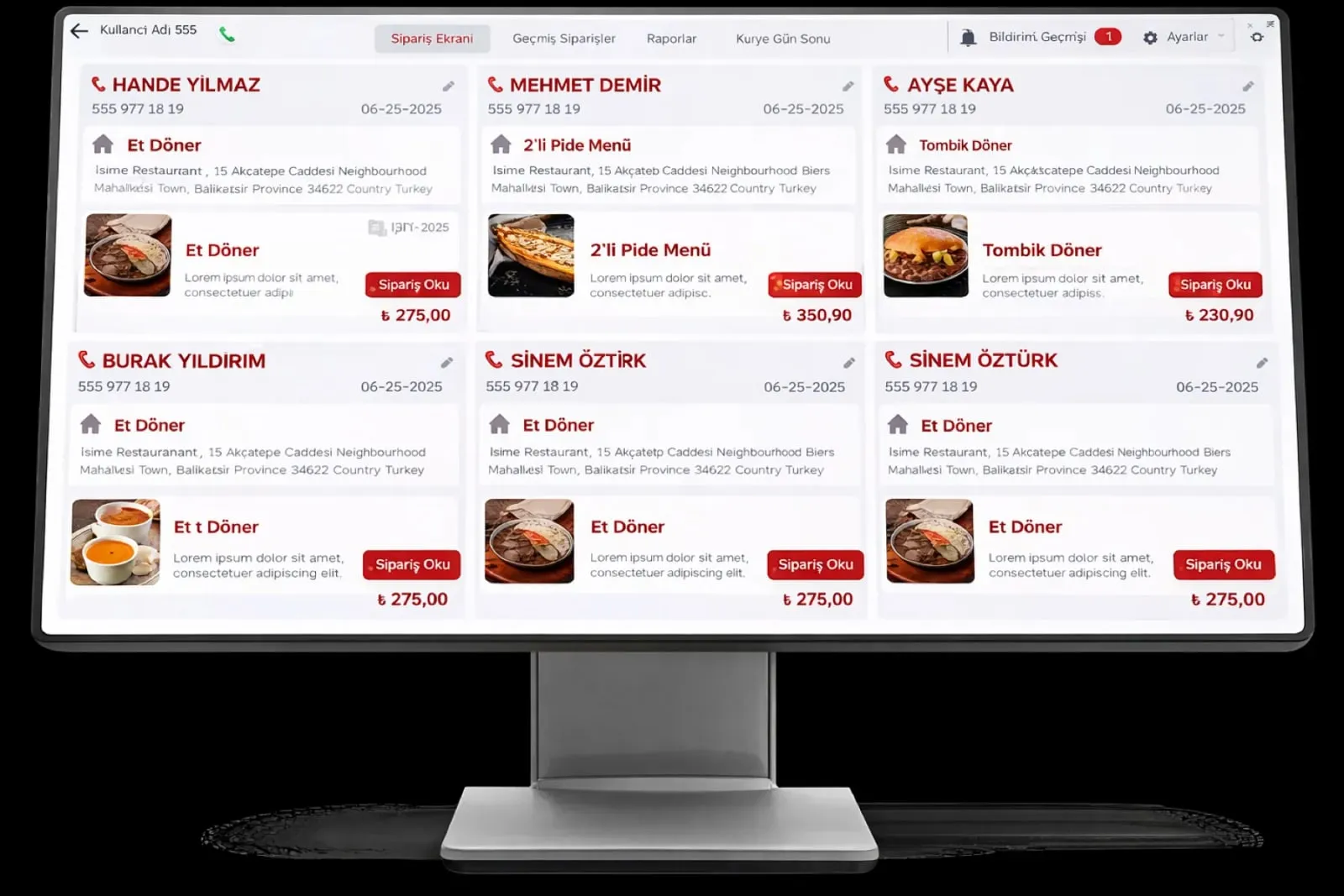
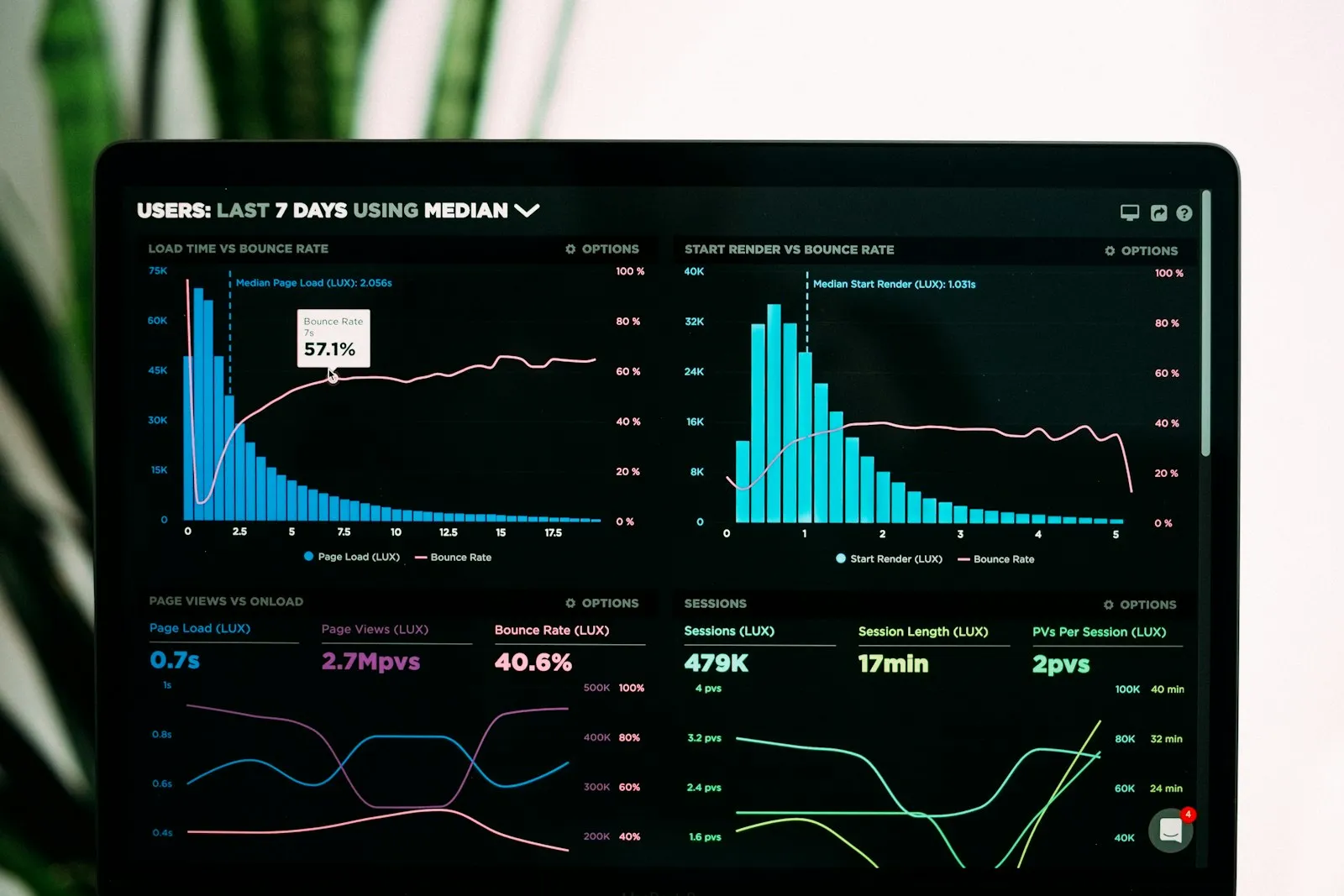
Franchise and Multi-Branch Management shows sales, orders, stock, staff and courier data for every branch live on one panel. Menu and prices flow down from the centre; each branch works independently on its own register, and head office sees the whole.

Franchise and multi-branch
In short

Franchise and Multi-Branch Management is the Panda Restoran module that monitors several branches and franchise points from one head office panel. Each branch's revenue, order count, average bill, stock and cash movement are visible live; menu, prices and campaigns flow from the centre to every branch. A branch works independently, and head office gets consolidated and comparative reports from one screen.

How is this work done today?

  • Branch revenue arrives by message in the evening

    Each branch manager types the end-of-day figure on WhatsApp and head office collects them into Excel. When one branch writes late, the report slips to the next day.

    1 operations manager × 1 hour / day
  • Price changes are made branch by branch

    The new price list is sent to each branch separately and each branch keys it into its own register; one forgets, and a customer sees two prices at two branches.

    1 person × 3 hours / change
  • No trust in the franchise report

    A franchise point's revenue arrives by its own declaration; the number is argued over when the revenue share is calculated, and someone drives to the branch for an audit.

    1 person × 1 day / month

How does Franchise and multi-branch work?

  1. 1

    The branch structure is set up

    Branches, regions and franchise owners are defined; each branch's register, warehouse and staff are tied to its own record. Permissions are given at branch, region and head office level.

  2. 2

    Menu and prices flow from the centre

    Item cards, the price list and campaigns are defined at head office and published to every branch at once. Permission for a branch exception is opened by head office's decision.

  3. 3

    Data flows live

    Each branch's sales, orders, stock and cash movement reach the head office panel instantly; a branch manager sees their branch, a regional manager sees their region.

  4. 4

    Comparison and consolidated report

    Comparison by branch, region and staff member, plus a consolidated end-of-day and revenue share report, are available for the chosen date range as Excel and PDF.

See how Franchise and multi-branch would work in your business

Tell us briefly about your process and we will walk through the screens with your own example.

  • Reply the same business day
  • 15+ years of experience
  • 90 client businesses

Franchise and multi-branch features

Franchise and multi-branch: Live branch performance tracking
  • Live branch performance tracking

    Revenue, order count, average bill and best-selling item by branch on a live panel; ranking and region filter in one click.

  • Central menu and prices

    Items, prices, campaigns and opening hours go from head office to all branches; a branch exception is defined with head office's permission and a time limit.

  • Staff performance

    Comparison of check count, average bill, voids and complimentary items by branch and employee; read together with the shift report.


Franchise and multi-branch: Central reporting
  • Central reporting

    Access from one place to every branch's end-of-day, cash, stock and expense reports; consolidated and by-branch output as Excel and PDF.

  • Franchise revenue share

    The revenue share in the franchise agreement is calculated from the branch's sales in the system; a monthly settlement list goes to head office and the franchise owner.

  • Independent branch operation

    Each branch's register and kitchen screen work on its own network; sales continue even if the link to head office drops, and data syncs when the connection returns.

  • Permission layers

    A branch manager sees their branch, a regional manager their region and head office the whole; permission to change prices and menus is kept at head office.

  • Branch stock and transfers

    Branch warehouses are tracked separately; transfers from the central kitchen to a branch are made by record, and branches' critical stock lists are collected at head office.

What does Panda AI add to Franchise and multi-branch?

The Executive Briefing Agent is the Panda AI agent that turns sales, collections, stock and production data into a single-message summary every morning.

  1. Today Departments are asked for Excel files for the weekly report With the agent A single-message summary lands on WhatsApp every morning
  2. Today Figures arrive from different systems at different times With the agent Sales, collections, stock and production in one table
  3. Today A critical delay is only noticed in the meeting With the agent The agent alerts you itself when a threshold is crossed

Jobs it takes on

  • Daily and weekly management summary
  • Target versus actual comparison
  • Cash, stock and delay threshold alerts
  • Pre-meeting briefing pack
  • Spotting inconsistencies between departments
  • Instant questions and answers

The agent prepares, a person approves. Anything that posts a record or sends something outside the company goes through your approval.

Explore Panda AI agents

Frequently asked questions about Franchise and multi-branch

How does head office see a franchise point's sales?

The franchise branch's register runs on Panda Restoran; every sale reaches the head office panel instantly. The franchise owner sees all reports for their own branch, and head office follows revenue and menu compliance. The revenue share is calculated from sales in the system; no declaration is awaited.

Can a branch change its own menu?

By default, no; menu and prices flow from the centre. If head office wants, it grants an exception to a branch: a local item, a different price or a different campaign. An exception is time-limited and listed on the head office panel. Permission is set up during setup in line with the franchise agreement.

Does a branch keep working if the link to head office drops?

Yes. The branch's register, kitchen screen and waiter terminal run on the local network; sales, checks and receipts continue. When the connection returns, records sync to head office and the report completes. A price change does not reach the branch while the link is down; it applies when it returns.

How are branches compared?

On the comparison screen, revenue, order count, average bill, void count, waste and checks per staff member appear side by side by branch. If a target is defined, a branch below target is flagged. The report is available by day, week, month and any chosen date range; a region filter applies.

Are each branch's stock and purchasing separate?

Branch warehouses are tracked separately and each branch's critical stock list is collected at head office. With central purchasing, the order is placed centrally and goods are distributed to branches by transfer. With branch-based purchasing, the branch places its own order and head office sees price and supplier compliance in the report.

How long does opening a new branch take?

The branch record is opened at head office and menu and prices flow down automatically; register, kitchen screen and printer setup is done on site. Staff cards and permissions are defined. In a standard setup the branch starts selling within 3 business days; cash register integration depends on device delivery.

What does a franchise owner see, and what not?

A franchise owner sees all sales, stock, staff, expense and cash reports of their own branch and none of the other branches' data. Head office sees every branch; the head office reports opened to a franchise owner (for example regional ranking) are set in the permission definition. The audit log is open to both sides.

What does the agent do in franchise and multi-branch management?

Panda AI compiles revenue, order count and average bill by branch into one report every morning at 07:00; a branch below target is flagged. Head office does not prepare the report; it decides whether to speak with a branch that deviates, and the agent gives no instructions to a branch. Scenario: report automation.

See Franchise and multi-branch with your own data

Describe your process in a few sentences and we will show you the modules that fit.

  • 15+ years of enterprise software experience
  • In the cloud or on your own server
  • Processes compliant with KVKK (Turkey's data protection law)

Last reviewed: · Panda Yazılım product team