Restaurant Management

A queue at the register, an old price on the printed menu, and orders still in the waiter's notebook

Digital Ordering and Menu brings the self-service kiosk, QR menu, mobile ordering, menu board and POS into one order flow. Guests place their own orders; the menu flows to every screen from one panel.

Digital ordering and menu
In short

Digital Ordering and Menu is the Panda Restoran layer that gathers the self-service kiosk, QR menu, mobile ordering, menu board and POS channels into one order flow. Every channel is fed from the same item card; price, photo and sold-out status flow to every screen from one panel. An order placed by the guest reaches the register and the kitchen screen with table information; no app download is needed.

How is this work done today?

  • A queue at the register at peak hour

    Every order goes through the cashier; at lunchtime the line reaches the door. Guests wait, the cashier answers questions and the kitchen sits idle.

    1 cashier × 2 minutes / order
  • The printed menu and the register show different prices

    When a price changes the menu is reprinted; until then the table sees the old price and the register the new one. A sold-out item stays on the menu.

    1 restaurant manager × 2 hours / change
  • The order goes in a notebook, then to the register

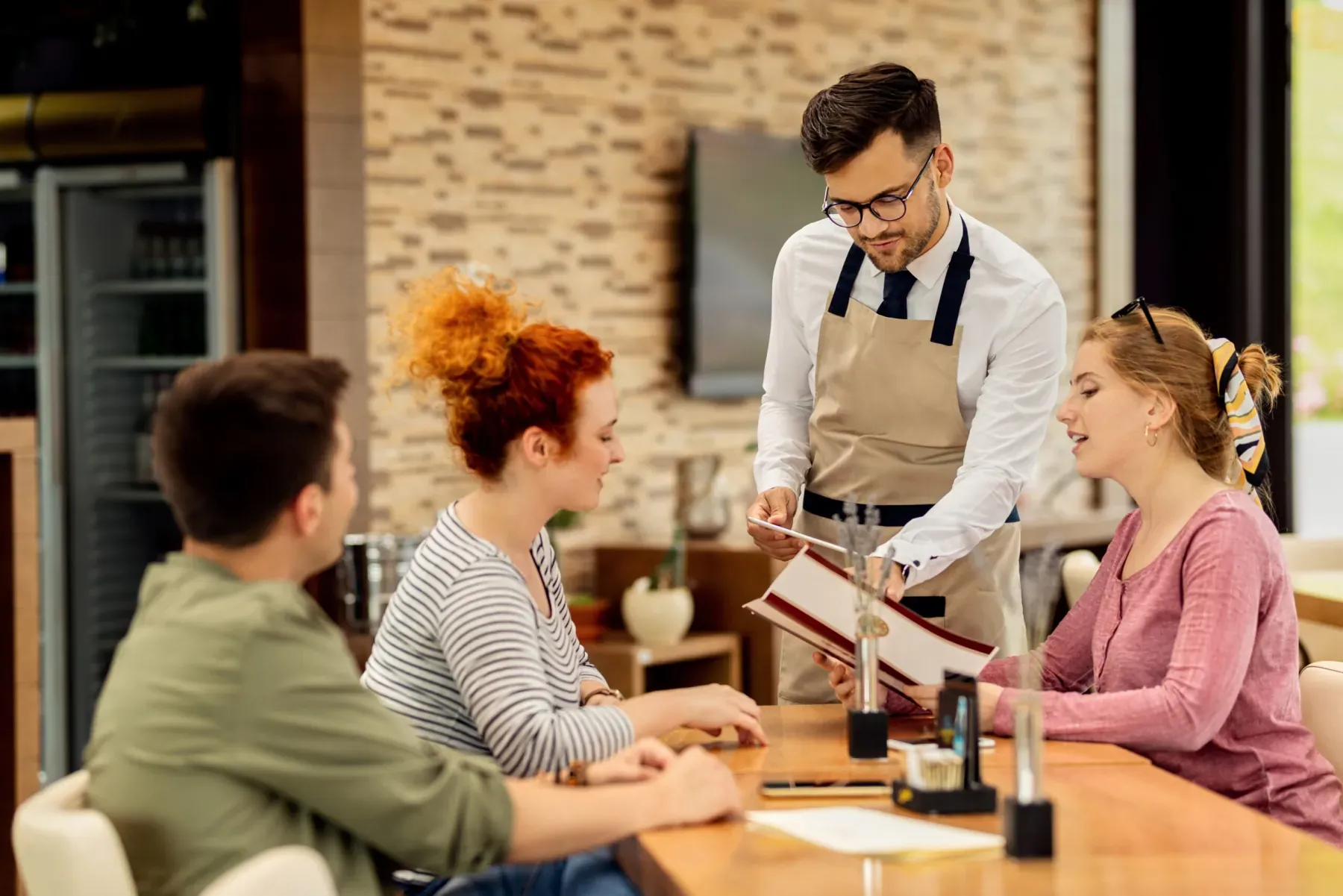
    The waiter writes the order in a notebook, walks to the register to key it in and carries the ticket to the kitchen. Variations and notes get lost in two hand-offs.

    1 waiter × 3 minutes / table

How does Digital ordering and menu work?

  1. 1

    The menu is set up on one panel

    Item card, photo, description, allergens, variations and extras are defined in Product and Menu Management; which channel shows the item is marked on the card.

  2. 2

    The guest picks a channel

    A kiosk at the door, a QR code at the table, mobile ordering outside, a menu board on the wall. The guest sees the menu, chooses, adds variations and a note, and sends the order.

  3. 3

    The order lands in one flow

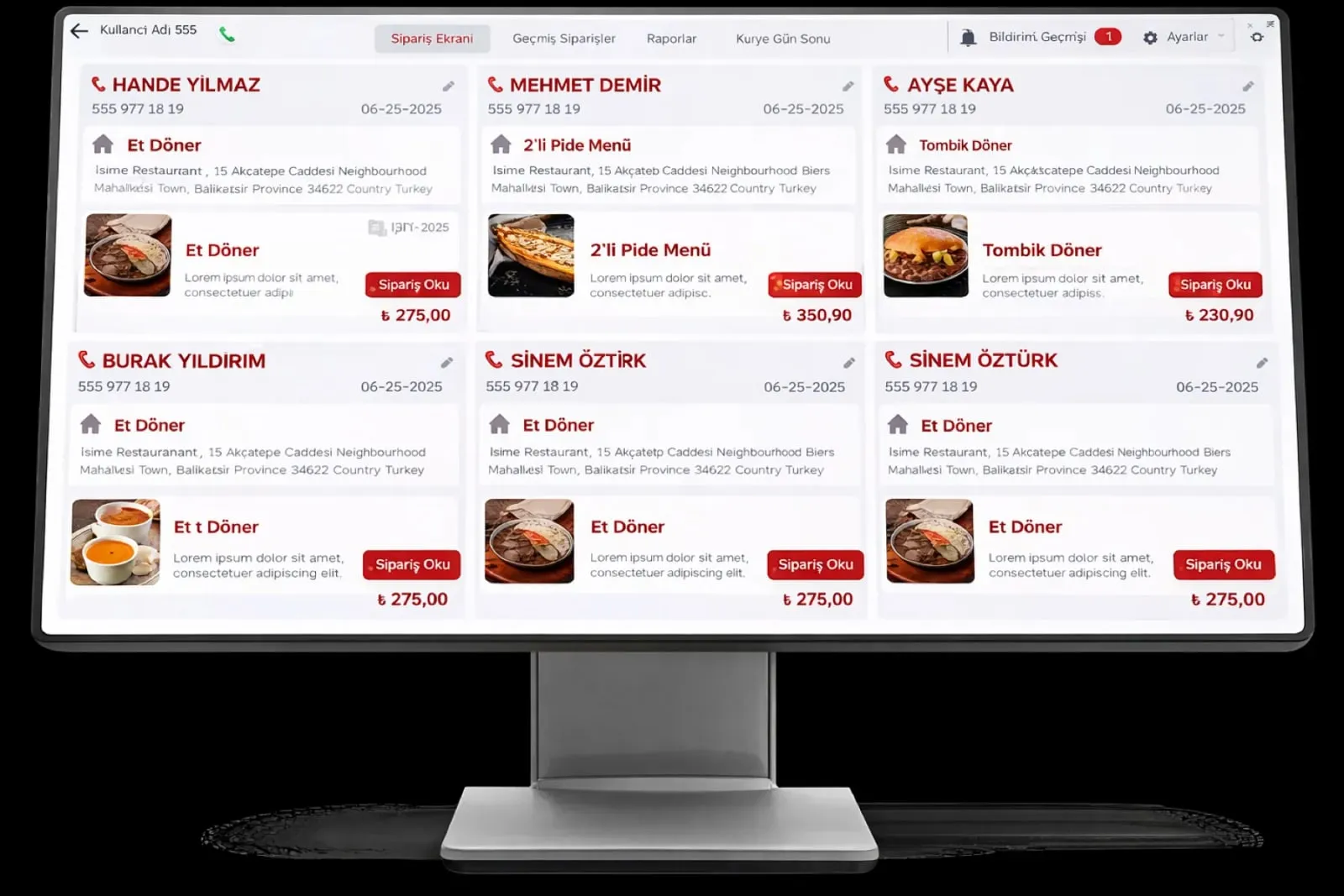
    Whichever channel it comes from, the order is posted to the register with a table or queue number and split by station onto the kitchen screens. Payment is taken at the kiosk, by QR or at the register.

  4. 4

    Changes spread instantly

    Price, campaign, daily menu and sold-out marks are entered from one panel; the kiosk, QR menu and menu board update the same second, with no waiting for printing.

See how Digital ordering and menu would work in your business

Tell us briefly about your process and we will walk through the screens with your own example.

  • Reply the same business day
  • 15+ years of experience
  • 90 client businesses

Digital ordering and menu features

Digital ordering and menu: Self-service kiosk
  • Self-service kiosk

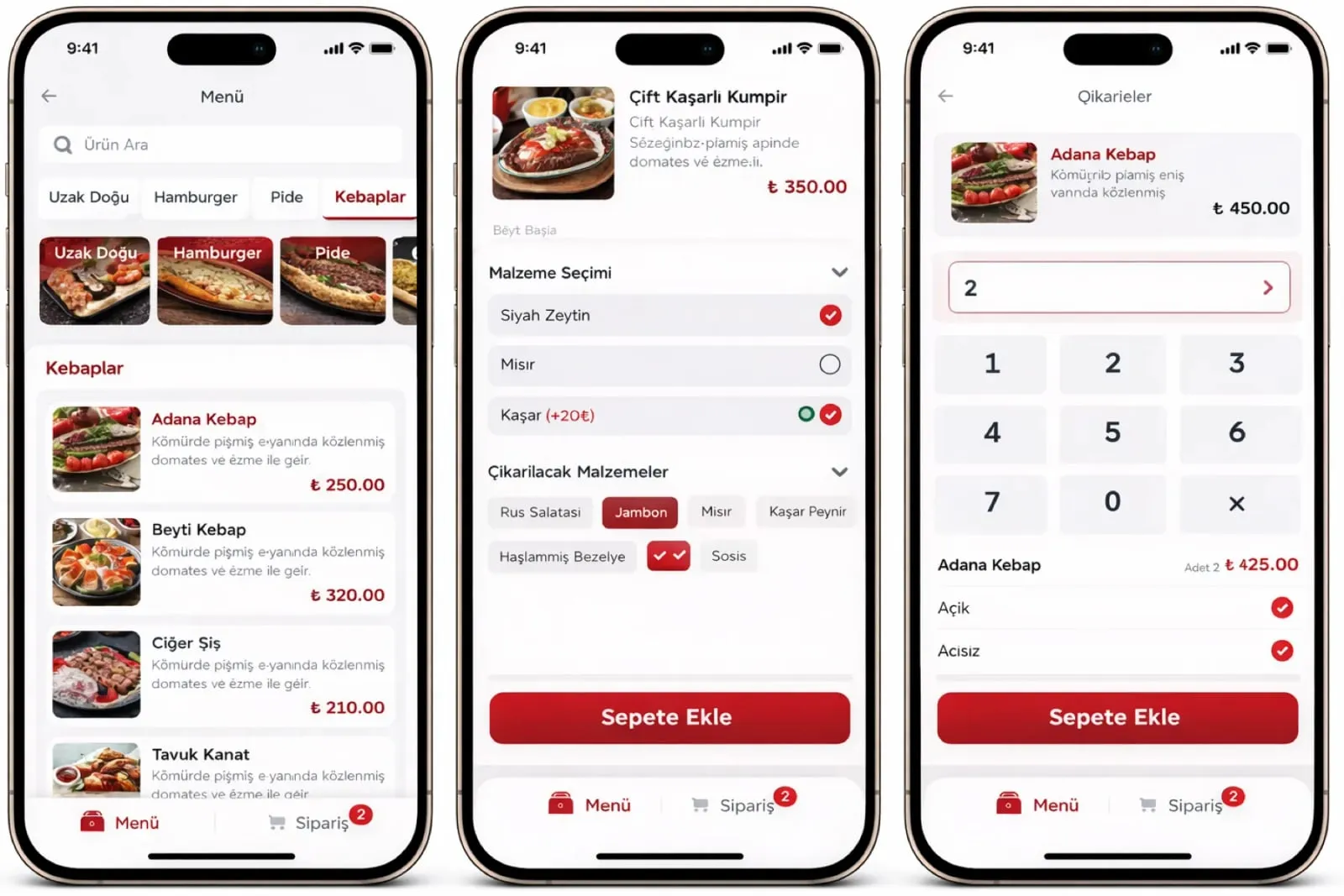
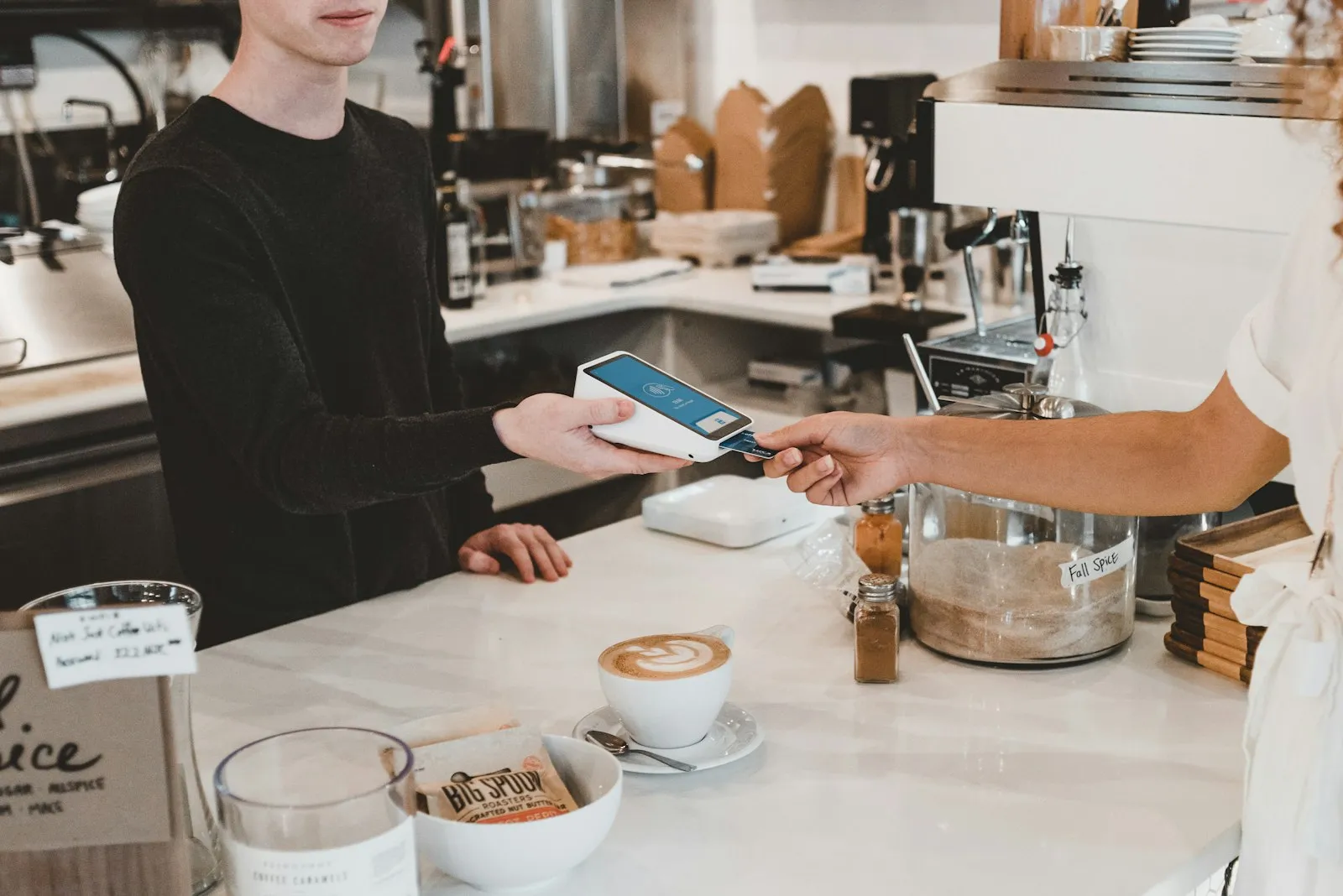
    A menu with photos on a touchscreen kiosk, variation and extras selection, card payment; the order number is given on the receipt and on screen.

  • QR menu and ordering from the table

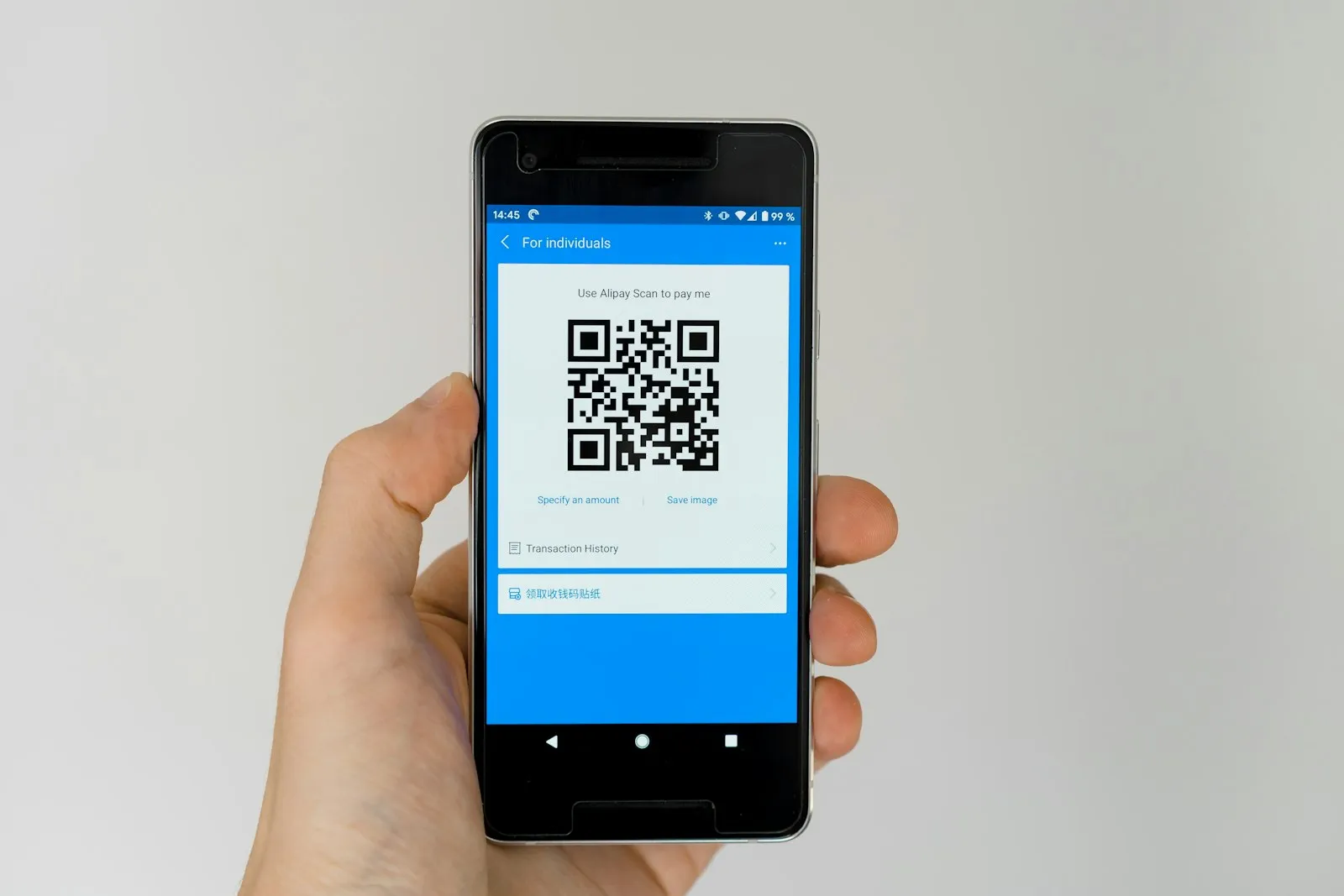
    The QR code on the table opens the menu with no app download; the guest chooses and adds a note, and the order reaches the register and kitchen tied to the table.

  • Contactless digital menu

    Ingredients, allergens, photo and price are managed from one panel; a sold-out item is hidden automatically and changes reach every device instantly.
Digital ordering and menu: Menu board
  • Menu board

    A category-based photo menu on a wall screen; the daily menu, timed prices and bundle campaigns change from one panel within seconds.

  • Mobile ordering

    Click-and-collect and delivery orders from the website and mobile interface; payment is taken online and the order lands on the delivery screen and in the kitchen.

  • POS and kitchen link

    Every channel goes to the same POS record and the Kitchen Display System; register, kiosk and QR orders show in the same report with a channel label.

  • Variations and automatic pricing

    Portions, extras and options come from the item card; the price is calculated instantly from the choice and the guest confirms after seeing the total.

  • Report by channel

    Kiosk, QR, mobile and register orders are separate lines in the revenue, average basket and peak hour reports by channel.

What does Panda AI add to Digital ordering and menu?

The Sales and Quotation Agent is the Panda AI agent that brings price, stock and customer history together and prepares a draft quotation in minutes.

  1. Today Price, stock and discount are checked separately for each quotation With the agent A draft quotation is ready in minutes
  2. Today The customer’s history lives in the rep’s memory With the agent The customer’s history is in front of you with one message
  3. Today Quotations nobody follows up quietly disappear With the agent Reminders arrive for pending quotations

Jobs it takes on

  • Draft quotations and pro formas
  • 360° summary per customer
  • Lost-customer and opportunity alerts
  • Mobile queries for the field team
  • Sales performance reports
  • Quotation follow-up reminders

The agent prepares, a person approves. Anything that posts a record or sends something outside the company goes through your approval.

Explore Panda AI agents

Frequently asked questions about Digital ordering and menu

Do guests have to download an app?

No. The QR code on the table or the receipt is scanned with the phone camera and the menu opens in the browser. Ordering and payment finish on the same screen. The web interface is enough for mobile ordering too; if the business wants, it can connect its own branded app to the same infrastructure.

What hardware does the kiosk run on?

It consists of a touchscreen kiosk unit, a card reader and a receipt printer; a standing or tabletop model is chosen. Panda Restoran kiosk software is installed on the device and connects to the register and kitchen screen over the local network. Hardware is chosen in the discovery meeting according to your venue.

Are the menu board and the QR menu fed from the same data?

Yes. The kiosk, QR menu, menu board and register read the same item card. A price or photo change is made on one panel and reaches every screen at the same time. Which item shows on which channel is marked separately on the card; the menu board can show only featured items.

Which table is a QR menu order tied to?

Each table's QR code carries its table number; when the guest scans it, the order is tied to that table and the waiter does not pick a table. If a table is swapped, the register defines the new table and the open check moves. For delivery and click-and-collect orders, a queue number and phone number are used instead of a table.

Is payment taken at the kiosk or at the register?

Both can be set up. At the kiosk, payment is taken with the card reader and an order number is given; in the QR menu, an online payment or 'pay at the register' option is opened. For a table order, payment is taken through the POS and Payment layer when the check closes. Payment type shows in the report by channel and method.

Which sub-modules does it work with?

This page is an overview of the digital ordering channels. Kiosk detail is on the Self-Service Kiosk System page, QR menu detail on QR Menu and Online Ordering, item cards and pricing on Product and Menu Management, and the kitchen side on Kitchen Display System. All are parts of the same setup.

How does a sold-out item leave every channel?

When an item is marked 'sold out' at the register or on the kitchen screen, it is hidden at once on the kiosk, QR menu, menu board and mobile ordering; if a recipe is linked, the critical stock alert drops at the same moment. When the item is reopened it returns to every channel; the action is one tap.

What does the agent do in digital ordering and menu?

Panda AI compares the price and items on the kiosk, QR and menu boards with the ERP record; missing photos, old prices and items not visible on a channel are listed. Publishing or correcting the menu is the business's decision; the agent does not change the menu on its own, it prepares a checklist.

See Digital ordering and menu with your own data

Describe your process in a few sentences and we will show you the modules that fit.

  • 15+ years of enterprise software experience
  • In the cloud or on your own server
  • Processes compliant with KVKK (Turkey's data protection law)

Last reviewed: · Panda Yazılım product team