
Restaurant Management

The waiter writes the check on paper, walks it to the kitchen, and re-reads it at the register

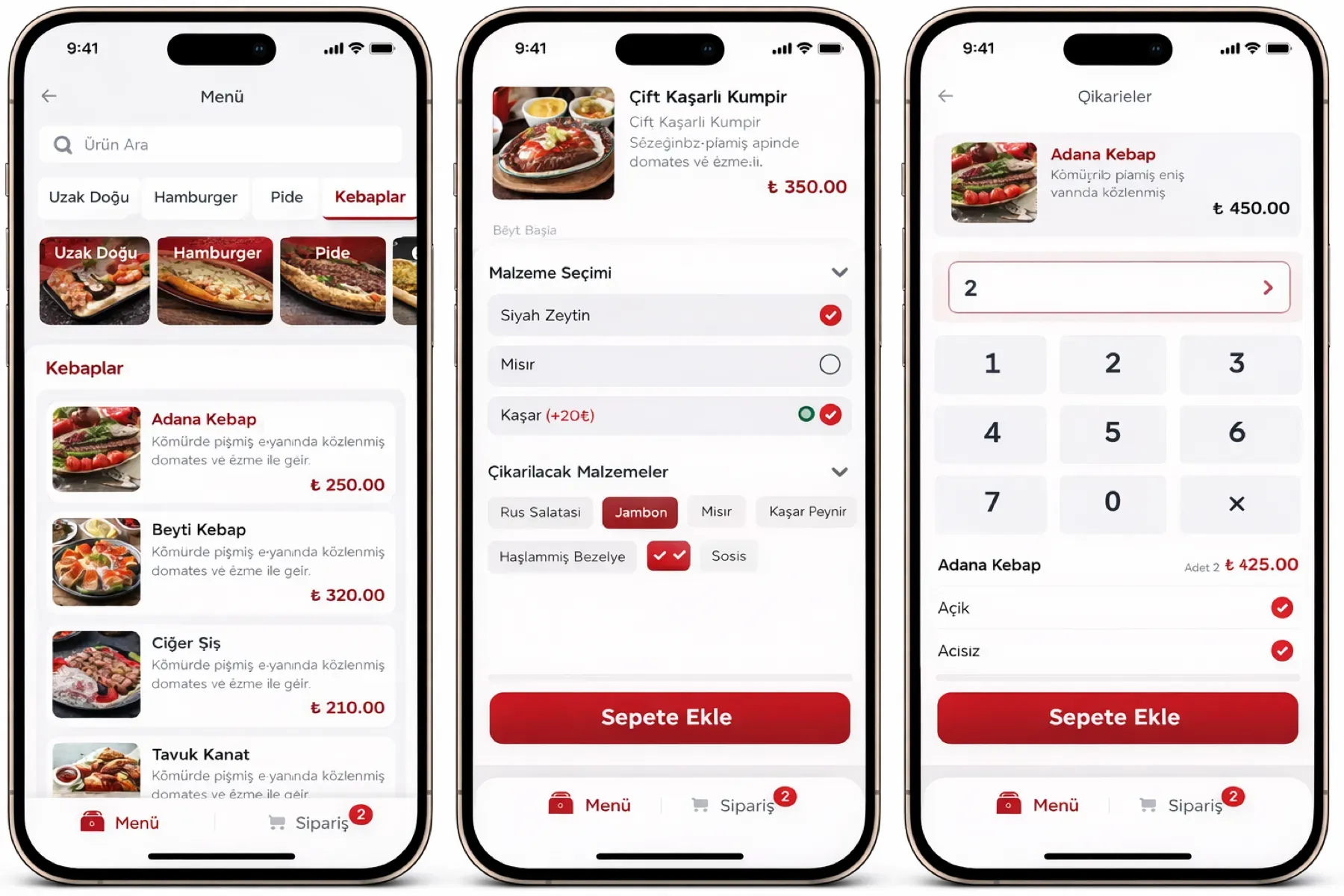
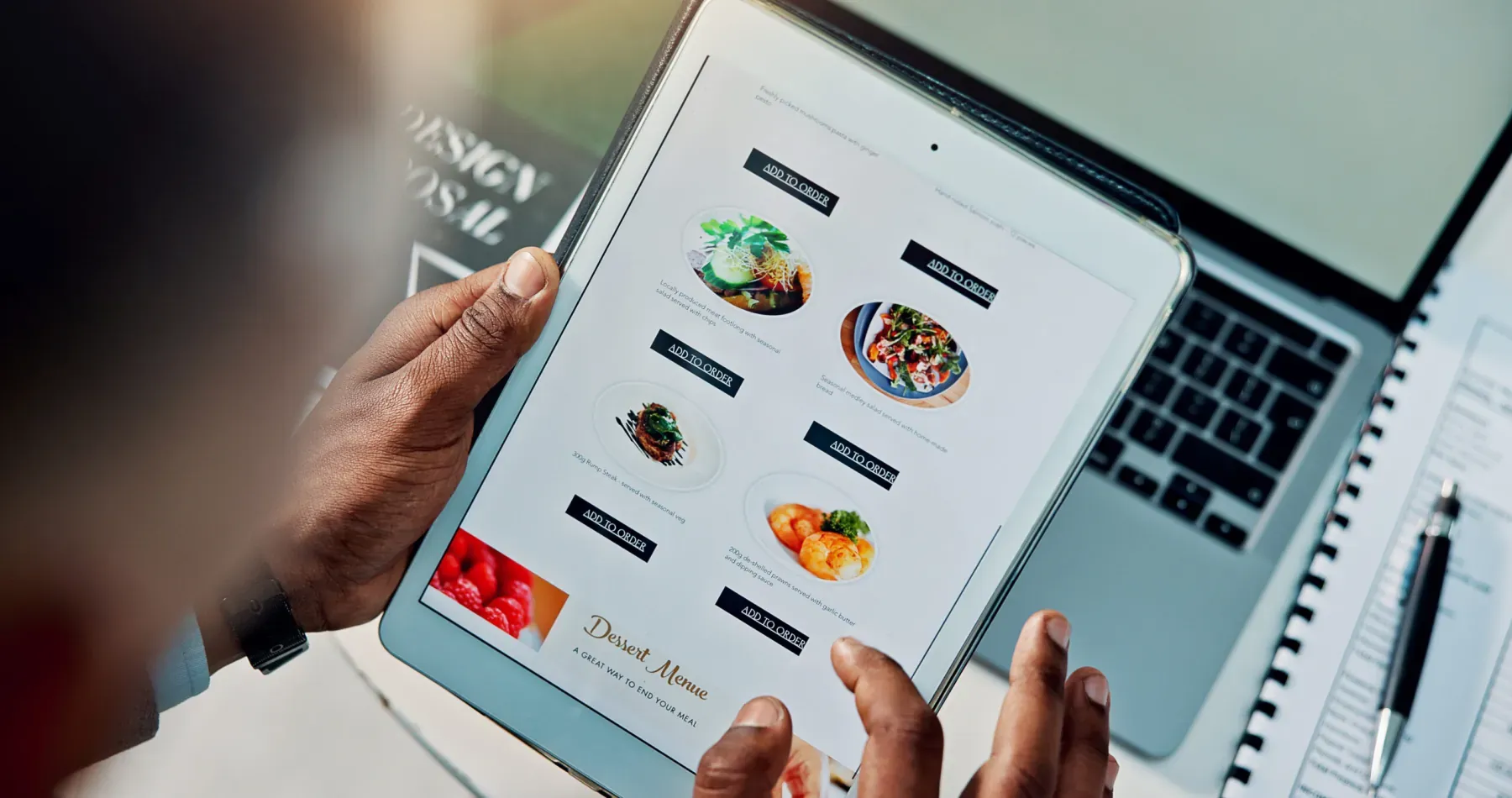
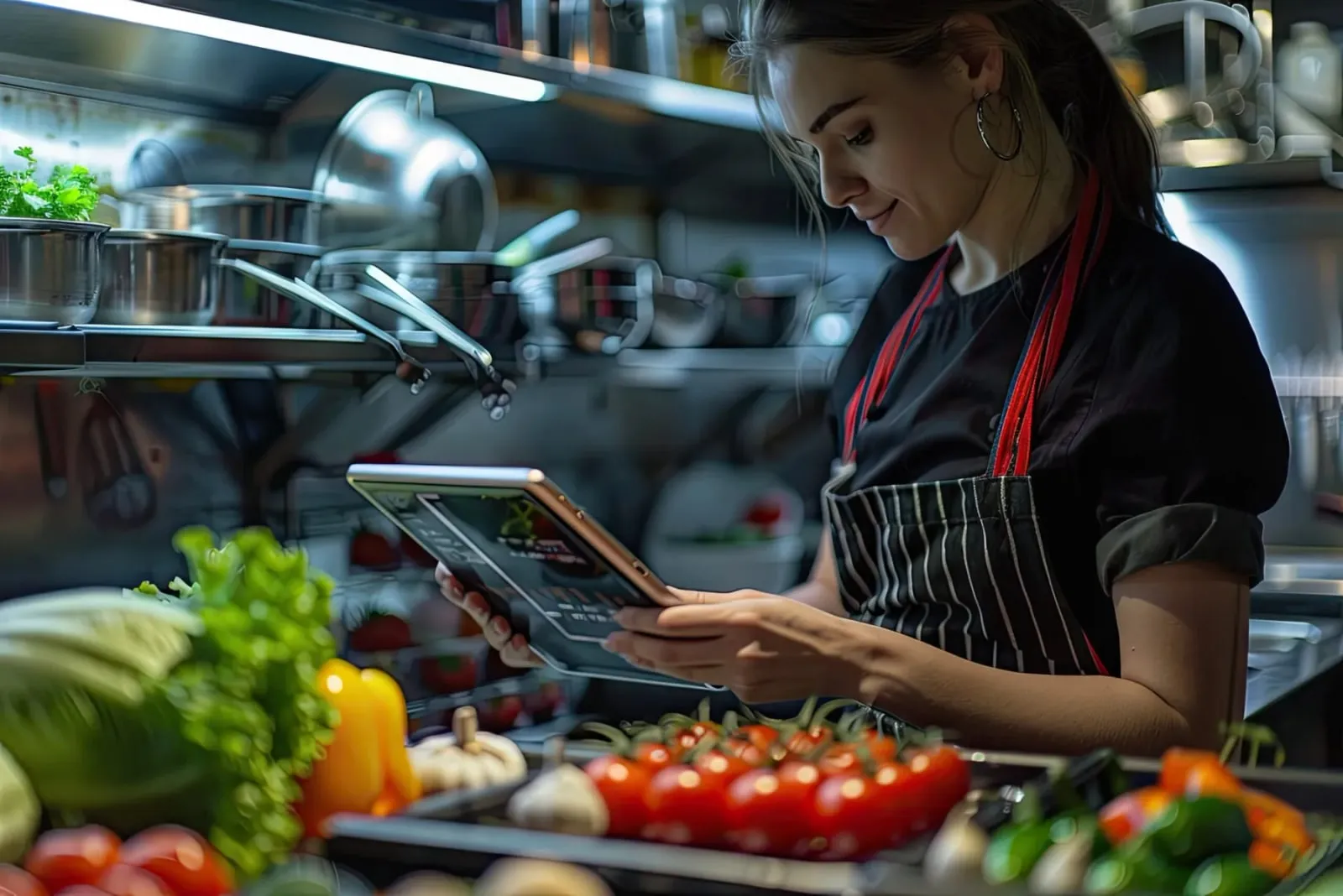
The Waiter Mobile Terminal is a waiter app that takes orders at the table on an Android or iOS tablet. The order goes to the kitchen display and printer instantly; the paper check and the walk to the register are over.

Waiter mobile terminal
In short

The Waiter Mobile Terminal is the Panda Restoran module, running on Android and iOS tablets, with which the waiter takes the order at the table. The moment the order is entered it is sent to the kitchen display and the relevant printer; product notes, portions and extras are added to the order, sold-out items are hidden from the menu, checks are split and merged, and tables are moved. It uses the same menu as the existing restaurant setup.

How is this work done today?

  • The order is written three times

    The waiter writes on the check paper, carries the ticket to the kitchen, and reads it out at the register on the way back. Every step has a typo and a walk.

    1 waiter × 15 minutes / shift
  • The special request gets lost in the kitchen

    A note like "no onion, medium rare" cannot be read on paper; the plate comes back, is remade, and the table waits.

    1 cook × 10 minutes / shift
  • A sold-out item is discovered at the table

    The waiter takes the order, the kitchen says "we're out", and the waiter goes back to the table for a new choice. The customer waits a second time.

    1 waiter × 5 minutes / order

How does Waiter mobile terminal work?

  1. 1

    The tablet is connected to the account

    The waiter app is installed on your existing Android or iOS tablet, and a user and dining-room zone are assigned. The menu and prices come from the center, so there is no separate entry.

  2. 2

    The order is entered at the table

    The waiter picks the table, adds the product, portion and extras from the category by touch, and writes the customer's request as a note.

  3. 3

    Kitchen and printer receive it together

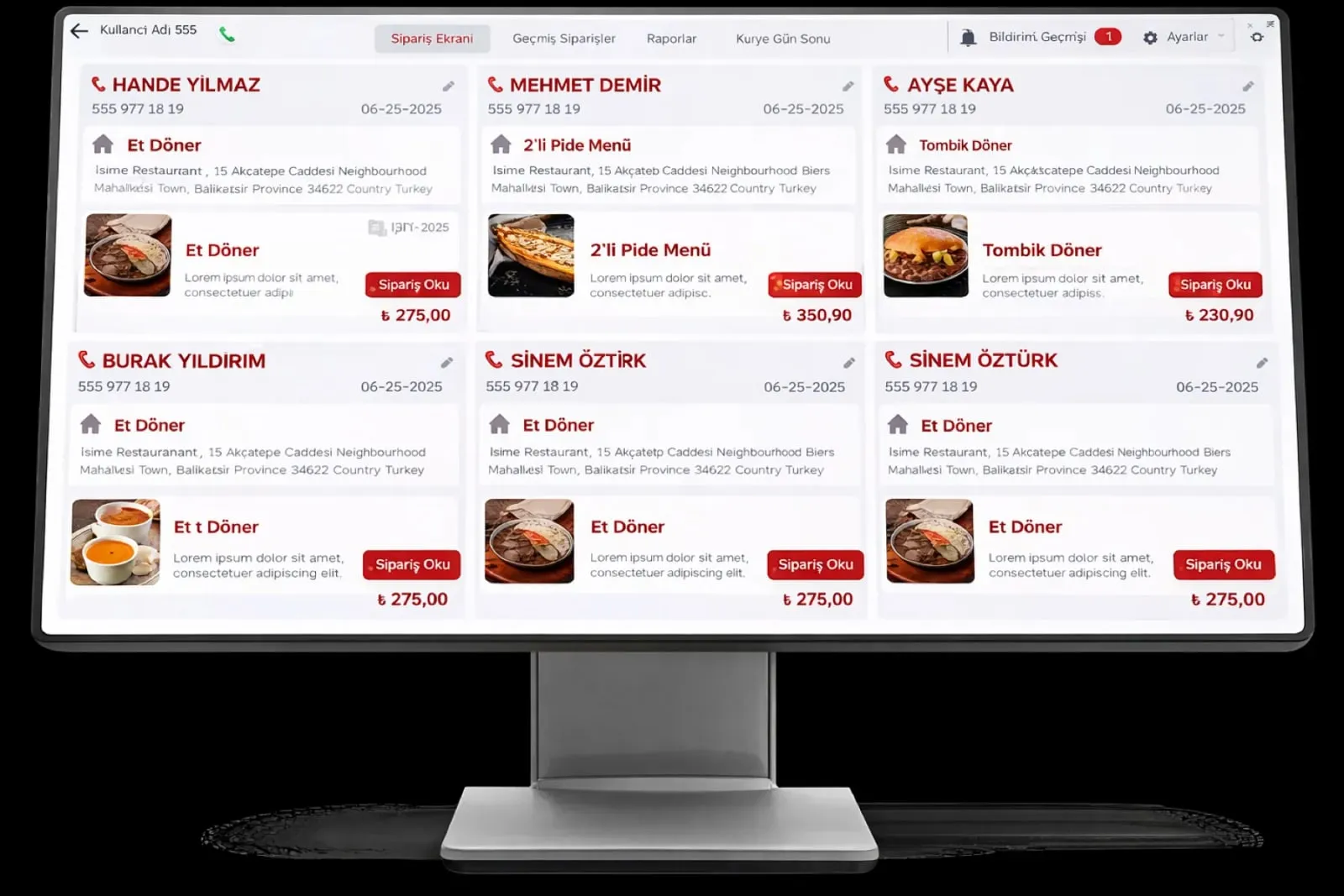
    The moment the order is sent, it drops onto the kitchen display and prints at the relevant station's printer. The waiter follows the order's preparation stage from the terminal.

  4. 4

    The agent reflects sold-out items on the terminal

    Recipe consumption and stock are compared; a product that is out of stock is closed on the waiter terminal and the kitchen is informed. Removing it from the menu is the head chef's decision.

See how Waiter mobile terminal would work in your business

Tell us briefly about your process and we will walk through the screens with your own example.

  • Reply the same business day
  • 15+ years of experience
  • 90 client businesses

Waiter mobile terminal features

Waiter mobile terminal: Instant order entry
  • Instant order entry

    The order goes directly to the kitchen display and printer; the waiter does not walk to the register, and no verbal confirmation or paper ticket is needed.

  • Product note

    Customer requests such as cooking level, allergen and "no sauce" are entered as a note on the order; they appear on the same line on the kitchen display.

  • Hiding sold-out items

    A product that is out of stock or closed by the chef is hidden automatically in the menu app; the waiter cannot take an order for an item that is not available.
Waiter mobile terminal: Table management
  • Table management

    Which table placed which order is clearly tracked; the right table is chosen with one touch, tables are merged, or an order is moved to another table.

  • Check splitting and merging

    Orders at a table are taken per person or as a group; checks are split and merged so the bill is closed per person.

  • Portions and extras

    A product's portion options and paid extras are chosen on the order screen; the price is written to the check and the kitchen ticket automatically.

  • Printer routing

    Hot kitchen, cold kitchen and bar orders print at the relevant station's printer; one order is split across stations.

  • Preparation status

    The stage marked on the kitchen display shows on the waiter terminal; the waiter knows which table's plate is ready without asking the kitchen.

What does Panda AI add to Waiter mobile terminal?

The Customer Service Agent is the Panda AI agent that answers order, shipping and invoice questions 24/7 on WhatsApp and e-mail and hands over what it cannot solve to the right person.

  1. Today A rep looks in the ERP to check an order’s status With the agent Order and shipping status answered 24/7
  2. Today Out-of-hours messages wait until morning With the agent Hands over what it cannot solve to the right person
  3. Today Complaints can get lost before they are logged With the agent Every request is logged and reported

Jobs it takes on

  • Order, shipping and invoice queries
  • 24/7 answers on WhatsApp and e-mail
  • Logging requests and handing them to the right person
  • Starting return and complaint processes
  • Frequently asked questions knowledge base
  • Request and satisfaction reports

The agent prepares, a person approves. Anything that posts a record or sends something outside the company goes through your approval.

Explore Panda AI agents

Frequently asked questions about Waiter mobile terminal

Which tablets does it run on?

It runs on Android and iOS tablets; if your existing tablet is suitable, no new device is needed. The app is installed during setup and each waiter logs in with their own user. Phone-sized Android devices are also supported. How many tablets you need is determined at discovery according to the size of the dining room.

If the Wi-Fi drops, is an order lost?

No. The terminal holds the order locally and sends it to the kitchen and register when the connection returns. So that the whole dining room has coverage, access point placement is checked together with you during setup. The terminal shows connection status on screen; the waiter sees any unsent order in the list.

Can our existing printers be used?

Kitchen printers connected by network or USB are defined in the system; the order prints at the relevant station's printer. If there is a kitchen display, the printer remains optional and the two work together. Printers are defined during setup, and adding a station later needs no support.

Does a waiter see another waiter's tables?

It depends on permissions. Each waiter is assigned a dining-room zone; by default they see their own tables, and the manager sees the whole room. At shift handover, tables are passed to another waiter with one touch, and the check is not lost.

Can the bill be closed from the terminal?

Yes. The check is split on the terminal, the payment type is chosen and it is passed to the register; the receipt is printed from the fiscal cash register or the register screen. With a mobile POS device, card payment is taken at the table and the record lands on the same check.

Can promotions and discounts be applied from the terminal?

Defined promotions and menu bundles are chosen on the order screen; the price drops automatically. A free-form discount depends on permission; a discount that needs manager approval stays pending on the terminal and shows in the audit log.

How does the waiter know when an order is ready?

An order marked "ready" on the kitchen display appears over the table on the waiter terminal. The waiter does not ask the kitchen; they pick up the plate. Late orders are marked in a separate color in the list and the manager sees them on screen. Order time and ready time are recorded, and kitchen time appears in the report.

What does the agent do on the waiter terminal?

Panda AI compares recipe consumption with stock; it closes a product that is out of stock on the waiter terminal and informs the kitchen. Whether to remove or reopen a product on the menu stays with the head chef; the agent does not edit the menu.

See Waiter mobile terminal with your own data

Describe your process in a few sentences and we will show you the modules that fit.

  • 15+ years of enterprise software experience
  • In the cloud or on your own server
  • Processes compliant with KVKK (Turkey's data protection law)

Last reviewed: · Panda Yazılım product team