Restaurant Management

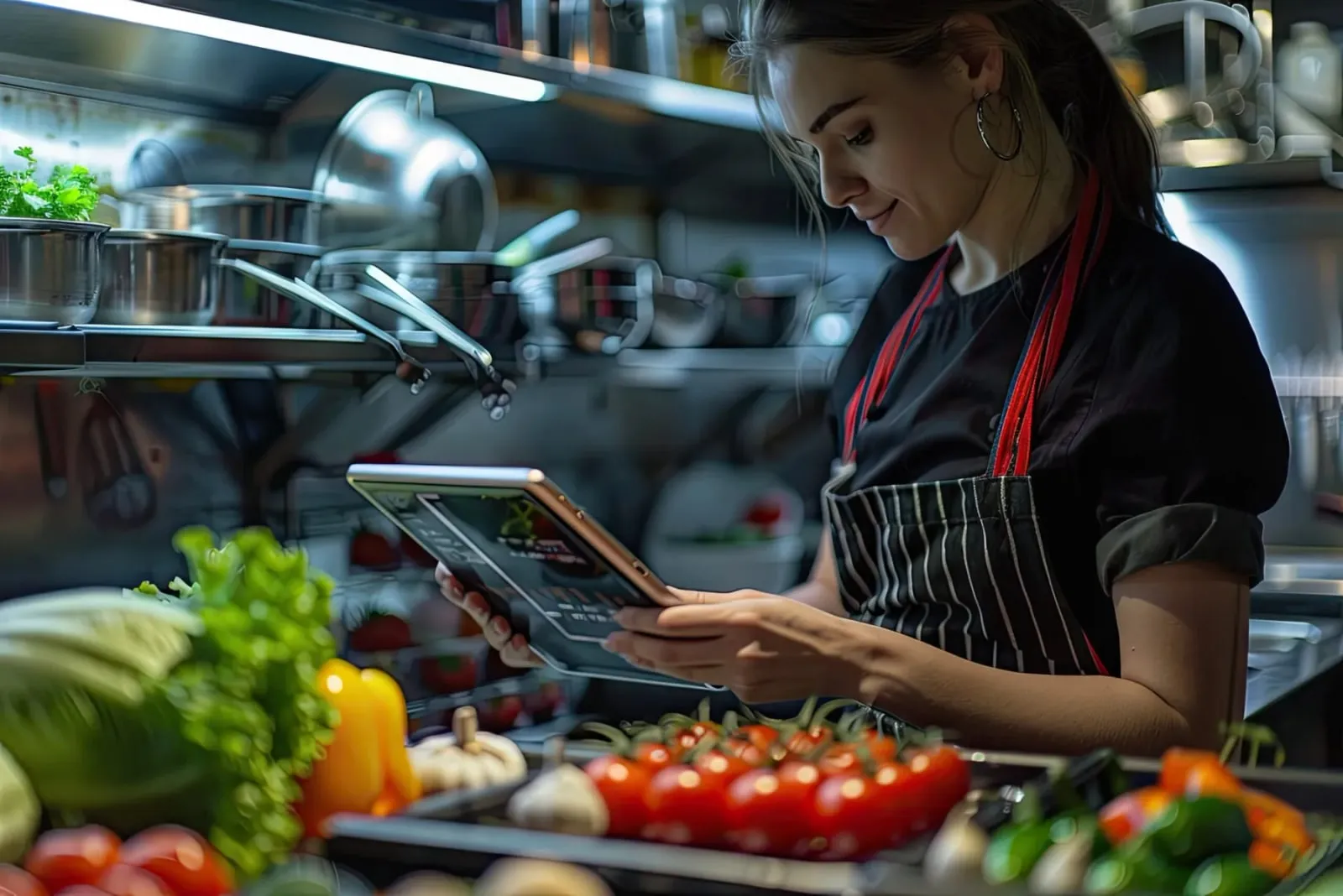
A queue at the register, with the cashier taking both the order and the payment

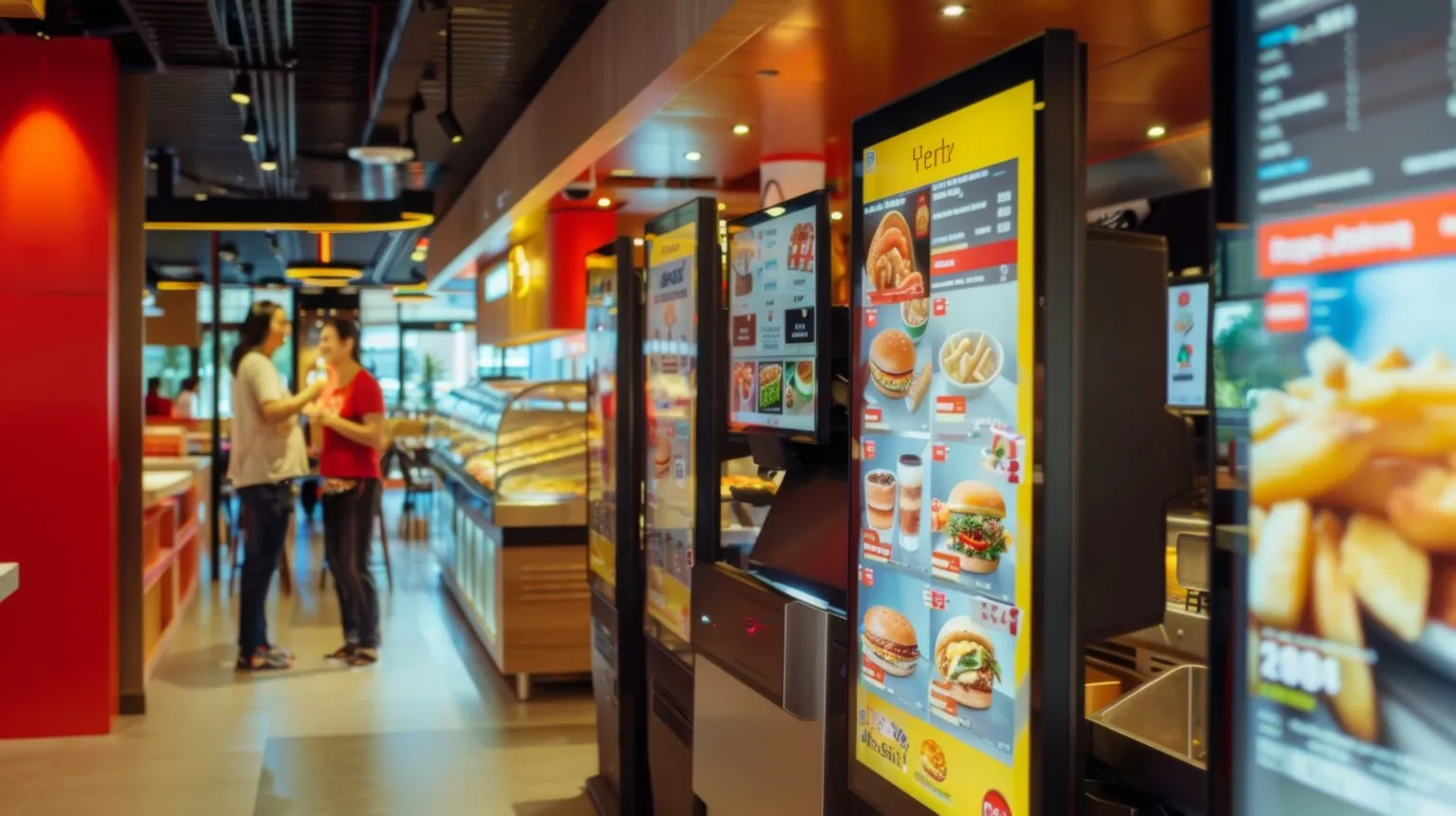
The Self-Service Kiosk System is a module where the customer browses the menu, builds the order and completes payment on a touch screen placed at the entrance. The order goes to the kitchen automatically, and the queue at the register clears.

Self-service kiosk
In short

The Self-Service Kiosk System is the Panda Restoran module in which the customer orders from a visual menu and completes payment on a touch kiosk placed at the restaurant entrance. When payment is done, the order drops automatically onto the POS and kitchen display; multi-language support, add-on suggestions and credit card or cash payment are on the same screen. The rush at the register moves to the kiosk.

How is this work done today?

  • A queue at the register

    At lunchtime the cashier takes both the order and the payment; the next customer waits and some give up and leave.

    1 cashier × 2 minutes / order
  • Orders are verbal and mistakes are common

    The customer says "large, not spicy" and the cashier jots it down briefly; the wrong item comes out, is remade, and the queue grows.

    1 cook × 10 minutes / shift
  • A tourist guest cannot be understood

    A foreign customer orders by pointing at the menu; portion and extras cannot be asked about, and the wrong plate goes out.

    1 cashier × 5 minutes / order

How does Self-service kiosk work?

  1. 1

    The kiosk is installed at the entrance

    A touch kiosk and a payment device are placed at the entrance and connected to the system; the menu comes from the product card, and languages are chosen.

  2. 2

    The customer builds the order

    Product, portion and extras are chosen from the visual menu; the system suggests an add-on during the order, and the customer adds it if they like.

  3. 3

    Payment is completed at the kiosk

    Credit card or cash payment is taken at the kiosk; when payment finishes, the order number is printed on the receipt and the order drops onto the POS and kitchen display.

  4. 4

    The agent produces the kiosk sales summary

    Kiosk orders, payment type and the most-chosen add-on are in the morning report; products with a missing image or price are listed. The business edits the menu.

See how Self-service kiosk would work in your business

Tell us briefly about your process and we will walk through the screens with your own example.

  • Reply the same business day
  • 15+ years of experience
  • 90 client businesses

Self-service kiosk features

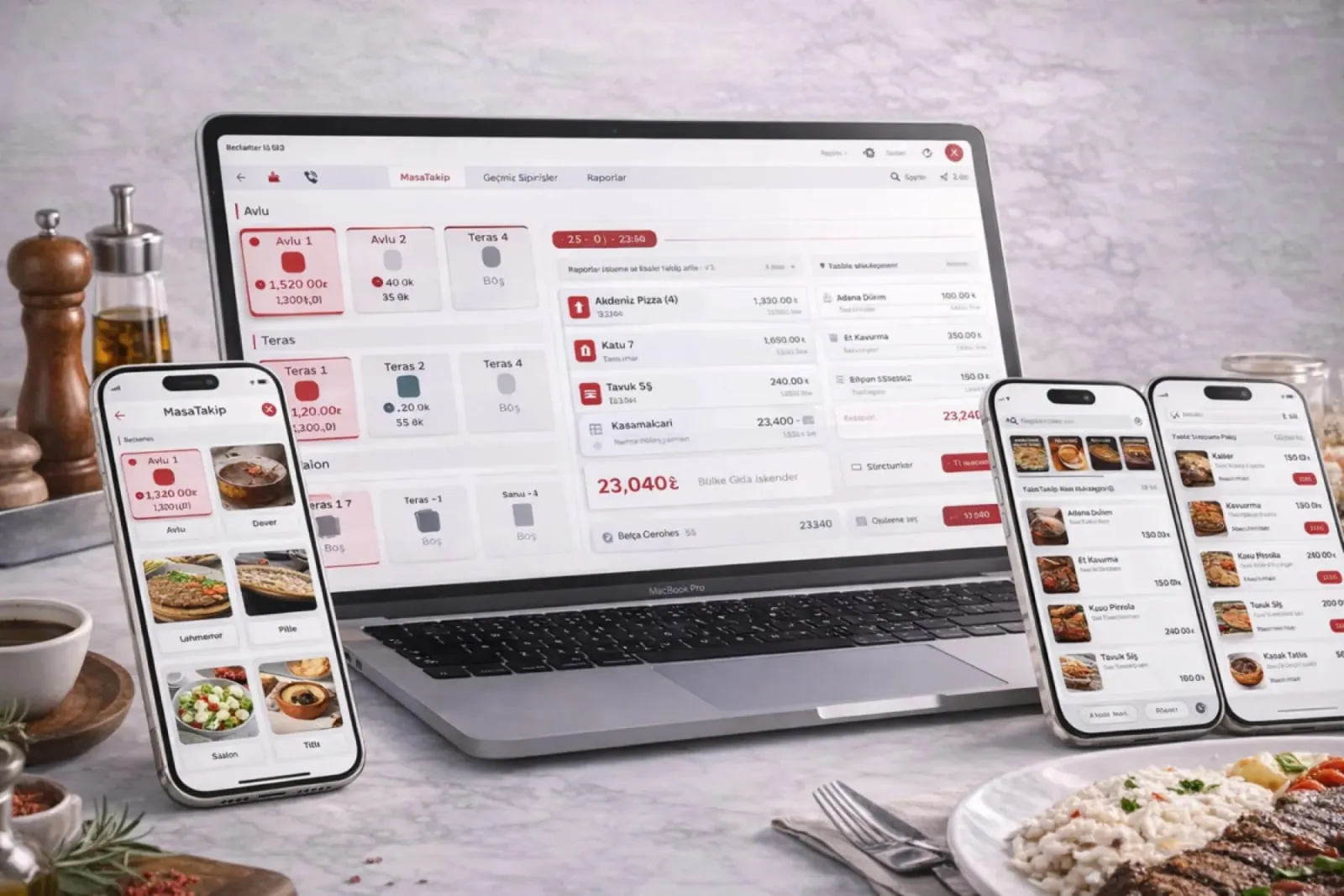
Self-service kiosk: Visual menu interface
  • Visual menu interface

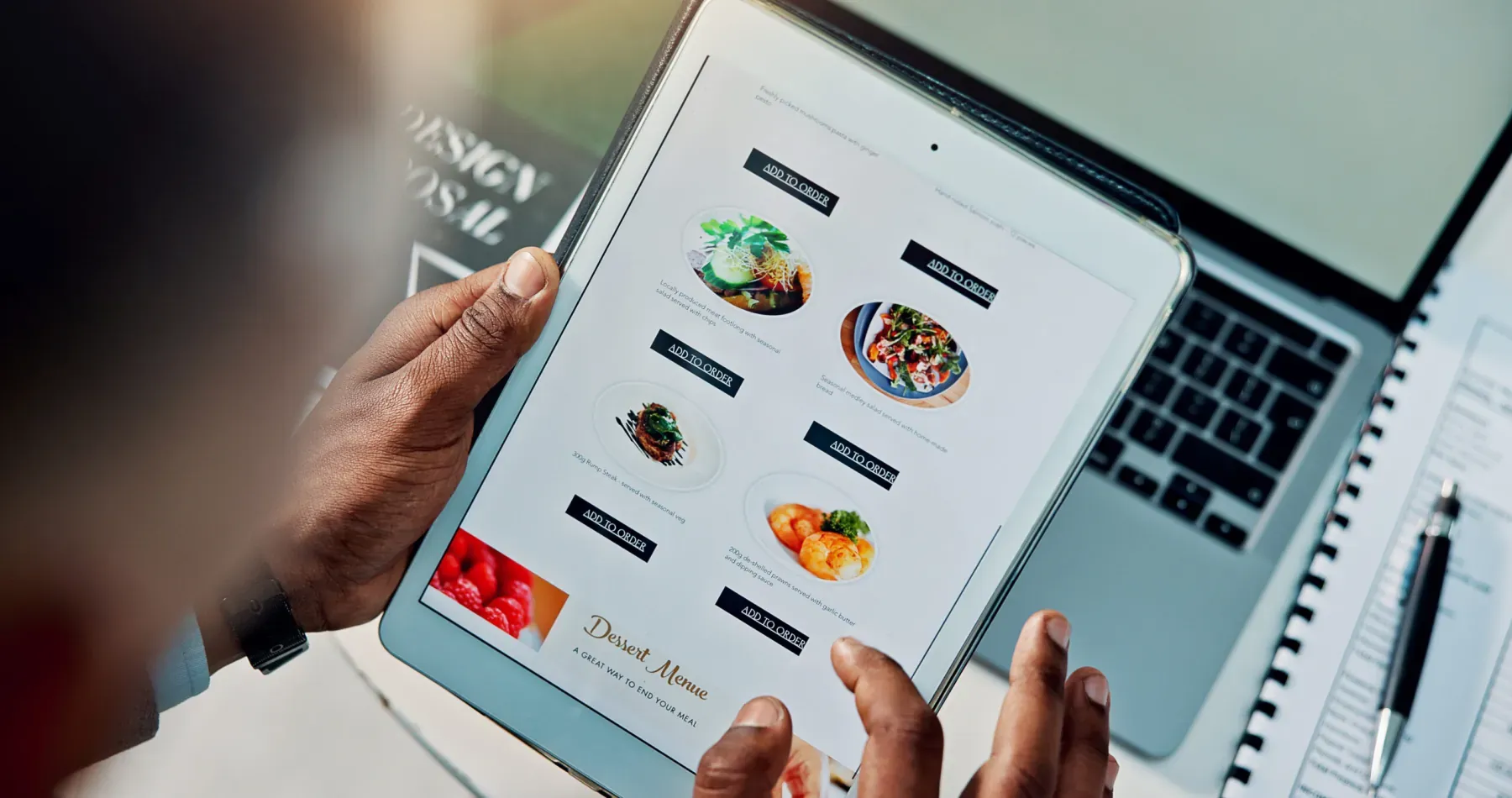
    An ordering screen backed by food photos; category, portion and extras are chosen with large touch buttons in a few steps.

  • Integrated payment

    Credit card and cash payment are taken at the kiosk; when payment completes the order drops into the system, and the cashier does nothing.

  • Multi-language support

    Tourists and foreign guests order in their own language; the order appears in Turkish on the kitchen display, and no translation is needed.
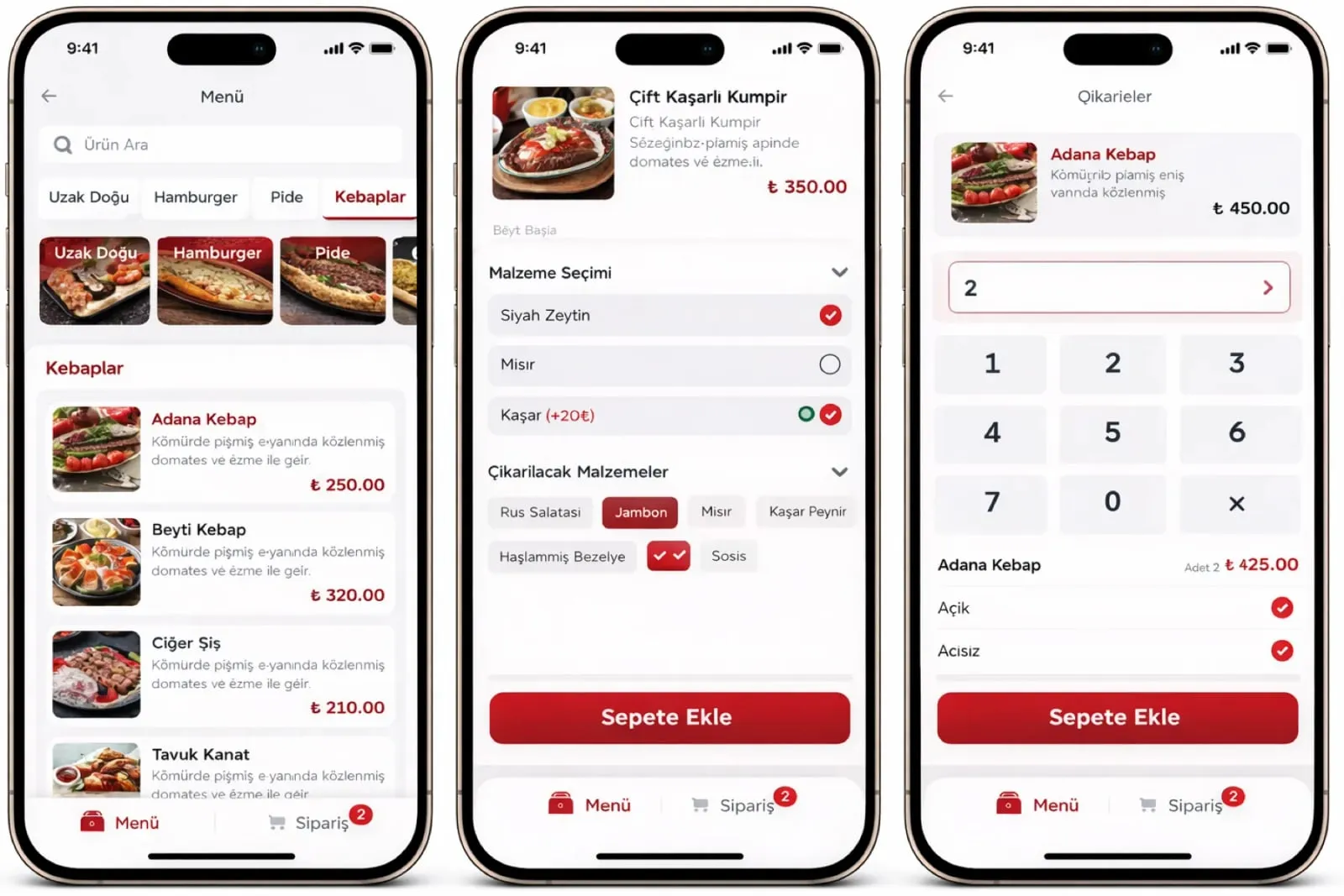
Self-service kiosk: Add-on suggestion
  • Add-on suggestion

    During ordering the system suggests a defined add-on: a drink, a dessert or a size upgrade; you set the suggestion in menu management.

  • Kitchen and POS connection

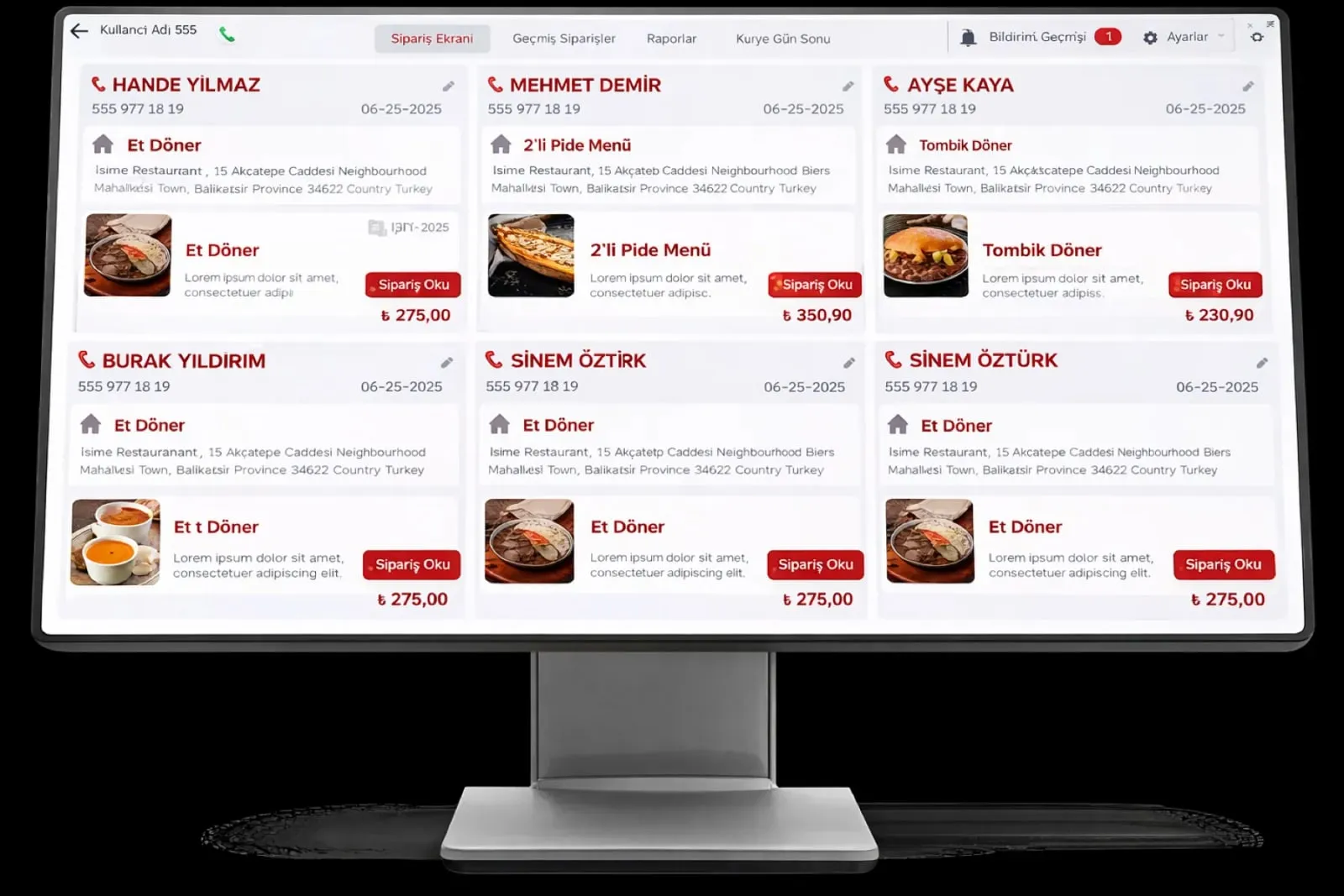
    A paid order is passed automatically to the POS and kitchen display; the order number is the same on the receipt and the kitchen display.

  • Sold-out item control

    A product that is out of stock is hidden at the kiosk automatically; the customer cannot choose an item that is not available, and the kitchen does not have to report a cancellation.

  • Order number and call screen

    The customer waits with the order number on the receipt; a ready order shows on the call screen, and the waiter does not search the dining room for a table.

  • Promotions and menu bundles

    Two- and three-item menu bundles and hourly promotions appear on the kiosk as a showcase; the price comes from the product card.

What does Panda AI add to Self-service kiosk?

The Customer Service Agent is the Panda AI agent that answers order, shipping and invoice questions 24/7 on WhatsApp and e-mail and hands over what it cannot solve to the right person.

  1. Today A rep looks in the ERP to check an order’s status With the agent Order and shipping status answered 24/7
  2. Today Out-of-hours messages wait until morning With the agent Hands over what it cannot solve to the right person
  3. Today Complaints can get lost before they are logged With the agent Every request is logged and reported

Jobs it takes on

  • Order, shipping and invoice queries
  • 24/7 answers on WhatsApp and e-mail
  • Logging requests and handing them to the right person
  • Starting return and complaint processes
  • Frequently asked questions knowledge base
  • Request and satisfaction reports

The agent prepares, a person approves. Anything that posts a record or sends something outside the company goes through your approval.

Explore Panda AI agents

Frequently asked questions about Self-service kiosk

What hardware is needed for the kiosk?

You need a kiosk body with a touch screen, a payment device and a receipt printer; hardware is chosen at discovery to suit your business. A small setup on a countertop tablet stand is also possible; the system uses the same menu and the same order flow.

How is cash payment taken at the kiosk?

On a kiosk fitted with a cash acceptance unit, the customer inserts money into the unit and change comes out automatically. If there is no cash unit, the customer orders at the kiosk and pays at the register; the order shows as awaiting payment at the register.

How does the customer know when the order is ready?

The order number is printed on the receipt; when the kitchen marks the order ready, the number shows on the call screen. An optional SMS notification can also be switched on; if table service is defined, the waiter takes the number to the table.

Is the kiosk menu the same as the QR menu?

Yes. Both are fed from the product card; a price or image change shows on the kiosk, QR menu and waiter terminal at the same time. A separate visual layout and add-on suggestion can be defined for the kiosk.

How many kiosks are needed at peak hour?

It is determined at discovery by order volume and the number of registers; the system does not limit the number of kiosks, and every kiosk connects to the same account. More kiosks can be added later; the order flow and kitchen display do not change.

If a kiosk breaks, does ordering stop?

No. The register and waiter terminal keep working in the same system, and kiosk orders are taken at the register. The fault is checked by remote connection and an intervention is planned through support.

How is an add-on suggestion defined?

In menu management, a suggested product is linked to each product or category: a drink for a main course, a dessert for a menu. The suggestion is added with one touch during ordering; how often each suggestion is chosen shows in the morning report.

What does the agent do in the kiosk system?

Panda AI compiles kiosk orders, payment type and the most-chosen add-on in the morning report and lists products with a missing image or price. The business edits the menu and decides on suggestions; the agent does not change the kiosk menu.

See Self-service kiosk with your own data

Describe your process in a few sentences and we will show you the modules that fit.

  • 15+ years of enterprise software experience
  • In the cloud or on your own server
  • Processes compliant with KVKK (Turkey's data protection law)

Last reviewed: · Panda Yazılım product team