Restaurant Management

The table plan is on a board, reservations are in a notebook, the phone order is on a scrap of paper

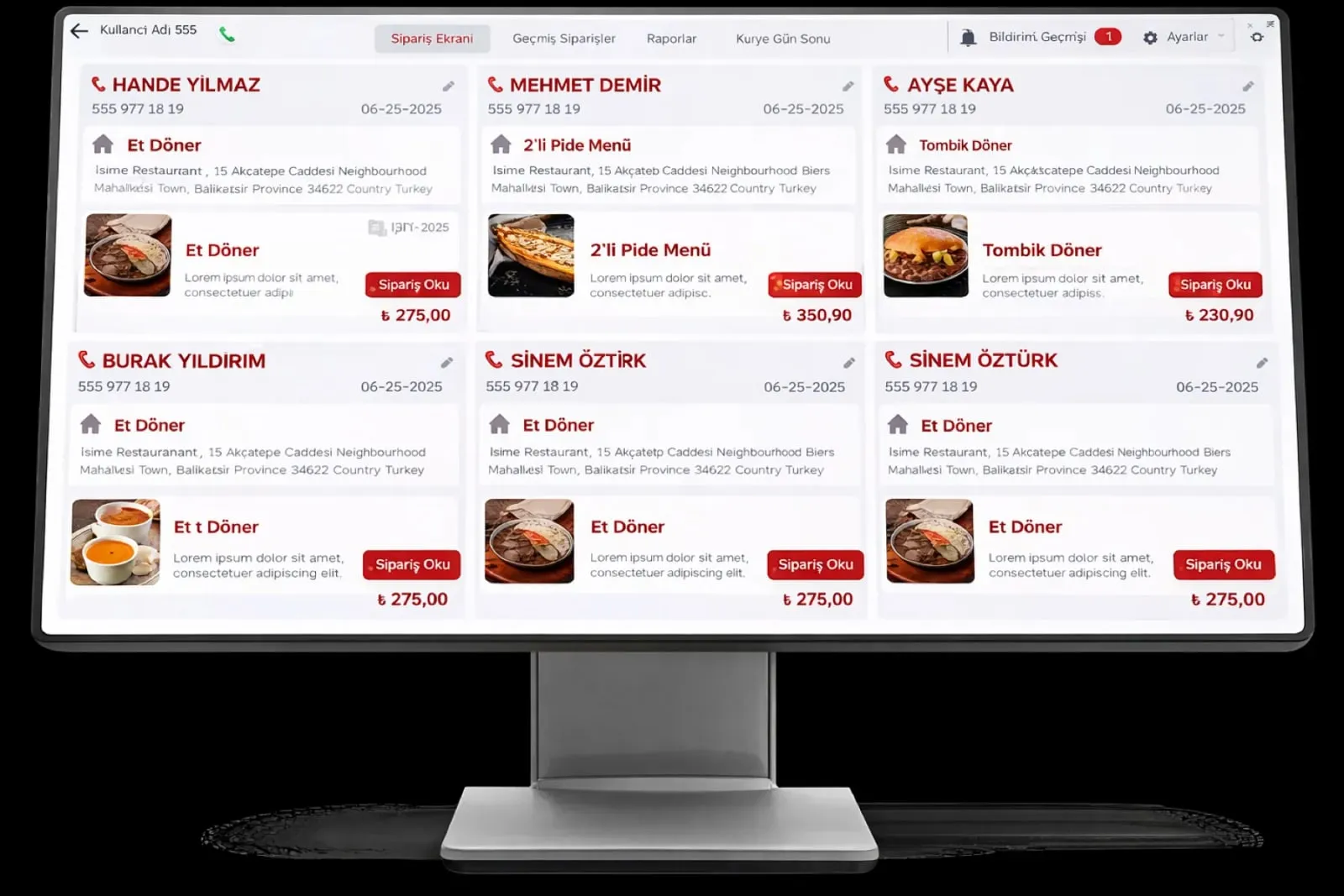
The Order and Service Management group puts the table plan, waiter terminal, QR menu, kiosk, online reservations and Caller ID in the same order pool. Wherever an order comes from, the kitchen sees it on one screen.

Order and service management
In short

Order and Service Management is the group that brings together the six dining-room modules of Panda Restoran: table and floor plan, waiter mobile terminal, QR menu and online ordering, self-service kiosk, online reservations and Caller ID. An order from the table, the phone, a QR code or the kiosk is written to the same check and lands on the kitchen display and printer instantly.

How is this work done today?

  • Nobody knows which table is free and which is reserved

    The host checks the book at the door, walks into the dining room to look at the table, then returns to the guest. A reserved table gets another customer by mistake.

    1 host × 20 minutes / shift
  • Orders arrive through three channels in three forms

    The waiter writes on paper, the phone order goes on a notepad, the QR order lands in a separate email; the cashier types them all into the program one by one.

    1 cashier × 45 minutes / day
  • The caller is asked for the address again

    On every delivery call someone asks for the name, address and floor; a wrongly written address sends the courier back.

    1 cashier × 2 minutes / call

How does Order and service management work?

  1. 1

    Floor plan and channels are set up

    Tables are drawn on the floor plan and waiter zones are assigned. The QR menu, kiosk, reservation form and Caller ID device are connected to the same account.

  2. 2

    Orders drop into the same pool

    A waiter terminal, QR menu, kiosk or phone order is written to one order list; the table number or customer card is attached to the order.

  3. 3

    Kitchen and register see it at the same time

    The order goes to the kitchen display and printer, and the check stays open at the table. When the check closes, the payment type and receipt are written to the register.

  4. 4

    The agent produces the day's summary

    Reservations, cancellations, no-shows, and a QR and kiosk order summary arrive in one report every morning. The floor manager decides the table plan and promotions.

See how Order and service management would work in your business

Tell us briefly about your process and we will walk through the screens with your own example.

  • Reply the same business day
  • 15+ years of experience
  • 90 client businesses

Order and service management features

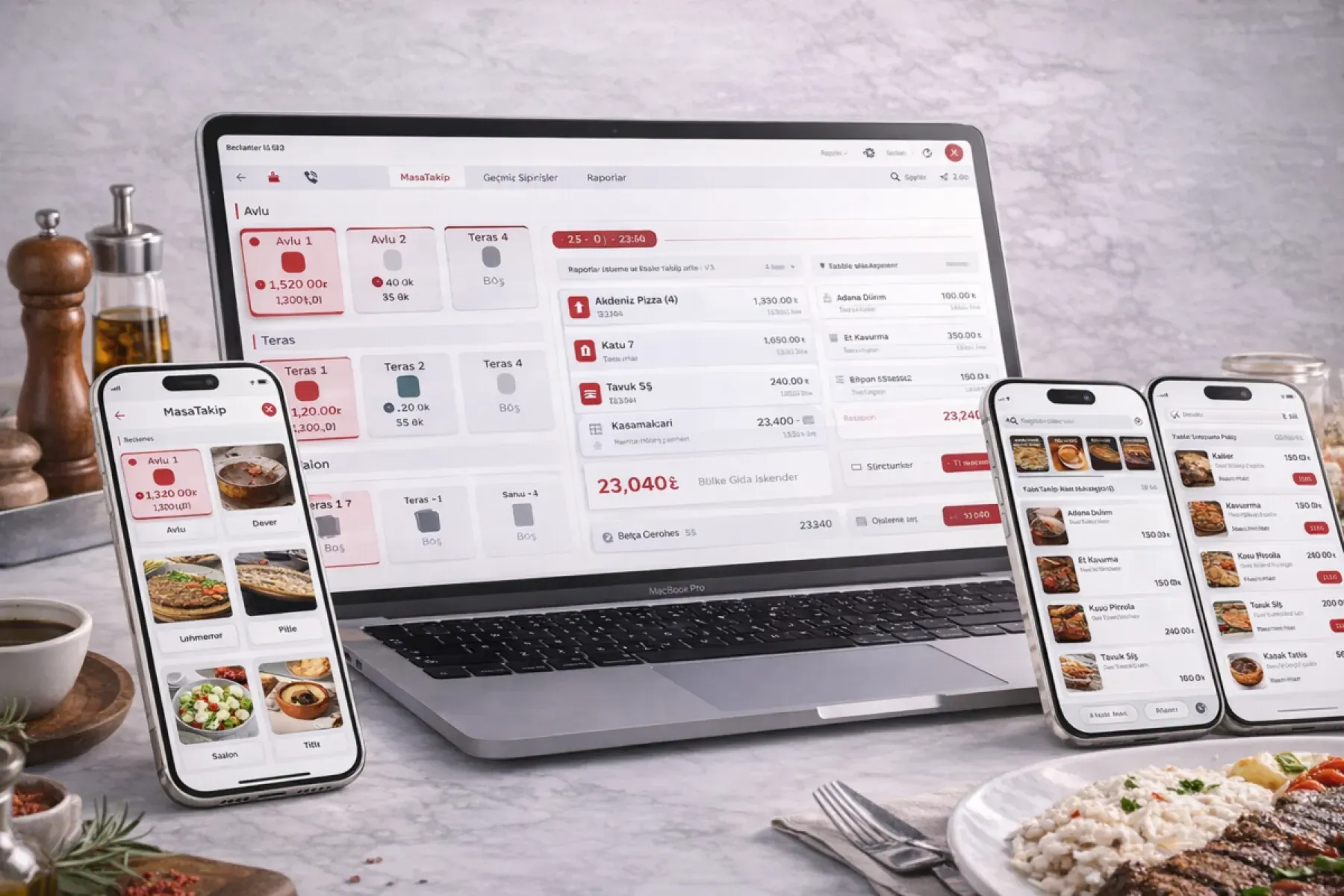
Order and service management: Visual floor plan
  • Visual floor plan

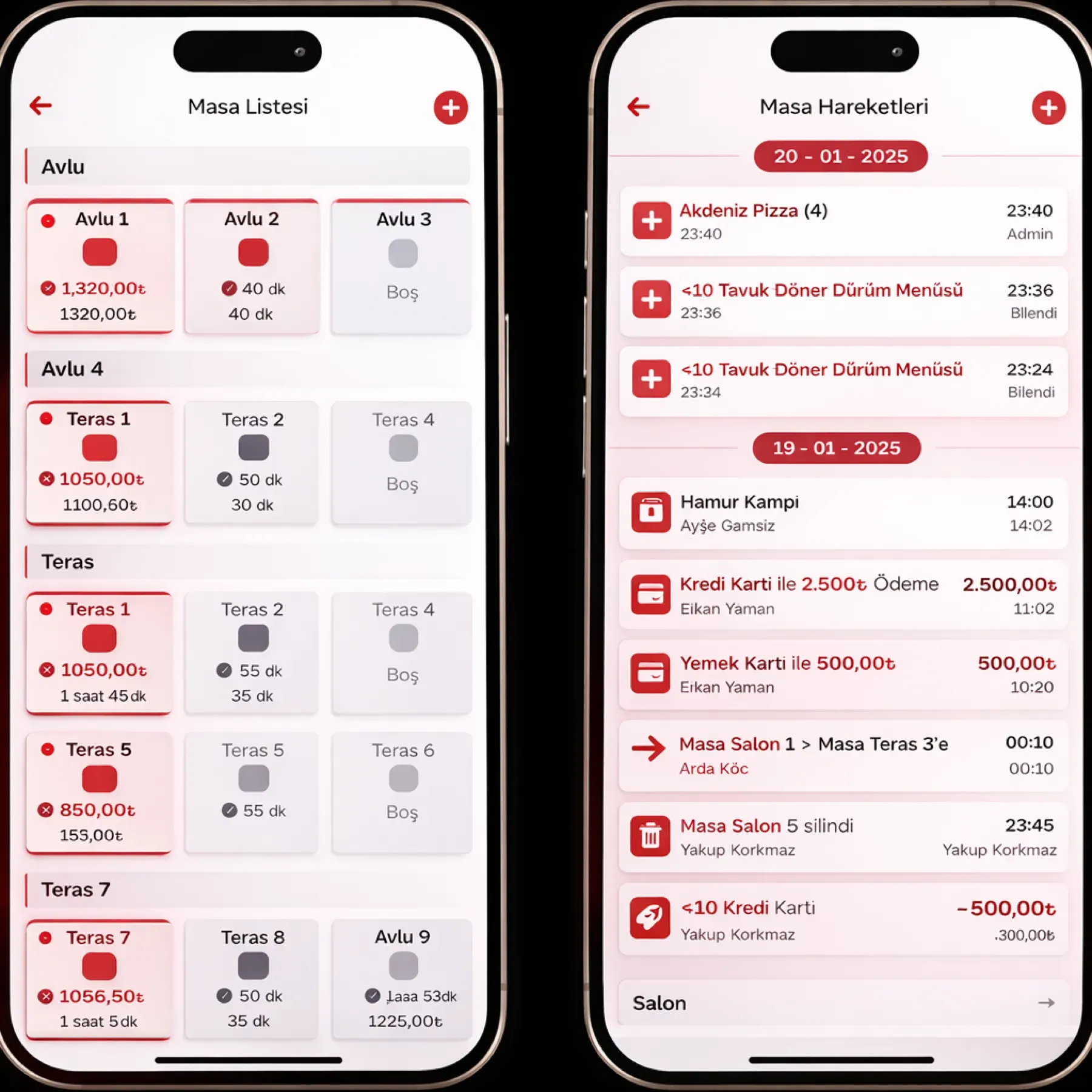
    Tables are placed by drag and drop; occupied, free and reserved status shows by color, and merging and moving tables takes one touch.

  • Waiter mobile terminal

    Ordering at the table on an Android or iOS tablet; product notes, portion choice and hiding a sold-out item from the menu on the same screen.

  • QR menu and online ordering

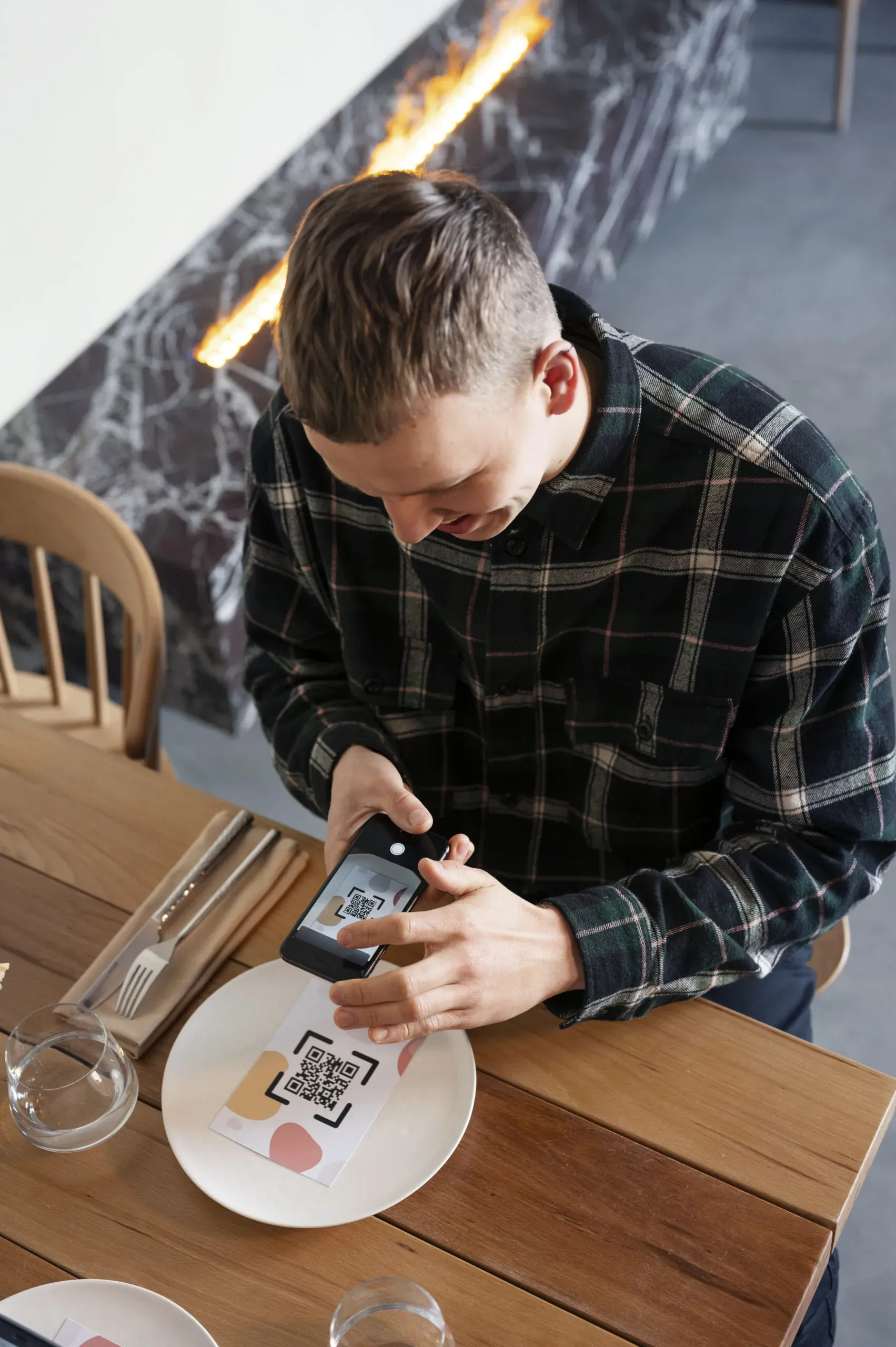
    The customer scans the QR code and orders from a visual menu; the order drops onto the POS and kitchen display, and approval is optional.

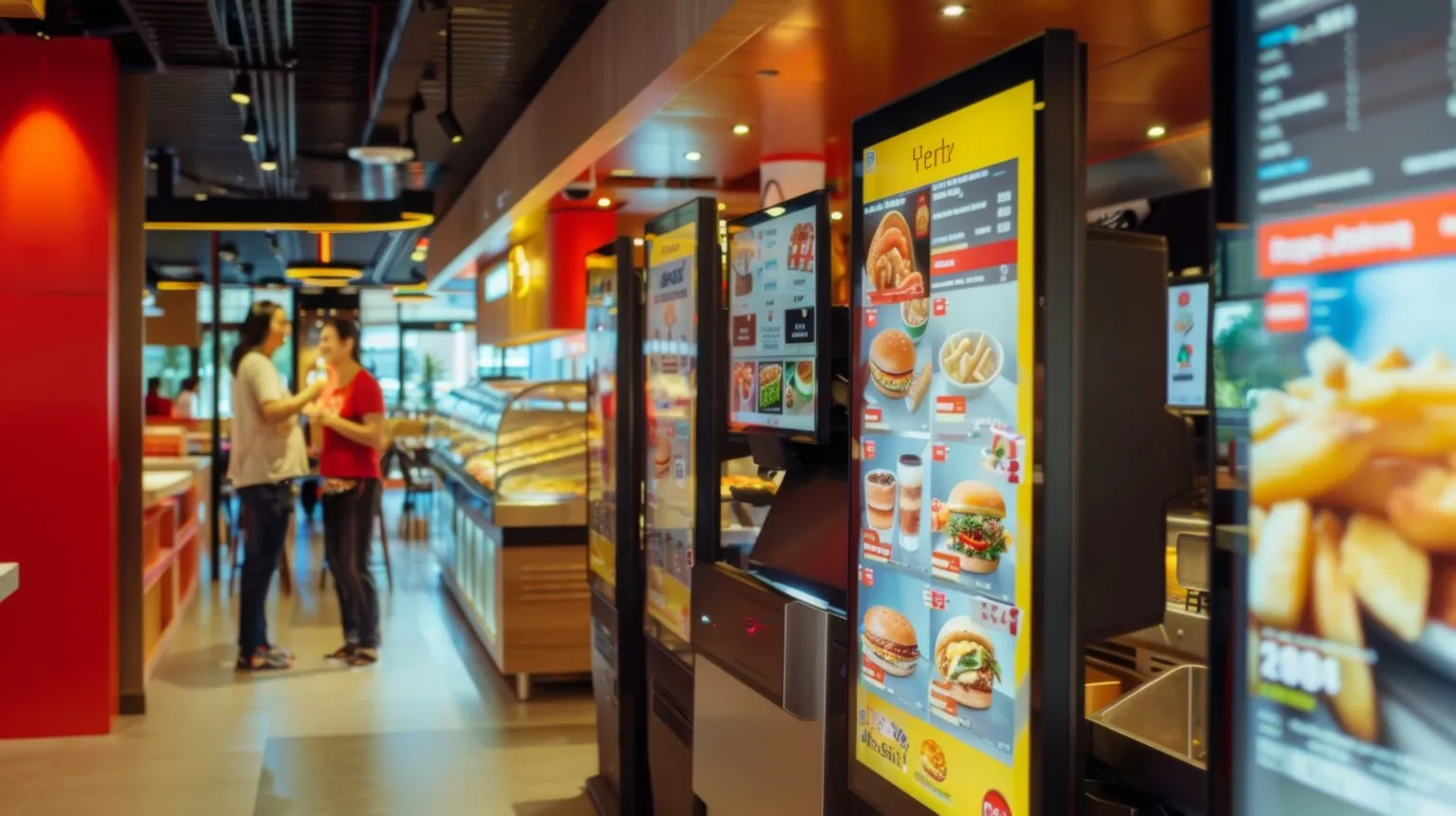
Order and service management: Self-service kiosk
  • Self-service kiosk

    A touch-screen kiosk at the entrance with a visual menu, multiple languages, add-on suggestions and credit card or cash payment; the order goes to the kitchen.

  • Online reservation form

    Date and time are chosen on a form embedded in your website; full time slots are not shown, and SMS confirmation and reminders go out automatically.

  • Caller ID

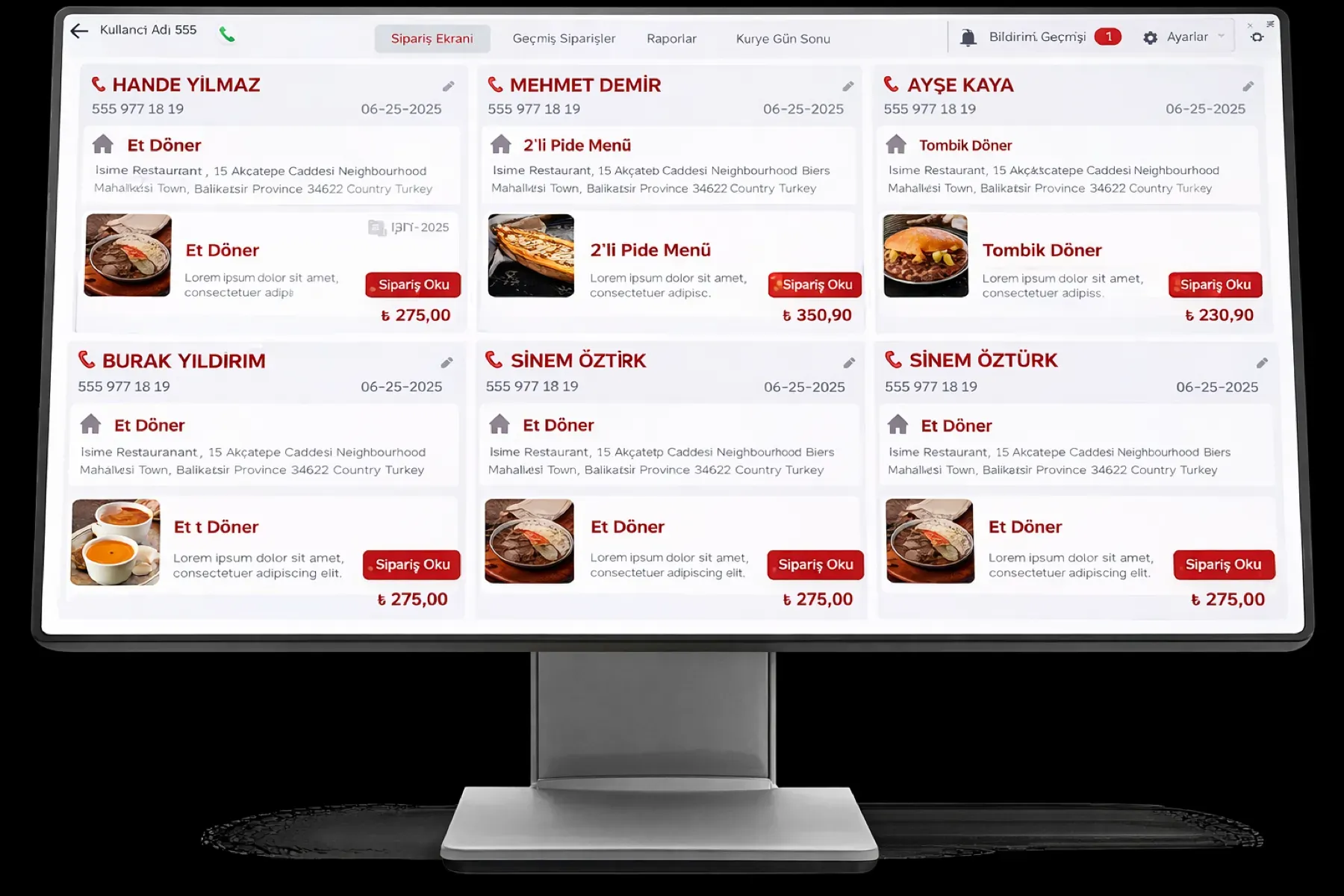
    When a landline, mobile or VoIP call comes in, the customer card, address, payment preference and order history appear on screen; repeat orders take little time.

  • Check splitting and merging

    Orders at a table are taken separately or as a group, and checks are split and merged; the bill is closed per person.

  • Waiter and zone assignment

    Each waiter is assigned a dining-room zone; which table placed which order and who opened it stays in the audit log.

What does Panda AI add to Order and service management?

The Customer Service Agent is the Panda AI agent that answers order, shipping and invoice questions 24/7 on WhatsApp and e-mail and hands over what it cannot solve to the right person.

  1. Today A rep looks in the ERP to check an order’s status With the agent Order and shipping status answered 24/7
  2. Today Out-of-hours messages wait until morning With the agent Hands over what it cannot solve to the right person
  3. Today Complaints can get lost before they are logged With the agent Every request is logged and reported

Jobs it takes on

  • Order, shipping and invoice queries
  • 24/7 answers on WhatsApp and e-mail
  • Logging requests and handing them to the right person
  • Starting return and complaint processes
  • Frequently asked questions knowledge base
  • Request and satisfaction reports

The agent prepares, a person approves. Anything that posts a record or sends something outside the company goes through your approval.

Explore Panda AI agents

Frequently asked questions about Order and service management

Can the modules in this group be bought separately?

Yes. Table and floor management and the waiter terminal are the starting point of most setups; the QR menu, kiosk, online reservations and Caller ID are added to the same account as you need them. All of them use the same order pool and menu.

Does a QR order go through waiter approval?

It is optional. With approval on, an order the customer places from the QR code waits on the waiter terminal and goes to the kitchen once the waiter approves it. With approval off, the order drops straight onto the kitchen display and printer; in both cases the check is written to the table.

Does a reservation show on the table plan?

Yes. A reservation made on the online form or entered by hand turns the table to the reserved color at the chosen time; the host sees the plan at the door. The availability check closes full time slots on the form, so there are no clashes.

What does Caller ID show on a phone order?

When the calling number matches a customer card, the name, address, payment preference and order history appear on screen. The cashier does not ask for the address and opens the last order as a repeat; for a new number, the card is created during that call.

Which devices are needed for tablets and the kiosk?

The waiter terminal runs on Android and iOS tablets; the kiosk is set up with a touch screen and a payment device. Device choice is made with you at discovery, and your existing tablet is used if it is suitable. The kitchen printer and Caller ID device are connected in the same setup.

Does the order sequence get mixed up at peak hours?

No. Every order lands on the kitchen display with its channel, table and time; the kitchen sees the preparation order on screen and marks completed orders. The waiter follows from the terminal what each table is waiting for.

How does bill splitting work?

The check at a table is split per person or by product; each part is closed with its own payment type. At merged tables the checks are combined in one bill, and the tip is added as a separate line.

What does the agent do in the order and service group?

Every morning Panda AI compiles the day's reservations, cancellations and no-shows, and QR and kiosk orders, into one summary. The floor manager reads it and decides the table plan and promotions themselves; the agent does not change the plan.

See Order and service management with your own data

Describe your process in a few sentences and we will show you the modules that fit.

  • 15+ years of enterprise software experience
  • In the cloud or on your own server
  • Processes compliant with KVKK (Turkey's data protection law)

Last reviewed: · Panda Yazılım product team