
Panda ERP

The quote is built in Word, the price list is out of date, approval sits in email

The Quotation module produces customer and supplier quotes from a template, ties them to approval and turns the approved one into an order. One price list, saved versions; which quote was lost and why shows in the report.

Quotation management
In short

Quotation Management is the Panda ERP module that prepares quotes to customers or suppliers from a template, passes them through internal approval, sends them as PDF and turns an accepted one into an order. Items come from the current price list and stock; revisions are stored as versions, and the reason for acceptance or rejection appears in the report.

How is this work done today?

  • The quote lives in a Word template

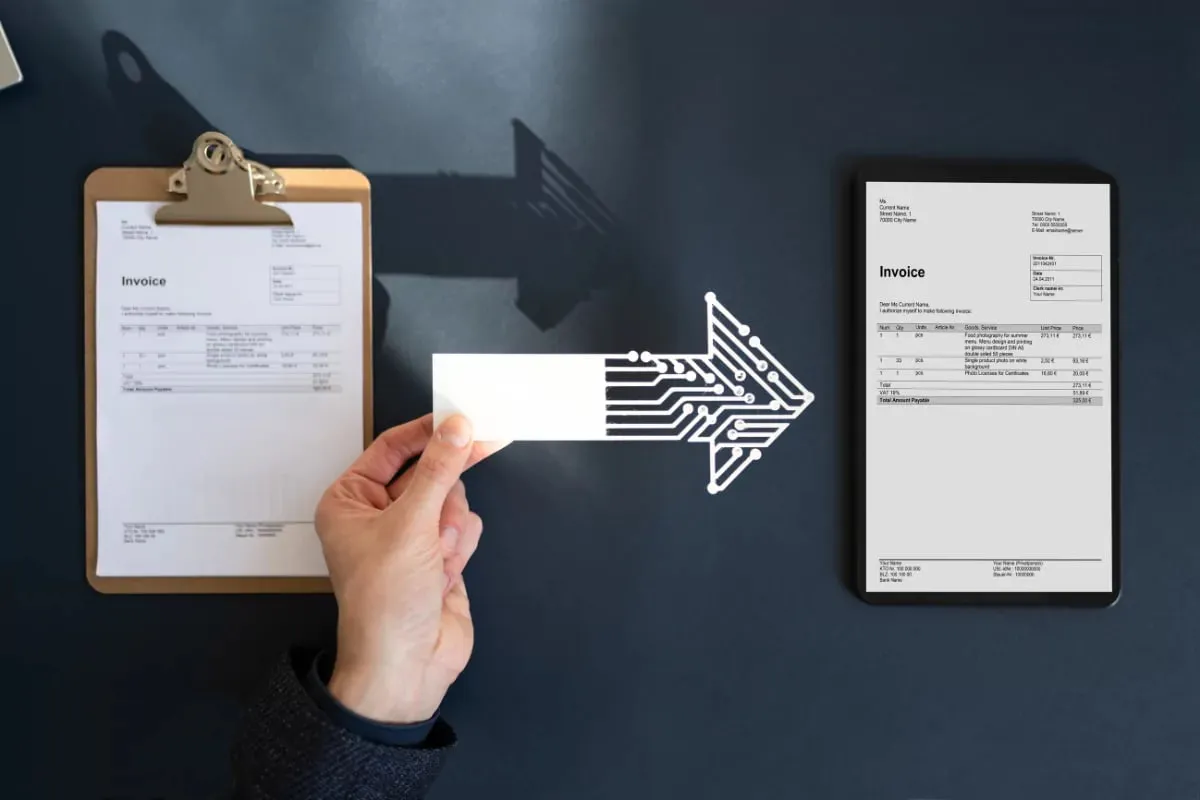
    Every quote is built by copying an old Word file; nobody is sure the price list is current.

    1 salesperson × 45 minutes / quote
  • Approval is in an email chain

    An email goes to the manager for discount approval; the customer waits for the reply, and which version was approved gets muddled.

    2 people × 20 minutes / quote
  • Lost quotes are not tracked

    Nobody records which quote was rejected and why; pricing decisions are made by gut feeling.

    1 sales manager × 2 hours / month

How does Quotation management work?

  1. 1

    Items are selected

    Product and service items come from the price list; customer-specific discount, payment term and delivery terms are written on the card.

  2. 2

    It goes for approval

    A quote that exceeds the discount or amount threshold goes to the defined approver; approval is given from phone or computer, and the version is locked.

  3. 3

    The PDF is sent and tracked

    The branded template goes out as a PDF by email; the quote status (sent, revised, accepted, rejected) updates on the card.

  4. 4

    It becomes an order

    An accepted quote becomes a sales order in one click; items, price and terms are not re-entered. The reason for rejection is written to the report.

See how Quotation management would work in your business

Tell us briefly about your process and we will walk through the screens with your own example.

  • Reply the same business day
  • 15+ years of experience
  • 90 client businesses

Quotation management features

Quotation management: Quote template
  • Quote template

    Logo, heading, terms text and item table to your brand; PDF and email sending from the system.

  • Price list and discount

    Price list by customer group, line and total discount, foreign exchange at the day's rate.

  • Approval and authorization

    Approvers defined by threshold, mobile approval, an approved version cannot be changed.

Quotation management: Version tracking
  • Version tracking

    Each revision is a separate version; which version went to the customer is in the audit log.

  • Converting a quote to an order

    An accepted quote becomes a sales order, and a supplier quote a purchase order, in one click.

  • Win-loss analysis

    Number of quotes, acceptance rate and rejection reasons by salesperson, product and customer.

  • CRM link

    A quote is opened from the opportunity card; the quote status updates the opportunity stage.

What does Panda AI add to Quotation management?

The Sales and Quotation Agent is the Panda AI agent that brings price, stock and customer history together and prepares a draft quotation in minutes.

  1. Today Price, stock and discount are checked separately for each quotation With the agent A draft quotation is ready in minutes
  2. Today The customer’s history lives in the rep’s memory With the agent The customer’s history is in front of you with one message
  3. Today Quotations nobody follows up quietly disappear With the agent Reminders arrive for pending quotations

Jobs it takes on

  • Draft quotations and pro formas
  • 360° summary per customer
  • Lost-customer and opportunity alerts
  • Mobile queries for the field team
  • Sales performance reports
  • Quotation follow-up reminders

The agent prepares, a person approves. Anything that posts a record or sends something outside the company goes through your approval.

Explore Panda AI agents

Frequently asked questions about Quotation management

Can we edit the quote template ourselves?

Yes. Heading, terms text, logo and item columns are edited in settings; several templates (domestic, export, service) can be kept.

Can quotes be given in foreign currency?

Yes. The quote is prepared in a foreign currency, and the rate is taken at the day's rate or fixed; the rate record is kept when it converts to an order.

Are supplier quotes also handled in this module?

Yes. On the purchasing side, quotes received from suppliers are entered item by item and compared; the chosen quote becomes a purchase order.

How does the customer tell us they accepted?

An acceptance received by email is marked on the card, or the customer sends back the signed PDF and it is attached to the record. With Panda AI on, the acceptance email is read and the quote status updates automatically; the salesperson approves the conversion to an order.

What does the agent do in quotations?

Items are extracted from the customer's request, and a draft quote is prepared with the latest price list and stock. The sales lead approves the margin and the sending. Scenario: quote comparison.

Is quote validity tracked?

Yes. A validity date is kept on the quote; an expired quote is flagged in the list and a reminder goes to the salesperson. An extension is saved as a new version, and the old version does not change.

What breakdowns do quote reports offer?

Number of quotes, total amount, acceptance rate and average closing time are reported by salesperson, customer, product group and period. Because rejection reasons are chosen from a list, losses to price, lead time and competitors show separately.

How are a quote and a CRM opportunity linked?

When a quote is opened from the opportunity card, the quote status updates the opportunity stage; an accepted quote closes the opportunity as won and becomes an order. The sales funnel report is fed by this link.

What if the price changes after quote approval?

The approved version is locked; a change opens a new version and, if needed, goes for approval again. Which version went to the customer and which was accepted is kept in the audit log, and the order is opened from the accepted version.

See Quotation management with your own data

Describe your process in a few sentences and we will show you the modules that fit.

  • 15+ years of enterprise software experience
  • In the cloud or on your own server
  • Processes compliant with KVKK (Turkey's data protection law)

Last reviewed: · Panda Yazılım product team