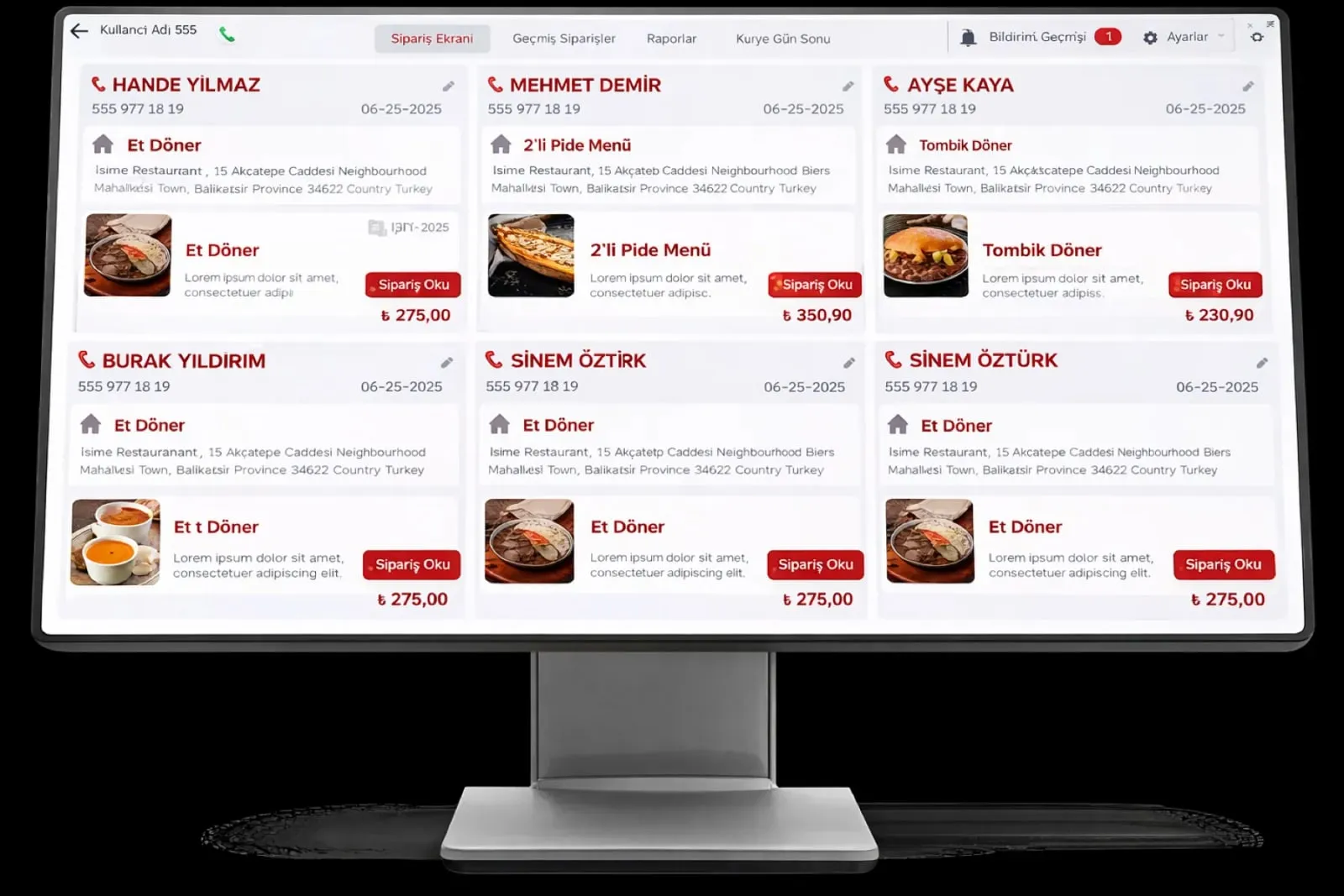
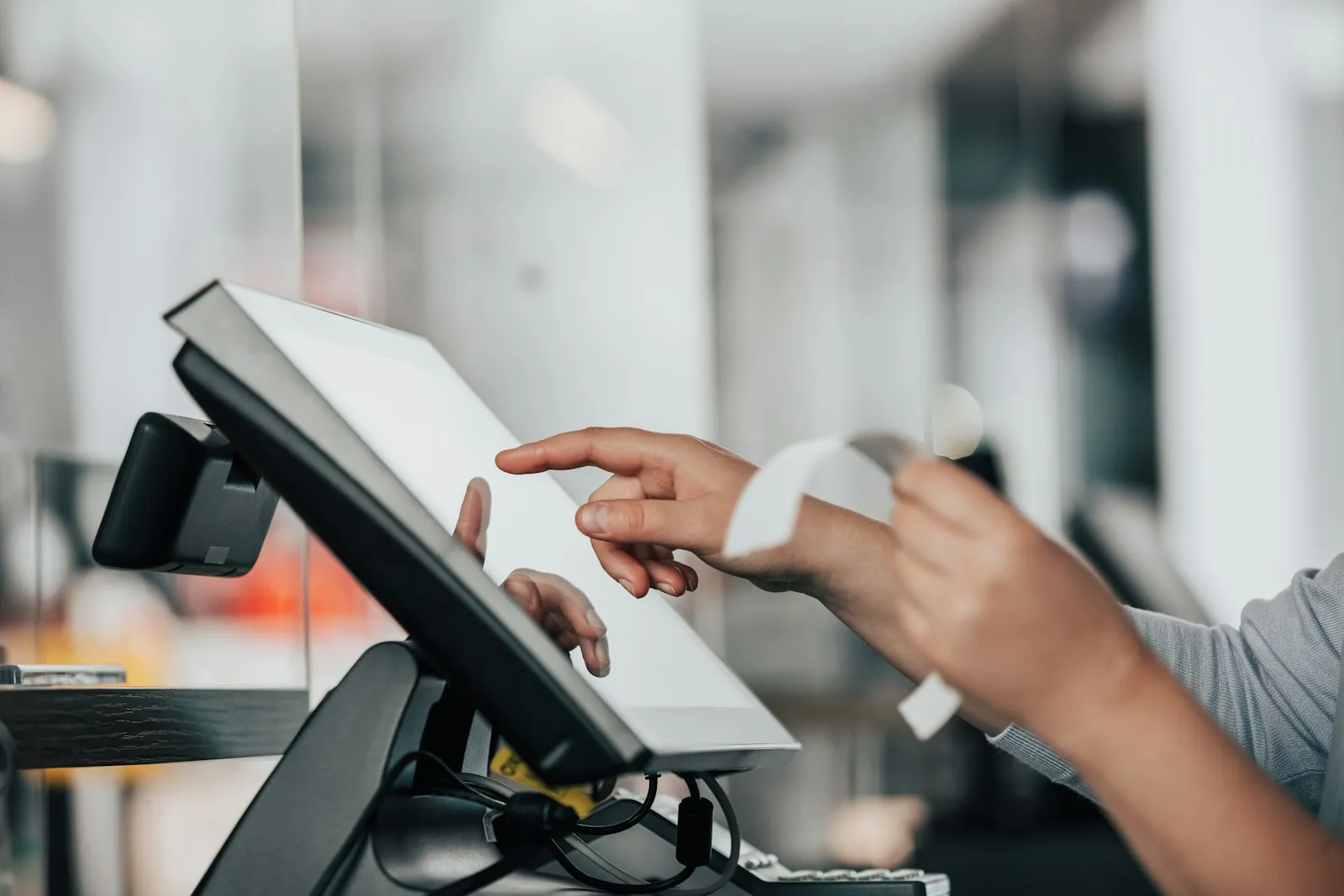
Restaurant Management

The bill has to be split, there is no QR; the cashier separates card and cash with a calculator

POS and Payment brings table-based checks, QR payment, split bills and multiple payment methods onto one register screen. The register and kitchen see the same record; end-of-day closing is one click and matches the bank POS statement.

POS and payment
In short

POS and Payment is the Panda Restoran layer that runs check opening, item entry, bill splitting, payment collection and register closing on one screen. Table, delivery and click-and-collect checks move on the same record as the kitchen; guests pay from their phone by QR code, and the cashier splits the bill by person, by item or equally. Cash, card and QR collections match the bank POS statement at end of day; the cash register receipt is issued from the check.

How is this work done today?

  • Bill splitting is done at the register with a calculator

    A table of four wants to pay separately; the cashier writes the items on paper and divides them, and three cards and one cash payment are run in turn. The table waits at the register.

    1 cashier × 5 minutes / split bill
  • End of day does not match the POS statement

    The amount that went through the bank POS differs from the register report; the difference is hunted by counting slips line by line. A difference that is not found is pinned on the cashier.

    1 cash lead × 45 minutes / day
  • Items added later to a check are forgotten

    A table asks for a second drink, the waiter brings it but does not write it on the check; the bill is issued short and the difference shows up in end-of-day stock.

    1 waiter × 10 minutes / shift

How does POS and payment work?

  1. 1

    The check is opened

    A table, delivery or click-and-collect check is opened from the register, the waiter terminal or the QR menu; the order goes to the kitchen screen from the same record, and items added later are posted to the check.

  2. 2

    The guest pays or the bill is split

    The guest scans the QR code on the receipt or table and pays from their phone; if the cashier prefers, the bill is split by person, by item or equally, and each part is collected by its own method.

  3. 3

    Collection and receipt

    Cash, bank POS, QR and meal card collections are written to the check; the cash register receipt is issued from the check automatically and the e-receipt record is kept.

  4. 4

    Register closing and matching

    End-of-day closing is taken in one click; card collections are compared with the bank POS statement and cash with the register count, and the difference list goes to the cash lead.

See how POS and payment would work in your business

Tell us briefly about your process and we will walk through the screens with your own example.

  • Reply the same business day
  • 15+ years of experience
  • 90 client businesses

POS and payment features

POS and payment: Table-based checks
  • Table-based checks

    Table, delivery and click-and-collect checks; item entry, complimentary items, discounts and voids depend on permission, and every action stays in the audit log with who did it.

  • Payment by QR

    A guest who scans the QR code on the receipt or table pays from their phone; no app is needed, payment closes the check and a tip option is added.

  • Split bills

    Split by person, by item or equally; each part is collected separately by cash, card or QR, and the remaining amount is tracked on screen.
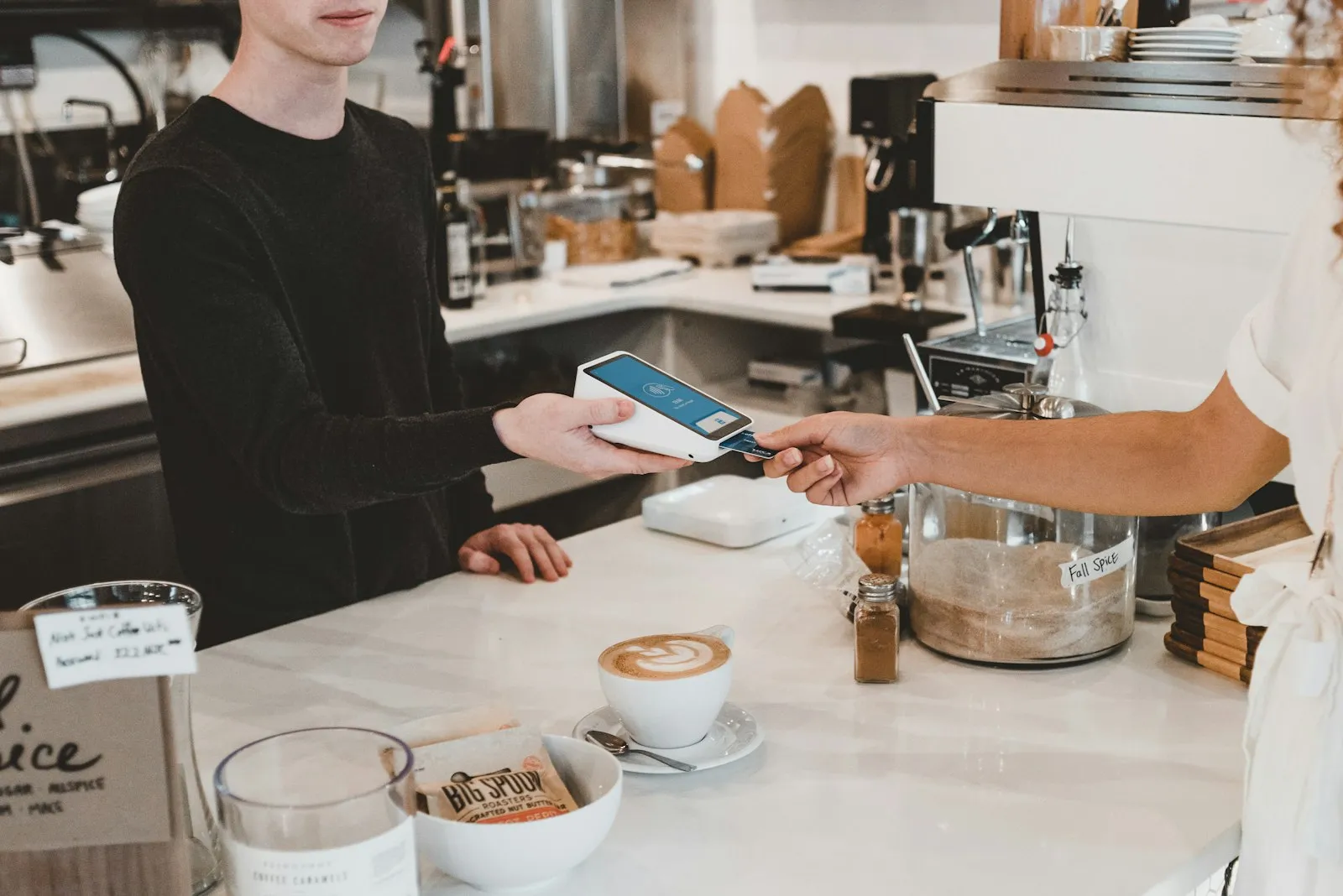
POS and payment: Multiple payment methods
  • Multiple payment methods

    Cash, bank POS, QR, meal card and open account on the same check; foreign currency is recorded with the exchange rate and end of day comes out by payment type.

  • Register management

    Register opening and closing by shift, collections by cashier, cash count and difference list; actions permitted by permission level.

  • Bank POS and payment provider matching

    Card collections match the bank POS statement and the online payment provider report; the amount net of commission goes to the accounting record.

  • Cash register and e-receipt

    When the check closes, the receipt is issued from a Beko, Ingenico, Hugin, PAX or Pavo cash register; the e-receipt (electronic check) record is stored in line with local fiscal rules.

  • Accounting link

    End-of-day revenue, payment type split and commission go to the Income and Expense module and Panda ERP pre-accounting as a single record.

What does Panda AI add to POS and payment?

The Finance and Accounting Agent is the Panda AI agent that takes on due-date tracking, bank-to-ERP matching and draft account reconciliations.

  1. Today Bank transactions are matched to the ERP by hand With the agent Unmatched transactions are listed every morning
  2. Today Due-date lists are kept separately in Excel With the agent A cash flow forecast is ready on current data
  3. Today Account reconciliation e-mails are written one by one With the agent Reconciliation e-mails arrive as drafts; approval is yours

Jobs it takes on

  • Due-date and collections tracking
  • Bank-to-ERP matching check
  • Cash flow and budget variance report
  • Draft account reconciliations
  • Invoice and expense inconsistency alerts
  • Month-end closing checklist

The agent prepares, a person approves. Anything that posts a record or sends something outside the company goes through your approval.

Explore Panda AI agents

Frequently asked questions about POS and payment

How does payment by QR work?

When the check is ready to close, a QR code is shown on the receipt or at the table; the guest scans it with the phone camera, sees the amount and pays with a card. No app is downloaded. Payment goes through the payment provider, the check closes by itself and the cashier sees 'paid' on screen. A tip option can be added to the payment screen.

In how many ways can a bill be split?

Three: by person (each person picks their own items), by item (specific items are paid separately) and equally (divided by the number of people). Each part is collected separately by cash, card or QR; the remaining amount is visible on screen and the check closes when everything is paid.

How does the register match the bank POS statement?

At end of day, card collections are matched with the bank POS statement or the payment provider report by amount, time and last four digits. A transaction that does not match comes to the cash lead as a list. The amount net of commission goes to the accounting record; closing is not final until the difference is explained.

How are meal card and open account collections handled?

Meal card payments are written to the check as a separate payment type; in the end-of-day report they appear by card provider and match the provider statement. For a corporate customer an open account is defined; the check is written to the customer account, a single invoice is issued at month end and collection is deducted from the account.

Can the waiter take payment at the table?

Yes. With mobile devices such as PAX A910SF and Ingenico Move 5000 F, the card is tapped at the table and the receipt comes out of the same device; the check closes in Panda Restoran. A QR payment can also be started from the waiter mobile terminal. A collection taken at the table appears on the cashier screen instantly.

Which sub-modules does it work with?

This page is an overview of the register and payment flow. Cash register connection and e-receipt detail are on Cash Register and e-receipt Integration, ordering and payment at the table on Waiter Mobile Terminal, and the cost and profit side on Income and Expense Management. All are parts of the same setup.

How is a cashier's permission limited?

Void, refund, discount, complimentary and drawer-open permissions are defined by role in the Staff and Shift module; a manager code is asked for an unauthorised action. Every action is stored in the audit log with who did it. When an end-of-day difference is explained, the void and complimentary list comes out by cashier; the dispute is settled by the record.

What does the agent do in POS and payment?

Panda AI matches cash, card and QR payment records with the bank POS statement at end of day; a transaction that does not match and any amount difference come as a list. The cash lead approves closing and corrections; the agent does not close the register on its own or change a record. Scenario: reconciliation.

See POS and payment with your own data

Describe your process in a few sentences and we will show you the modules that fit.

  • 15+ years of enterprise software experience
  • In the cloud or on your own server
  • Processes compliant with KVKK (Turkey's data protection law)

Last reviewed: · Panda Yazılım product team