Restaurant Management

The menu is reprinted, price stickers are pasted on, and the table waits for the waiter

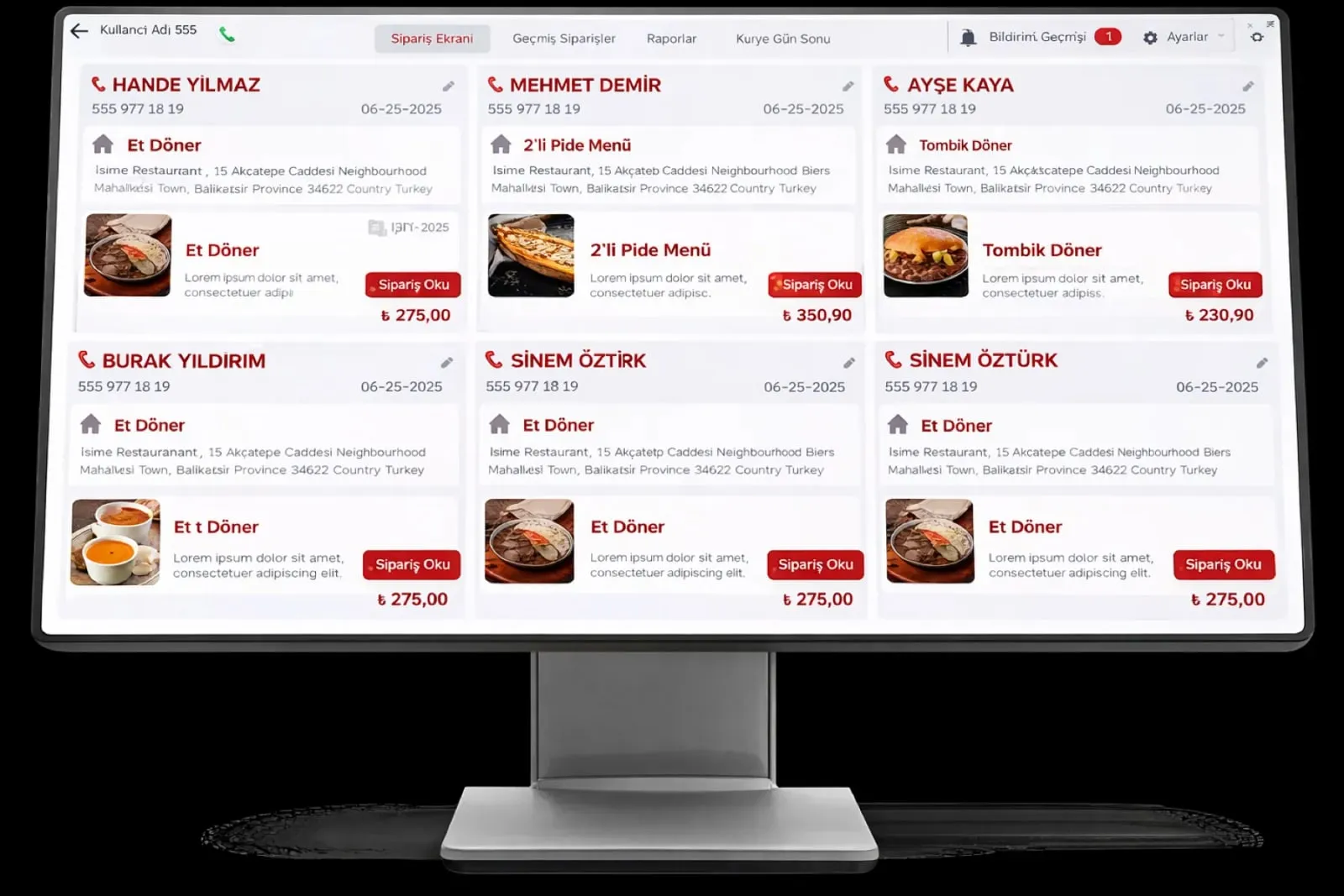
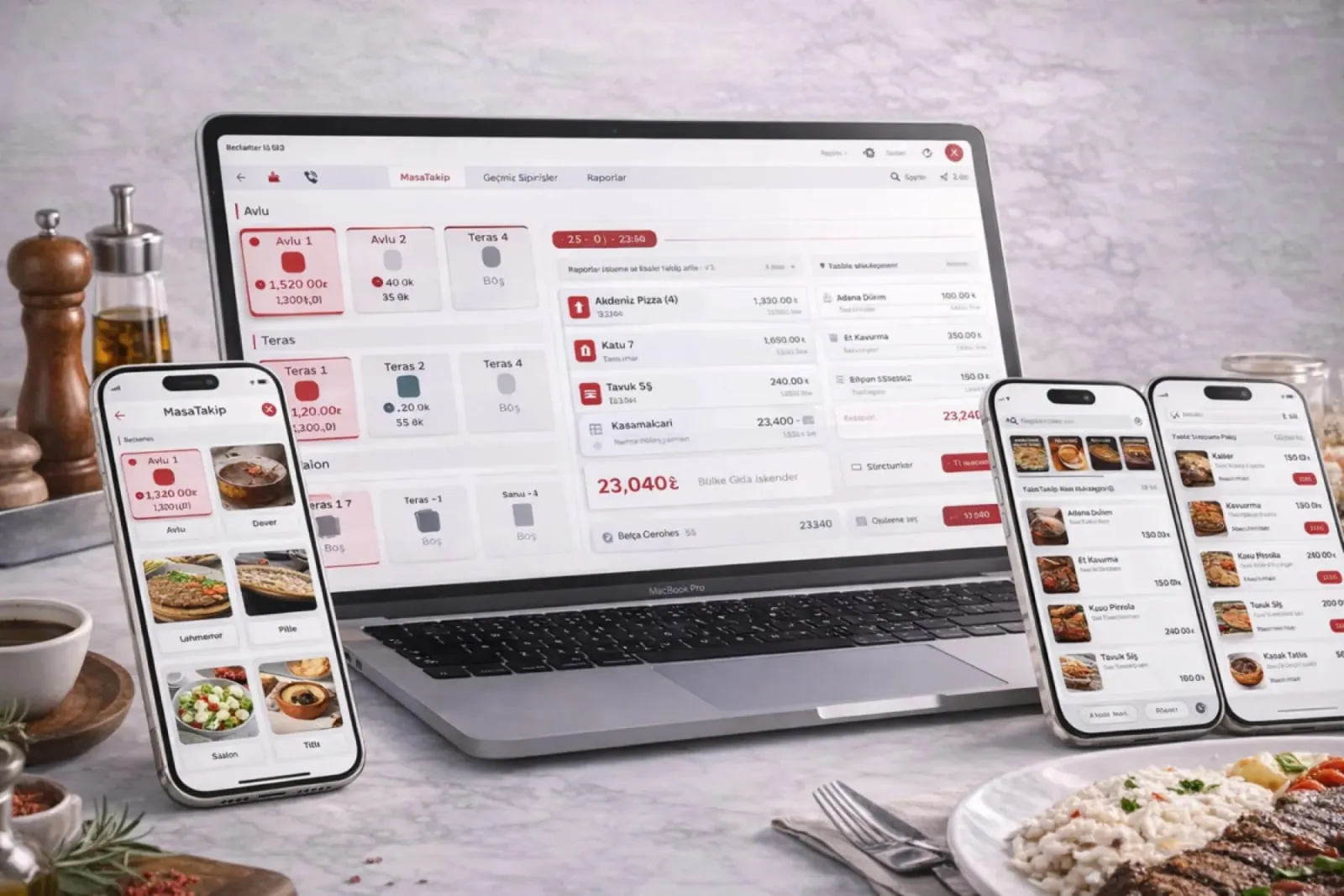
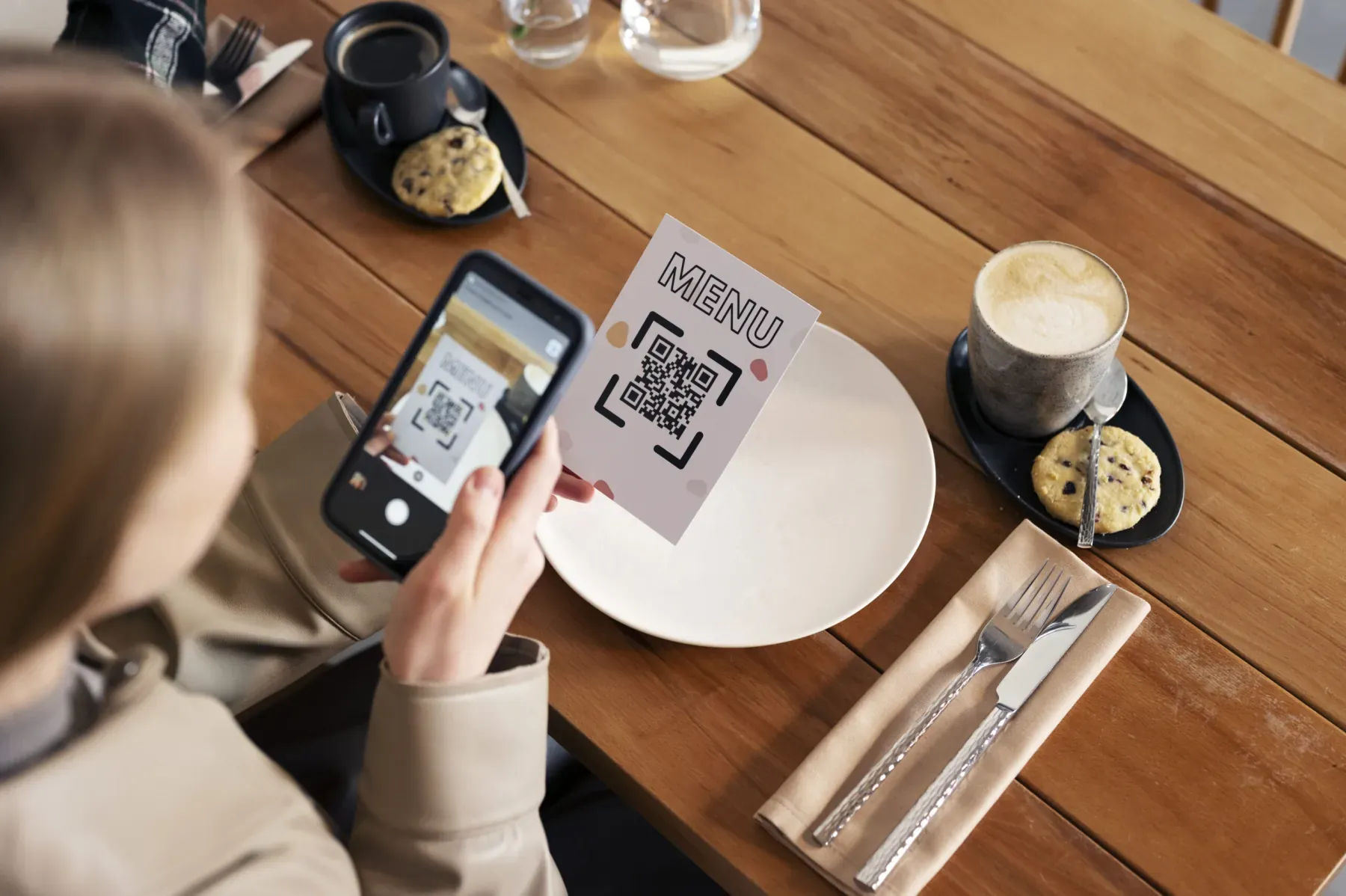
QR Menu and Online Ordering carries a product and price you add to the system straight into the QR menu. The customer scans the code and orders from a visual menu; the order drops onto the POS and kitchen display.

QR menu and online ordering
In short

QR Menu and Online Ordering is the Panda Restoran module that opens your product and price list to the customer through a QR code on the table and sends the order straight to the POS. A change you make in the menu shows in the QR menu at once; the customer builds an order from a visual showcase, and after optional waiter approval the order drops onto the kitchen display and printer. Printed menus and manual entry come to an end.

How is this work done today?

  • The menu is reprinted when prices change

    With every price update the menu goes to the print shop or a sticker is pasted on; a menu with the old price stays on the table, and an argument starts at the register.

    1 manager × 2 hours / update
  • The customer waits for the waiter

    At peak hour the table raises a hand to order; the time before the waiter arrives lengthens table turnover.

    1 waiter × 5 minutes / table
  • Online orders are copied from email

    An order from the website arrives as an email or message; the cashier types it into the program by hand, and an item gets skipped.

    1 cashier × 3 minutes / order

How does QR menu and online ordering work?

  1. 1

    The menu is published from the system

    Product, image, description and price come from the product card; the QR menu is not managed separately. A QR code is generated per table, and the table number is written to the order automatically.

  2. 2

    The customer scans and orders

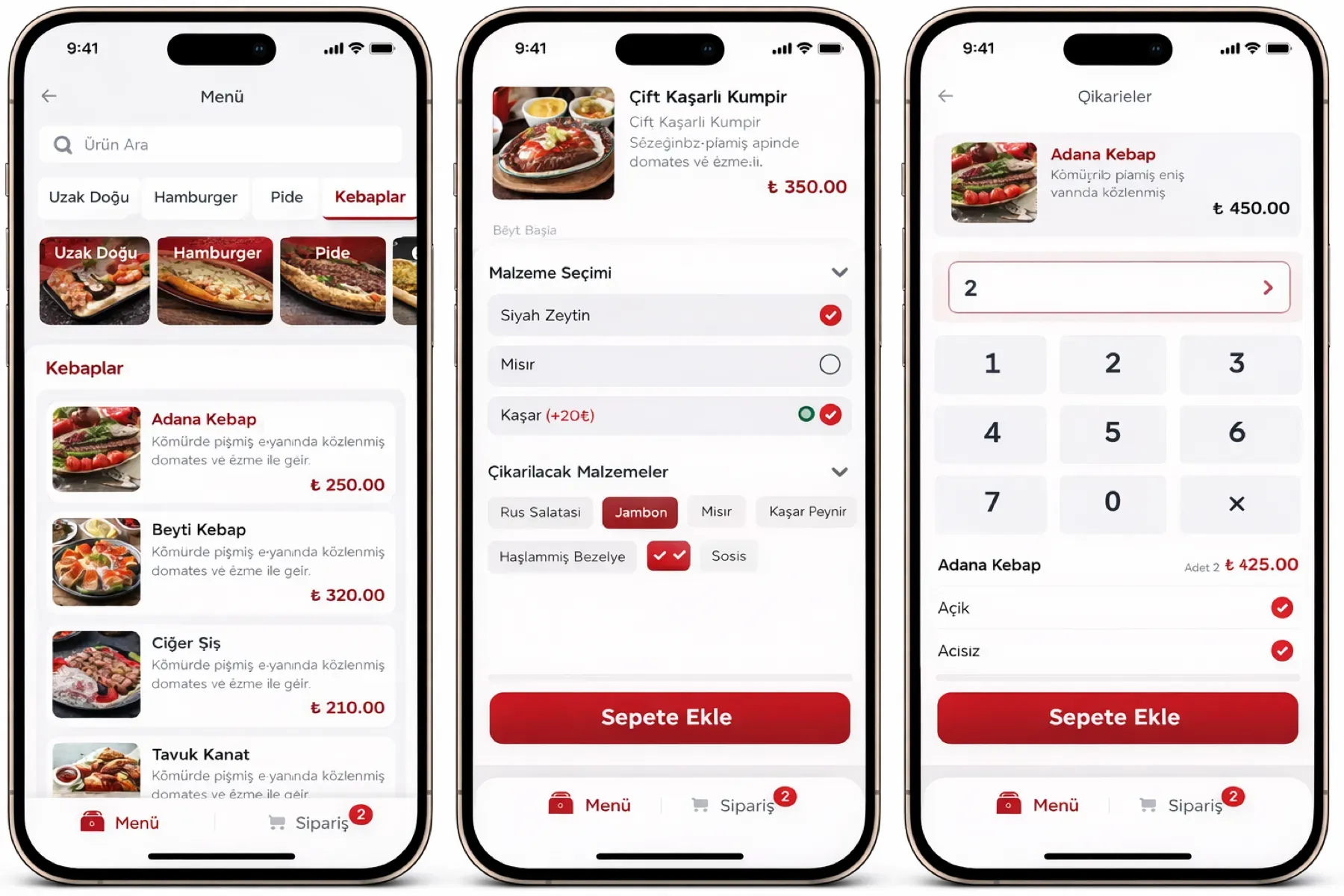
    The code scanned with the phone camera opens the menu; the customer chooses portion and extras, writes a note and sends the order. No app download is needed.

  3. 3

    The order drops onto the POS and kitchen

    The order is written to the check and goes to the kitchen display and printer. If approval is on, it first waits for approval on the waiter terminal.

  4. 4

    The agent reports QR order volume

    The hour, product and table distribution of QR and online orders arrives as a summary every morning; a product whose price is not current is flagged. The business approves menu and price changes.

See how QR menu and online ordering would work in your business

Tell us briefly about your process and we will walk through the screens with your own example.

  • Reply the same business day
  • 15+ years of experience
  • 90 client businesses

QR menu and online ordering features

QR menu and online ordering: Contactless digital menu
  • Contactless digital menu

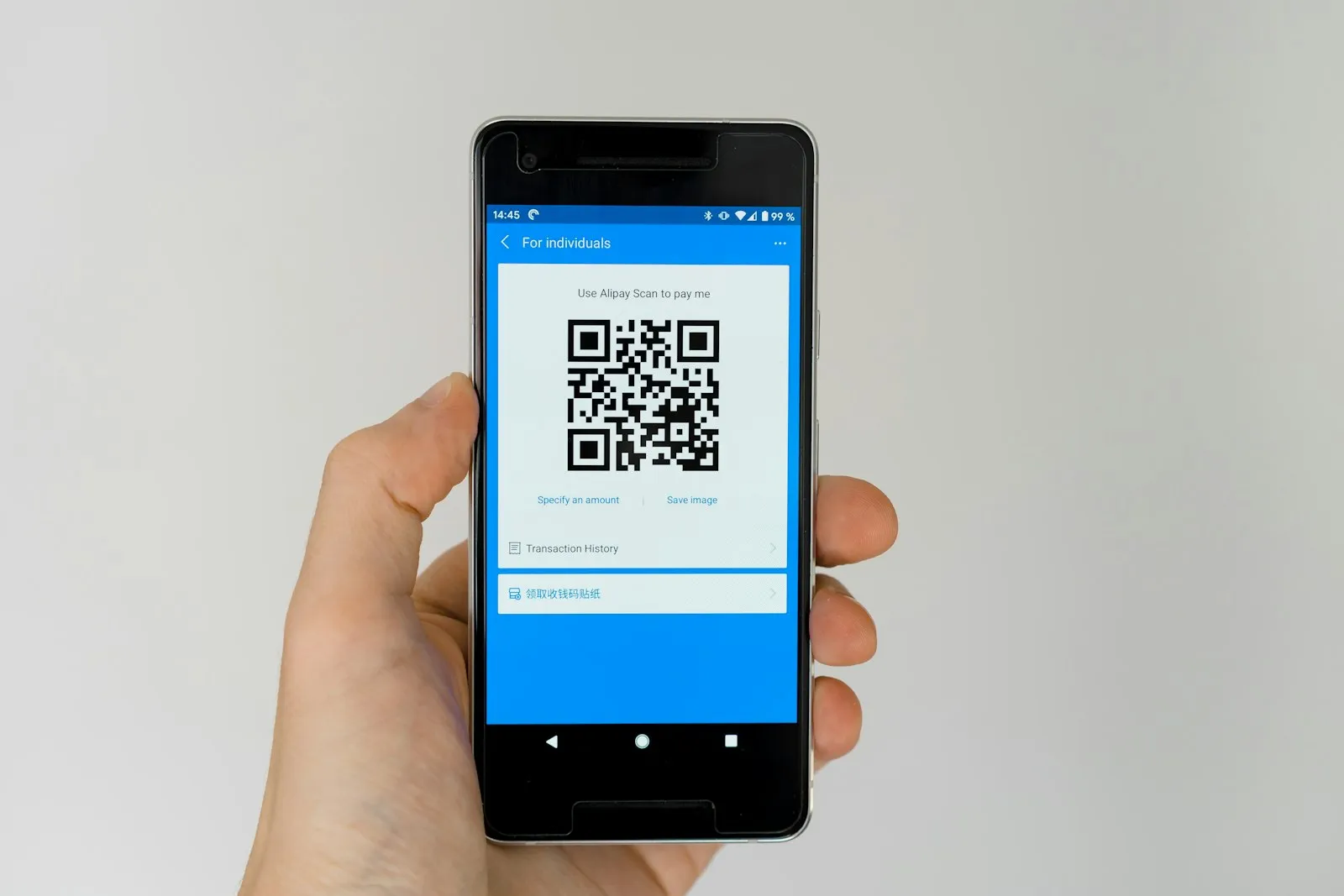
    The customer scans the QR code on the table to reach the current menu; the cost of printing, reprinting and distributing menus disappears.

  • Automatic update

    A change to price, image and description on the product card shows in the QR menu instantly; a sold-out product drops off the menu by itself.

  • Self-service ordering

    The customer builds the order from their own phone without waiting for the waiter; the waiter approval mechanism is switched on or off as you choose.
QR menu and online ordering: Visual product showcase
  • Visual product showcase

    Products are presented with photo, ingredient description, allergen information and price; categories and promotions sit above the showcase.

  • Kitchen and POS integration

    An order placed from the QR menu is passed automatically to the POS system, the kitchen display and the printer; the cashier does not re-enter it.

  • Table-based QR code

    A separate QR code is generated for each table and printed as a PDF; the order drops onto the right table's check, and the waiter does not ask which table.

  • Online payment

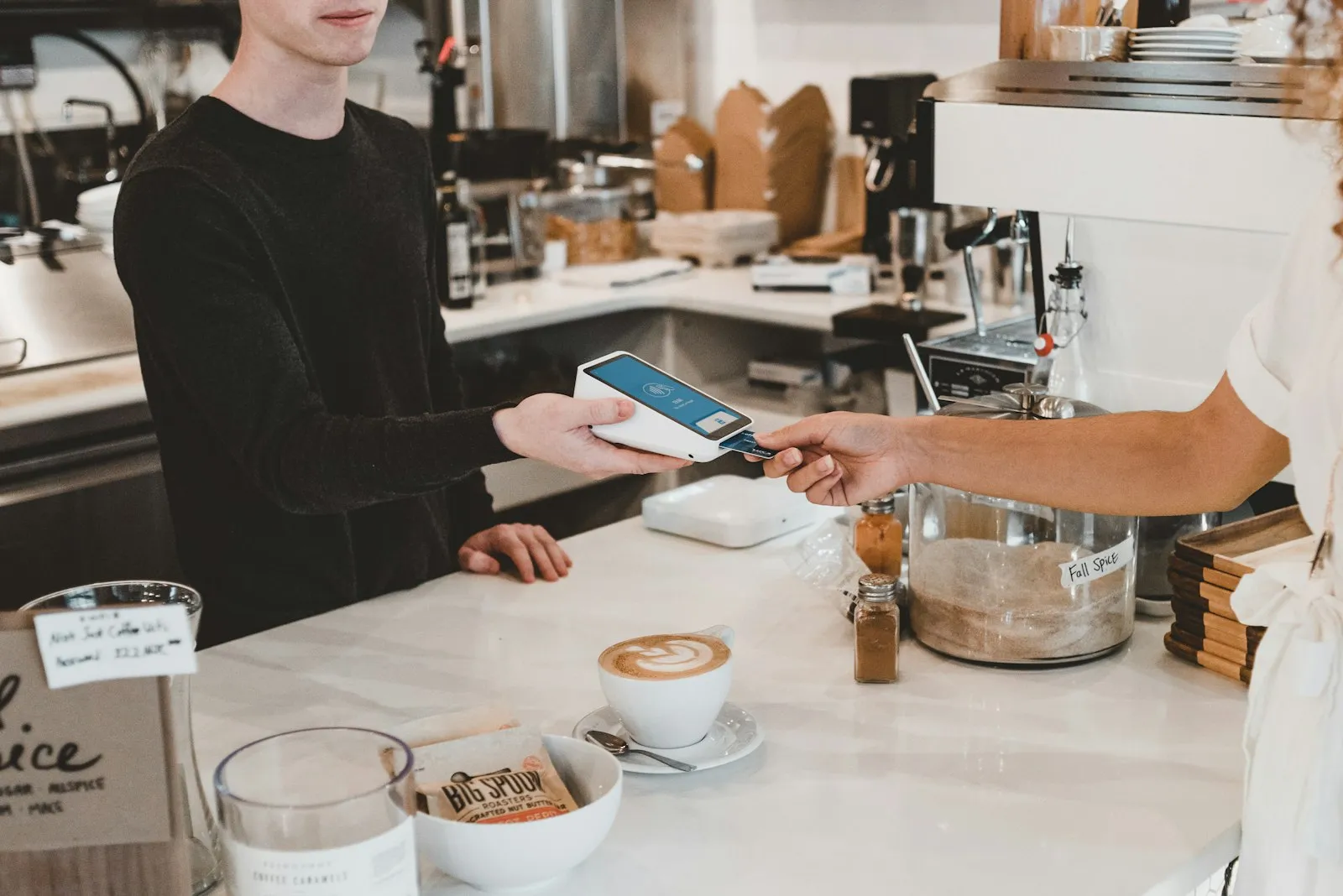
    The customer can pay for the order from their phone; the payment record is written to the check and the end-of-day report, and nobody waits for the bill at the table.

  • Multiple languages

    The menu is shown in the chosen languages; in a tourist-heavy business the customer orders in their own language while the kitchen display reads in Turkish.

What does Panda AI add to QR menu and online ordering?

The Customer Service Agent is the Panda AI agent that answers order, shipping and invoice questions 24/7 on WhatsApp and e-mail and hands over what it cannot solve to the right person.

  1. Today A rep looks in the ERP to check an order’s status With the agent Order and shipping status answered 24/7
  2. Today Out-of-hours messages wait until morning With the agent Hands over what it cannot solve to the right person
  3. Today Complaints can get lost before they are logged With the agent Every request is logged and reported

Jobs it takes on

  • Order, shipping and invoice queries
  • 24/7 answers on WhatsApp and e-mail
  • Logging requests and handing them to the right person
  • Starting return and complaint processes
  • Frequently asked questions knowledge base
  • Request and satisfaction reports

The agent prepares, a person approves. Anything that posts a record or sends something outside the company goes through your approval.

Explore Panda AI agents

Frequently asked questions about QR menu and online ordering

Does the customer need to download an app?

No. The QR code is scanned with the phone camera and the menu opens in the browser. Ordering and payment are completed on the same page; the customer does not have to register, and a phone number is asked only for the loyalty program.

Does the order go to the kitchen without waiter approval?

It depends on your setting. With approval on, the order waits on the waiter terminal and the waiter checks the table and approves. With approval off, the order drops straight onto the kitchen display; in both cases the order is written to the table's check.

Is there a separate panel for updating the menu?

No. A price, image or description change you make on the product card is reflected in the QR menu instantly. If a different menu is defined per branch, each branch's QR menu shows its own list.

How is the table number linked to the order?

A separate QR code is generated for each table; when the code is scanned, the order drops onto that table's check. A separate QR code is defined for delivery and pick-up; these orders appear on the delivery screen.

How is online payment taken?

Once the virtual POS connection is set up, the customer pays by card at the end of the order; the payment is posted to the check and the end-of-day report. For a customer who prefers to pay at the table, the order is written to the open check and the register closes it.

Are orders from the website taken with the same module?

Yes. The same menu is added to your website as a link; the customer places a delivery or pick-up order and it drops onto the delivery screen. When a number matches a customer card, Caller ID brings the address information in automatically.

Who prepares the images and descriptions?

Product images and descriptions are uploaded by you to the product card; existing images are imported in bulk during setup. The list of products with a missing image or price appears in the morning report, and the business completes them.

What does the agent do in the QR menu?

Every morning Panda AI compiles the hour, product and table distribution of QR and online orders into a summary, and flags a product whose price is out of date or whose image is missing. The business approves menu and price changes; the agent does not change the menu on its own.

See QR menu and online ordering with your own data

Describe your process in a few sentences and we will show you the modules that fit.

  • 15+ years of enterprise software experience
  • In the cloud or on your own server
  • Processes compliant with KVKK (Turkey's data protection law)

Last reviewed: · Panda Yazılım product team