











Panda CRM

Customer emails in the inbox, quotes in Excel, call notes in a diary

The CRM module group of Panda ERP keeps leads, opportunities, quotes, campaigns, contracts and support tickets on one customer card. Sales, marketing and support see the same history.

CRM
In short

CRM is the Panda ERP module group that keeps leads, opportunities, the sales process, campaigns, contracts, help desk and SLA records on a single customer card. Every call, quote and support ticket is logged on the same card; the customer/supplier account, orders and e-invoice run from the same record on the ERP side. Modules are switched on one by one, and the field team reaches the same data from the mobile app.

Panda CRM modules

Start with only the module you need; the others can be switched on later, on top of the same records.

How is this work done today?

  • Customer history lives with individuals

    What was discussed with which customer sits in the salesperson's mailbox and phone notes; when the salesperson leaves, the history leaves with them.

    1 sales manager × 2 hours / handover
  • Quotes, orders and support in separate programs

    The quote is in Excel, the order in the ERP, the complaint in email; one customer question means checking three screens.

    1 person × 20 minutes / question
  • The weekly sales report is merged by hand

    Each salesperson keeps their own pipeline in a separate Excel file; on Monday morning the manager merges the files before the meeting.

    1 manager × 2 hours / week

How does CRM work?

  1. 1

    One customer card

    The account record, contacts, call notes, quotes and support history are gathered on the same card. Sales, marketing and support see the same record and edit as far as their permissions allow.

  2. 2

    Leads become opportunities, opportunities become quotes

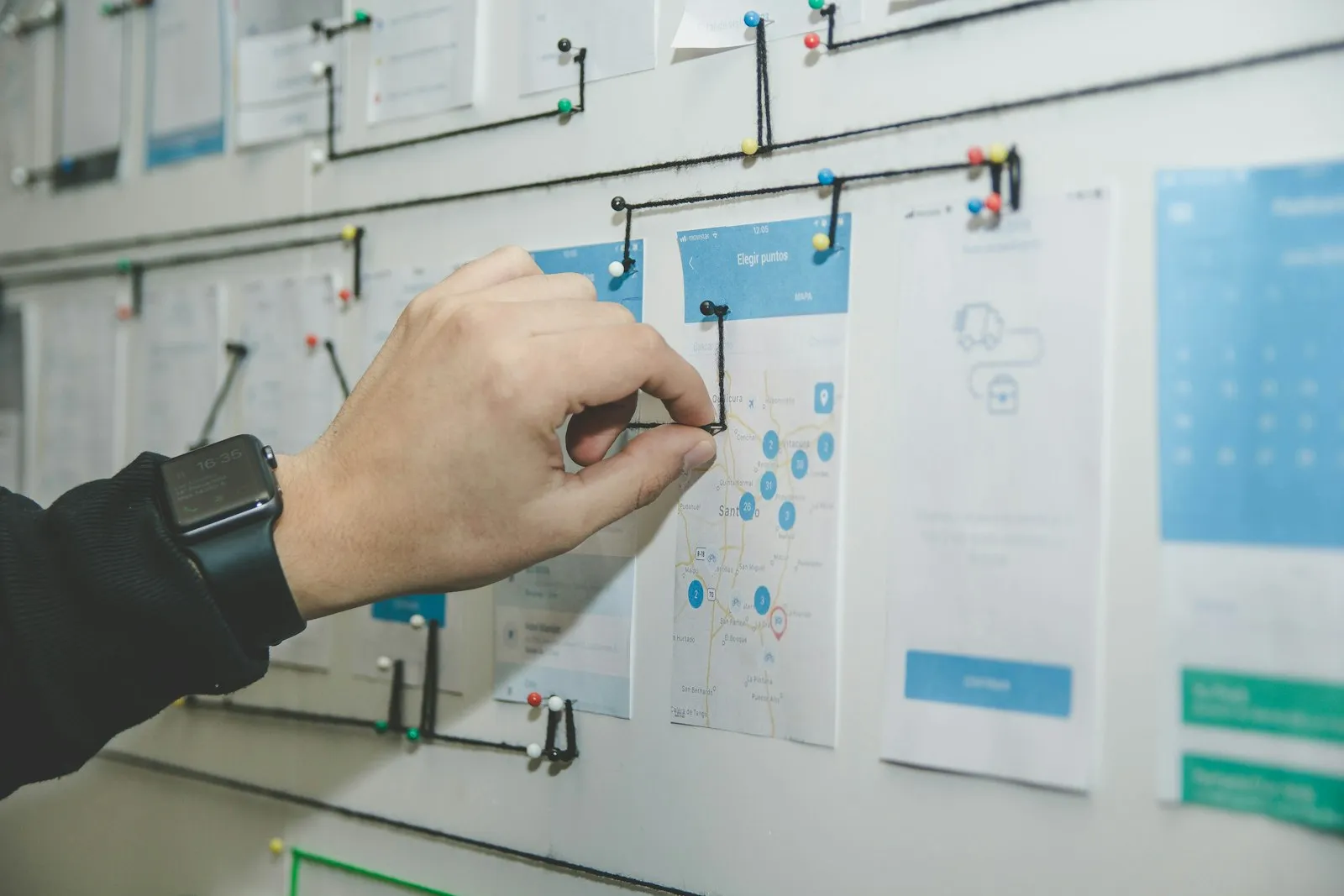
    Leads from the web form and email are scored and assigned to a representative; opportunities move through the pipeline stages, and the quote PDF is produced from the same card.

  3. 3

    Order and invoice continue in the ERP

    A won opportunity opens in the Orders module, and shipment and e-Invoice follow from the same record. There is no re-entry between CRM and accounting.

  4. 4

    Support and renewals are tracked

    Help desk tickets are tracked against SLA times, and contract renewal dates arrive as reminders. The agent logs correspondence on the card; your team makes the decision.

See how CRM would work in your business

Tell us briefly about your process and we will walk through the screens with your own example.

  • Reply the same business day
  • 15+ years of experience
  • 90 client businesses

CRM features

CRM: Customer and lead card
  • Customer and lead card

    Account details, contacts, segment, call and email history on one card; a lead record becomes an account card when it is won.

  • Opportunities and sales process

    Stage-based pipeline with closing date, amount and probability; targets and actuals reporting per sales representative.

  • Quotes and contracts

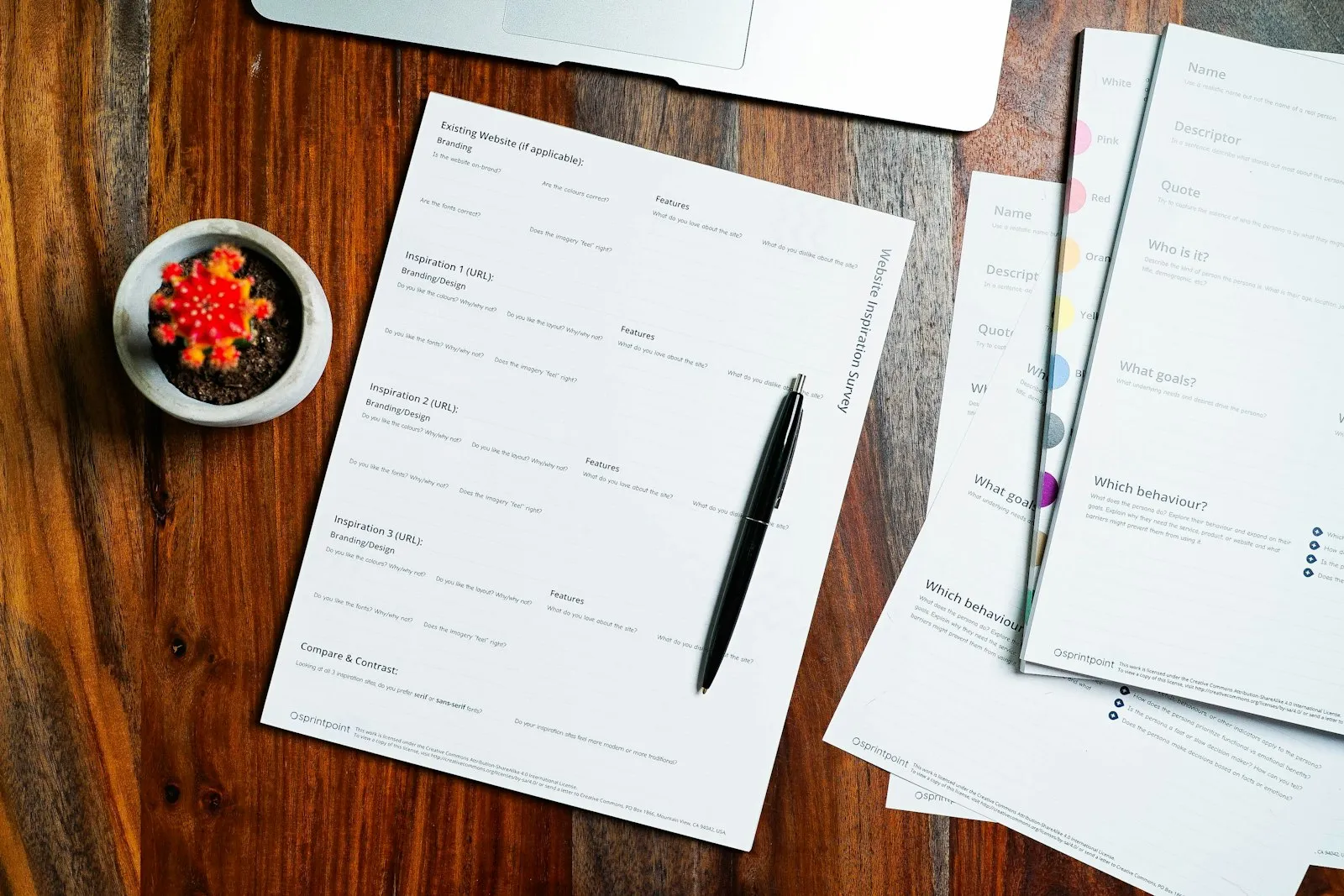
    The quote template is produced as a PDF from the card, an approved quote turns into a contract and an order, and renewal dates are reminded.


CRM: Campaigns
  • Campaigns

    Email and SMS campaigns by CRM segment, the send list, and response and sales impact reports on the same screen.

  • Help desk and SLA

    Tickets are opened by category and priority and tracked in the customer portal; response and resolution times are measured against SLA.

  • Field sales and mobile CRM

    The field team enters visit notes, orders and collections from the phone, with account balance and risk limit on screen; the app works offline.

  • Social CRM and competitor analysis

    Social media messages are matched to the customer record; competitor price and product comparisons are kept in a table.

  • Dashboard and integration

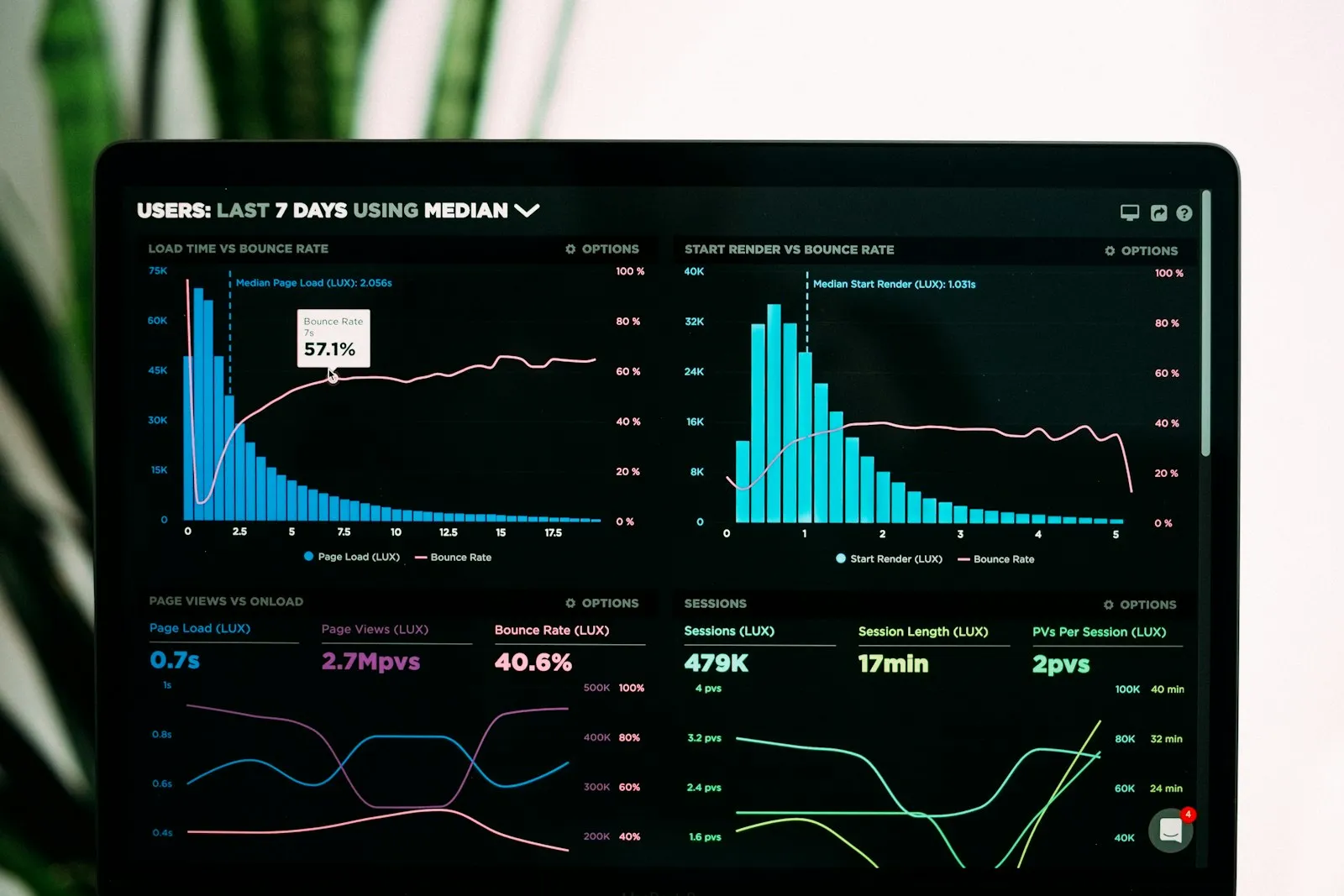
    Sales, collection and support indicators on one dashboard; connections to Outlook, Gmail, WhatsApp Business and external systems through the API.

What does Panda AI add to CRM?

The Sales and Quotation Agent is the Panda AI agent that brings price, stock and customer history together and prepares a draft quotation in minutes.

  1. Today Price, stock and discount are checked separately for each quotation With the agent A draft quotation is ready in minutes
  2. Today The customer’s history lives in the rep’s memory With the agent The customer’s history is in front of you with one message
  3. Today Quotations nobody follows up quietly disappear With the agent Reminders arrive for pending quotations

Jobs it takes on

  • Draft quotations and pro formas
  • 360° summary per customer
  • Lost-customer and opportunity alerts
  • Mobile queries for the field team
  • Sales performance reports
  • Quotation follow-up reminders

The agent prepares, a person approves. Anything that posts a record or sends something outside the company goes through your approval.

Explore Panda AI agents

Frequently asked questions about CRM

Is CRM bought separately from Panda ERP?

No, CRM is a module group of Panda ERP and runs in the same database. You can start with CRM only; the account, order and e-Invoice modules are opened later on the same record. No separate program is installed and no data is moved between two systems.

Which CRM modules do teams start with?

Most teams start with customer management, leads and opportunities; quotes and the sales process are added in the first month. Campaigns, help desk, SLA and social CRM are opened as the need arises. Adding a module needs no reinstallation, only a permission setting.

Can our existing CRM or Excel list be migrated?

Yes. Customer, contact, lead and open opportunity lists are imported from Excel or the export of your old CRM. The list of unmatched and duplicate records comes back to you and is merged with your approval. Call history is written onto the customer card in date order.

Which app does the sales team use in the field?

The Uyum Mobil CRM app runs on phones and tablets; visit notes, photos, orders and collections are entered in the field. Without internet the record stays on the device and syncs when the connection returns. The Mobile Field Sales module checks the order against stock and customer credit risk.

Does the support team use CRM too?

Yes. The Help Desk module opens the support ticket on the same customer card; the salesperson sees the customer's open complaints and the support specialist sees pending quotes. The SLA module tracks response and resolution times by contract and escalates tickets nearing their deadline to the manager.

Does it connect to email and the phone system?

Correspondence with Outlook, Gmail and WhatsApp Business is logged on the customer card, and Google Calendar turns appointments into activities. The phone system and other systems connect through the API and web services, with separate access permission for each integration.

How are personal data and permissions managed?

Each user sees only the customers, regions and fields they are authorized for, and who changed what is kept in the audit log. Explicit consent and contact permission sit on the customer card; if the KVKK (Turkey's data protection law) module is on, retention periods and deletion requests are handled in the same place.

What does the agent do in CRM?

A customer message from email or WhatsApp is written to the right card as an activity, and the next step is suggested as a task. Every reply that contains a quote or commitment goes through the salesperson's approval. The agent writes to the card and makes no promise to the customer; a person gives the promise.

See CRM with your own data

Describe your process in a few sentences and we will show you the modules that fit.

  • 15+ years of enterprise software experience
  • In the cloud or on your own server
  • Processes compliant with KVKK (Turkey's data protection law)

Last reviewed: · Panda Yazılım product team