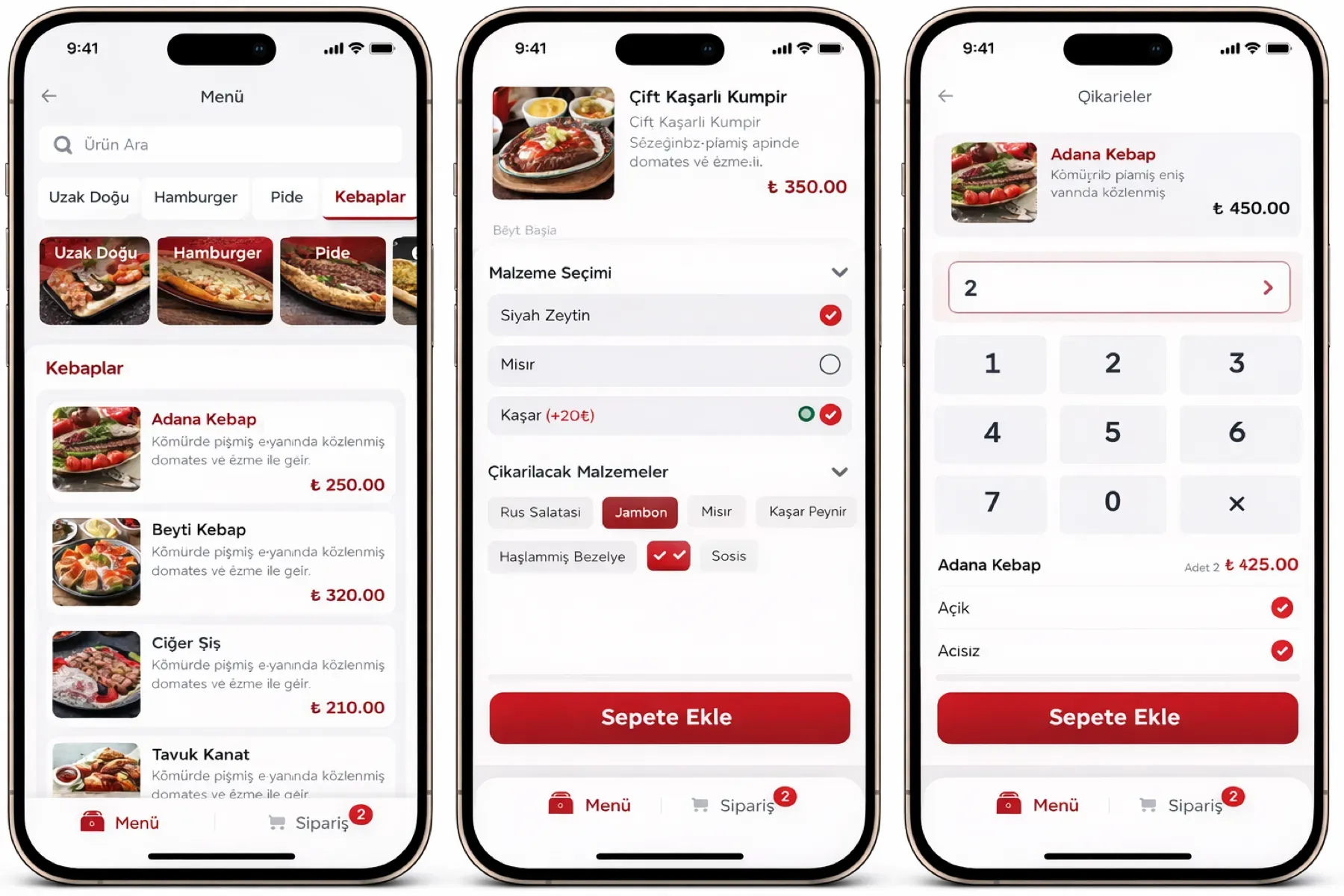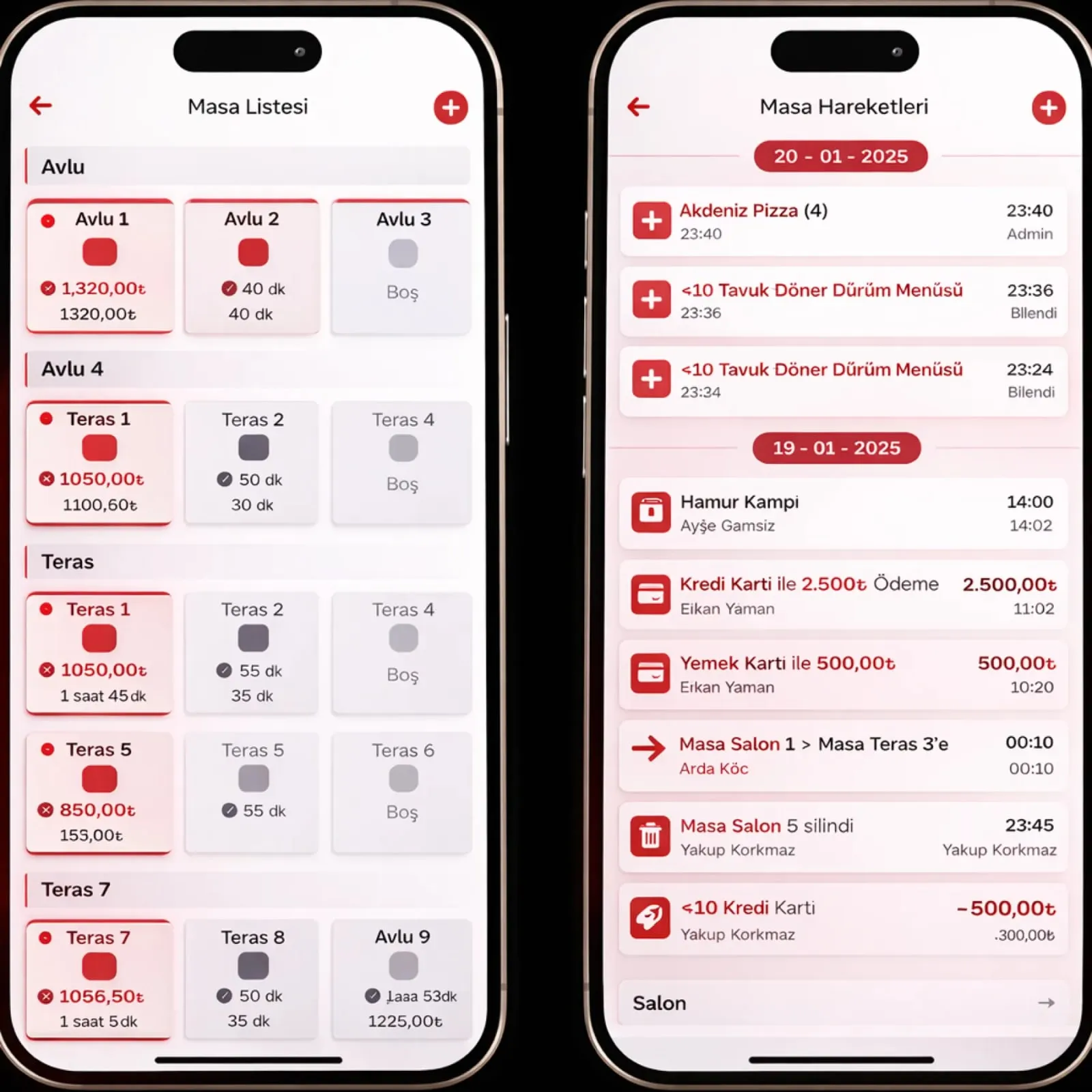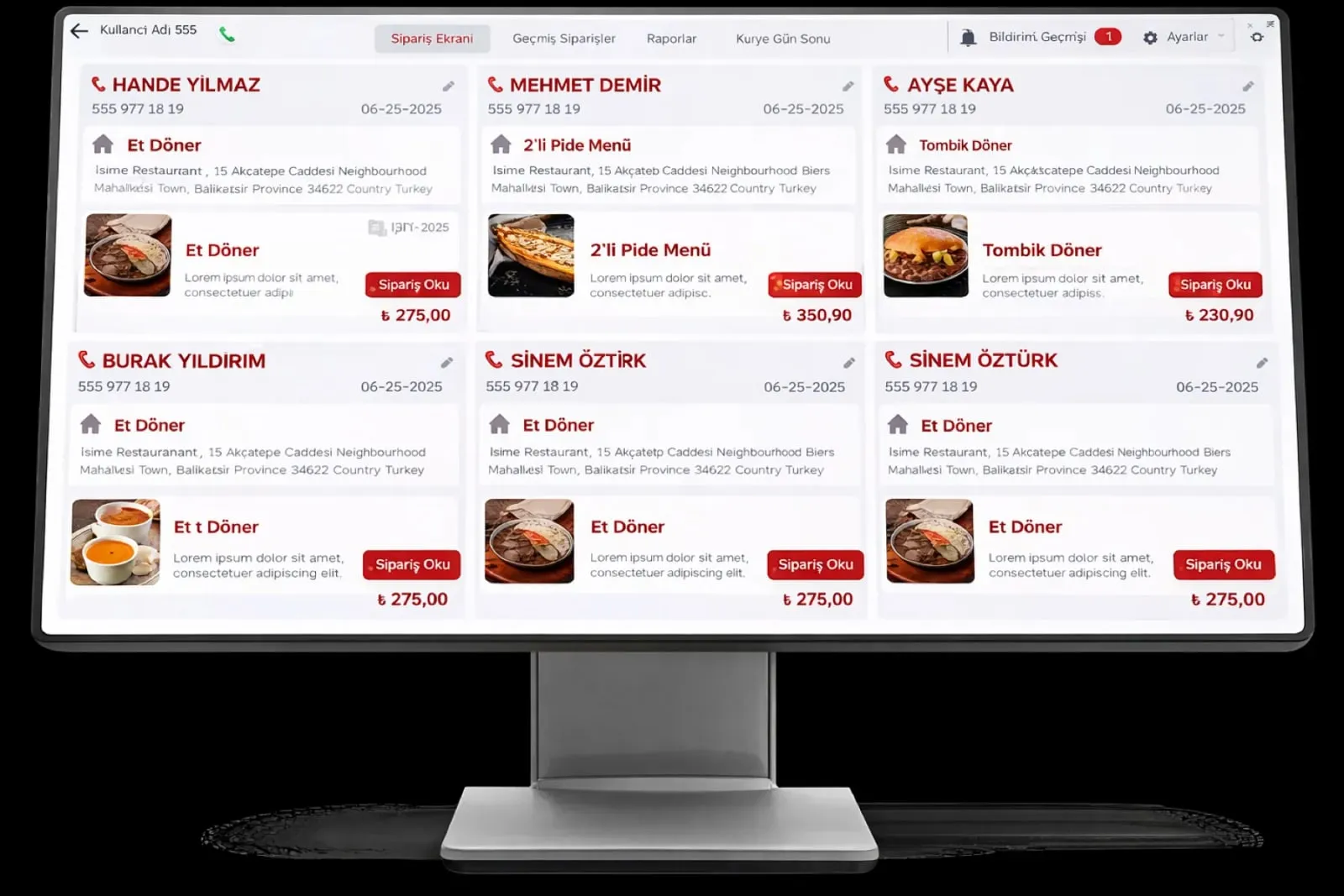
Restaurant Management

The check is in the software, the receipt is keyed separately on the cash register; at day end the two do not match

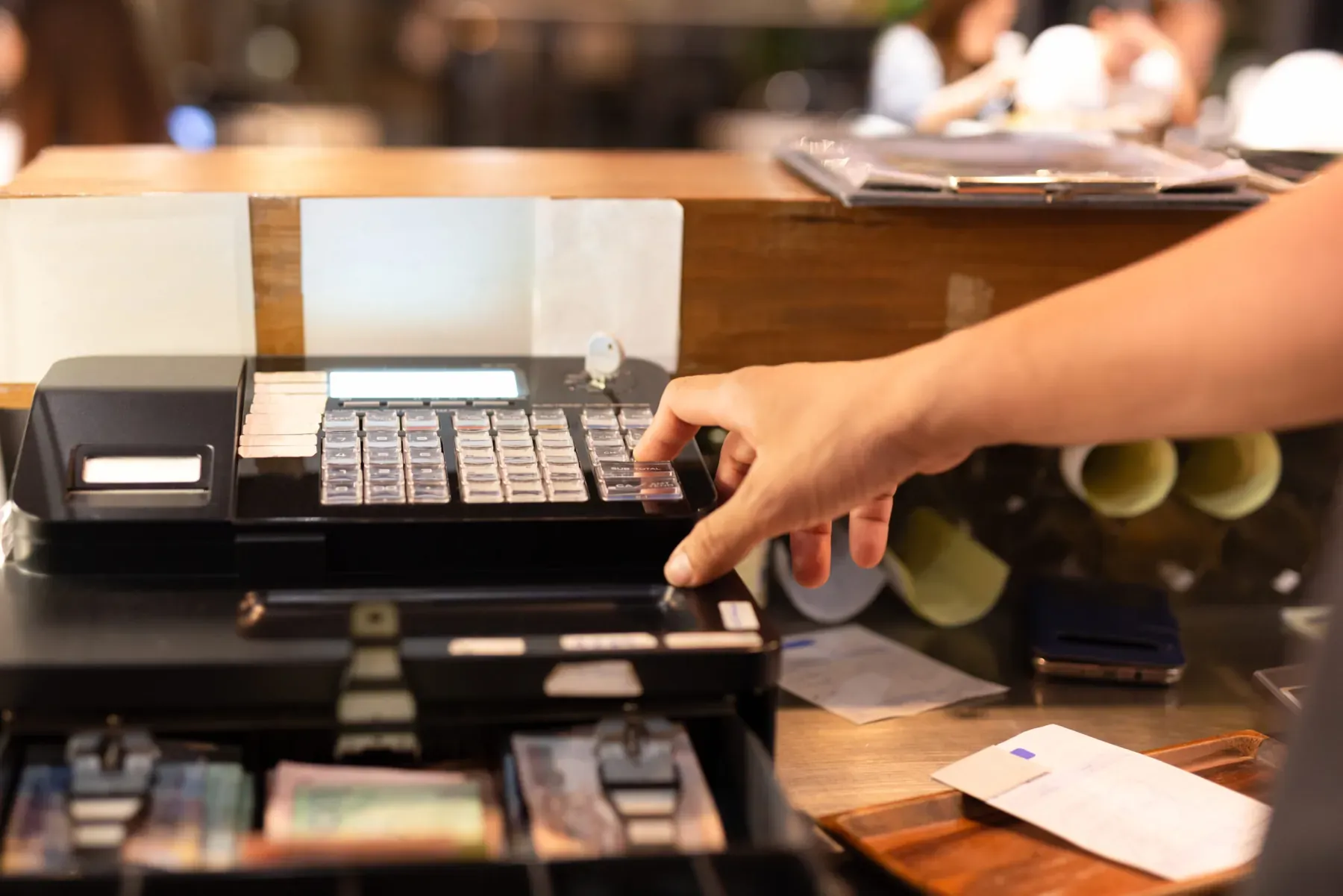
Cash Register and e-receipt Integration works directly with Beko, Ingenico, Hugin, PAX and Pavo cash registers. The receipt is issued by itself when the order completes; the e-receipt (electronic check) record is kept in line with local rules.

Cash register and e-receipt
In short

Cash Register and e-receipt Integration is the Panda Restoran module that connects the check directly to new-generation electronic payment recorder devices (fiscal cash registers). Wired GMP3 and wireless TSM connections are set up with Beko, Ingenico, Hugin, PAX and Pavo cash registers; when an order completes the receipt is issued by itself, with no second keying. The e-receipt (electronic check) record is stored in line with your local fiscal rules, and receipts and checks are matched at end of day.

How is this work done today?

  • The receipt is keyed into the cash register a second time

    The check is closed in the software and the same amount is typed into the cash register by hand. At peak hours a number is mistyped and a receipt is missing.

    1 cashier × 1 minute / check
  • At day end, the Z report and the register do not match

    The cash register's Z report says one figure and the software's end of day says another; the difference is hunted line by line and some days it is never found.

    1 cash lead × 45 minutes / day
  • Paper checks are searched for during an audit

    Checks are in the pad and receipts on the rolls; in an audit, or when the accountant asks, a given day's checks are dug out of a folder.

    1 person × 2 hours / month

How does Cash register and e-receipt work?

  1. 1

    The device is connected

    Your existing cash register is connected to Panda Restoran by wired GMP3 or wireless TSM depending on its model; desktop and mobile POS scenarios are supported.

  2. 2

    The check becomes a receipt

    When a table or delivery check is closed, the amount, VAT and payment type go to the cash register; the receipt is issued by itself and the cashier does not key it again.

  3. 3

    The e-receipt record is kept

    Every check is stored in the system as an electronic check record; order lines, table, time and payment details stay with the record.

  4. 4

    End of day is matched

    The cash register's Z report is compared line by line with the check list; a receipt not issued or an amount difference is listed, and the cash lead approves closing.

See how Cash register and e-receipt would work in your business

Tell us briefly about your process and we will walk through the screens with your own example.

  • Reply the same business day
  • 15+ years of experience
  • 90 client businesses

Cash register and e-receipt features

Cash register and e-receipt: Automatic receipt on every sale
  • Automatic receipt on every sale

    When the check closes, the receipt is issued from the cash register by itself; amount, VAT rate and payment type go from the check, with no manual entry.

  • Beko X30 TR integration

    Android-based Beko cash register with a touchscreen; wired GMP3 and wireless TSM connections are supported.

  • Ingenico cash register POS

    Wired (GMP3) integration with Ingenico IDE 280, and wireless (TSM) integration with Ingenico Move 5000 F and IWE 280.


Cash register and e-receipt: Hugin cash register POS
  • Hugin cash register POS

    Compatible with Hugin Tiger T300; 4G, 2G and Ethernet connections, wired GMP3 and wireless TSM methods.

  • PAX A910SF Android POS

    Large touchscreen with 4G, Wi-Fi and Ethernet connections; mobile use at the table and on delivery with its long battery.

  • Pavo and new-generation devices

    Secure connection with Pavo cash registers and other new-generation payment recorder devices; desktop and mobile POS scenarios on the same infrastructure.

  • Electronic check record

    The check record is kept and stored electronically; a given day's check is found by date and table during an audit.

  • Receipt and check reconciliation

    The Z report and the check list are compared at end of day; receipts not issued, amount differences and voids go to the cash lead as a list.

What does Panda AI add to Cash register and e-receipt?

The Finance and Accounting Agent is the Panda AI agent that takes on due-date tracking, bank-to-ERP matching and draft account reconciliations.

  1. Today Bank transactions are matched to the ERP by hand With the agent Unmatched transactions are listed every morning
  2. Today Due-date lists are kept separately in Excel With the agent A cash flow forecast is ready on current data
  3. Today Account reconciliation e-mails are written one by one With the agent Reconciliation e-mails arrive as drafts; approval is yours

Jobs it takes on

  • Due-date and collections tracking
  • Bank-to-ERP matching check
  • Cash flow and budget variance report
  • Draft account reconciliations
  • Invoice and expense inconsistency alerts
  • Month-end closing checklist

The agent prepares, a person approves. Anything that posts a record or sends something outside the company goes through your approval.

Explore Panda AI agents

Frequently asked questions about Cash register and e-receipt

Which cash registers can be connected?

Beko X30 TR, Ingenico IDE 280, Move 5000 F and IWE 280, Hugin Tiger T300, PAX A910SF and Pavo cash registers work integrated. The connection is made by wired GMP3 or wireless TSM depending on the device. We check your existing device's model in the discovery meeting.

What is the difference between GMP3 and TSM?

GMP3 is a wired connection; the cash register is cabled to the register computer and is used in a fixed register layout. TSM is wireless; the device pairs over the network and suits a POS carried at the table or on delivery. In both methods the receipt is issued from the check automatically.

What is e-receipt, and is it mandatory?

An e-receipt is an electronic check record in place of a paper check. Which businesses must switch and when is set by your tax authority; check with your accountant. Panda Restoran keeps checks in this format, so your records do not change when the switch becomes mandatory.

What happens if a receipt is not issued?

If the cash register connection drops, the check closes but the receipt goes to 'pending'; when the connection returns, receipts are issued in order. At day end the list of receipts not issued goes to the cash lead. No check disappears from the report as closed without a receipt; closing is not completed until the list is approved.

How is the Z report matched with end of day?

At day end, the Z report total taken from the cash register is compared with the check total in the system; cash, card and other payment types show on separate lines. If there is a difference, the check it sits in is listed. The cash lead explains or corrects the difference, and closing is finalised on approval.

Is the POS device that takes payment at the table also a cash register?

Mobile devices such as PAX A910SF and Ingenico Move 5000 F act as both bank POS and cash register; the waiter taps the card at the table and the receipt comes out of the same device. The check closes in Panda Restoran and the amount goes to the device over TSM. For a desktop layout, a wired GMP3 connection is used.

What if our current cash register is not on the list?

In the discovery meeting, the device model and the manufacturer's integration support are checked; the connection is tested for devices that meet new-generation payment recorder standards. For an unsupported device, one of the listed models is suggested; check records are not affected when you change devices.

What does the agent do in cash register and e-receipt integration?

Panda AI matches cash register receipts and e-receipt records line by line at end of day; a receipt not issued or an amount difference comes as a list. The cash lead approves the correction; the agent does not issue receipts and does not change a record on its own. Scenario: reconciliation.

See Cash register and e-receipt with your own data

Describe your process in a few sentences and we will show you the modules that fit.

  • 15+ years of enterprise software experience
  • In the cloud or on your own server
  • Processes compliant with KVKK (Turkey's data protection law)

Last reviewed: · Panda Yazılım product team