
Panda ERP

The management report is pulled from five programs and merged in Excel

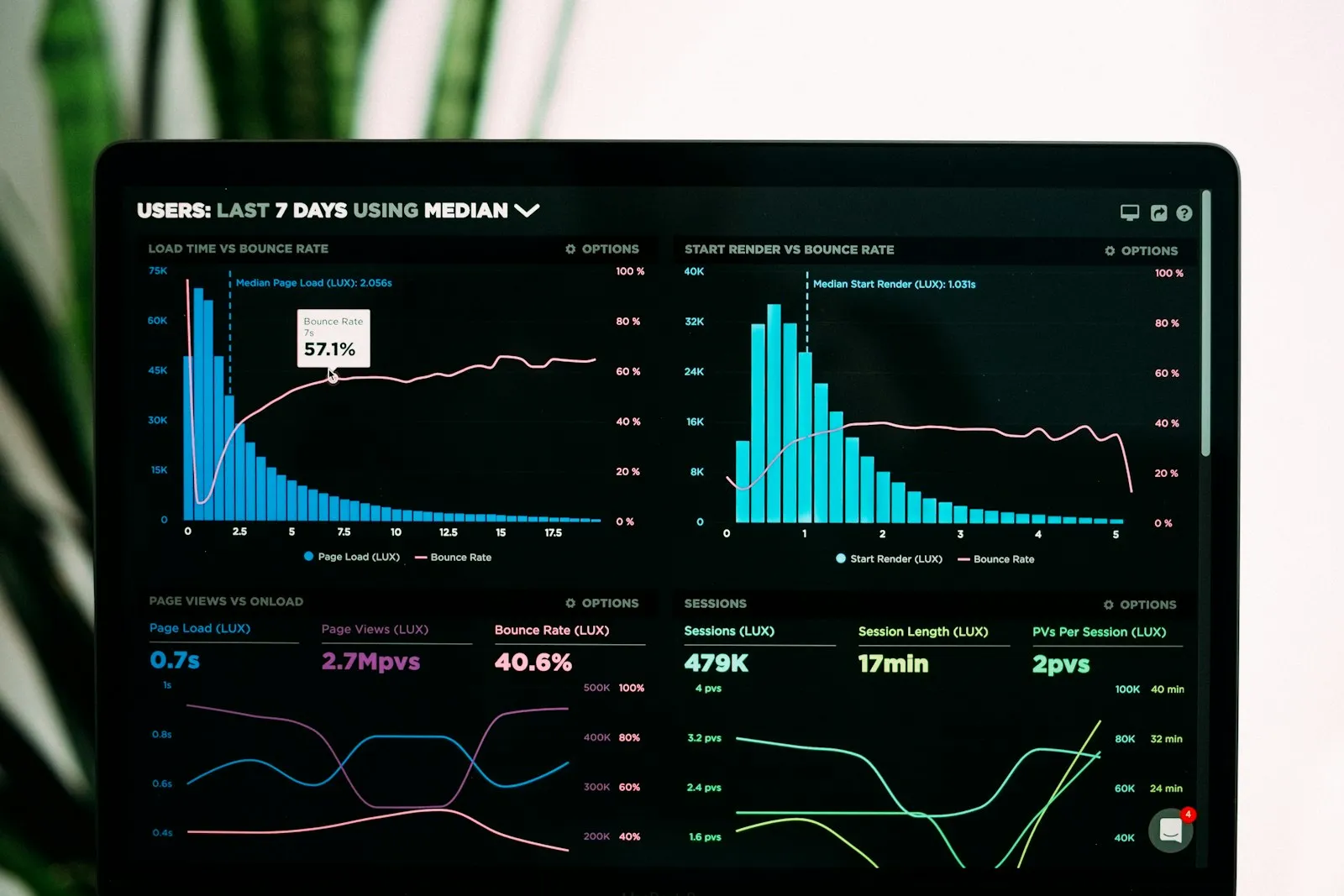
The Business Intelligence module gathers finance, sales, production, stock and HR data on one dashboard. Reports are instant for any date range; no waiting for period close.

Business intelligence
In short

Business Intelligence Solutions is the Panda ERP module that brings finance, sales, production, stock, purchasing and human resources data together on one dashboard, shows it in charts and KPI panels, and offers pivot analysis and ready report templates. Data from several companies and branches is compared on the same screen; reports are pulled for any date range without depending on period close.

How is this work done today?

  • The morning report is merged in Excel

    Revenue is pulled from accounting, stock from the warehouse and production from work orders, poured into the same Excel template every morning and emailed.

    1 person × 2 hours / day
  • Branch comparison happens at month end

    Each branch sends its own report; head office merges and compares them, and number formats do not agree.

    2 people × 1 day / month
  • A manager asks a question, the answer comes tomorrow

    For a question asked in a meeting such as "which product group dropped last month", someone prepares a report the next day.

    1 analyst × 3 hours / question

How does Business intelligence work?

  1. 1

    Data sources are connected

    Panda ERP modules directly; external sources (Excel, another ERP) are defined at discovery. Data is gathered into a single model.

  2. 2

    Dashboards are built

    You start from the ready template library (sales, finance, production, stock); indicators, charts and tables are arranged by dragging.

  3. 3

    Filters and pivot

    The same dashboard is read from different angles with company, branch, period, product group and salesperson filters; a pivot table is built instantly.

  4. 4

    Distribution and the agent

    A dashboard link or PDF goes out by email at a set time; Panda AI flags a variance and the manager decides.

See how Business intelligence would work in your business

Tell us briefly about your process and we will walk through the screens with your own example.

  • Reply the same business day
  • 15+ years of experience
  • 90 client businesses

Business intelligence features

Business intelligence: Single data dashboard
  • Single data dashboard

    Finance, sales, production, stock, purchasing and HR on the same dashboard; cross-module reports.

  • KPI and chart dashboards

    KPI card, line, bar and pie charts, tables; the dashboard is arranged per user.

  • Ready report library

    Report templates prepared for your industry are used directly or copied and edited.

Business intelligence: Pivot analysis
  • Pivot analysis

    Instant pivot by dragging rows and columns; the result is exported to Excel.

  • Group company and branch report

    Data from several companies and branches on one screen; consolidated and comparative view.

  • Period-independent reporting

    Analysis for any date range without waiting for period close.

  • Scheduled distribution

    A dashboard PDF or Excel goes by email to the relevant people at a set time.

  • Permissions

    A user sees only the company, branch and data area they are authorized for.

What does Panda AI add to Business intelligence?

The Executive Briefing Agent is the Panda AI agent that turns sales, collections, stock and production data into a single-message summary every morning.

  1. Today Departments are asked for Excel files for the weekly report With the agent A single-message summary lands on WhatsApp every morning
  2. Today Figures arrive from different systems at different times With the agent Sales, collections, stock and production in one table
  3. Today A critical delay is only noticed in the meeting With the agent The agent alerts you itself when a threshold is crossed

Jobs it takes on

  • Daily and weekly management summary
  • Target versus actual comparison
  • Cash, stock and delay threshold alerts
  • Pre-meeting briefing pack
  • Spotting inconsistencies between departments
  • Instant questions and answers

The agent prepares, a person approves. Anything that posts a record or sends something outside the company goes through your approval.

Explore Panda AI agents

Frequently asked questions about Business intelligence

Can it show data from outside Panda ERP?

Yes. Excel, SQL databases and sources reached by API are defined at discovery; data is pulled from common ERPs (Logo, Netsis, Mikro) and shown on the same dashboard.

Can we edit the dashboards ourselves?

Yes. A drag-and-drop dashboard editor is open to the user; reports in the template library are copied and changed.

How does the report reach management?

As a dashboard link, PDF or Excel by email at a set time; the same dashboard also opens in a mobile browser.

How current is the data?

Data from Panda ERP modules reflects on the dashboard the moment it is recorded; external sources are refreshed at a defined interval.

What does the agent do in business intelligence?

The morning report is produced from the system at 07:00 and goes to the relevant people; a variance above the threshold is flagged. People do not prepare the report, they only look at the variance. Scenario: morning report.

How is report access restricted?

A user sees only the company, branch and data area they are authorized for; the sales manager sees their own region and the finance manager sees all finance. Because permission is defined by data rather than by dashboard, the same dashboard shows different data to different people.

Can targets be compared with actuals?

Yes. Sales, production and collection targets are entered by period and breakdown; they appear next to actuals on the dashboard, and the variance rate is colour-coded. With the budget module on, budget figures come in directly as targets.

Can reports be viewed from a mobile device?

Yes. Dashboards open in a phone or tablet browser with the same data; a manager sees the revenue and collection dashboard from the field. With scheduled distribution, the morning report arrives on the phone as a PDF by email.

What do we need to provide for report design?

At installation we list the questions you want answered: daily revenue, collections, stock ageing, production efficiency and so on. Each question becomes a dashboard or report, the first version is adjusted with you in the demo meeting, and what follows stays with you.

See Business intelligence with your own data

Describe your process in a few sentences and we will show you the modules that fit.

  • 15+ years of enterprise software experience
  • In the cloud or on your own server
  • Processes compliant with KVKK (Turkey's data protection law)

Last reviewed: · Panda Yazılım product team