


Restaurant Management

The check is on paper, the kitchen waits for the ticket, and the day ends on a calculator

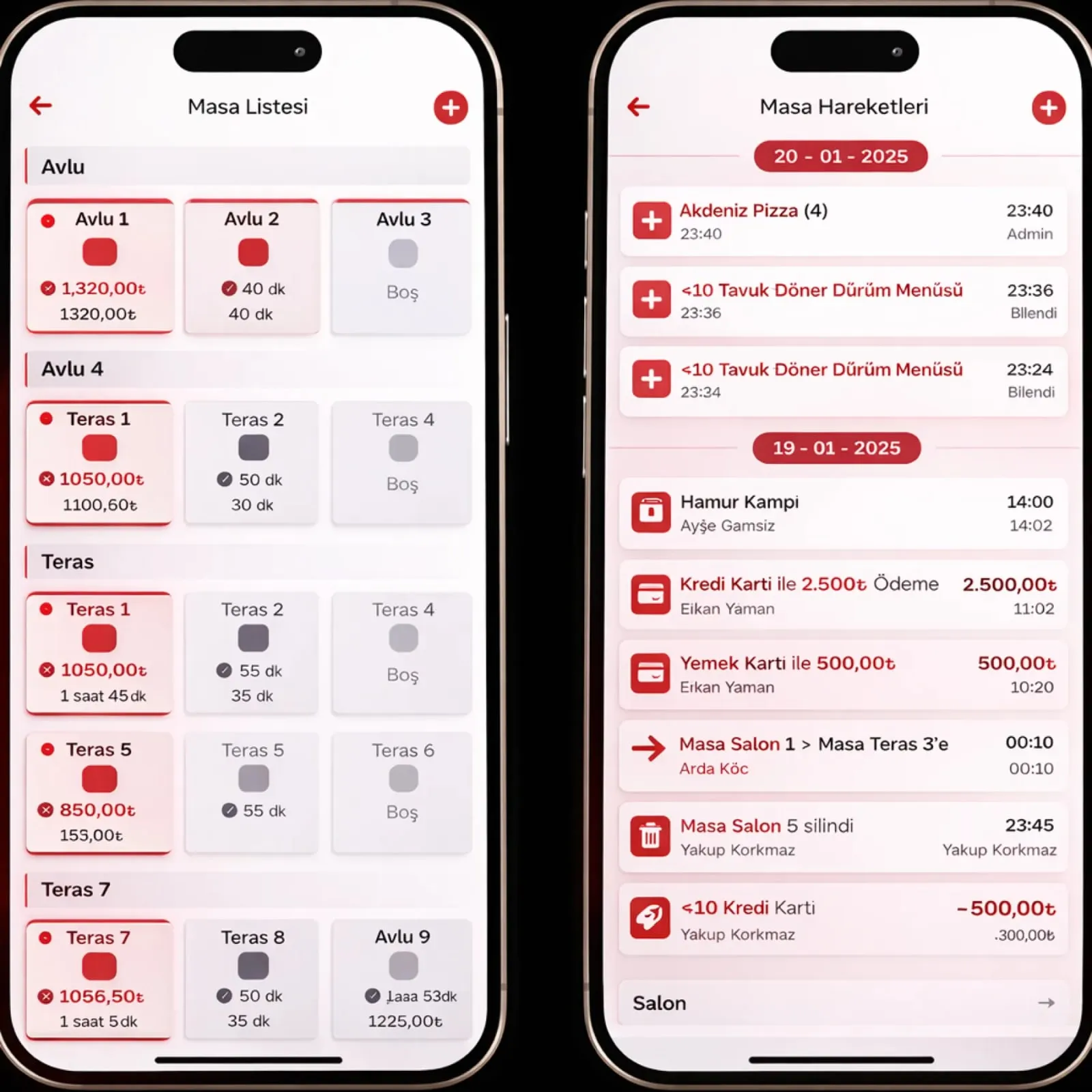
Panda Restoran is web-based restaurant software that keeps tables, orders, kitchen display, delivery, recipes, cash register and reports on one record. The waiter types on the terminal, the kitchen sees it on screen, the register prints the receipt.

Panda Restoran
In short

Panda Restoran is restaurant management software for restaurants, cafés and hotel kitchens. It runs tables and checks, the waiter mobile terminal, kitchen display, QR menu, kiosk, delivery and couriers, recipes and stock, income and expenses, fiscal cash register integration and branch reports in one database. An order is entered once; the kitchen, register, stock and reports all draw on the same record.

Restaurant Management modules

Start with only the module you need; the others can be switched on later, on top of the same records.

How is this work done today?

  • Orders walk from paper to the kitchen

    The waiter writes the check by hand, carries it to the kitchen, then reads it out at the register. A note nobody can read comes back as the wrong dish.

    1 waiter × 15 minutes / shift
  • Platform orders sit on separate tablets

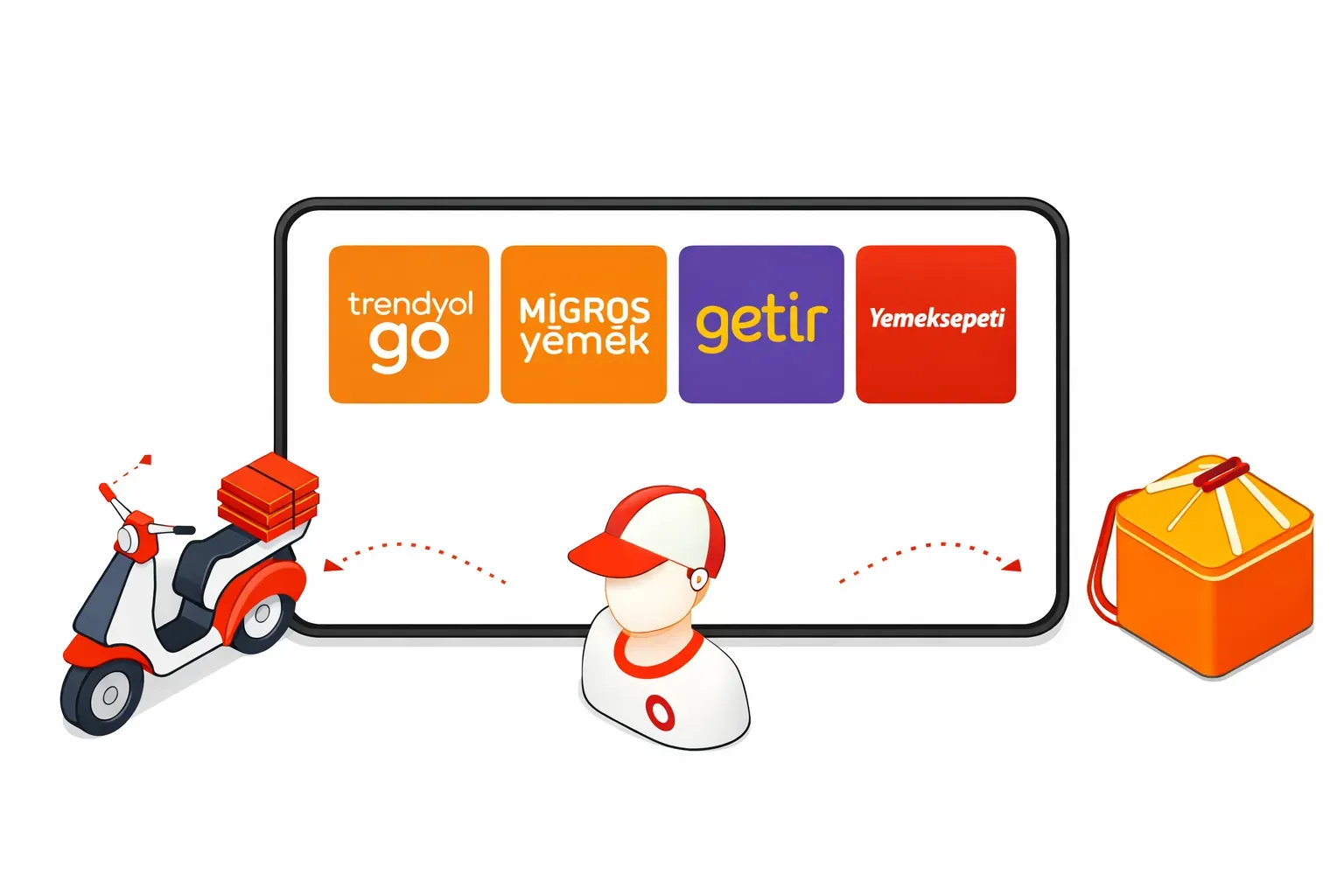
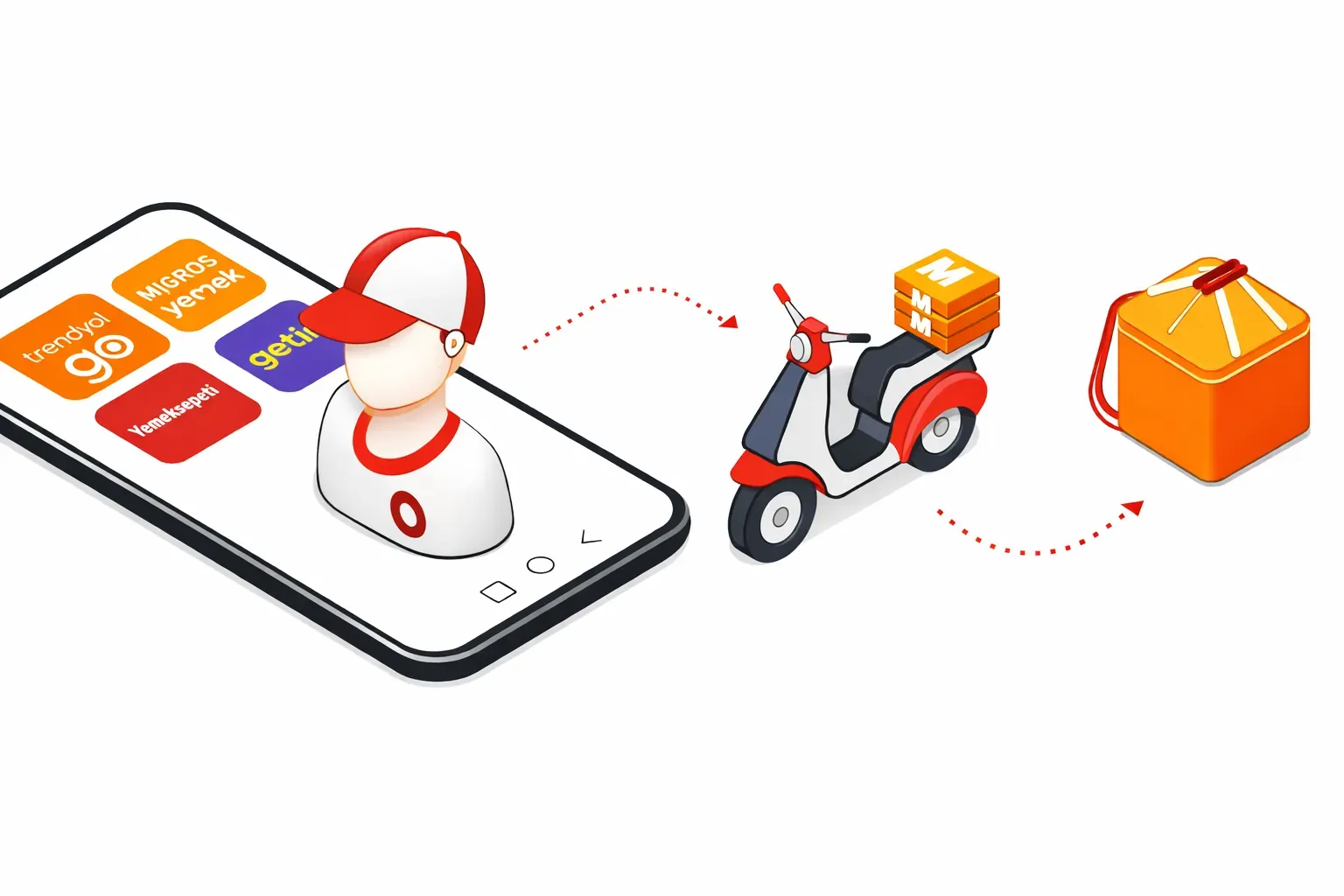
    Yemeksepeti, Getir and Trendyol Yemek orders ring on separate devices; the cashier re-enters each one into the system.

    1 cashier × 1 hour / day
  • End of day and stock are worked out in the evening

    The Z report and the cash, card and meal-card totals are copied into a ledger; recipe consumption is never calculated, so waste only shows up at month end.

    1 manager × 1 hour / day

How does Panda Restoran work?

  1. 1

    Menu and floor plan are set up

    Products, portions, extras and recipes are entered; the floor plan is drawn table by table. Setup is done by remote connection, and your old menu is imported from Excel.

  2. 2

    Orders are entered at one point

    A waiter terminal, QR menu, kiosk, phone call or platform order all land in the same order pool. The kitchen display and printer are triggered at the same time.

  3. 3

    Register, stock and receipt update themselves

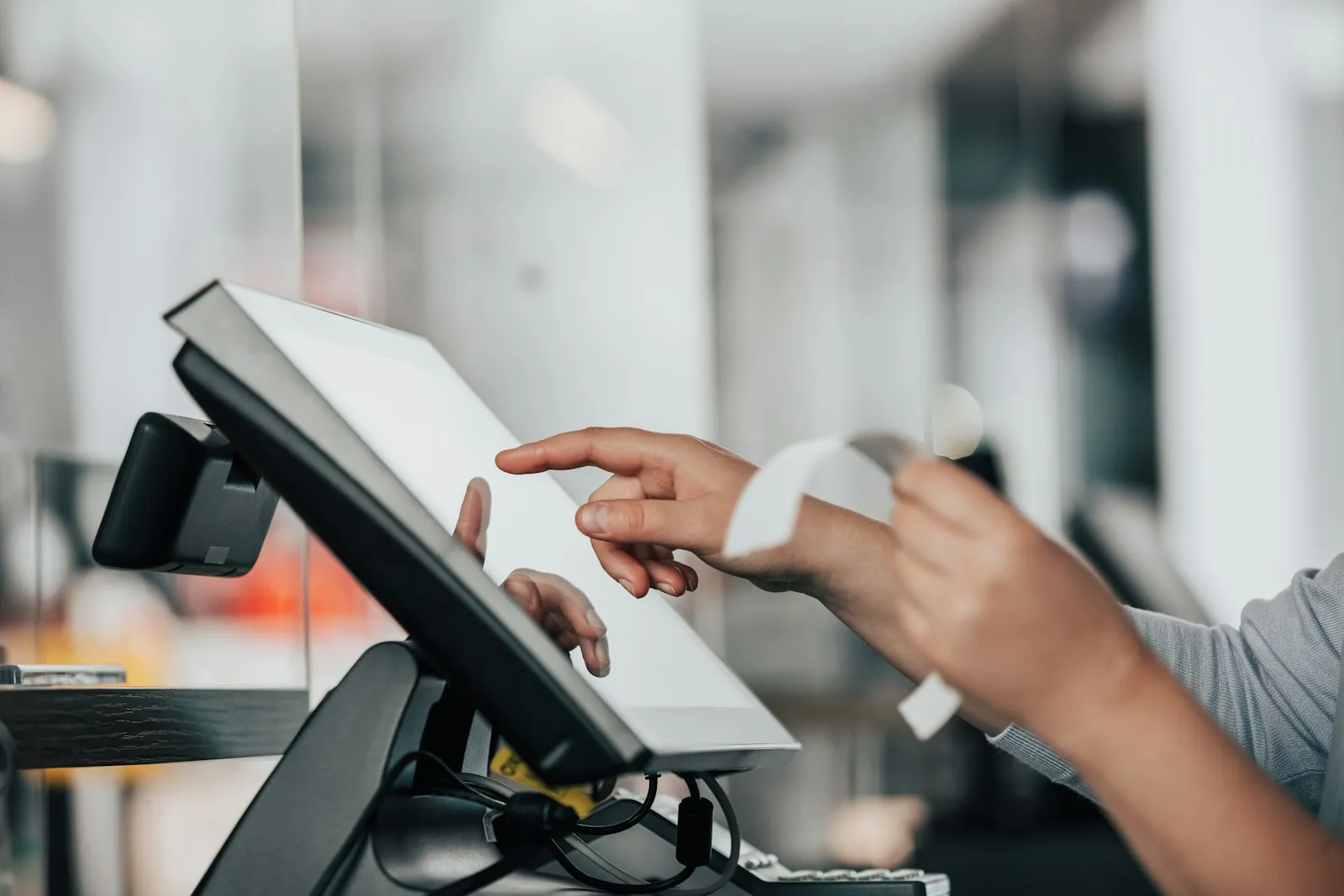
    When the check is closed, the fiscal cash register receipt is printed, raw materials are deducted from stock according to the recipe, and the payment type is written to the cash report.

  4. 4

    The agent prepares the morning report

    Branch revenue, best-selling product, recipe consumption and stock variance arrive in one report every morning. The owner approves waste and variances.

See how Panda Restoran would work in your business

Tell us briefly about your process and we will walk through the screens with your own example.

  • Reply the same business day
  • 15+ years of experience
  • 90 client businesses

Panda Restoran features

Panda Restoran: Tables and checks
  • Tables and checks

    Visual floor plan with occupied, free and reserved colors, table merging and moving; split bills, separate payments and tips on the same check.

  • Waiter mobile terminal

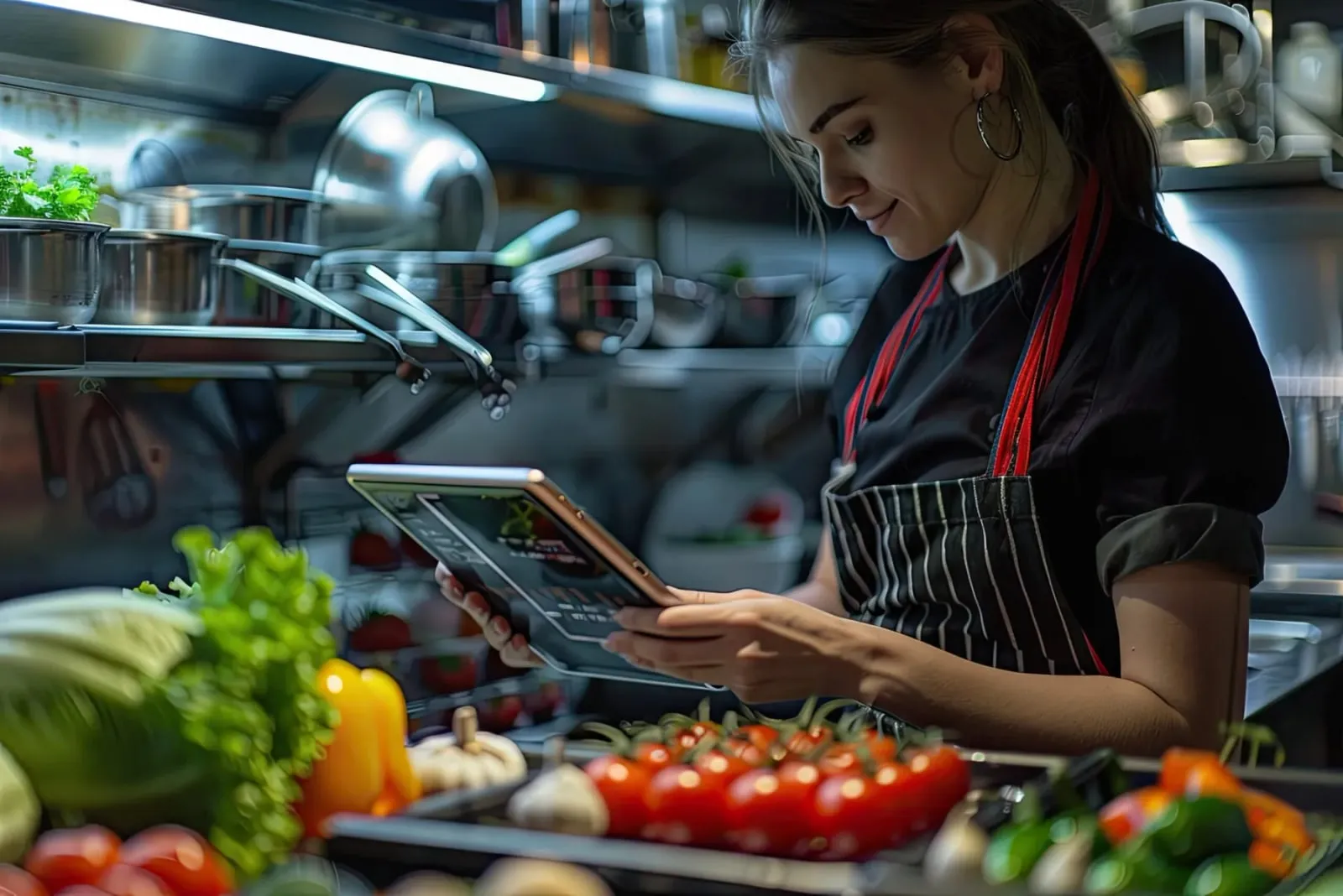
    Orders are taken at the table on an Android or iOS tablet, product notes are added, and sold-out items are hidden from the menu; the order goes to the kitchen instantly.

  • Kitchen display (KDS)

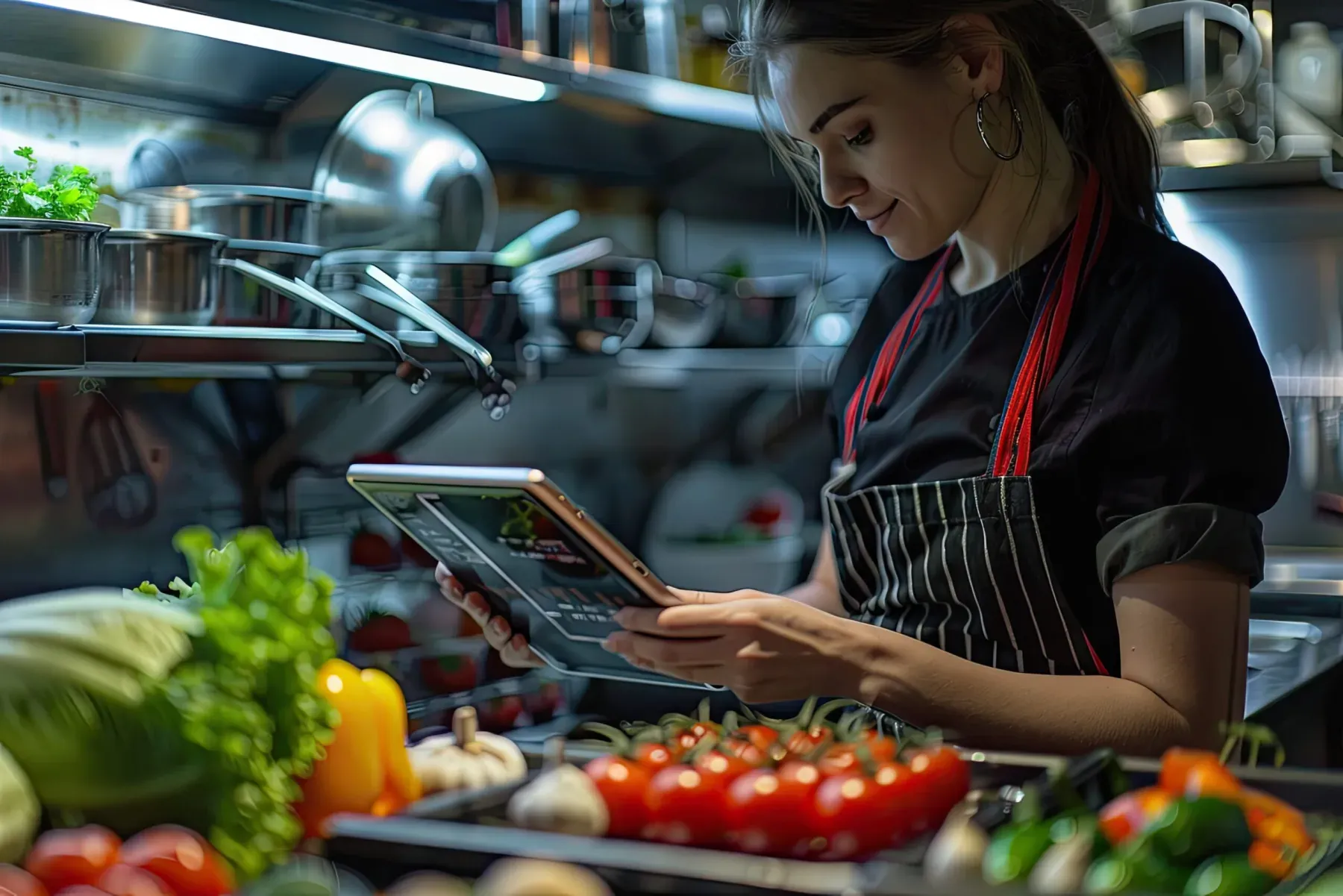
    Order details, special requests and notes appear on the kitchen screen; preparation order and completed orders are marked, and the floor sees the stage.

Panda Restoran: QR menu, kiosk and Caller ID
  • QR menu, kiosk and Caller ID

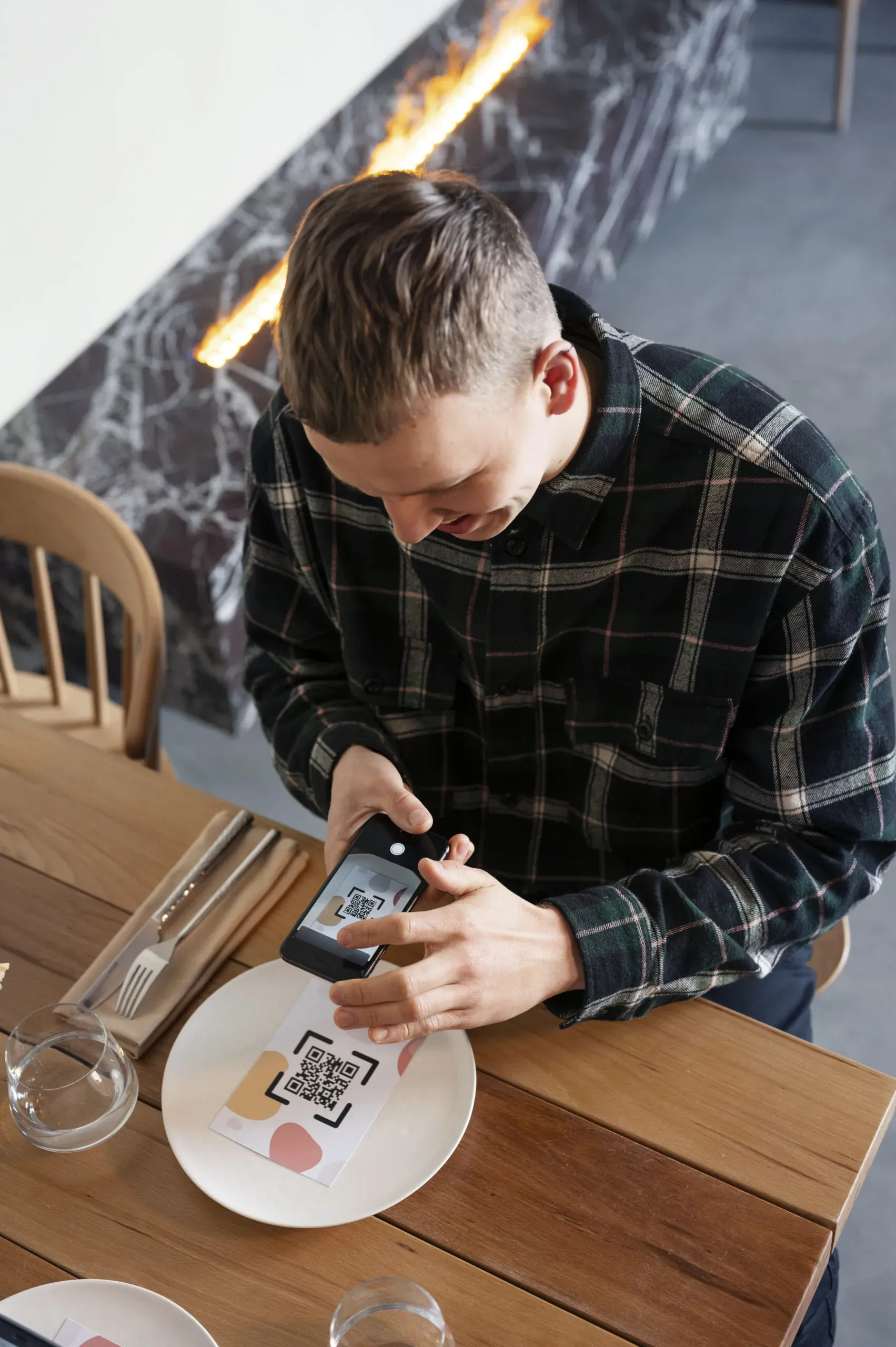
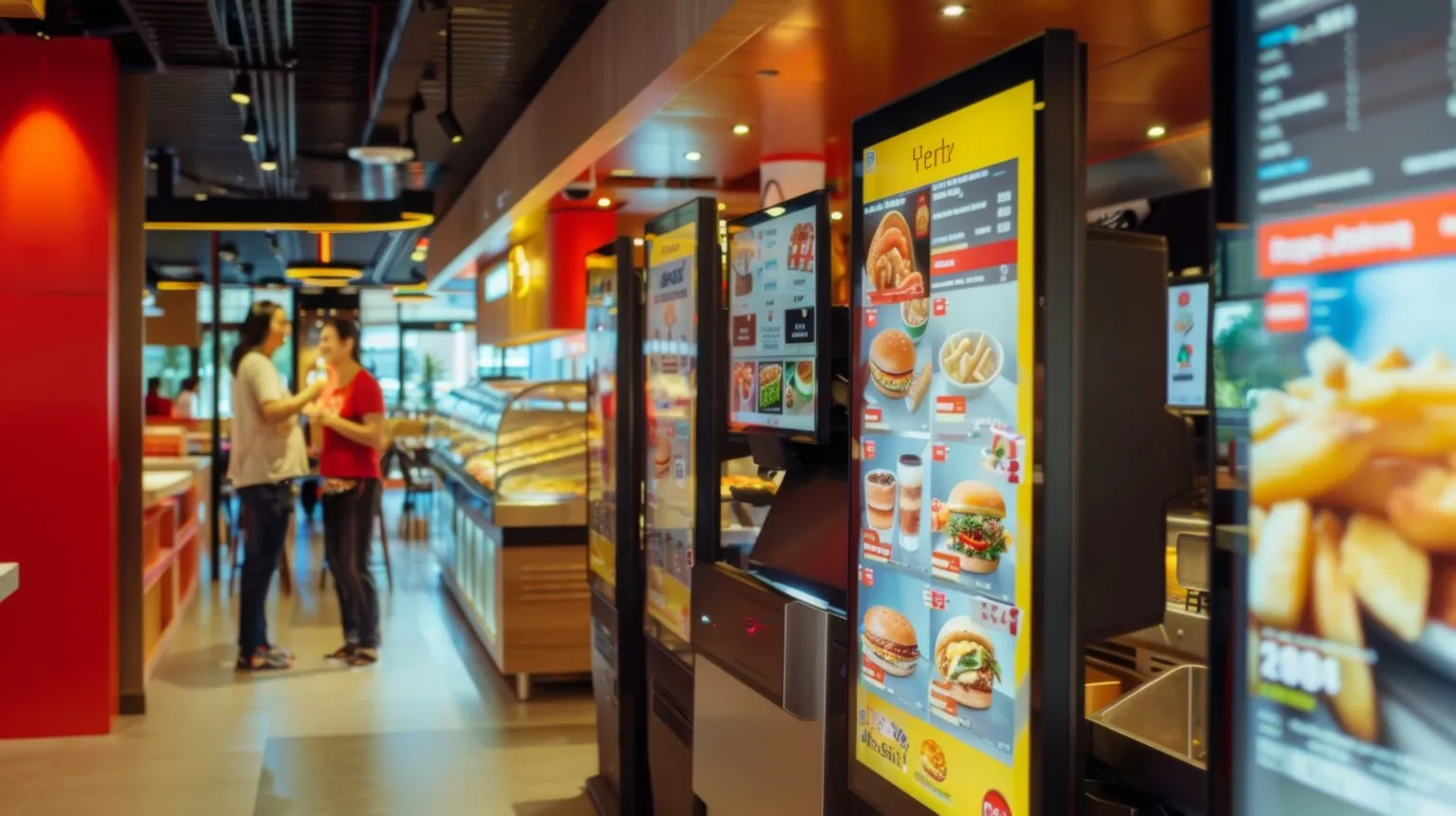
    Ordering from the QR menu at the table, a touch-screen kiosk at the entrance, and the caller's address and order history on screen when the phone rings.

  • Delivery and couriers

    Yemeksepeti, Getir, Trendyol Yemek and Migros Yemek orders land on the delivery screen; couriers are assigned and tracked on a map.

  • Recipes, stock and purchasing

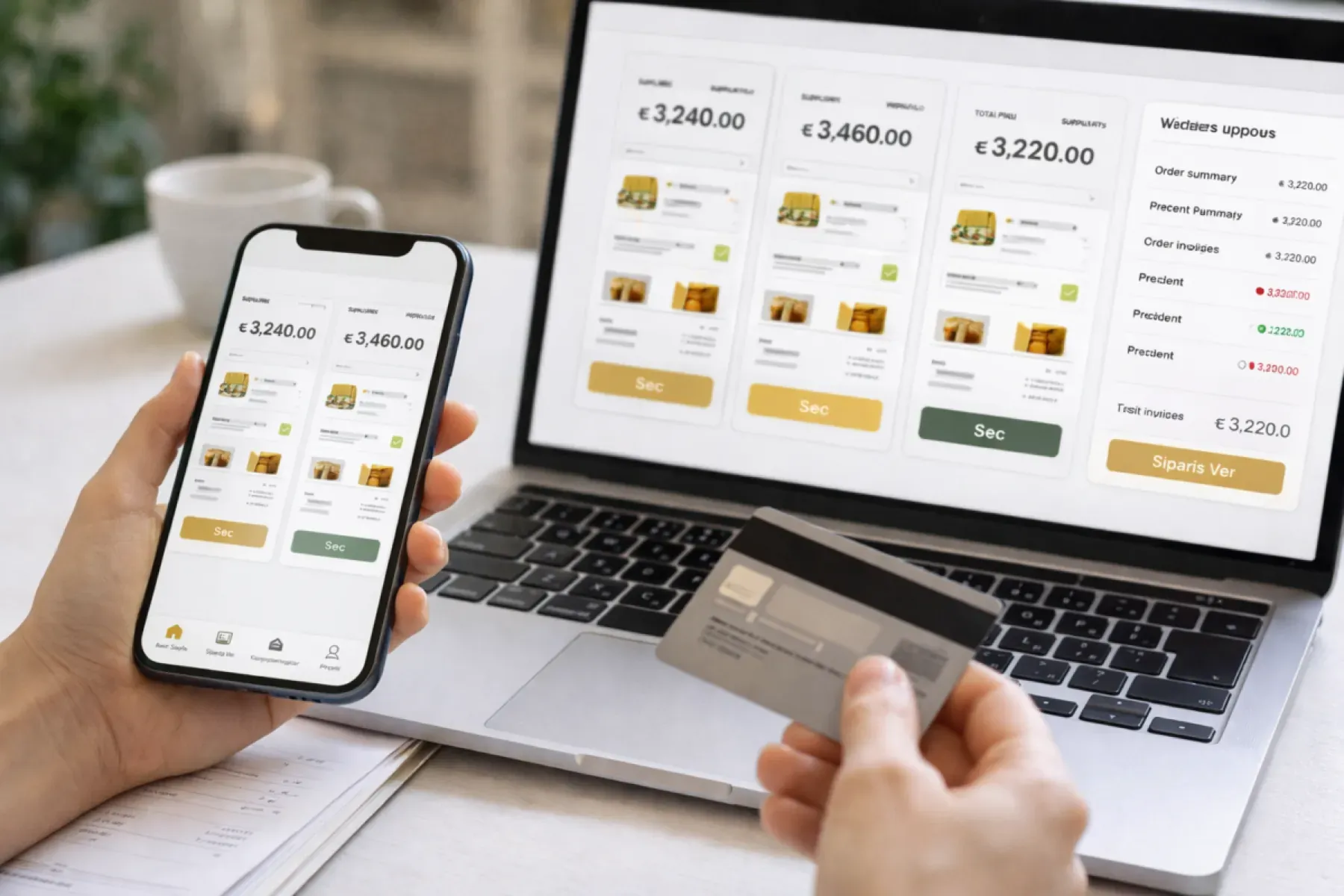
    Every sale deducts the recipe's raw materials from stock; critical-level alerts, supplier price comparison and automatic purchase orders.

  • Fiscal cash register and e-receipt

    Integration with Beko, Hugin, Ingenico, PAX and Pavo fiscal cash registers; a receipt is printed with every sale, and the e-receipt is recorded electronically.

  • Income and expenses, loyalty and branch reports

    Rent, salaries, bills and waste are posted as expenses; points and gift vouchers; branch revenue and a mobile report on your phone.

What does Panda AI add to Panda Restoran?

The Customer Service Agent is the Panda AI agent that answers order, shipping and invoice questions 24/7 on WhatsApp and e-mail and hands over what it cannot solve to the right person.

  1. Today A rep looks in the ERP to check an order’s status With the agent Order and shipping status answered 24/7
  2. Today Out-of-hours messages wait until morning With the agent Hands over what it cannot solve to the right person
  3. Today Complaints can get lost before they are logged With the agent Every request is logged and reported

Jobs it takes on

  • Order, shipping and invoice queries
  • 24/7 answers on WhatsApp and e-mail
  • Logging requests and handing them to the right person
  • Starting return and complaint processes
  • Frequently asked questions knowledge base
  • Request and satisfaction reports

The agent prepares, a person approves. Anything that posts a record or sends something outside the company goes through your approval.

Explore Panda AI agents

Frequently asked questions about Panda Restoran

Which businesses is Panda Restoran suited to?

It is designed for restaurants, cafés, fast food, delivery-heavy kitchens and hotel restaurants. A single-room café starts with tables and checks; chains and franchises add branch reports and central menu management. Modules are switched on one at a time.

Does service stop when the internet goes down?

No. In offline mode the system keeps taking orders, sending them to the kitchen and printing receipts. When the connection returns, records sync with your cloud account on their own, with no duplicates. The cashier does nothing extra, and platform orders flow in again once the connection is back.

How long does setup take, and who does it?

The Panda team sets it up by remote connection, and it is ready to use the same day. The menu, prices and floor plan are entered together with you; your existing menu is imported from Excel or from your old program's export.

How do Yemeksepeti and Getir orders arrive?

Once the Yemeksepeti, Getir, Trendyol Yemek and Migros Yemek integration is on, platform orders drop straight onto the delivery order screen and print at the kitchen printer. The cashier does not re-enter anything; cancellations and delays show on the same screen.

Which fiscal cash registers does it work with?

It integrates with new-generation Beko, Hugin, Ingenico, PAX and Pavo fiscal cash register POS devices, both wired (GMP3) and wireless (TSM). A receipt is printed automatically with every sale, and the e-receipt record is kept electronically.

Which payment types are accepted?

Cash, credit cards and meal cards such as Sodexo, Multinet and Ticket are each set up as a separate payment type. Split bills, per-person payments and tips are handled on the same check; the end-of-day report is broken down by payment type.

How do I get support?

Technical support is given by phone, WhatsApp and remote connection. Daily automatic backup is standard, and you can take a manual backup and restore it at any time.

What does the agent do in Panda Restoran?

Every morning Panda AI compiles branch revenue, the best-selling product, recipe consumption and stock variance into one report. The owner does not prepare the report; the owner approves waste and variances. Menu, price and staffing decisions stay with people.

See Panda Restoran with your own data

Describe your process in a few sentences and we will show you the modules that fit.

  • 15+ years of enterprise software experience
  • In the cloud or on your own server
  • Processes compliant with KVKK (Turkey's data protection law)

Last reviewed: · Panda Yazılım product team