
Restaurant Management

A free table is found by walking the floor, and a customer sits at a reserved table

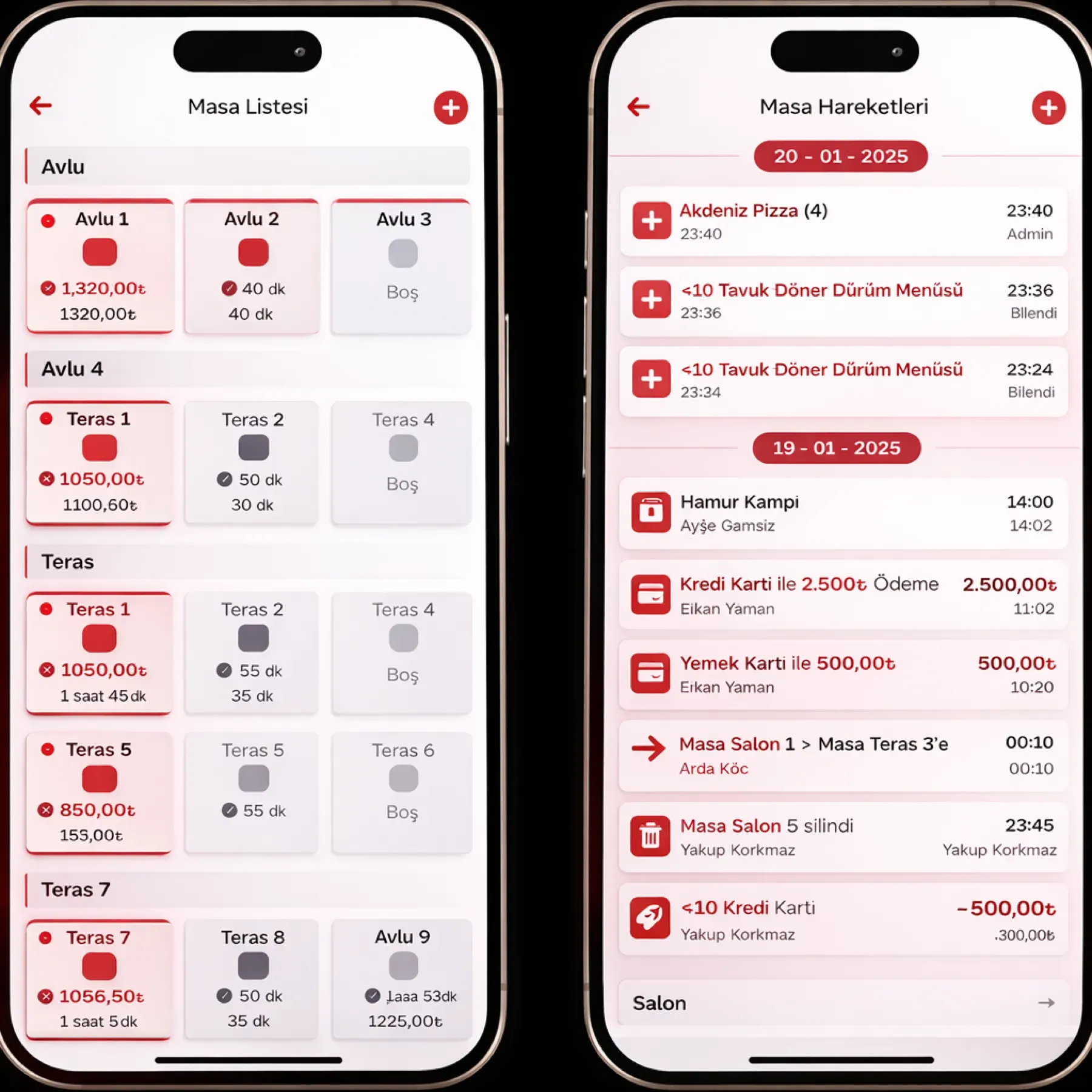
Table and Floor Management draws your floor plan on screen; occupied, free and reserved tables show by color. Merging, splitting and moving tables and assigning waiter zones take one touch.

Table and floor management
In short

Table and Floor Management is the Panda Restoran module where you build the floor plan visually and follow table occupancy in real time. Tables are placed by drag and drop; occupied, free and reserved status is shown by color, tables are merged, split and moved in one click, and each waiter is assigned a service zone. A reserved table shows on the plan at the chosen time.

How is this work done today?

  • Occupancy is counted by eye

    The host leaves the guest waiting at the door, walks into the dining room, looks for a free table and comes back to seat them. At peak hour two groups are taken to the same table.

    1 host × 20 minutes / shift
  • Reservations stay in the notebook

    A phone reservation is written in the book; the waiter in the dining room does not know and seats a customer at the reserved table, and the table is moved when the guest arrives.

    1 host × 10 minutes / reservation
  • It is unclear whose table is whose

    Waiter zones are handed out by word of mouth; two waiters go to the same table, one table is never visited, and the bill gets mixed up.

    1 manager × 15 minutes / shift

How does Table and floor management work?

  1. 1

    The floor plan is drawn

    The dining room, terrace and floors are opened as separate areas; tables are placed by drag and drop, and capacity and table number are entered.

  2. 2

    Status updates by color

    A table turns occupied when a check opens, free when the check closes, and reserved at the reservation time. The host and the waiter see the same plan.

  3. 3

    Table actions take one touch

    Tables are merged for a large group and split when the bill is separated; when an order is moved to another table, the check goes with it.

  4. 4

    The agent reports table turnover

    Turnover time, waiting and peak-hour analysis from table open and close records are ready in the morning. The floor manager sets the floor layout and zone assignment.

See how Table and floor management would work in your business

Tell us briefly about your process and we will walk through the screens with your own example.

  • Reply the same business day
  • 15+ years of experience
  • 90 client businesses

Table and floor management features

Table and floor management: Visual floor plan
  • Visual floor plan

    Tables are drawn on screen to match the real layout; dining room, garden and floors on separate tabs, and the plan is changed by drag and drop.

  • Live table status

    Occupied, free and reserved tables are separated by color; the open check amount and seating time show over the table.

  • Table merging and splitting

    Tables are merged with one touch for a large group; when a separate bill is requested, the check is split per person or per table.
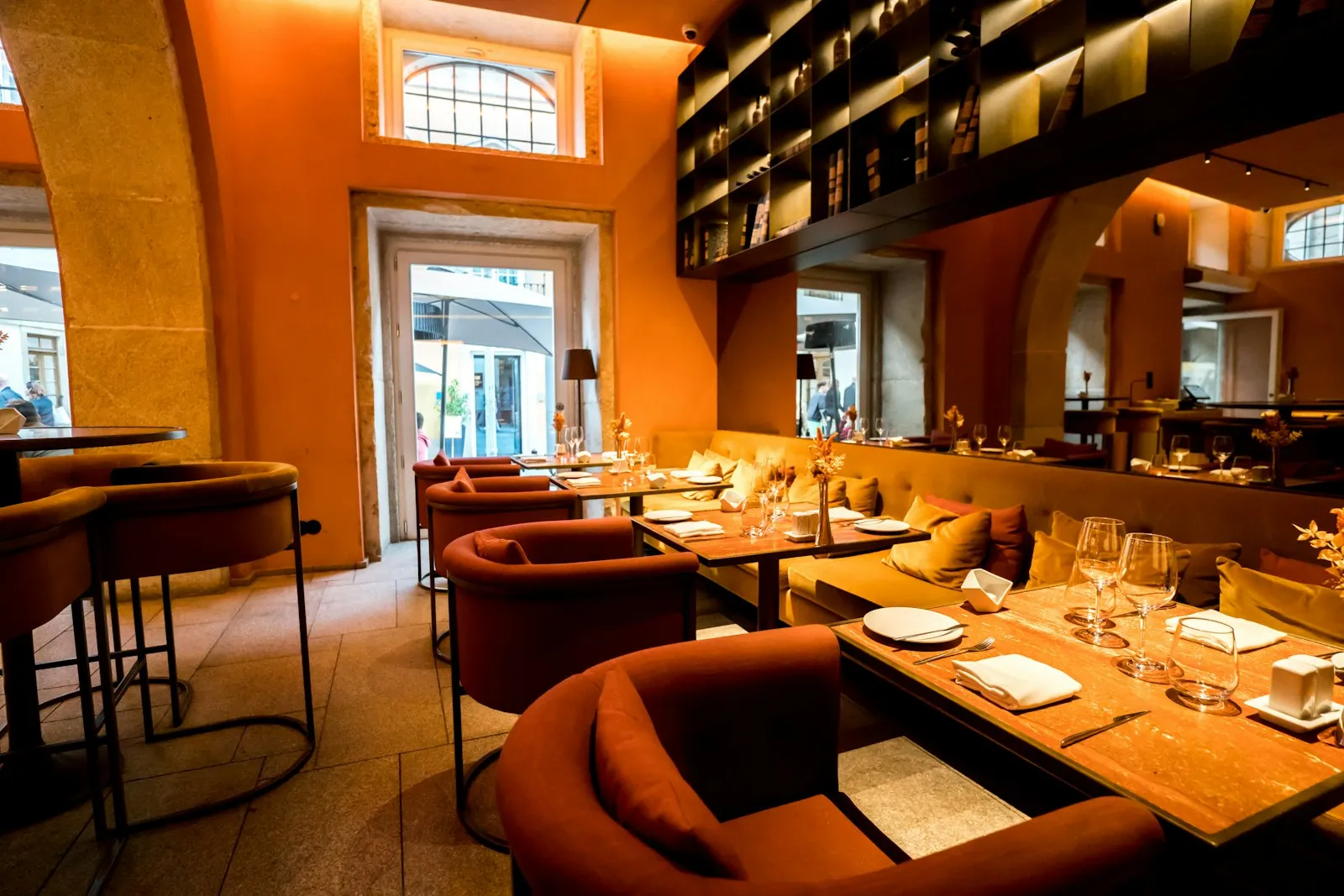

Table and floor management: Moving tables
  • Moving tables

    When customers change seats, the check and orders move to the new table; the table number on the kitchen display updates at the same time.

  • Reserved tables

    A reservation made online or by hand shows the table as reserved at the chosen time; a clash is visible on the plan and the host is warned early.

  • Waiter and zone assignment

    Each waiter is assigned a service zone; on the terminal only their own tables open, and at shift handover the zone is changed with one touch.

  • Table turnover time

    Table open and close times are recorded; average seating time and waiting time are reported by date and time slot.

  • Capacity plan

    Table capacity and reservation time are tracked together; the floor layout is set up in advance for special days and large reservations.

What does Panda AI add to Table and floor management?

The Customer Service Agent is the Panda AI agent that answers order, shipping and invoice questions 24/7 on WhatsApp and e-mail and hands over what it cannot solve to the right person.

  1. Today A rep looks in the ERP to check an order’s status With the agent Order and shipping status answered 24/7
  2. Today Out-of-hours messages wait until morning With the agent Hands over what it cannot solve to the right person
  3. Today Complaints can get lost before they are logged With the agent Every request is logged and reported

Jobs it takes on

  • Order, shipping and invoice queries
  • 24/7 answers on WhatsApp and e-mail
  • Logging requests and handing them to the right person
  • Starting return and complaint processes
  • Frequently asked questions knowledge base
  • Request and satisfaction reports

The agent prepares, a person approves. Anything that posts a record or sends something outside the company goes through your approval.

Explore Panda AI agents

Frequently asked questions about Table and floor management

Can we change the floor plan ourselves?

Yes. The plan is edited by drag and drop; no technical support is needed to add or remove a table or open a new area such as a garden. Summer and winter layouts can be saved as separate plans and opened when needed.

Do the host and waiter see the same plan?

Yes. The host on the tablet at the door, the waiter on the terminal, and the cashier on the register screen see the same plan; when a table's status changes it changes on all of them at once. By permission, the host sees only status and the waiter opens their own zone.

When does a reservation lock a table?

For the period you set before the reservation time, the table turns the reserved color and does not appear free. If the guest does not come, the host releases the table; a no-show record is written to the reservation history. The lock period is changed in the dining-room settings and can be set separately for a special day.

How is the bill closed after merging tables?

The checks of merged tables are combined into one bill; if you like, it is split again per person or per table. Each part is closed with its own payment type, and the order sequence on the kitchen display is not disturbed.

Does moving a table affect the kitchen?

No. When an order is moved to a new table, the table number on the kitchen display updates automatically; the cook does not prepare it again, and the waiter takes the plate to the right table. The move shows on the check; which waiter moved it and when is kept in the audit log.

What is the seating time report for?

It shows how full the tables stay at which hours and where waiting time grows. The floor manager adjusts the number of waiters and the reservation spacing according to this report; the report is pulled as Excel and PDF.

Can multiple dining rooms or floors be managed?

Yes. Dining room, terrace, garden and floors are defined as separate areas; each area's plan opens on a separate tab. Waiter zones are assigned by area, and the occupancy report is broken down by area.

What does the agent do in table and floor management?

Every morning Panda AI prepares turnover time, waiting and peak-hour analysis from table open and close records. The floor manager sets the floor layout and zone assignment; the agent does not change the plan, it reports.

See Table and floor management with your own data

Describe your process in a few sentences and we will show you the modules that fit.

  • 15+ years of enterprise software experience
  • In the cloud or on your own server
  • Processes compliant with KVKK (Turkey's data protection law)

Last reviewed: · Panda Yazılım product team