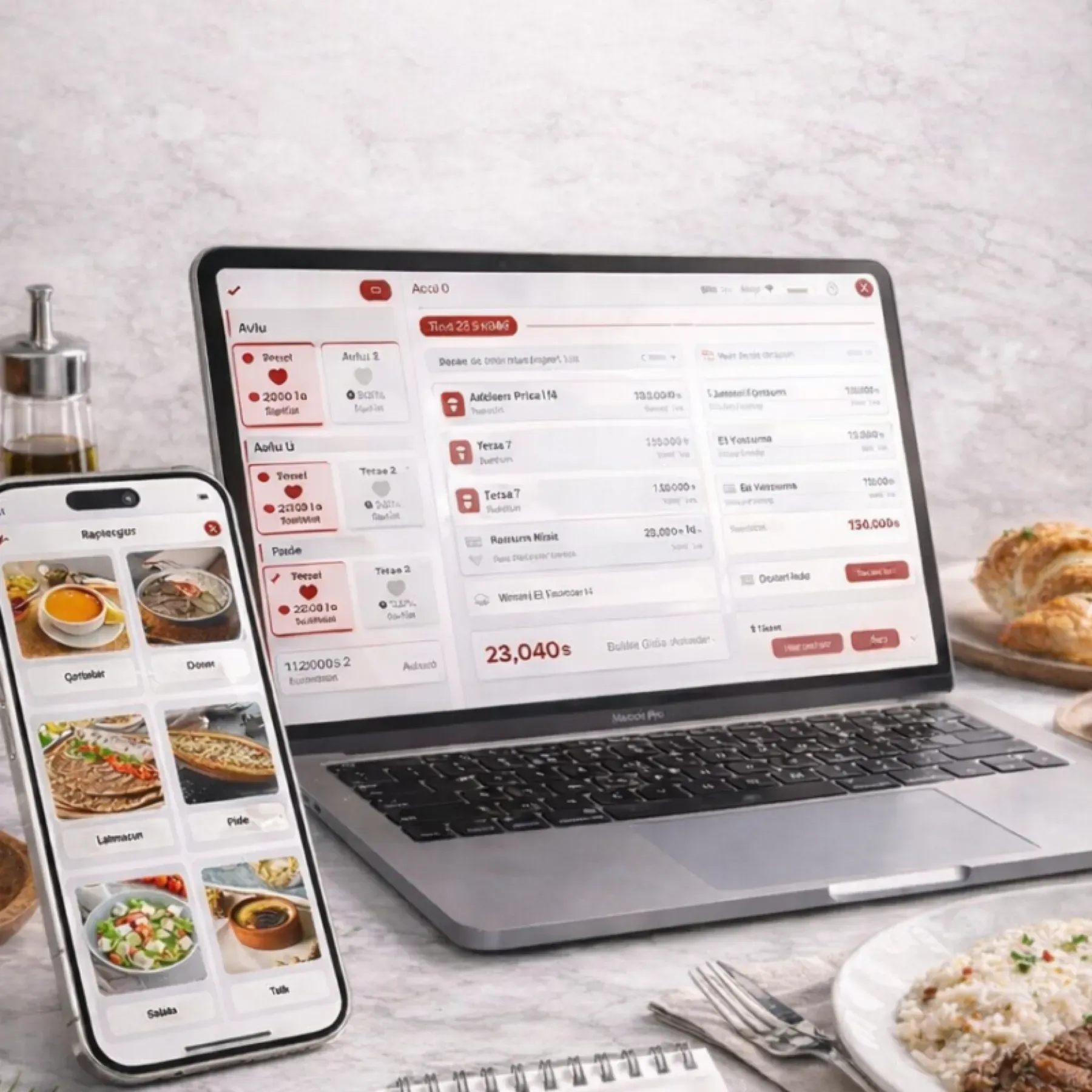
Restaurant Management

The recipe is in the chef's head, stock is in the pantry, waste is a surprise at month end

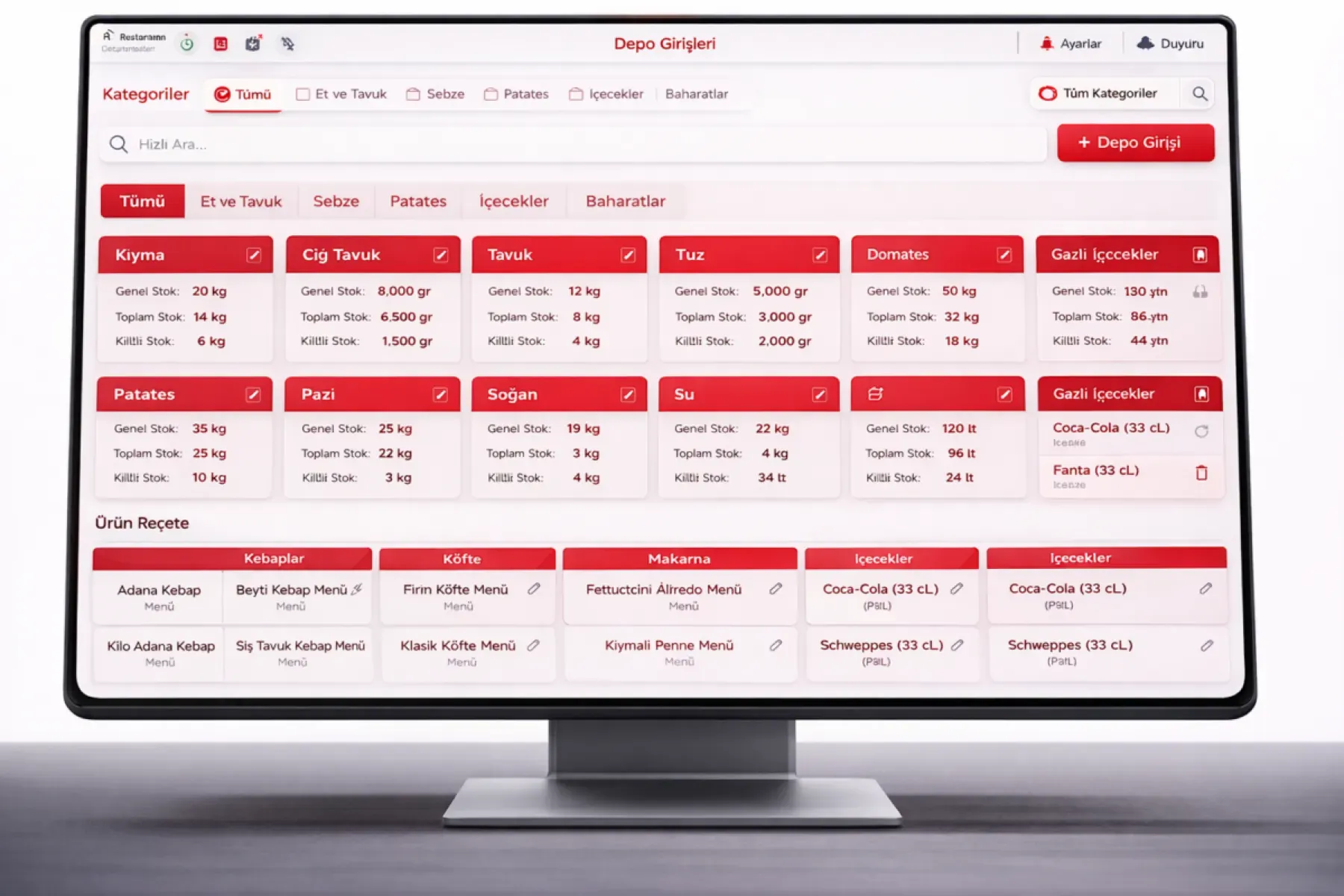
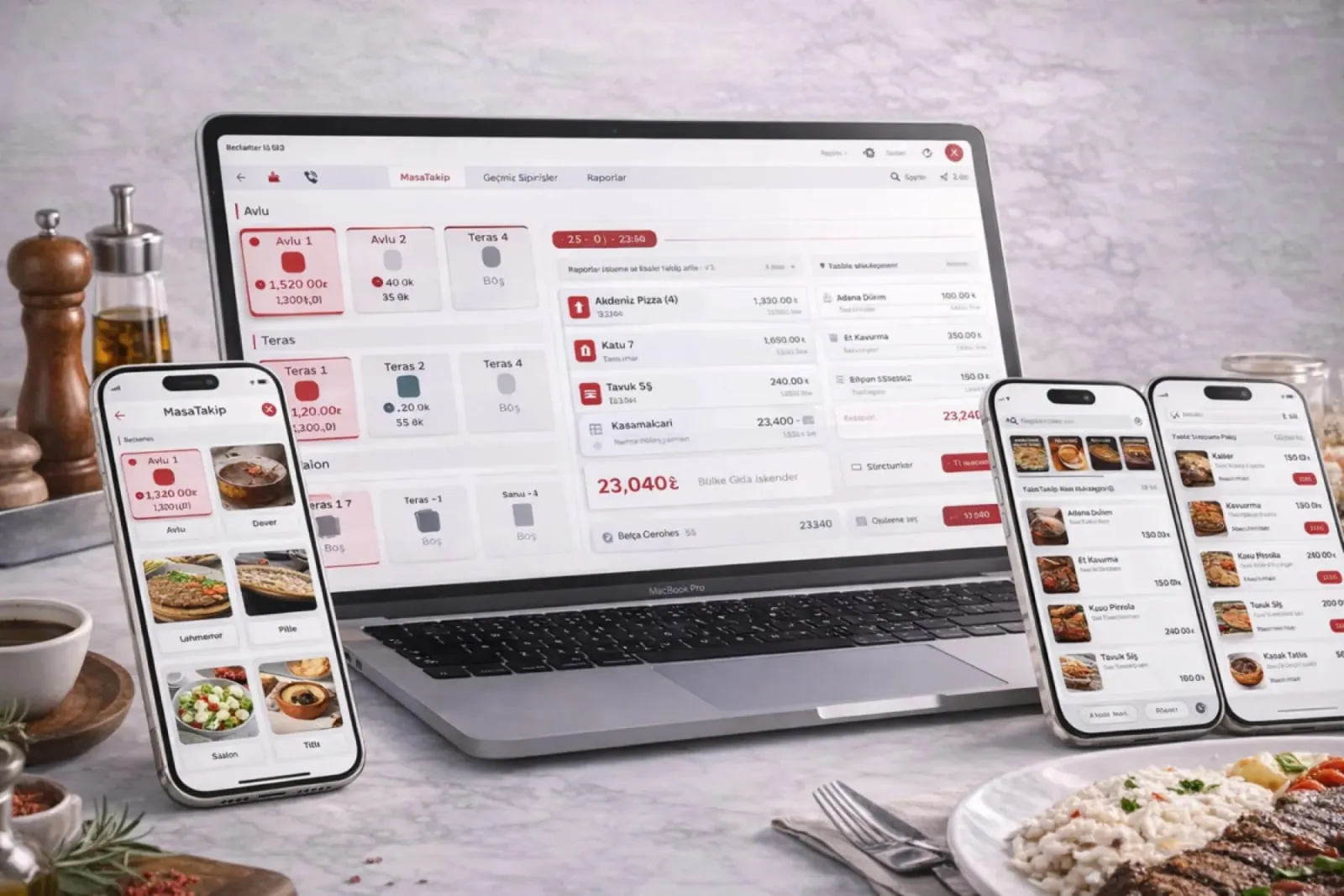
The Kitchen and Product Management group combines products and menu, stock and recipe costing, and the kitchen display. Every sale deducts raw materials by recipe; the kitchen sees the order on screen, and waste is posted as an expense.

Kitchen and product management
In short

Kitchen and Product Management is the group that brings together Panda Restoran's product and menu management, stock and recipe costing, and kitchen display system (KDS) modules. Products, portions, extras and combo menus are defined; with every sale the recipe's raw materials come off stock, an alert fires at the critical level, and the order detail is prepared from the kitchen display.

How is this work done today?

  • Portion cost is unknown

    The menu price is set by guesswork; when meat, oil and vegetable prices change, it is not visible which dish is losing money.

    1 chef × 2 hours / month
  • Stock counts do not match

    Raw materials in the pantry are not matched against sales, so you cannot tell waste from over-portioning from loss; the gap is found at month end.

    1 chef × 1 hour / day
  • Order tickets get lost in the kitchen

    The ticket from the printer gets wet on the counter, a special request cannot be read, and the wrong dish comes back; preparation order is run by shouting.

    1 cook × 15 minutes / shift

How does Kitchen and product management work?

  1. 1

    Products and menu are defined

    Products are entered with category, portion, extras and weight; branch-level prices and promotions are managed from the center.

  2. 2

    Recipes are written

    Each product is linked to raw materials and quantities. Portion cost is calculated and the profit margin appears on the product card; the pricing decision is yours.

  3. 3

    A sale deducts stock, the kitchen sees it on screen

    When an order is entered it drops onto the kitchen display; when the check closes, the recipe's raw materials come off stock. An alert arrives at the critical level.

  4. 4

    The agent delivers the morning list

    Recipe consumption, counts and critical levels are compared every day; variances and missing raw materials are listed. The head chef approves the order and the waste record.

See how Kitchen and product management would work in your business

Tell us briefly about your process and we will walk through the screens with your own example.

  • Reply the same business day
  • 15+ years of experience
  • 90 client businesses

Kitchen and product management features

Kitchen and product management: Product and menu card
  • Product and menu card

    Category, image, description and price on one card; the menu, promotions and opening hours are sent to all branches together or separately by branch.

  • Portions and extras

    Several portion options and prices for one product; with the extras module, each extra has its own price and stock deduction.

  • Sale by weight

    For products sold by kilogram, the price is calculated automatically from the weighed amount; weight and unit price are written to the check.

Kitchen and product management: Combo menu bundles
  • Combo menu bundles

    Two- and three-item menus are defined at a special price; when a bundle is sold, each component's recipe is deducted from stock separately.

  • Recipe-based stock deduction

    With every sale the recipe's raw materials are deducted automatically; stock in and out is recorded instantly, and a count sheet can be pulled for any date.

  • Critical level alert

    A notification arrives for a raw material nearing its set level; a suggested order lands in the purchasing module, and the chef approves.

  • Cost, profit and waste

    Cost and profit margin are calculated per product; waste and loss records are reported and posted as an expense in the income and expense module.

  • Kitchen display system (KDS)

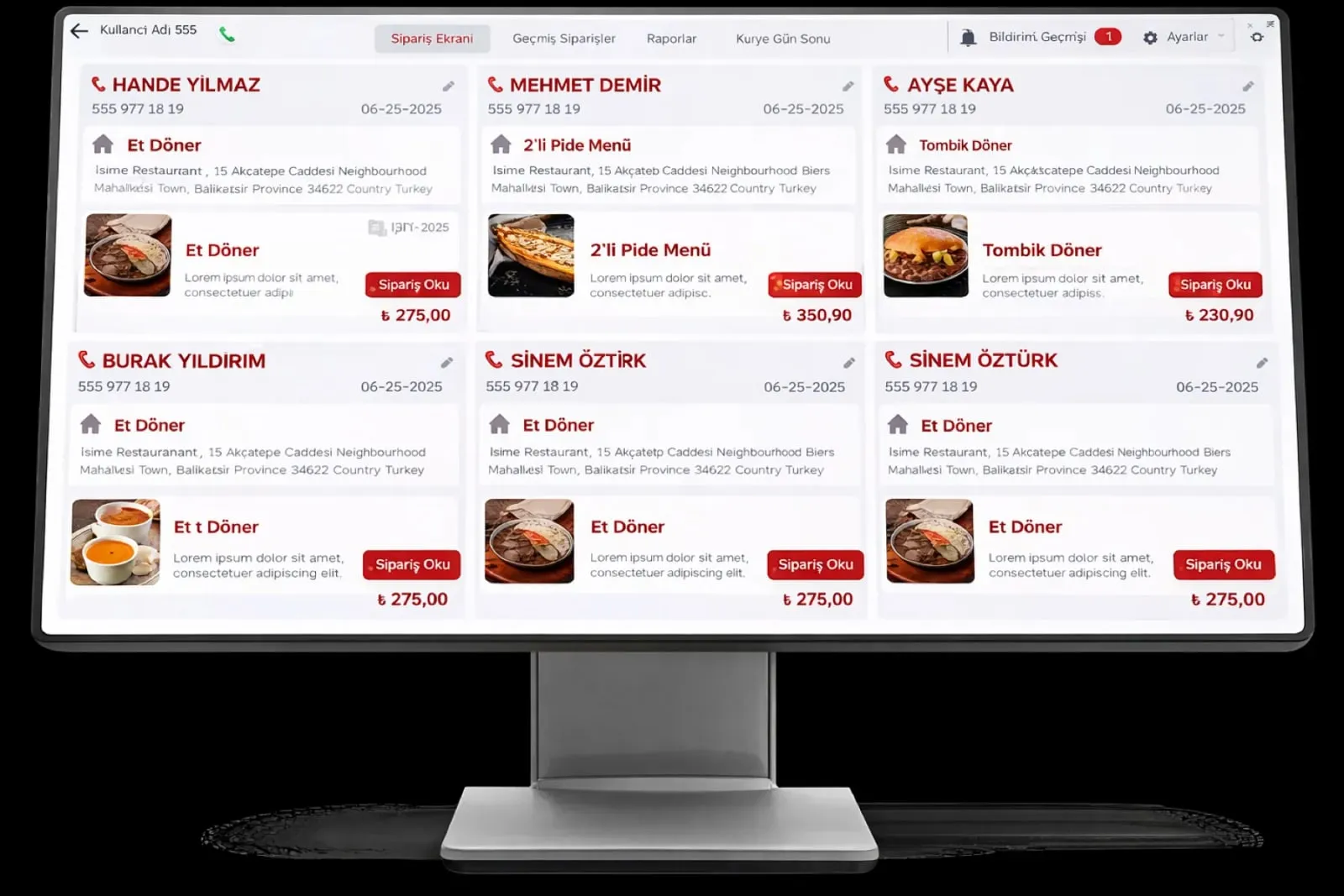
    Order content, special requests and notes on screen; the preparation stage is marked, and the service team sees which stage an order is at.

What does Panda AI add to Kitchen and product management?

The Production and Planning Agent is the Panda AI agent that answers, in a single question, an order’s delivery date, whether work orders have the materials they need and where there is a risk of delay.

  1. Today The plan is kept in Excel and the ERP is updated afterwards With the agent The delivery date of any order with one question
  2. Today A material shortage is discovered when the line stops With the agent Material availability check for work orders
  3. Today Three people are asked for one delivery date With the agent Orders at risk of delay are flagged in advance

Jobs it takes on

  • Work order and delivery date queries
  • Material availability check
  • Scrap and efficiency reports
  • Delay risk alerts
  • End-of-shift summaries
  • Compiling quality records

The agent prepares, a person approves. Anything that posts a record or sends something outside the company goes through your approval.

Explore Panda AI agents

Frequently asked questions about Kitchen and product management

Is entering recipes mandatory?

It is not mandatory, but stock deduction and cost calculation rely on recipes. A product without a recipe is recorded only as a sale; once a recipe is added, raw materials start coming off stock from that day. Setup starts with your best-selling products.

How is portion cost calculated?

The quantity of each raw material in the recipe is multiplied by its latest purchase price, and the total portion cost is written to the product card. When a purchase price changes, the cost is recalculated; the profit margin against the sale price shows in the product list.

Does the kitchen display replace the printer?

They can work together. The order drops onto the kitchen display, and if you like, a ticket also prints from the printer at the same time. Special requests and notes are readable on screen and the preparation stage is marked; the printer remains only at stations that want paper.

Can branches have different menus?

Yes. The menu and prices are sent from the center to all branches; prices, promotions or the product list can be set separately for a branch that needs it. The center sees on one screen which menu is open at which branch.

How is waste recorded?

A spoiled, spilled or returned product is entered as waste; the quantity comes off stock and an expense line is created in the income and expense module. The waste report is pulled by product and reason, and compared with the count variance.

How is a stock count done?

A count sheet is pulled for the chosen warehouse or pantry, counted on a tablet or on paper, and the result is entered. The difference between the system record and the count is listed; the chef approves or corrects it, and stock is updated on approval.

Does a sold-out product leave the menu automatically?

When a recipe's raw material runs out, the product is hidden on the waiter terminal and the QR menu and is not shown to the customer. The head chef can also close a product by hand; when raw material is received, the product reopens. The list of closed products appears in the morning report.

What does the agent do in the kitchen and product group?

Panda AI compares recipe consumption, counts and critical levels every day and delivers the variance and missing raw material list in the morning. The head chef approves the order and waste record; the agent does not change the stock record on its own.

See Kitchen and product management with your own data

Describe your process in a few sentences and we will show you the modules that fit.

  • 15+ years of enterprise software experience
  • In the cloud or on your own server
  • Processes compliant with KVKK (Turkey's data protection law)

Last reviewed: · Panda Yazılım product team