Restaurant Management

One ticket goes back and forth between kitchen and bar; the main course is ready while the drink waits

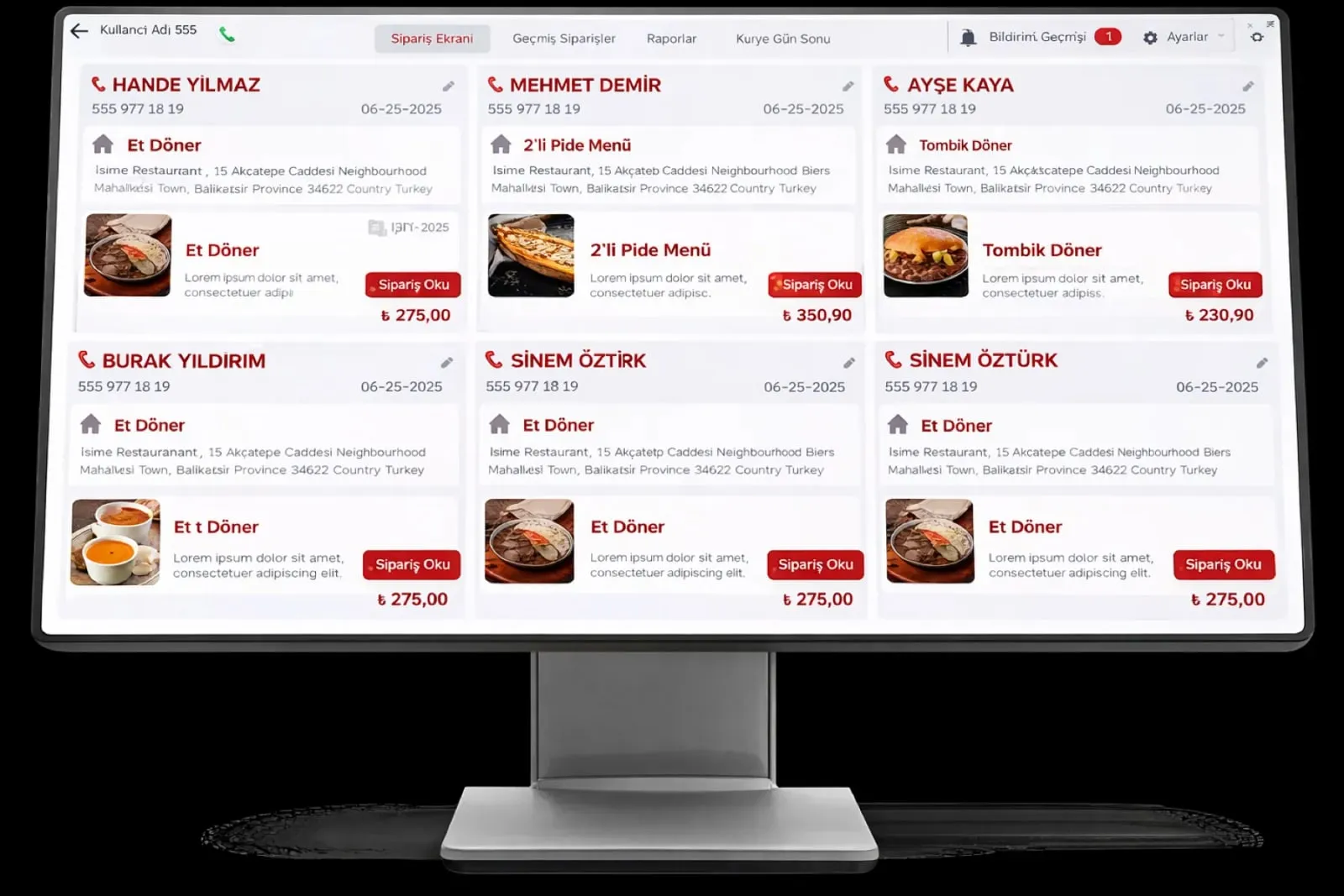
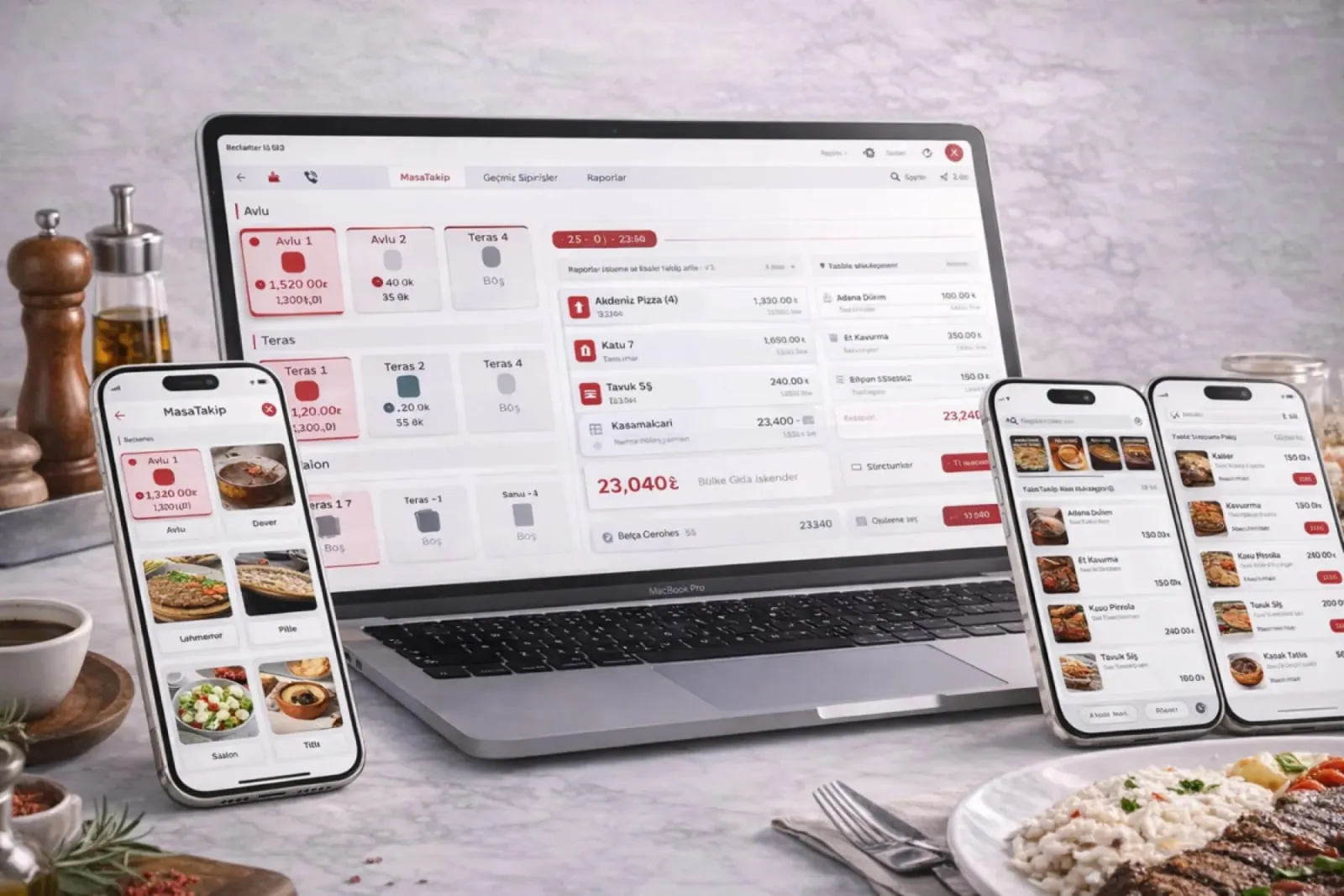
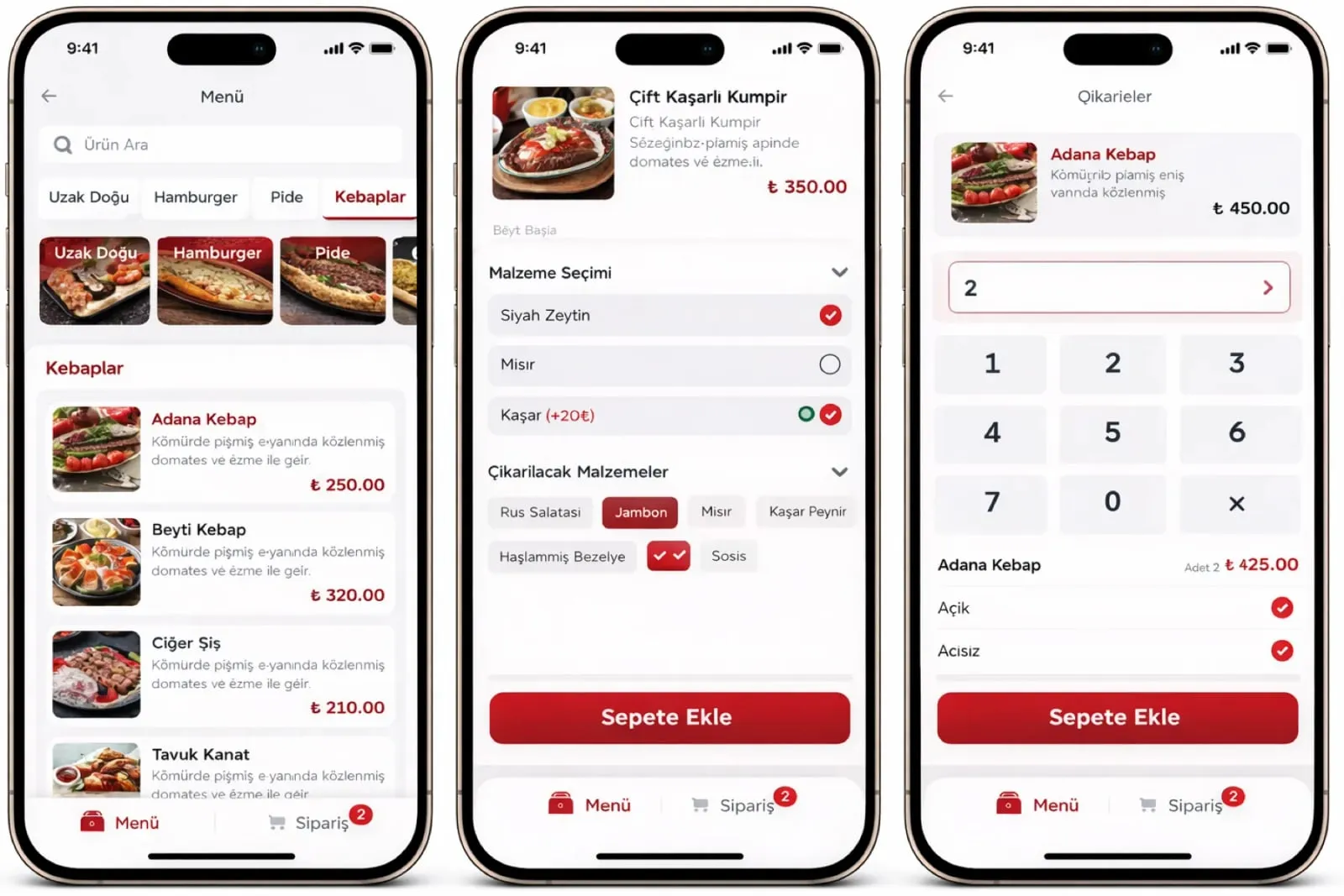
Kitchen and Bar splits the order coming from the register, QR menu, kiosk and mobile app across stations. The kitchen screen and the bar screen each see their own lines; doneness, drink recipe and note are on the same card, and the ready notice goes to service.

Kitchen and bar
In short

Kitchen and Bar is the Panda Restoran layer that distributes lines from every order channel to kitchen and bar stations and runs the prep process from the screen. The kitchen screen shows food lines with doneness and allergen notes, and the bar screen shows drink lines with recipe and mix details. A line marked ready is notified to the service team with its table number; prep time by station and item is reported.

How is this work done today?

  • One ticket is split between kitchen and bar

    Food and drinks come out on one ticket; the waiter tears it in two or the bartender walks to the kitchen to look. A line goes to both sides or to neither.

    1 waiter × 10 minutes / shift
  • The food is ready, the drink has not come

    The kitchen sends out the main course and the bar has not yet seen the cocktail; the plate cools at the pass and the table waits. Service order follows the ticket, not the table.

    1 head chef × 20 minutes / day
  • Prep time is unknown

    How long each item waits at which station is not measured; peak-hour planning and staffing run on gut feeling.

    1 restaurant manager × 1 hour / week

How does Kitchen and bar work?

  1. 1

    The order is routed to a station

    An order from the POS, QR menu, mobile app or kiosk is split into lines; each line goes to the station on its item card (grill, cold kitchen, dessert, bar).

  2. 2

    The kitchen screen works in real time

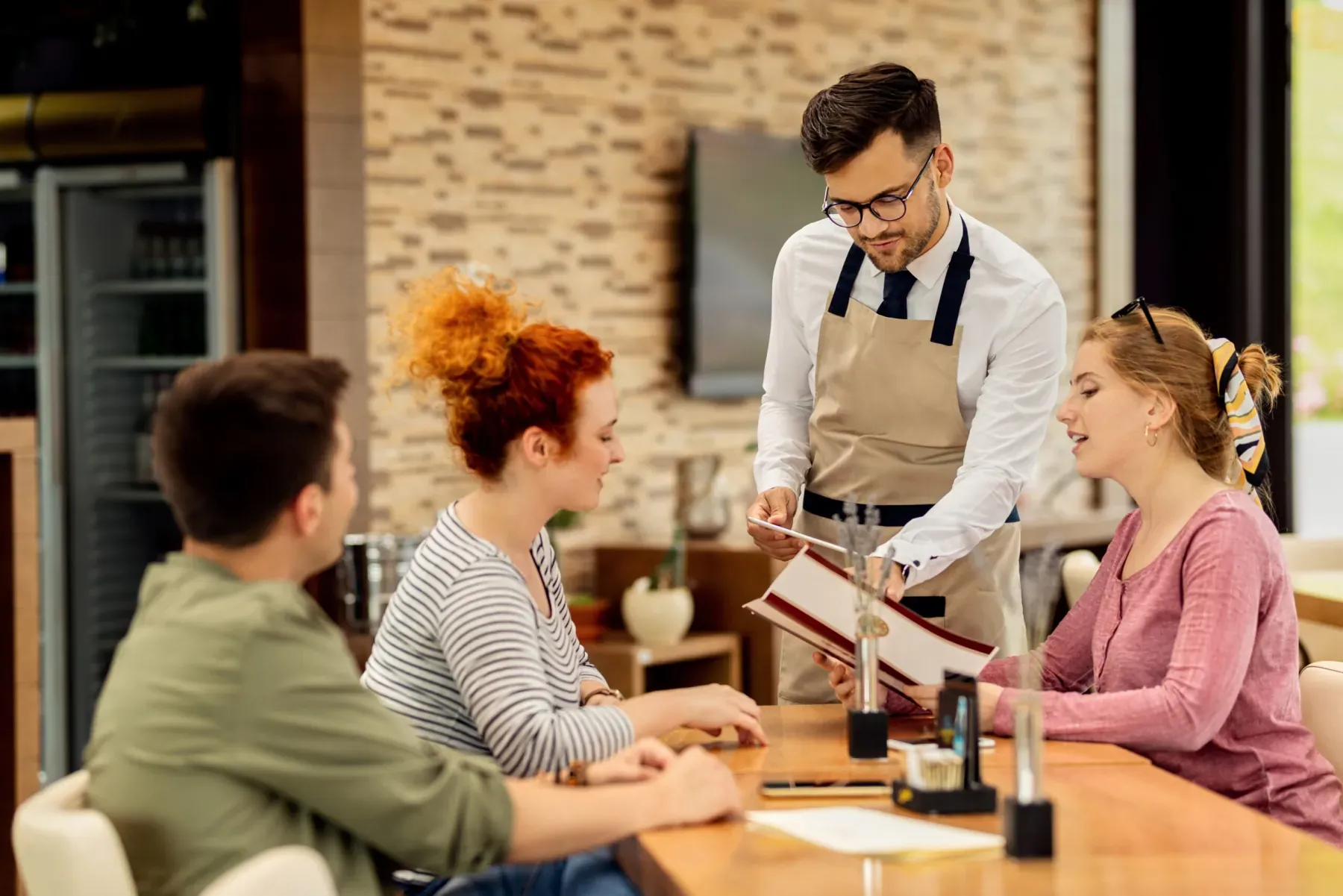
    A line appears on the kitchen screen the moment it is created; variation, doneness, allergen note and special request are written out plainly. The chef manages the queue from the screen.

  3. 3

    The bar screen shows the recipe

    A drink line shows on the bar screen with recipe, shot option, ice and flavour preference; the bartender reads queue and prep detail from the same card.

  4. 4

    Ready notification and report

    A prepared line becomes 'ready' with one tap; the service team is notified with the table number. Prep time by item, station and hour is reported.

See how Kitchen and bar would work in your business

Tell us briefly about your process and we will walk through the screens with your own example.

  • Reply the same business day
  • 15+ years of experience
  • 90 client businesses

Kitchen and bar features

Kitchen and bar: Station-based order routing
  • Station-based order routing

    A prep station is defined on every item card; lines from one table drop separately onto the relevant kitchen or bar screen.

  • Kitchen screen (KDS)

    On the order card: item, variation, doneness, allergen and special note; a late card changes colour and the queue is reordered by dragging.

  • Bar screen and drink recipes

    Cocktail and drink recipes, shot options, ice and flavour preference on the bar screen; timing against the same table's food is visible.

Kitchen and bar: Ready notification to service
  • Ready notification to service

    A line marked ready reaches the waiter terminal and the register with the table number; no unnecessary trips to the kitchen.

  • Table-synchronised service

    Kitchen and bar lines for the same table are followed together; when the main course and the drink are ready, the table card becomes 'ready to serve'.

  • Prep performance report

    Prep time per item, load by station and staff performance are available by day, week and month as Excel and PDF.

  • Bar stock and recipe deduction

    A drink sale deducts bar stock by the bar recipe; consumption by bottle and shot is tracked in the Stock and Recipe module.

  • Printer and screen together

    A kitchen and bar printer can be used along with the station screen; when the screen is off, ticket printing takes over.

What does Panda AI add to Kitchen and bar?

The Production and Planning Agent is the Panda AI agent that answers, in a single question, an order’s delivery date, whether work orders have the materials they need and where there is a risk of delay.

  1. Today The plan is kept in Excel and the ERP is updated afterwards With the agent The delivery date of any order with one question
  2. Today A material shortage is discovered when the line stops With the agent Material availability check for work orders
  3. Today Three people are asked for one delivery date With the agent Orders at risk of delay are flagged in advance

Jobs it takes on

  • Work order and delivery date queries
  • Material availability check
  • Scrap and efficiency reports
  • Delay risk alerts
  • End-of-shift summaries
  • Compiling quality records

The agent prepares, a person approves. Anything that posts a record or sends something outside the company goes through your approval.

Explore Panda AI agents

Frequently asked questions about Kitchen and bar

Is the kitchen screen the same as Kitchen and Bar on this page?

The Kitchen Display System (KDS) is the detail page for the kitchen side; this page explains how kitchen and bar stations work together. The bar screen, drink recipes and table-synchronised service are parts of that whole. At setup, both are opened on the same order flow.

Is a separate screen for the bar required?

In a small business a single screen can show both kitchen and bar lines; lines are separated by a station label. In a busy bar a separate bar screen is set up; only drink lines are shown and the recipe and mix detail is written large. The decision is made in discovery according to venue and team.

How do doneness and allergen notes show?

The waiter or guest picks doneness and a note in the order; on the kitchen screen it appears under the item on a separate line in large type. An allergen defined on the item card is added automatically. The chef cannot mark a line 'ready' without reading the note; the note line stays on the card.

How do the main course and the drink come out together?

The table card shows kitchen and bar lines together; each station prepares its own line while seeing the other station's status. When everything is ready the table becomes 'ready to serve' and the waiter gets one notification. If you prefer, a rule of drinks first and food after can be defined.

Does a cocktail recipe deduct bar stock?

Yes. A recipe by bottle and shot is written for every drink item; at the moment of sale, bar stock is deducted by the recipe. Bottle counts are entered from a tablet and the difference from recipe consumption is listed. Recipe definition and counts are done in the Stock and Recipe module; the bar screen only displays.

What does the prep time report show?

The time from order opening to the ready mark for each item, busy hours by station and the number of items prepared by staff member appear in the report. If a target time is defined on the item card, items over it are flagged. The report is available by day, week and month as Excel and PDF.

How are delivery orders separated on the kitchen screen?

Platform and phone orders reach the kitchen screen with a 'delivery' label and a target handover time; they are separated from table orders by colour. When ready they go to the courier assignment list, with no notification to the waiter. Delivery and table orders are sorted by target time in the same station queue.

What does the agent do in the kitchen and bar?

Panda AI works out prep time for kitchen and bar stations from the order record; stations and items over target are listed in the morning. The chef changes the station layout, staffing and recipes; the agent gives the kitchen no instructions and prepares the report. Scenario: production report.

See Kitchen and bar with your own data

Describe your process in a few sentences and we will show you the modules that fit.

  • 15+ years of enterprise software experience
  • In the cloud or on your own server
  • Processes compliant with KVKK (Turkey's data protection law)

Last reviewed: · Panda Yazılım product team