Restaurant Management

Which module is in which package, what happens when the internet drops, where the backup lives

This page gathers Panda Restoran's scope in one list: setup, packages, support, offline operation, integrations and backup. The questions asked in a sales call before buying are answered here one by one.

Panda Restoran features
In short

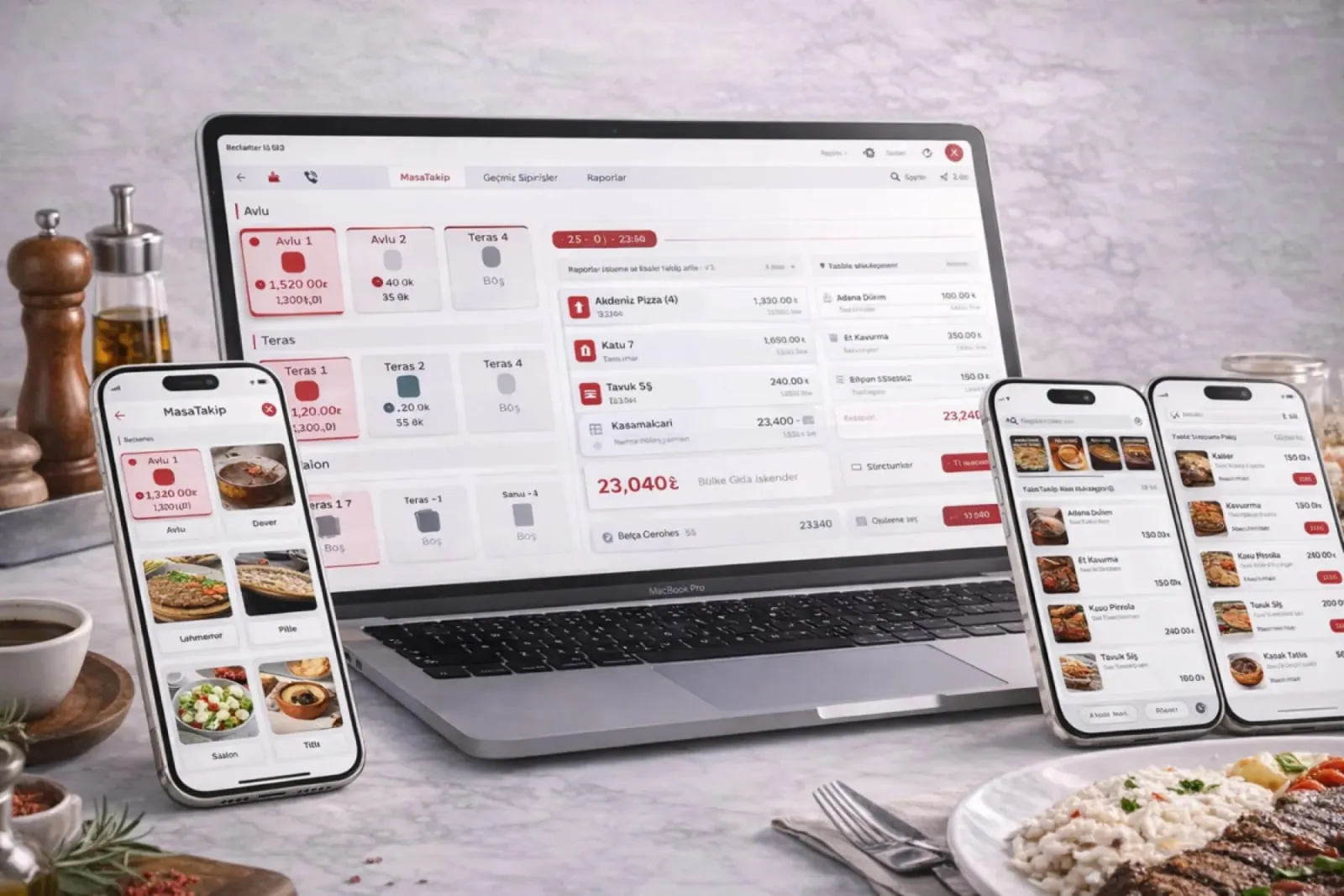
The Panda Restoran features page explains the scope of the restaurant software: setup, packages, technical infrastructure, integrations, support and backup. The system is installed by remote connection, keeps working without internet, receives Getir, Trendyol Yemek, Yemeksepeti and Migros Yemek orders automatically, and backs up your data every day. Package contents depend on the modules your business chooses.

How is this work done today?

  • Package contents are unclear when you ask for a quote

    Which module is in which package only becomes clear in the sales call; the owner lays three quotes side by side to compare them.

    1 manager × 2 hours / quote
  • Nobody knows if a backup is being taken

    The old program runs on a single computer at the register; when the disk fails, the menu and sales history are lost.

    1 cashier × 30 minutes / week
  • Support means chasing the installer

    When receipts stop printing or the printer stalls, someone tries to reach the installer by phone while service waits.

    1 manager × 20 minutes / incident

How does Panda Restoran features work?

  1. 1

    Discovery and package selection

    The dining room, delivery, number of branches and the fiscal cash register in use are listed together. The package is built from this list, and the sales team sends you a quote.

  2. 2

    Remote setup

    The system is installed by remote connection, the menu and floor plan are entered, and the printer and fiscal cash register are connected. You start taking orders the same day.

  3. 3

    Integrations are switched on

    Your Getir, Trendyol Yemek, Yemeksepeti and Migros Yemek accounts are connected; orders drop in and print automatically.

  4. 4

    Support and backup run continuously

    A daily automatic backup goes to your cloud account. Support is given by phone, WhatsApp and remote connection; the request and resolution record stays with you.

See how Panda Restoran features would work in your business

Tell us briefly about your process and we will walk through the screens with your own example.

  • Reply the same business day
  • 15+ years of experience
  • 90 client businesses

Panda Restoran features features

Panda Restoran features: Remote setup
  • Remote setup

    Setup is done by remote connection; the menu, prices and floor plan are imported from Excel, and the printer and fiscal cash register are connected in the same session.

  • Offline operation

    When the internet drops, ordering, the kitchen printer and receipt printing continue; when the connection returns, records sync with the cloud account.

  • Platform integration

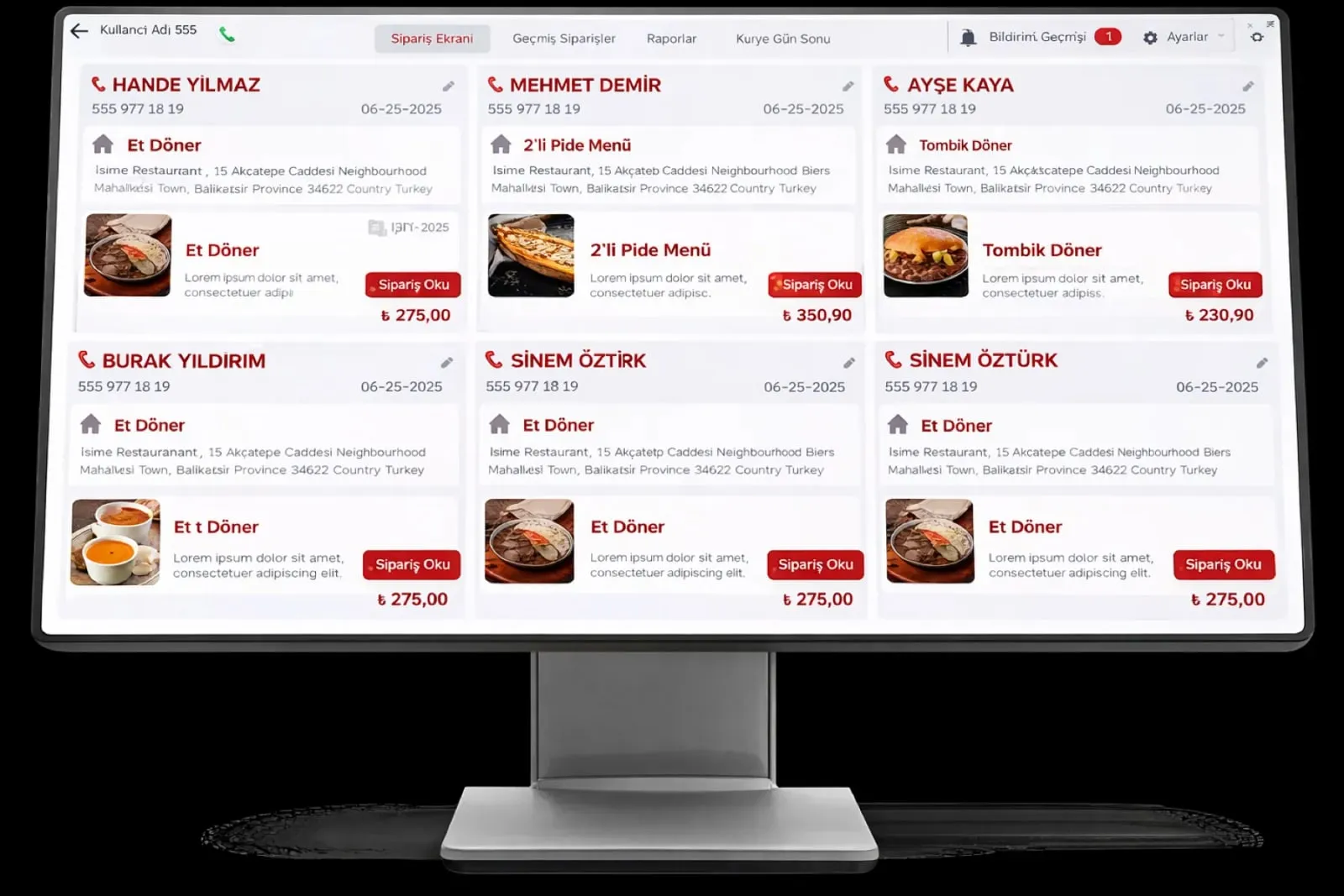
    Getir, Trendyol Yemek, Yemeksepeti and Migros Yemek orders drop onto the delivery screen and print automatically at the kitchen printer.

Panda Restoran features: Packages and pricing
  • Packages and pricing

    The package depends on the modules you choose and the number of branches; you get the quote in writing from the sales team, and modules can be added later.

  • Support line

    Technical support by phone, WhatsApp and remote connection; the ticket record and resolution time are visible in the panel.

  • Automatic stock tracking

    Stock in and out is recorded instantly; the alert system kicks in at the critical stock level, and a suggested order lands on the list.

  • Daily backup

    Data is backed up automatically every day; you can take a manual backup and restore it whenever you like, and the backup sits in your cloud account.

  • Permissions and user management

    Waiter, cashier, kitchen and manager roles are defined with separate permissions; who opened which check is kept in the audit log.

What does Panda AI add to Panda Restoran features?

The Customer Service Agent is the Panda AI agent that answers order, shipping and invoice questions 24/7 on WhatsApp and e-mail and hands over what it cannot solve to the right person.

  1. Today A rep looks in the ERP to check an order’s status With the agent Order and shipping status answered 24/7
  2. Today Out-of-hours messages wait until morning With the agent Hands over what it cannot solve to the right person
  3. Today Complaints can get lost before they are logged With the agent Every request is logged and reported

Jobs it takes on

  • Order, shipping and invoice queries
  • 24/7 answers on WhatsApp and e-mail
  • Logging requests and handing them to the right person
  • Starting return and complaint processes
  • Frequently asked questions knowledge base
  • Request and satisfaction reports

The agent prepares, a person approves. Anything that posts a record or sends something outside the company goes through your approval.

Explore Panda AI agents

Frequently asked questions about Panda Restoran features

Which modules are in the packages?

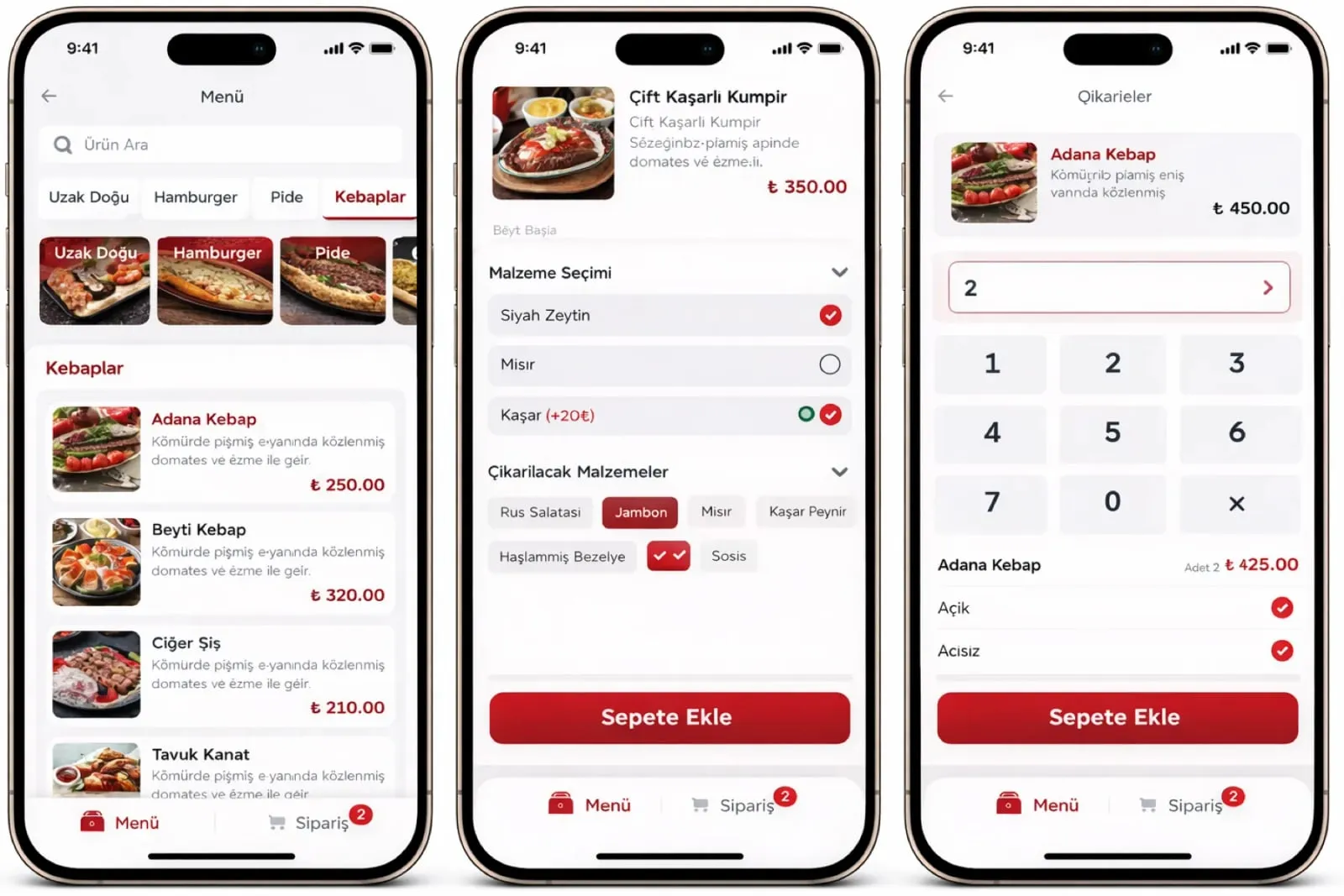
Package contents are set according to your business: a single-room café starts with tables, checks and register; a business that does delivery adds the platform integration and courier modules. For pricing, contact the sales team through the form or WhatsApp.

How long does setup take?

Setup is done by remote connection and is ready to use the same day. The menu, portions and floor plan are entered together with you during setup; the printer and fiscal cash register connection is tested in the same session.

Does it work without internet?

Yes. In offline mode the system takes orders, sends them to the kitchen printer and prints receipts. When the internet connection returns, records sync with your cloud account automatically; the cashier does nothing extra.

Which ordering platforms does it integrate with?

It integrates with Getir, Trendyol Yemek, Yemeksepeti and Migros Yemek. Orders from these platforms drop into the system automatically and print at the kitchen printer; there is no need to watch separate tablets.

Which channels does support use?

Technical support is given by phone, WhatsApp and remote connection. In an emergency we connect remotely and step in; every request is logged as a ticket, and the resolution time sits in the same panel you see.

How is our data backed up?

Automatic daily backup is on as standard, and the backup is stored in your cloud account. You can take a manual backup and restore it at any time. Sales history, menu and customer records are not tied to a single register computer.

Can the menu and customers be moved from an old program?

Yes. The product list, prices, portions and customer records are imported from Excel or from the old program's export. Rows that do not match come back to you as a list and are closed out with your approval.

What does the agent do within the features scope?

Every morning Panda AI compiles the orders that came in from Getir, Trendyol Yemek and Yemeksepeti, plus cancellations and delays, into one summary. The business changes platform settings and the menu; the agent does not change anything, it only reads and reports.

See Panda Restoran features with your own data

Describe your process in a few sentences and we will show you the modules that fit.

  • 15+ years of enterprise software experience
  • In the cloud or on your own server
  • Processes compliant with KVKK (Turkey's data protection law)

Last reviewed: · Panda Yazılım product team