Restaurant Management

The price changed; three branches run three menus and the kiosk still shows the old price

Product and Menu Management keeps the menu, prices, discounts, campaigns and opening hours in one place. A change reaches every branch and every sales channel at the same time; if you want, one branch can run its own prices.

Product and menu management
In short

Product and Menu Management is the Panda Restoran module that manages item cards, prices, portions, extras, campaigns and opening hours from one place. A change reaches the POS, kiosk, QR menu and delivery platforms from the same record; each branch can run its own prices and menu when needed. The item card is tied to its recipe, so every sale draws down stock through the recipe.

How is this work done today?

  • Price changes are made branch by branch

    The new price list is entered separately at each branch; the kiosk, QR menu and printed menu are updated on top of that. One channel stays on the old price and an argument breaks out at the register.

    1 restaurant manager × 2 hours / change
  • Portions and extras are settled verbally at the register

    Large portion, extra cheese, sauce on the side: when the cashier cannot find a matching item, they type the price by hand. The item breakdown in the sales report does not add up.

    1 cashier × 1 minute / order
  • Campaign hours are switched on and off by hand

    The lunch menu and the evening discount are started manually at the register; when someone forgets, the morning price is sold in the evening or the other way round.

    1 cashier lead × 15 minutes / day

How does Product and menu management work?

  1. 1

    Item cards and categories are set up

    Item name, photo, description, category, allergens and prep station are defined on a single card. Your current menu is imported from Excel; cards with missing data come back as a list.

  2. 2

    Portions, extras and weights are defined

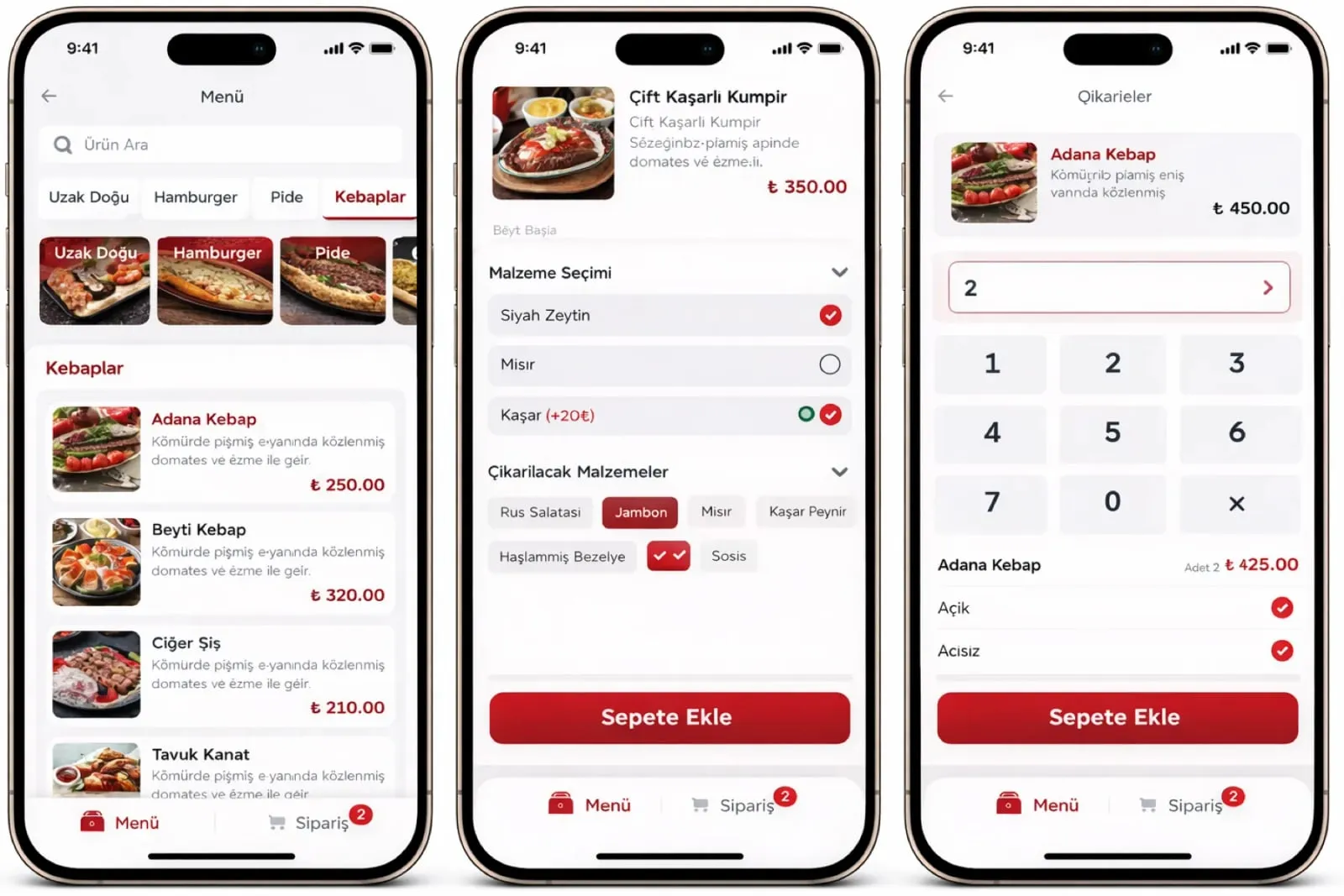
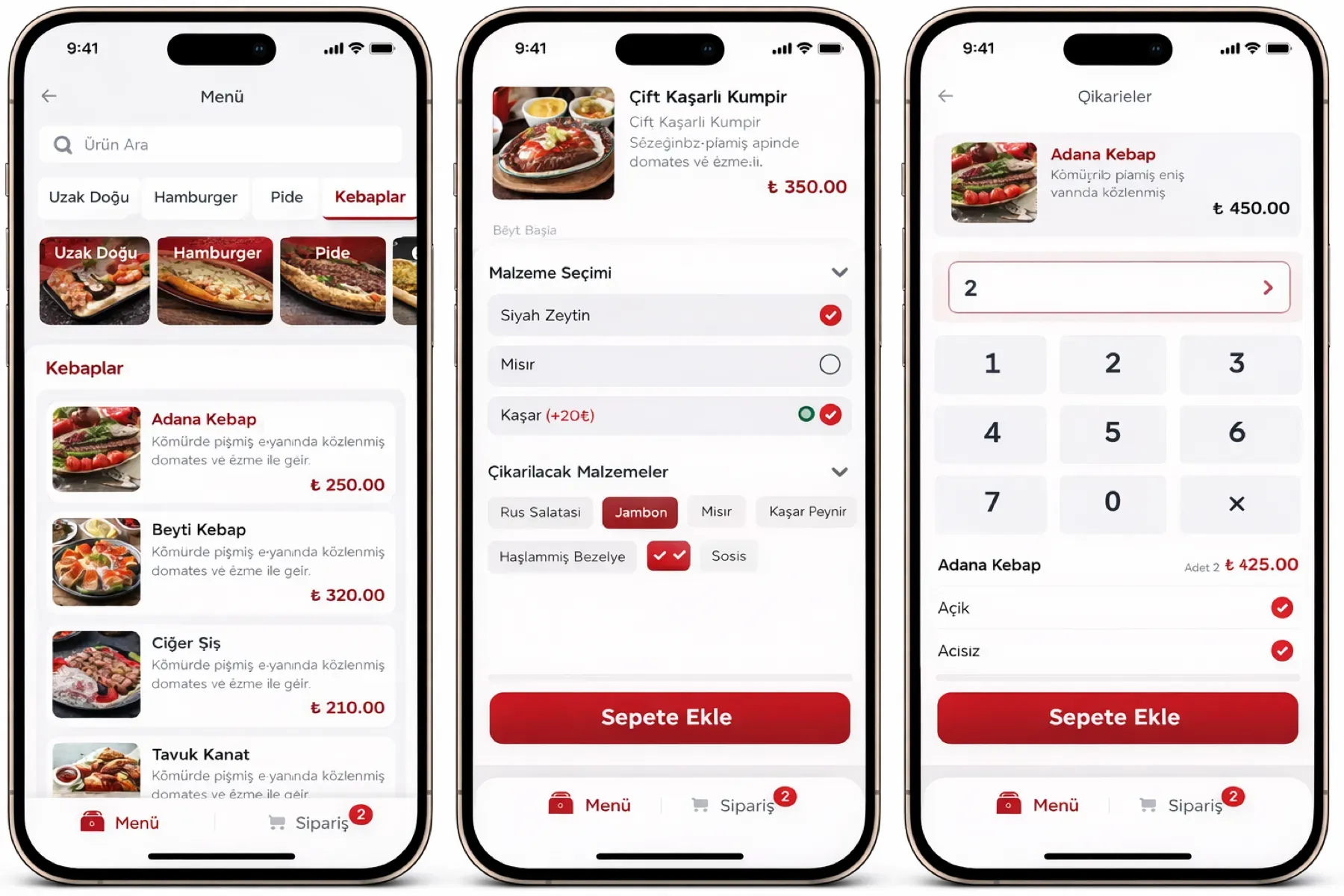
    Several portions of one item are opened with separate prices; extras are added with their own prices. For weight-based items, the price is calculated from the scale reading.

  3. 3

    Prices and campaigns flow down from the centre

    The price list, timed campaigns and combo menus are defined centrally and published to every branch and channel at once. A branch that wants an exception gets its own price.

  4. 4

    Recipe and report links are made

    Each item card is tied to a recipe; at the moment of sale, raw materials are drawn from stock, and cost and margin by item show up in reports.

See how Product and menu management would work in your business

Tell us briefly about your process and we will walk through the screens with your own example.

  • Reply the same business day
  • 15+ years of experience
  • 90 client businesses

Product and menu management features

Product and menu management: Central menu and prices
  • Central menu and prices

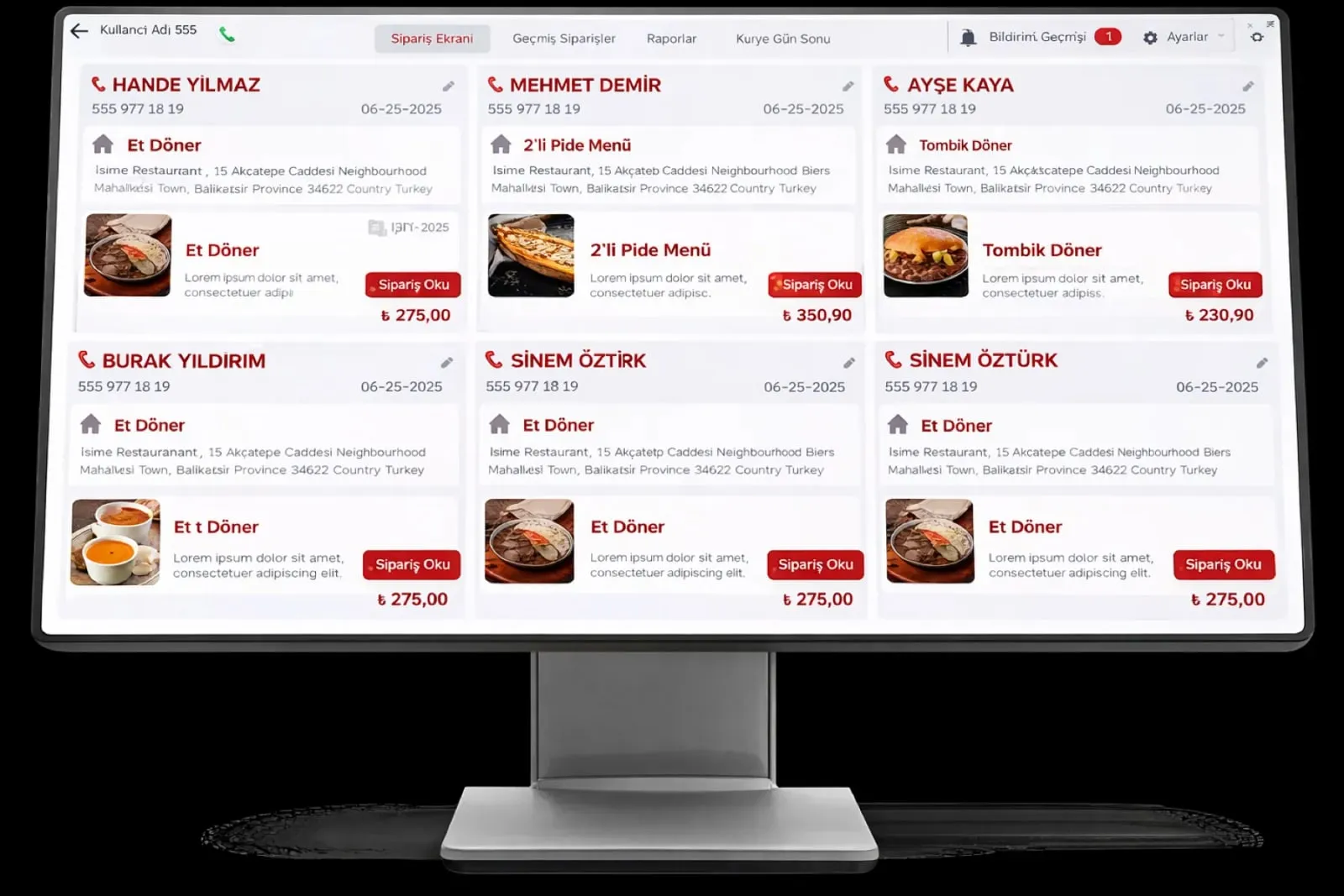
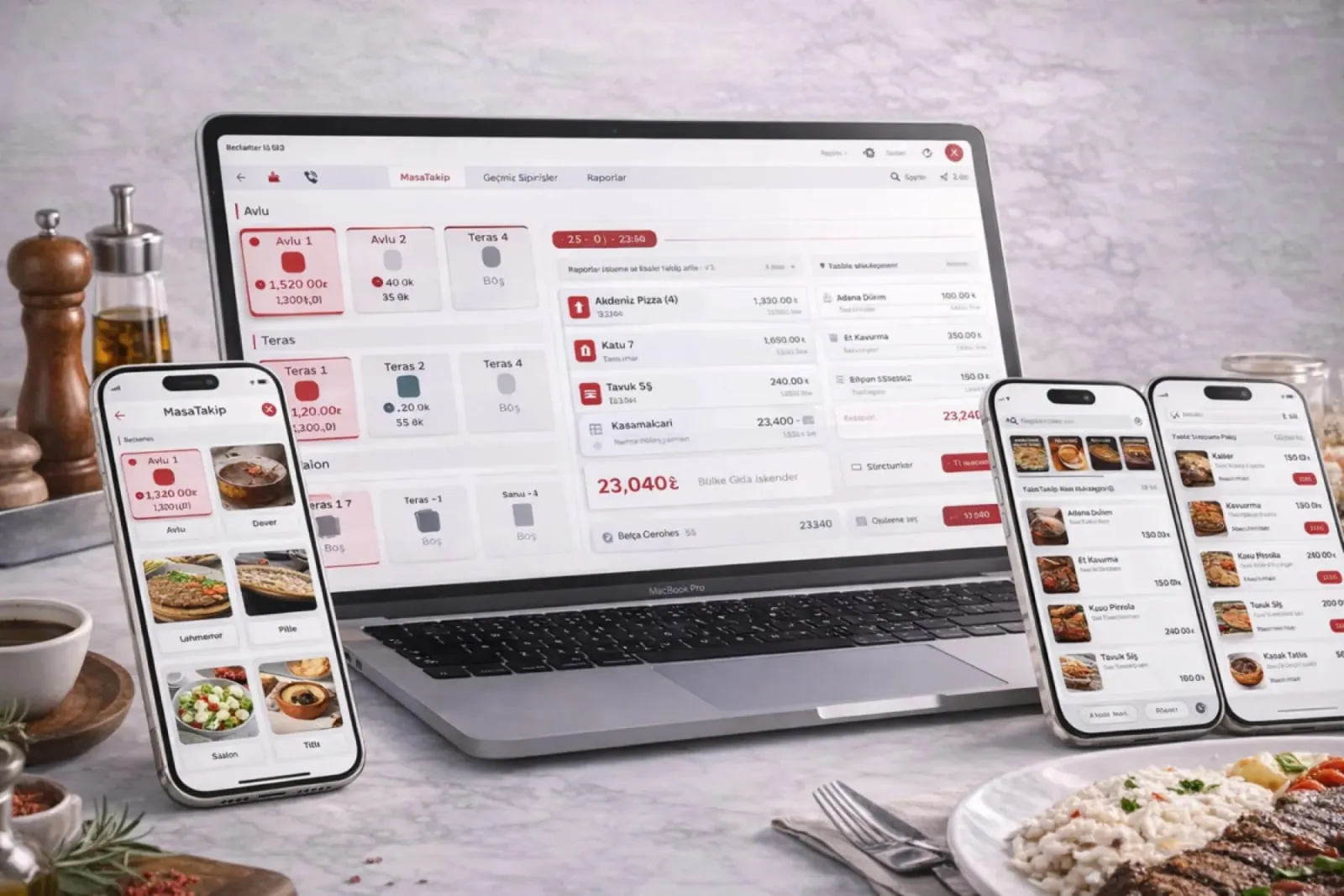
    Menu, price, discount and opening hours from one screen; a change goes to the POS, kiosk, QR menu and platform menus from the same record.

  • Branch-level exceptions

    A different price, menu or campaign can be defined for one branch; head office sees every exception in a single list.

  • Multiple portions

    One item gets several portions, such as small, medium and large, each with its own price and recipe; the cashier picks from a list.
Product and menu management: Extras module
  • Extras module

    Each extra is defined with its own price, added to the order line and shown under the item on the kitchen screen.

  • Sales by weight

    For items sold by the kilo, the scale reading is entered or read from the scale; the price is calculated automatically and the receipt prints with the grams.

  • Combo menu packages

    Two- and three-item menus are defined at a special price; the report shows the package and its content items separately.

  • Timed campaigns

    Lunch menus, evening discounts and day-specific campaigns are defined with a time window and are not switched on or off by hand at the register.

  • Item photo and allergens

    The photo, description and allergen information shown on the kiosk, QR menu and menu screen come from the item card; a sold-out item is hidden automatically.

What does Panda AI add to Product and menu management?

The Production and Planning Agent is the Panda AI agent that answers, in a single question, an order’s delivery date, whether work orders have the materials they need and where there is a risk of delay.

  1. Today The plan is kept in Excel and the ERP is updated afterwards With the agent The delivery date of any order with one question
  2. Today A material shortage is discovered when the line stops With the agent Material availability check for work orders
  3. Today Three people are asked for one delivery date With the agent Orders at risk of delay are flagged in advance

Jobs it takes on

  • Work order and delivery date queries
  • Material availability check
  • Scrap and efficiency reports
  • Delay risk alerts
  • End-of-shift summaries
  • Compiling quality records

The agent prepares, a person approves. Anything that posts a record or sends something outside the company goes through your approval.

Explore Panda AI agents

Frequently asked questions about Product and menu management

How many channels does a menu change reach at once?

A change made on the item card goes to the POS, self-service kiosk, QR menu, menu screen and connected delivery platforms from the same record. Apart from the printed menu, there is no separate entry. Which channel shows which item is marked on the card.

Can a branch run different prices?

Yes. The central price list flows down to every branch; a branch with an exception uses its own price. Exceptions appear in a single list at head office and can be time-limited. In franchise setups, whether a branch may change prices is head office's decision.

How do portions and extras draw down stock?

Each portion has its own recipe; when a large portion is sold, the raw materials of the large portion are deducted. Extras are defined with recipes too; when extra cheese is sold, cheese stock falls by that amount. Recipes are defined in the Stock and Recipe module.

Which items use weight-based sales?

It is used for meat, fish, desserts and buffet items sold by the kilo. The weight is entered at the register or read from a connected scale; the unit price is set on the card, the amount is calculated automatically and the receipt prints with the grams.

How does a combo menu show in reports?

The package is sold at one price and shows in reports both under the package name and as the items it contains. So you read how much the package sold and how much of each item came out of it. Cost is calculated from the recipes of the content items.

How does a sold-out item leave the menu?

When 'sold out' is marked on the item card, it is hidden at once from the kiosk, QR menu and menu screen and closed for sale at the register. If a recipe is linked, the critical stock alert shows on the same card. When the item is reopened the next day, it returns to every channel.

Can we transfer our current menu from Excel?

Yes. An Excel file with item name, category, price and portion columns is imported; photos and allergen information are added later from the card. Rows that do not match come back to you as a list and are closed with your approval. We set the category structure together during setup.

What does the agent do in product and menu management?

When a supplier price changes, Panda AI recalculates recipe cost; it flags and lists items whose margin falls below the threshold. Raising a price, removing an item from the menu or changing a recipe is the business's decision; the agent does not change prices, it prepares the list.

See Product and menu management with your own data

Describe your process in a few sentences and we will show you the modules that fit.

  • 15+ years of enterprise software experience
  • In the cloud or on your own server
  • Processes compliant with KVKK (Turkey's data protection law)

Last reviewed: · Panda Yazılım product team