
Setup
Drag-and-drop flow
Trigger, AI step, rule and approval blocks; they change without depending on IT.
- Test mode
- Runs on your infrastructure

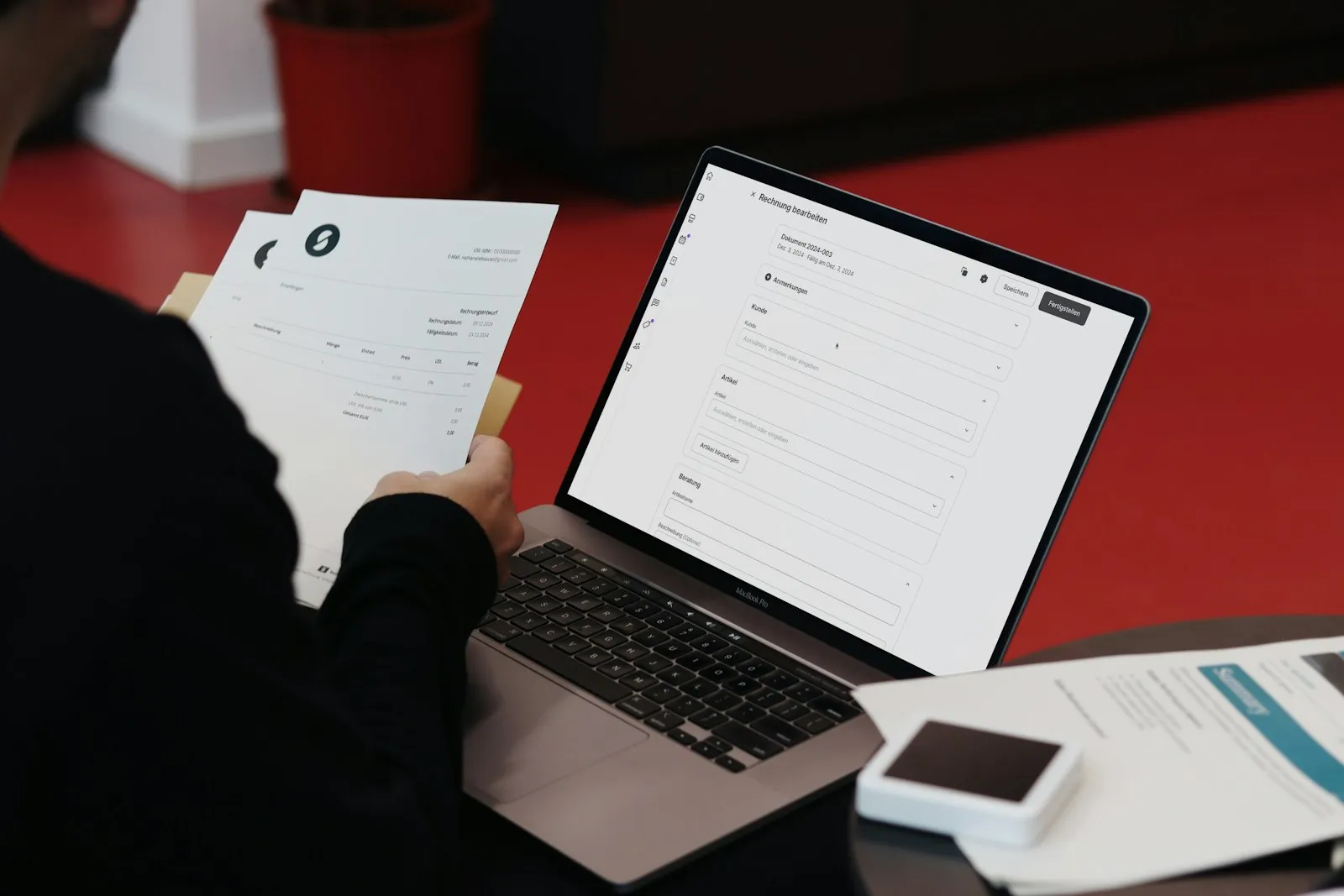
Workflows are built without code, by connecting blocks. Where it starts, which step the AI performs and where human approval is required are all visible on one screen. You build the flow once and it runs with the same accuracy every day.



Panda Tuval is a visual automation tool for building workflows by connecting blocks, without writing code. A flow starts with a trigger, passes through AI and rule steps, and ends with an action. A record outside the rules falls into the human block.
An email arrived, the clock hit 07:00, a new record was opened in the ERP, a bank statement came in. Example: Email, Timer, ERP event, Webhook.
Reads the document, matches records, summarizes, writes replies. The fields it extracts and its confidence threshold are visible. Example: Read document, Match, Summarize, Classify.
Amount limit, stock check, account limit, match threshold. If the condition is not met, the flow returns to a human. Example: Condition, Threshold, List check.
Who approves, through which channel, and within how many hours is defined. A record that is not approved does not move on. Example: Request approval, Correct and approve, Escalate.
A flow starts with a trigger, passes through AI and rule steps, and ends with an action. A record outside the rules falls into the human block.
Trigger, AI step, rule and approval blocks; they change without depending on IT.
Records processed per flow, exception rate, approval time and hours saved; the pilot report comes from here.
Tell us briefly about your process and we will walk through the screens with your own example.
Each has its place. The difference is in what happens with the records inside the ERP and with exceptions that fall outside the rule.
| Criterion | Excel macro | RPA (screen robot) | General flow tool | Panda Tuval |
|---|---|---|---|---|
| Understanding documents (PDF, email) | No | If there is a template | With a plugin | Built-in AI step |
| Matching ERP records | Manual | Via the screen, fragile | If there is an API | Directly with account and stock codes |
| Exception handling | None | Stops | Error notification | Human approval block, with channel and deadline |
| Ledger | None | Partial | Log | Record, rule, approver |
| Where it runs | User's PC | Server | Mostly cloud | Your server or your cloud account |
| Who changes it | The person who wrote it | RPA team | Technical user | The process owner, in Tuval |
Trigger, AI step, rule and approval blocks; they change without depending on IT.
Amount limit, missing information, new customer… Every record outside the rule goes to the right person.
Which record was processed when, under which rule, and who approved it; all traceable retroactively.
Installed on your server or in your cloud account; data does not leave the company.
The flow is run on past records before going live; you see in advance what the agent will do.
Records processed per flow, exception rate, approval time and hours saved; the pilot report comes from here.
Ask our specialist. If it is not the right fit for you, we will say so.
We build the first flow ourselves in the 3-day demo; after that the process owner can change the blocks. If a new trigger or ERP table is needed, we add it.
The flow does not stop; it raises an exception: the record falls into the human approval block and a notification goes to the right person. The ledger shows at which step and under which rule it stopped.
There is no limit; we recommend starting with one process and measuring for 30 days. You decide whether to continue based on the report.
Describe your process in a few sentences and we will show you the modules that fit.