




Panda E-Commerce

Dealer orders on WhatsApp, store orders in the admin panel, marketplace orders on a third screen

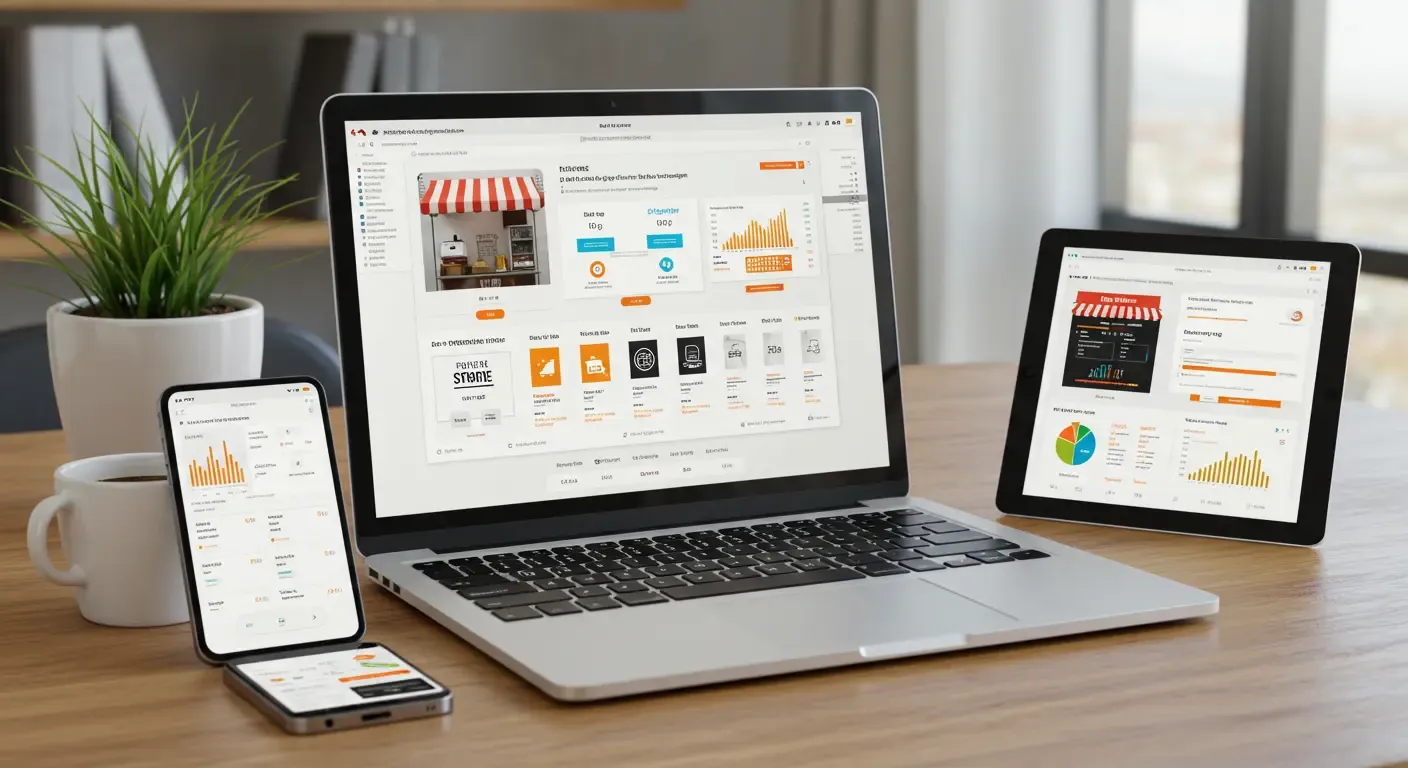
Panda E-Commerce connects the B2B dealer portal, the B2C store and marketplace sales to the single stock and customer account record of Panda ERP. An order lands on the same list whichever channel it comes from, and stock is deducted once.

Panda E-Commerce
In short

Panda E-Commerce is an e-commerce infrastructure that connects a dealer portal (B2B), an online store (B2C) and marketplace integration to the stock, customer account and invoice records of Panda ERP. The product card and stock are kept once in the ERP, and every channel sells from the same stock. An order lands on one list whichever channel it comes from, a work list goes to the warehouse, and the e-invoice is issued from the same record. Setup is done on your own server or cloud account.

How is this work done today?

  • A separate stock list for every channel

    Stock is updated separately in the store panel, the marketplace panel and the ERP; when one is forgotten, an out-of-stock product gets sold and the cancellation and refund emails start.

    1 person × 1 hour / day
  • Orders gathered from three screens

    Dealer orders are read from WhatsApp, store orders from the panel and marketplace orders from a third panel, and typed into the ERP by hand; the warehouse works from paper lists.

    1 person × 10 minutes / order
  • Invoice and shipping data are carried by hand

    After the order is entered into the ERP, the invoice is issued, the cargo label is printed on another screen and the tracking number is typed into the panel one by one.

    1 person × 2 hours / day

How does Panda E-Commerce work?

  1. 1

    Product card and stock come from the ERP

    Product code, barcode, price lists, images and description are kept on the product card in the ERP. Which product is sold on which channel, and the channel-specific price, is marked on the card.

  2. 2

    Channels are switched on

    The dealer portal, the online store and the marketplace connection are opened separately; you start only with the channel you need. Theme, language and payment method are set up during installation.

  3. 3

    Orders land on one list

    Whichever channel it comes from, the order is opened in the ERP, stock is reserved and a picking list goes to the warehouse. An order that is out of stock or has a missing address goes to a person.

  4. 4

    Invoice, shipping and collection from the same record

    When the order is prepared, an e-invoice or B2C e-receipt is issued, the cargo label is printed and the tracking number is written back to the channel. Collections and marketplace payments are matched on the customer account.

See how Panda E-Commerce would work in your business

Tell us briefly about your process and we will walk through the screens with your own example.

  • Reply the same business day
  • 15+ years of experience
  • 90 client businesses

Panda E-Commerce features

Panda E-Commerce: Wholesale (B2B) dealer portal
  • Wholesale (B2B) dealer portal

    The dealer orders with their own price list, account balance and risk limit; campaigns, instalments and payment methods are defined by dealer group.

  • Store (B2C)

    A multilingual online store, membership, search and filtering, payment through a virtual POS, cargo integration; orders and returns are managed from the ERP.

  • Marketplace integration

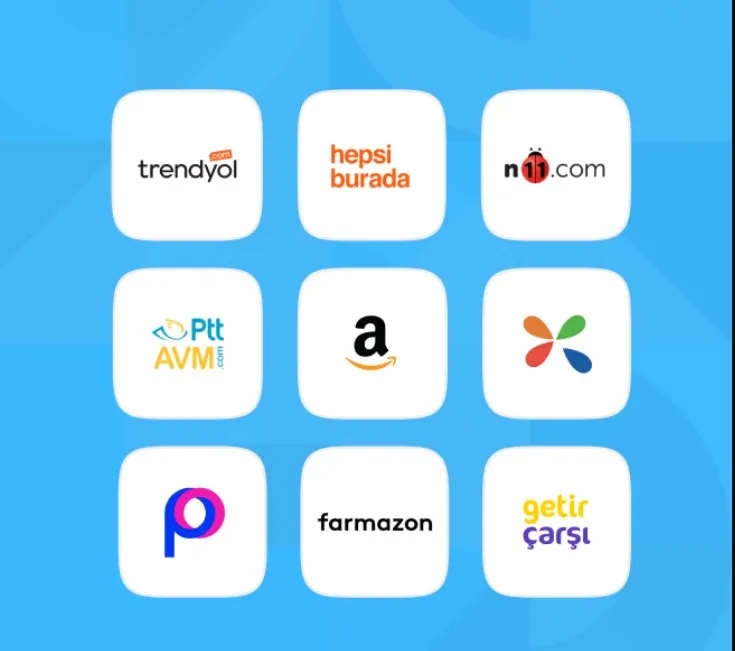
    Marketplace orders on one list; stock, price and category are sent to each marketplace separately, and cargo and invoicing are completed from the ERP.
Panda E-Commerce: Selling from one stock
  • Selling from one stock

    Product and stock are kept once in the ERP; a sale from any channel deducts the same stock, and a critical level shows on all channels at the same time.

  • Order and warehouse flow

    A channel order is opened in the ERP and reserved, and a picking list goes down to the handheld terminal; partial shipments and cancellations are tracked on the same record.

  • Invoice and cargo

    When the order is prepared, an e-invoice or B2C e-receipt is issued, the cargo label is printed, and the tracking number goes to the customer and the marketplace.

  • Campaign and price management

    Price lists, discounts and campaigns by channel, dealer group and marketplace; start and end dates are defined and managed from one screen.

  • Reporting

    Sales, returns and profitability reports by channel, product and region; marketplace commission and cargo cost are visible per order.

What does Panda AI add to Panda E-Commerce?

The Customer Service Agent is the Panda AI agent that answers order, shipping and invoice questions 24/7 on WhatsApp and e-mail and hands over what it cannot solve to the right person.

  1. Today A rep looks in the ERP to check an order’s status With the agent Order and shipping status answered 24/7
  2. Today Out-of-hours messages wait until morning With the agent Hands over what it cannot solve to the right person
  3. Today Complaints can get lost before they are logged With the agent Every request is logged and reported

Jobs it takes on

  • Order, shipping and invoice queries
  • 24/7 answers on WhatsApp and e-mail
  • Logging requests and handing them to the right person
  • Starting return and complaint processes
  • Frequently asked questions knowledge base
  • Request and satisfaction reports

The agent prepares, a person approves. Anything that posts a record or sends something outside the company goes through your approval.

Explore Panda AI agents

Frequently asked questions about Panda E-Commerce

Which channels does Panda E-Commerce cover?

Three channels: the Wholesale (B2B) portal where your dealers place orders, the Store (B2C) that sells to end consumers, and marketplace integration. Each is opened separately; you can start with only the dealer portal and add the store or marketplace later. All of them run on the single stock and customer account record of Panda ERP.

Can it be used without Panda ERP?

Panda E-Commerce uses Panda ERP for the product card, stock, customer accounts and invoices; selling from one stock is achieved through this link. If you have another ERP, Panda AI can run the order and stock transfer with your existing system. Which path suits you is decided together during setup.

How does stock stay the same across all channels?

Stock is held only in the ERP; every channel reads the same stock and every order deducts from it. The quantity sent to the marketplace and the store can be set separately by channel; when the warehouse is counted, the difference shows on all channels at once. No separate stock list remains.

How do orders reach the warehouse?

When a channel order is opened in the ERP, stock is reserved and the picking list goes down to the warehouse manager's handheld terminal. The warehouse scans the items, and when the package is closed the cargo label is printed and the invoice is issued. There are no paper lists and no copying between screens.

How do invoicing and shipping work?

When the order is prepared, an e-invoice or B2C e-receipt is issued from the same record according to the customer type; submission to the tax authority's platform is scoped to your country. The cargo label is printed through the contracted carrier's integration, and the tracking number is written to the customer and the marketplace panel by the system.

How are payments and collections matched?

Store payments are taken through a virtual POS; dealer payments are posted to the customer account by bank transfer, credit card or instalments. Marketplace payments arrive with a settlement file and are matched to orders after commission and cargo deductions. Unmatched collections go to accounting as a list.

How long does setup take, and is data moved from an existing store?

Products, categories, images and the customer list are imported from your existing store panel through Excel or a file transfer; a list of products that do not match comes back to you. Theme and payment method are set up during installation. One channel goes live within a 30-day pilot, and the others are added in turn.

What does the agent do in e-commerce?

B2B portal, B2C store and marketplace orders are read and opened in the ERP, stock is deducted and a work list goes to the warehouse. An order that is out of stock, has a missing address or an unverified payment goes to a person; nothing else does. The agent does not change prices or approve returns on its own. Scenario: order entry.

See Panda E-Commerce with your own data

Describe your process in a few sentences and we will show you the modules that fit.

  • 15+ years of enterprise software experience
  • In the cloud or on your own server
  • Processes compliant with KVKK (Turkey's data protection law)

Last reviewed: · Panda Yazılım product team