








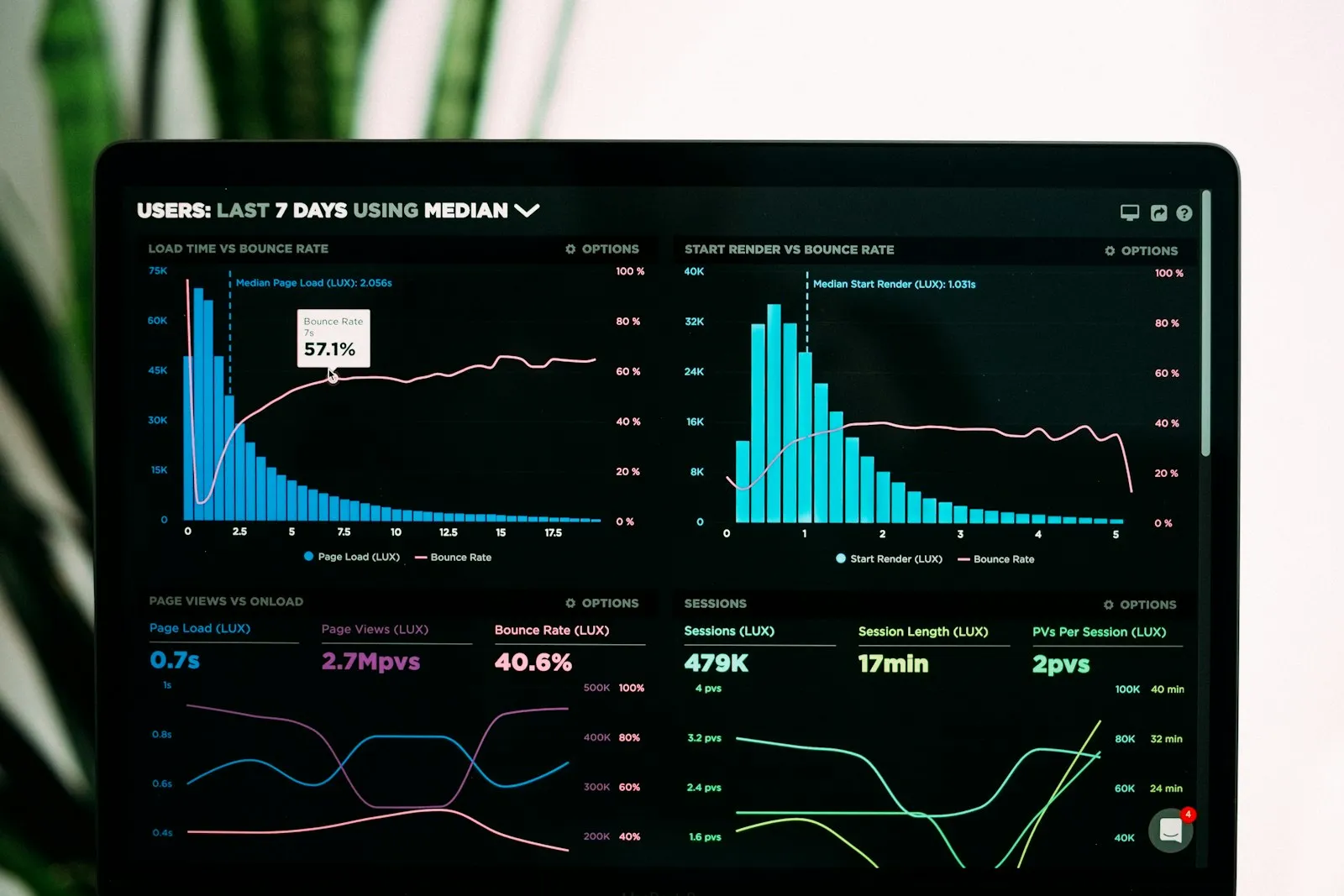

Retail Management

Branch revenue on WhatsApp, stock in Excel, cash differences chased by phone at day end

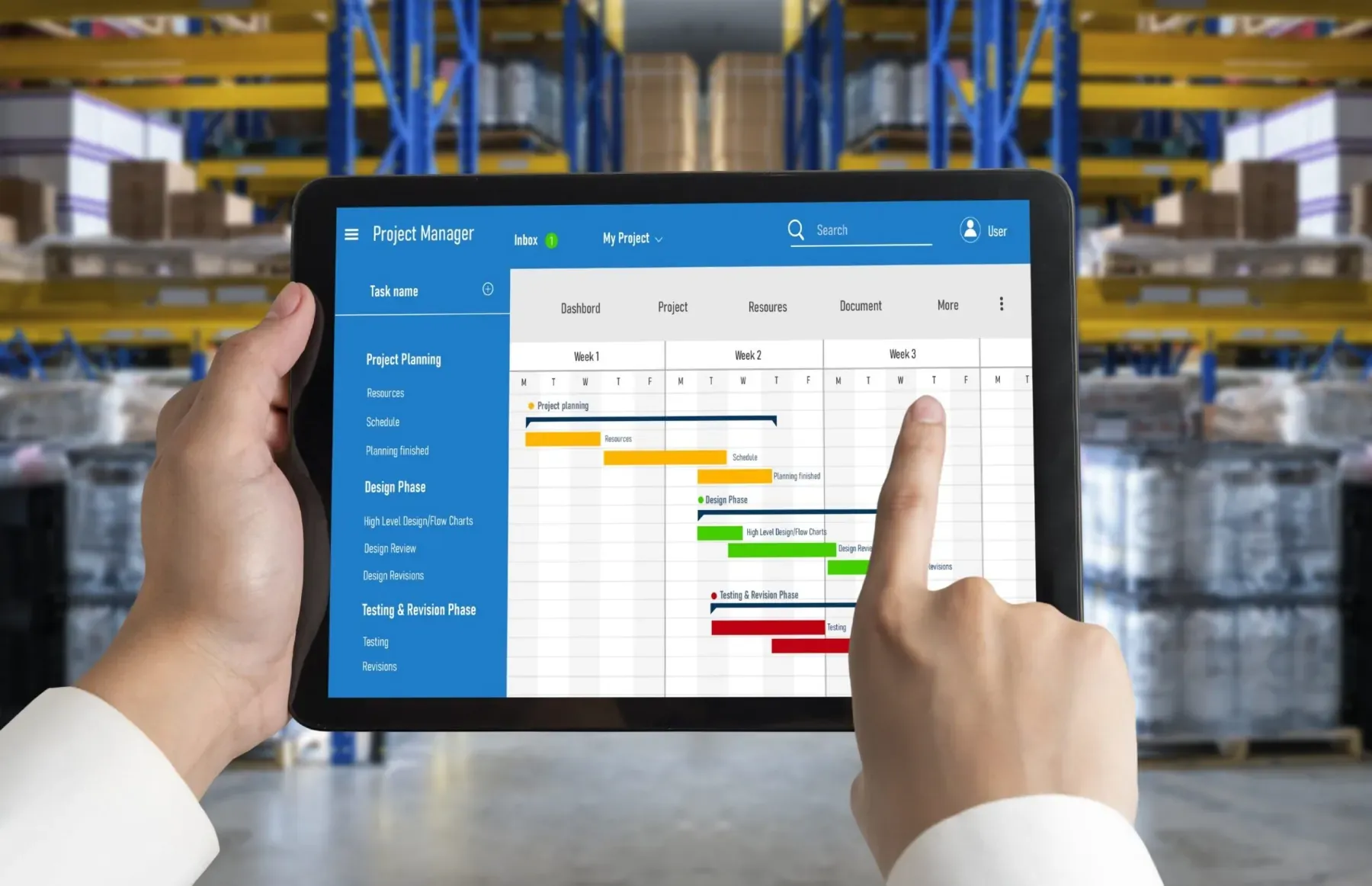
Panda Store is retail management software that keeps sales, stock, branches, purchasing, staff and finance in one record. A till sale reduces stock, the branch report is ready in the morning, and the store manager does not compile reports.

Panda Store
In short

Panda Store is store management software, used in the browser and on mobile, for single-store and multi-branch retailers. It runs sales, stock, branch, purchasing, production-assembly, staff, finance, field sales, e-commerce and reporting modules on the same database. A sale at the till reduces stock, issues the e-invoice and posts to the customer account; the branch report is visible at head office the same day.

Retail Management modules

Start with only the module you need; the others can be switched on later, on top of the same records.

How is this work done today?

  • Branch revenue is collected by message in the evening

    Each branch manager photographs the end-of-day Z report and posts it to a WhatsApp group; someone at head office types them into Excel the next morning.

    1 person × 1 hour / day
  • Stock is in the branch but not visible at head office

    Branch stock is kept in separate lists, so head office cannot decide on transfers; a product sits on a shelf in one branch while another branch loses customers.

    2 people × 30 minutes / day
  • Cash differences are chased by phone at day end

    The POS report, the cash in the drawer and the system record are in three different places; when a difference appears, the cashier and manager compare receipts one by one.

    1 cashier × 20 minutes / day end

How does Panda Store work?

  1. 1

    Discovery and module selection

    The number of stores, the till setup and your current software are listed together. Only the modules you need are switched on; e-commerce or production-assembly can be added later.

  2. 2

    Products, branches and opening stock are imported

    Product cards, barcodes, size-colour variants, and the branch and warehouse list are imported from Excel or your old software; records that do not match are returned as a list.

  3. 3

    Sales flow from a single record

    A barcode scanned at the till reduces stock, issues the B2C e-receipt or e-invoice, and creates the customer account and cash entries at the same moment. Branch data is visible at head office instantly.

  4. 4

    The agent takes over repetitive work

    The branch morning report, the stock difference list and marketplace order entry are handed to Panda AI; branches below target and out-of-rule records are left to people.

See how Panda Store would work in your business

Tell us briefly about your process and we will walk through the screens with your own example.

  • Reply the same business day
  • 15+ years of experience
  • 90 client businesses

Panda Store features

Panda Store: Sales and demand
  • Sales and demand

    Quote templates, multiple price lists, campaign setup and order tracking; an approved quote becomes an order in one click and the PDF goes to the customer.

  • Stock and inventory

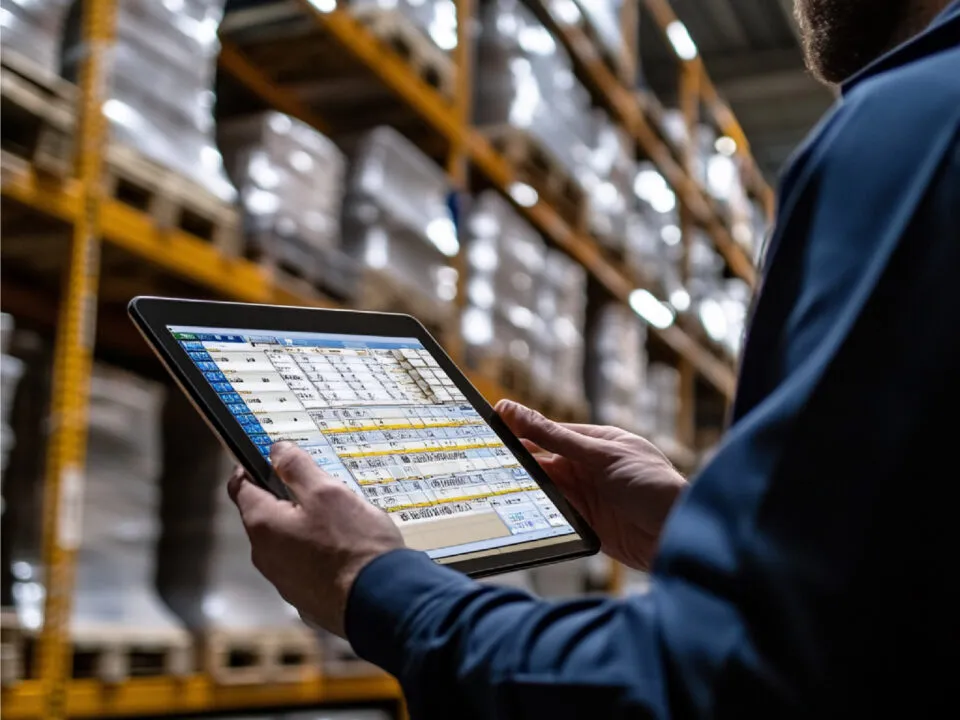
    Multiple warehouses, barcodes and serial numbers, FIFO/FEFO issue, lot tracking, expiry date alerts; stock counts are done with a handheld terminal.

  • Branches and stores

    Revenue, target and till status per branch on one screen; transfers between branches, regional price lists and central campaign setup.

Panda Store: Purchasing and supply
  • Purchasing and supply

    Supplier card, multi-quote comparison, mobile approval flow, order tracking; critical stock turns into a purchase request automatically.

  • Staff and shifts

    Shift plan, mobile shift swaps and leave requests, clock-in and clock-out by card or mobile app; working hours arrive ready for payroll.

  • Finance and accounting

    Customer/supplier accounts, cheques and promissory notes, due-date tracking, e-invoice, B2C e-receipt and electronic ledger; two-way transfer with Logo, Netsis, Mikro and Eta.

  • Field sales and e-commerce

    Orders from tablet and phone, GPS visit records, mobile POS collection; Trendyol, Hepsiburada, N11 and Amazon orders in a single pool.

  • Business intelligence and reporting

    Sales, stock and customer indicators on a per-person dashboard; threshold alerts, ABC and RFM analysis, basket analysis report.

What does Panda AI add to Panda Store?

The Customer Service Agent is the Panda AI agent that answers order, shipping and invoice questions 24/7 on WhatsApp and e-mail and hands over what it cannot solve to the right person.

  1. Today A rep looks in the ERP to check an order’s status With the agent Order and shipping status answered 24/7
  2. Today Out-of-hours messages wait until morning With the agent Hands over what it cannot solve to the right person
  3. Today Complaints can get lost before they are logged With the agent Every request is logged and reported

Jobs it takes on

  • Order, shipping and invoice queries
  • 24/7 answers on WhatsApp and e-mail
  • Logging requests and handing them to the right person
  • Starting return and complaint processes
  • Frequently asked questions knowledge base
  • Request and satisfaction reports

The agent prepares, a person approves. Anything that posts a record or sends something outside the company goes through your approval.

Explore Panda AI agents

Frequently asked questions about Panda Store

Which store types is Panda Store suitable for?

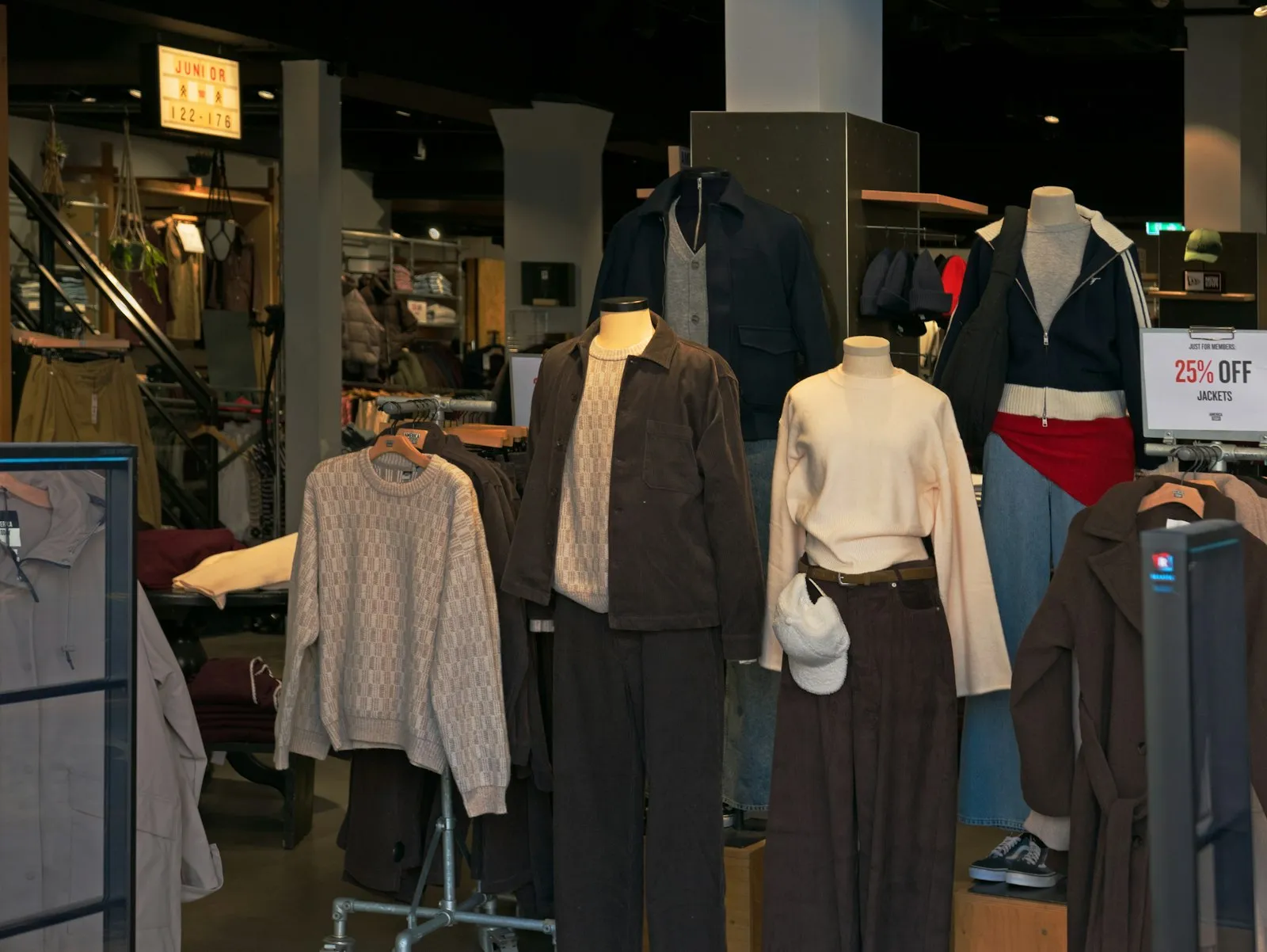
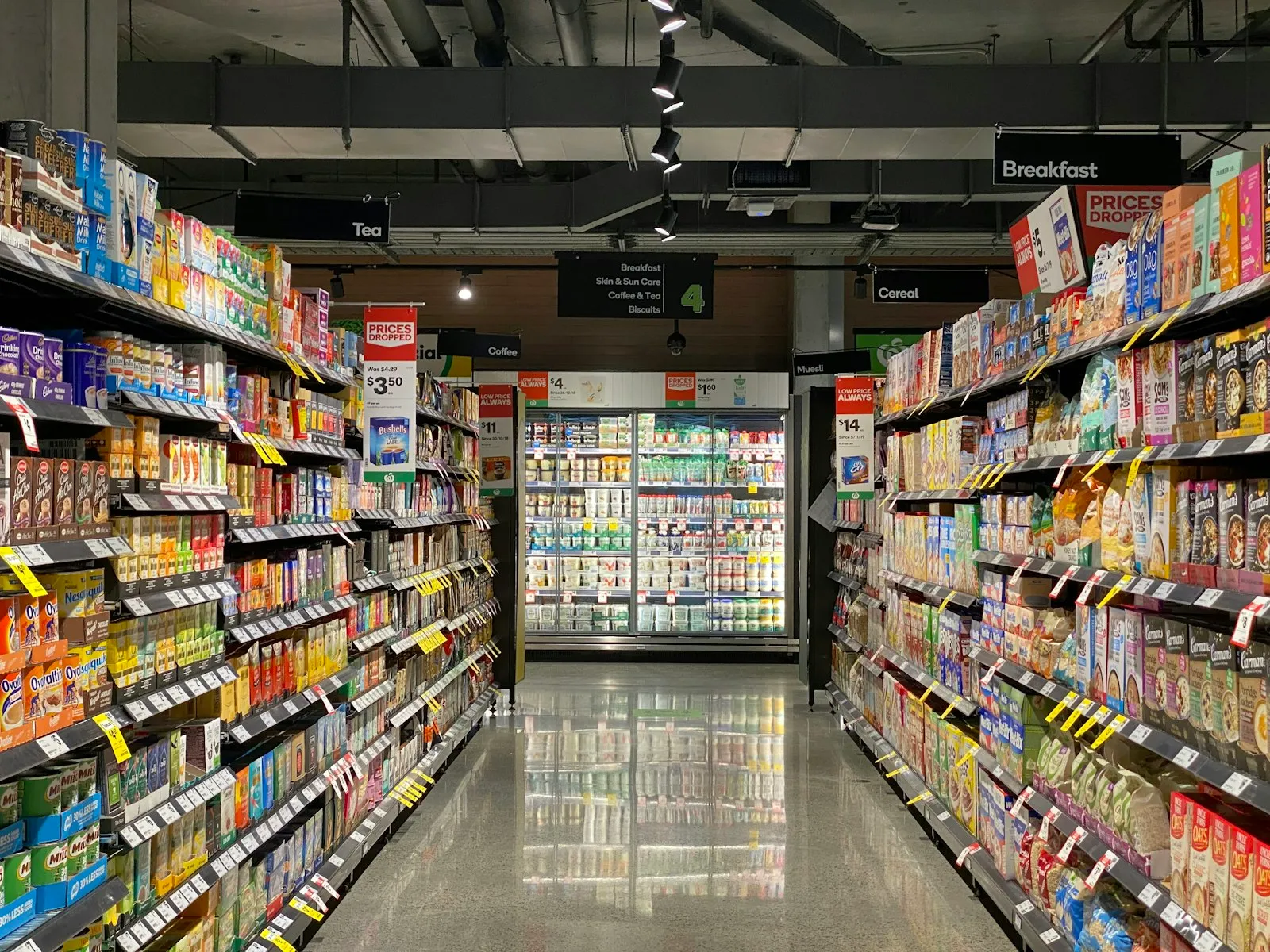
Apparel stores work with a size-colour matrix and season tracking; supermarkets and grocery retail with weighed products and expiry dates; electronics stores with serial number and warranty tracking; wholesalers and distributors with dealer price lists and a B2B portal. The module set is defined separately for each type during setup.

Can we start with one store and add branches later?

Yes. Setup starts with one branch and one till; when a new branch opens, its warehouse, till and users are defined and the product cards stay shared. The branch sees its own stock and till, and head office monitors all of them on one screen. No re-installation or data migration is needed. Product prices can differ by branch.

What is the difference between Panda ERP and Panda Store?

Panda ERP is for corporate structures focused on production and finance; Panda Store is arranged on the same foundation for retail work such as tills, branches, variants and campaigns. Both products share the same stock, customer/supplier account and e-invoice records; a general accounting or production module can be added to a store setup later.

Does it work with our tills and POS devices?

Barcode readers, receipt printers and bank POS devices connect to the till screen; at day end the POS report is compared with the system record and the difference list goes to the manager. The cash register and fiscal device (ÖKC) connection is defined during setup according to your existing device model; whether a device needs replacing is stated at discovery.

Can product and customer data be moved from our current software?

Product cards, barcodes, variants, the customer list and open balances are imported from Excel or an export of your old software. The list of unmatched barcodes and duplicate records comes back to you and is closed with your approval. Past sales data can be imported separately for reporting if you want. The migration is planned as a separate step in the setup schedule.

Does the till keep working if the internet goes down?

The till screen records sales in offline mode; when the connection returns, the records are sent to head office and stock is updated. Receipts issued while offline are queued, and the e-invoice is sent to the tax platform after reconnection where your country requires it. The branch manager sees the number of pending records on the till screen. The outage length and pending count appear in the day-end report.

How long do setup and training take, and how is support provided?

Discovery and a 3-working-day demo are free; a business that wants one can start on a single branch with a 30-day pilot. Cashier and manager training is given at the branch, and the screen recordings stay with you. After go-live, support runs through the helpdesk and ticket system. For sales enquiries, write to us through the form or on WhatsApp.

What does the agent do in Panda Store?

Branch revenue, target-versus-actual and stock alerts are produced from the system every morning at 07:00 and sent to the people concerned. A person does not prepare the report; they look at the branch below target and make the decision. Marketplace orders and the stock difference list are handed to the agent in the same way. Out-of-rule records reach the person concerned as a short list. Scenario: morning report.

See Panda Store with your own data

Describe your process in a few sentences and we will show you the modules that fit.

  • 15+ years of enterprise software experience
  • In the cloud or on your own server
  • Processes compliant with KVKK (Turkey's data protection law)

Last reviewed: · Panda Yazılım product team