
Retail Management

Which branch makes a profit only becomes clear at month end, after rent and staff are deducted

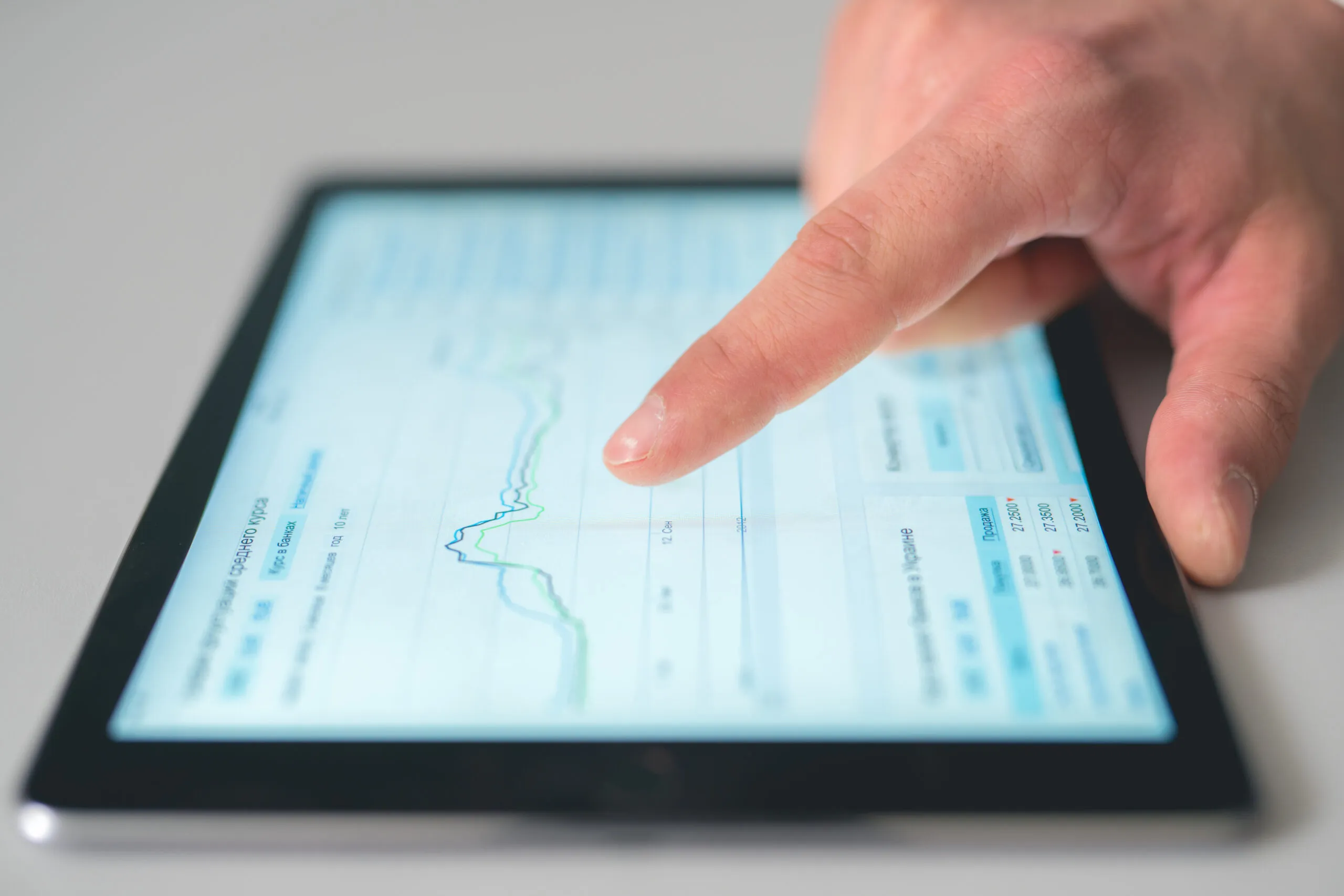
Branch and Store Management shows the sales, stock, staff and till status of all branches on one screen at head office. Branch targets, regional price lists and central campaigns come from the same record; the transfer suggestion is ready in the morning.

Branch and store management
In short

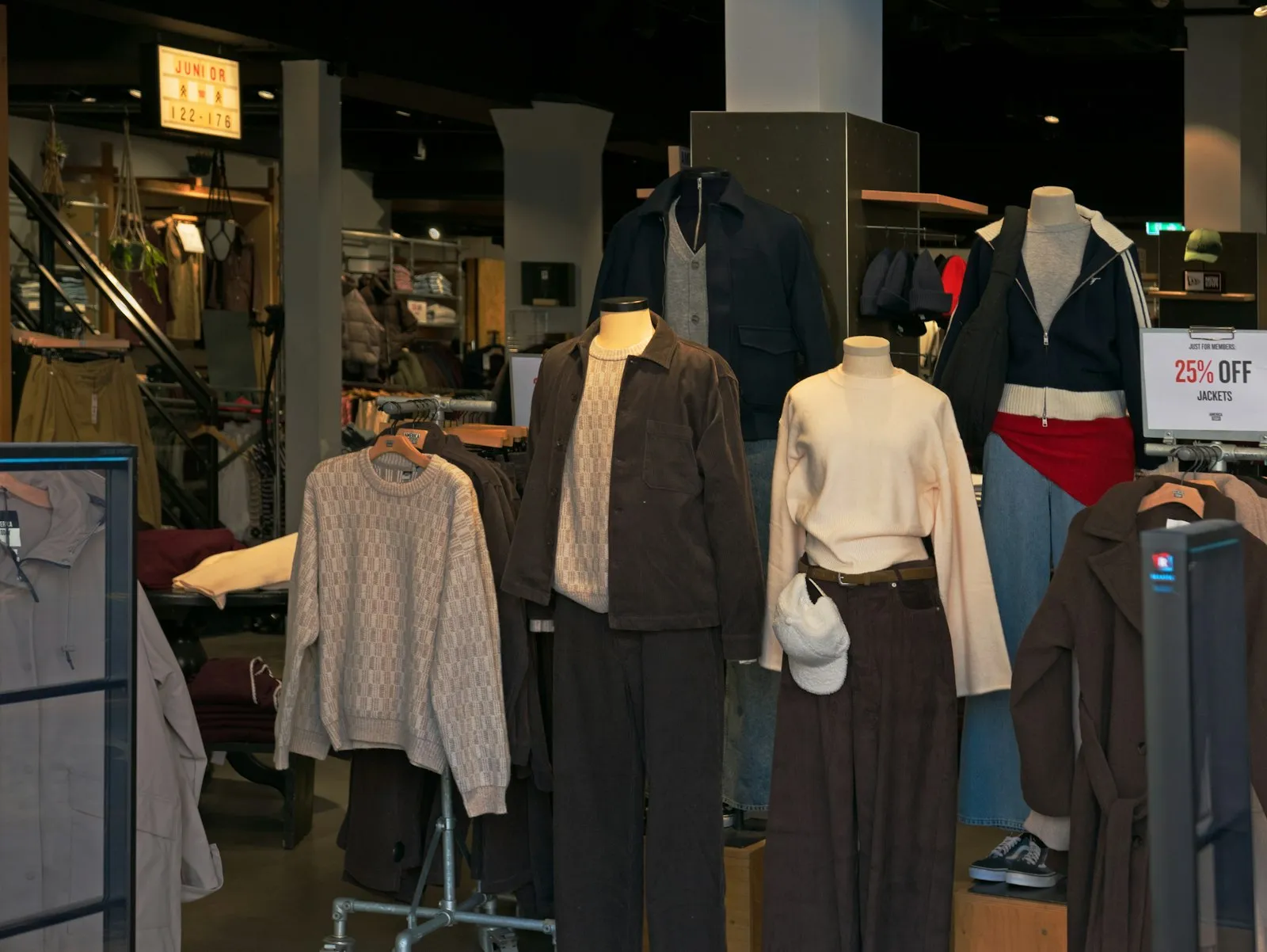
Branch and Store Management is the Panda Store module that lets head office monitor each branch's sales, stock, till and staff in a multi-branch retail chain. Target and actual per branch, branch profitability after rent and staff costs, stock transfer suggestions between branches, regional price lists and central campaign setup are managed on the same screen; the regional manager makes the transfer and pricing decisions.

How is this work done today?

  • Branches are compared in Excel

    Each branch's revenue is taken from a separate file and typed into a table; which branch fell below target comes out at the weekly meeting.

    1 regional manager × 2 hours / week
  • Transfer decisions are made by phone

    A product that has run out in one branch is in excess in another; branch managers phone each other and send goods without a waybill, so both stock figures are wrong.

    2 branch managers × 30 minutes / transfer
  • Branch profitability is a guess until month end

    Rent, staff and energy costs are in head office accounting while revenue is in the branch till; which branch really earns is calculated once the month closes.

    1 accountant × 1 day / month

How does Branch and store management work?

  1. 1

    Branch, warehouse and till are defined

    Each branch opens with its own warehouse, till, users and price list; a branch user sees only their own data, while head office sees all of it.

  2. 2

    Targets are set, actuals are tracked

    Daily, weekly and monthly sales targets are defined per branch; till sales update the target-versus-actual chart instantly, and the branch manager sees it on their own screen.

  3. 3

    A stock balancing suggestion is produced

    Stock and sales speed are compared between branches; a transfer suggestion from the branch with excess to the branch with a shortage is listed, the regional manager approves, and the transfer waybill is issued.

  4. 4

    Profitability and campaign report

    Rent, staff and energy costs are posted to the branch cost centre; the real branch profit and branch-level campaign performance come in a single report.

See how Branch and store management would work in your business

Tell us briefly about your process and we will walk through the screens with your own example.

  • Reply the same business day
  • 15+ years of experience
  • 90 client businesses

Branch and store management features

Branch and store management: Live branch panel
  • Live branch panel

    Instant sales, stock and till status of all branches on one screen; daily, weekly and monthly comparison, and branches below target are flagged.

  • Target per branch

    A separate sales target for each branch; the target-versus-actual chart updates instantly with till sales, and the branch manager sees it on their own screen.

  • Branch profitability analysis

    Fixed costs such as rent, staff and energy are deducted from the branch cost centre; real branch profit is taken as a monthly report in Excel and PDF.


Branch and store management: Stock balancing
  • Stock balancing

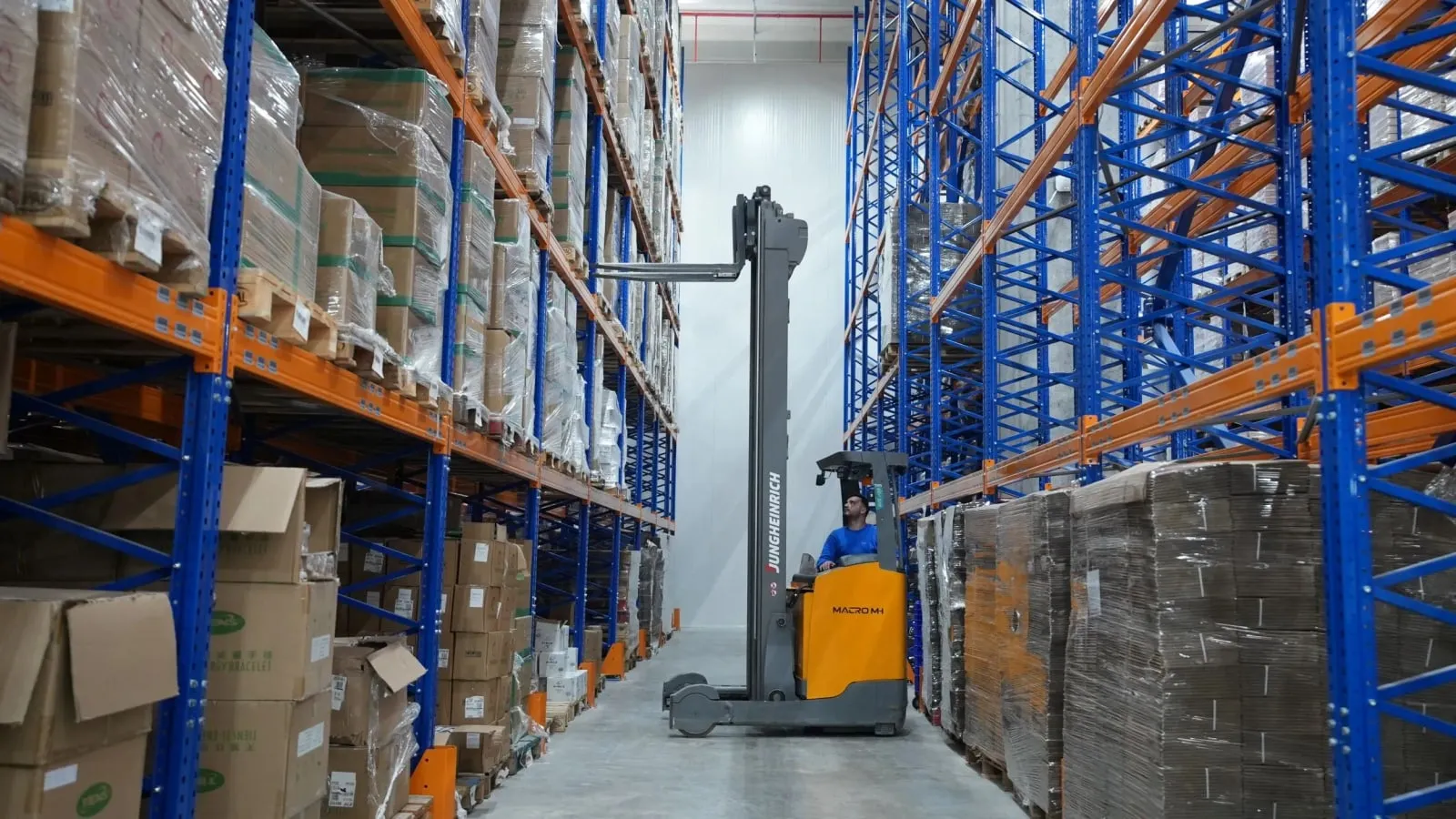
    Stock distribution and sales speed are compared between branches; a transfer suggestion is listed, and an approved suggestion turns into a transfer waybill.

  • Regional pricing

    A separate price list for each branch; the branch price is defined by rent and competitive conditions, and the regional sales report is taken by branch.

  • Central campaign

    The campaign is defined at head office, eligible branches are selected, and it reaches all tills at the same time; campaign performance is reported by branch.

  • Till reconciliation and day end

    Each branch's Z report, POS report and cash are compared with the system record; the difference list goes to the branch manager and head office.

  • Authority and audit log

    A branch user sees only their own branch; price, discount and receipt cancellation rights are set by role, and every action is kept in the audit log.

What does Panda AI add to Branch and store management?

The Executive Briefing Agent is the Panda AI agent that turns sales, collections, stock and production data into a single-message summary every morning.

  1. Today Departments are asked for Excel files for the weekly report With the agent A single-message summary lands on WhatsApp every morning
  2. Today Figures arrive from different systems at different times With the agent Sales, collections, stock and production in one table
  3. Today A critical delay is only noticed in the meeting With the agent The agent alerts you itself when a threshold is crossed

Jobs it takes on

  • Daily and weekly management summary
  • Target versus actual comparison
  • Cash, stock and delay threshold alerts
  • Pre-meeting briefing pack
  • Spotting inconsistencies between departments
  • Instant questions and answers

The agent prepares, a person approves. Anything that posts a record or sends something outside the company goes through your approval.

Explore Panda AI agents

Frequently asked questions about Branch and store management

Which store chains is it suitable for?

In apparel chains, balancing season and size-colour stock between branches; in supermarket chains, branch-level prices and transfers of products with expiry dates; in electronics stores, transfers of serial-numbered products; for wholesalers and distributors, regional warehouses and dealer prices. The number of branches is set in the licence and can be increased later.

What data does a branch manager see?

They see their own branch's sales, stock, till, staff and target screens; they cannot see other branches' data, but can query the stock quantities of other branches for a transfer. Price change, discount and receipt cancellation rights are defined by role. Head office monitors all branches on one screen. A region definition groups branches, and a regional manager sees their own group.

What is the transfer suggestion based on?

The stock quantity in each branch, recent sales speed and days-of-cover are compared; for a product piling up in a slow-selling branch, a transfer to a fast-selling branch is listed. The suggested quantity and the reason are visible; the regional manager approves, and an approved line turns into a transfer waybill. A change of authority is written to the audit log.

How is branch profitability calculated?

Each branch is a separate cost centre. Rent, staff salaries, energy and supplies costs are posted to that cost centre; revenue and cost of goods sold come from till sales. The monthly report shows the branch's gross and net profit; accounting sets the allocation rule for shared costs. A rejected suggestion is stored together with its reason.

Can a different price apply in each branch?

Yes. A branch-specific price list is defined, and the till uses that list in that branch. A central price change is applied to all branches or selected branches. Which price applies in which branch and from when stays in the audit log; the shelf label is printed at the branch. The report goes to the board in Excel and PDF.

Can franchise or dealer branches be in the same system?

Yes. A franchise branch is defined as a separate company; it issues its own invoices, and head office sees sales and stock data but does not touch its till. Goods are dispatched from head office to the dealer with a sales invoice. In the report, your own branches and franchise branches can be taken separately or together. Marketplace prices are defined separately from branch prices.

How is the day-end till reconciliation done?

At day end the cashier enters the cash count; the Z report, the POS device report and the system record are compared. If there is a difference, the branch manager approves it with the reason, and head office accounting sees the difference list in the morning. The till difference report is taken by cashier and branch for a date range. The fee calculated on franchise revenue is posted to the customer account card.

What does the agent do in branch management?

Stock and sales speed between branches are compared every night; a transfer suggestion from the branch with excess to the branch with a shortage is listed in the morning. The regional manager approves the transfer; the agent does not issue waybills or send goods. The branch morning report is prepared the same way. A list of tills with frequent differences goes to the regional manager. Scenario: stock difference.

See Branch and store management with your own data

Describe your process in a few sentences and we will show you the modules that fit.

  • 15+ years of enterprise software experience
  • In the cloud or on your own server
  • Processes compliant with KVKK (Turkey's data protection law)

Last reviewed: · Panda Yazılım product team