Retail Management

The expiry date is on the shelf label, the count difference surfaces at year end

Stock and Inventory Management keeps the central warehouse, branch warehouses and virtual warehouses in one record. Barcode receipt and issue, FIFO/FEFO issue order, lot tracking and expiry alerts; counts are done with a handheld terminal.

Stock and inventory
In short

Stock and Inventory Management is the Panda Store module that keeps stock in the central warehouse, branch warehouses and virtual warehouses in one record by product, lot and serial number. A till sale reduces stock, and a barcode reader handles receipt, issue and counting; an order suggestion appears at the minimum level and an excess stock alert above the maximum. FIFO/FEFO order and expiry date tracking reduce waste.

How is this work done today?

  • Expiry dates are found on the shelf round

    The shelf attendant walks the shelves every week reading labels; an expired product is noticed only after it reaches a customer.

    1 shelf attendant × 2 hours / week
  • Branch stock is not visible at head office

    Each branch keeps its own Excel; head office phones the branches to decide on transfers, and the same product is in excess in one branch and missing in another.

    2 people × 30 minutes / day
  • Counts are done with paper lists

    In the annual count, numbers written on the shelf are typed into the software by hand; which movement caused the difference is searched for months later.

    3 people × 2 days / count

How does Stock and inventory work?

  1. 1

    Product card, warehouse and shelf are defined

    Barcode, unit, variant, lot tracking and expiry rule are on the product card; central, branch and virtual warehouses are defined with shelf addresses, and the list is imported from Excel.

  2. 2

    Movements are scanned by barcode

    Goods receipt, transfer, return and till sale are recorded by barcode; serial-numbered products enter stock one by one, and lot products with a batch number.

  3. 3

    Issue follows FIFO/FEFO order

    In sales and transfers, the older lot or the lot with the nearest expiry date goes out first; the list of products nearing their date goes to the manager with a campaign suggestion.

  4. 4

    Alerts and counts

    An order suggestion appears at the minimum level and an excess stock notice above the maximum. The count list downloads to the handheld terminal, and the difference list goes to the warehouse supervisor for approval.

See how Stock and inventory would work in your business

Tell us briefly about your process and we will walk through the screens with your own example.

  • Reply the same business day
  • 15+ years of experience
  • 90 client businesses

Stock and inventory features

Stock and inventory: Multiple warehouses and shelves
  • Multiple warehouses and shelves

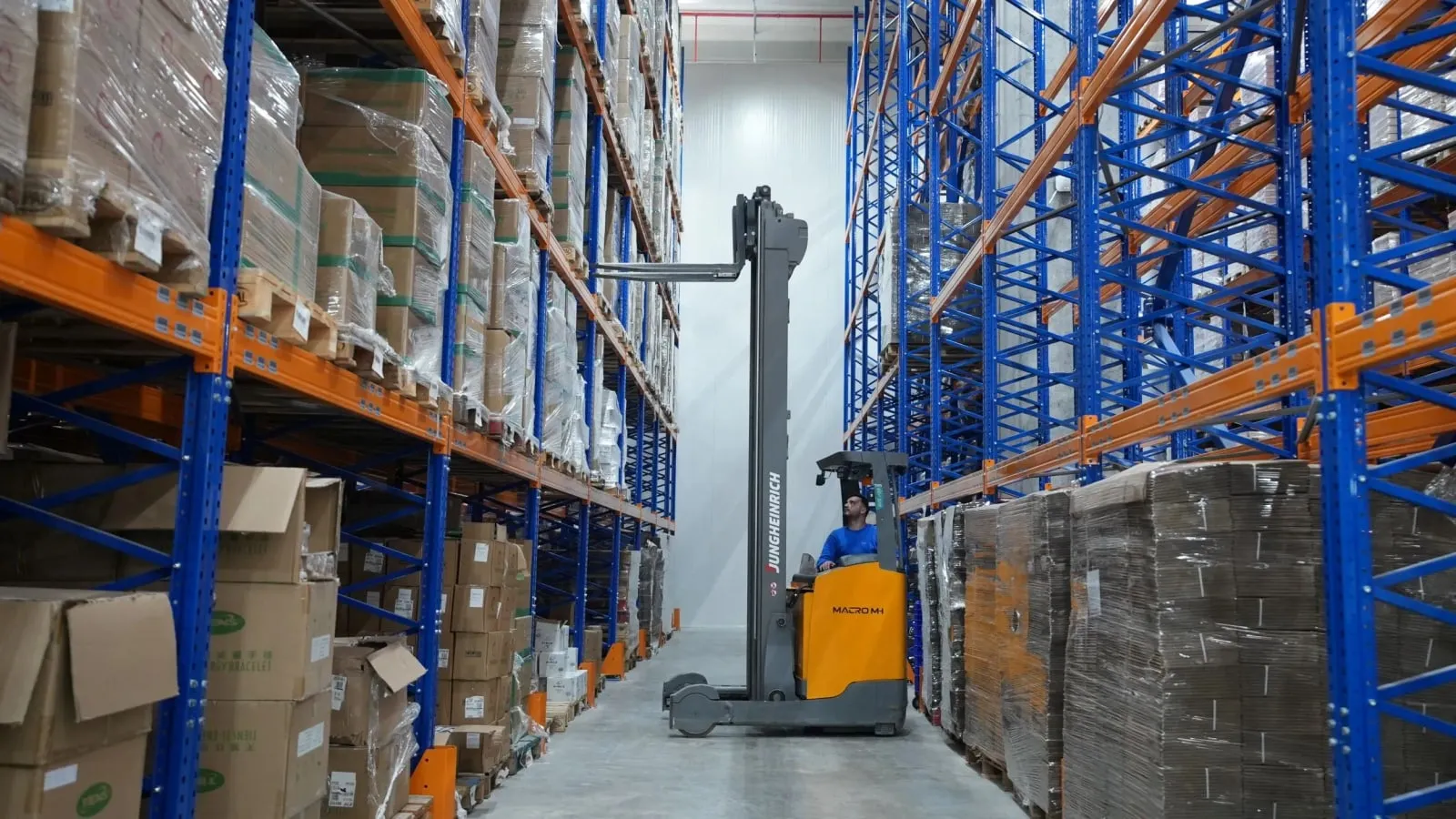
    The central warehouse, branch warehouses and virtual warehouses hold separate stock; the shelf and location address is on the product card, so searching the warehouse ends.

  • Barcode and serial number

    Receipt, issue and counting by handheld terminal or phone camera; in electronics and white goods, the serial number is linked to the warranty record.

  • FIFO/FEFO issue

    First in or first expiring goes out first; the lot order is chosen automatically at till and warehouse issue, and fresh product stays on the shelf.

Stock and inventory: Lot and batch tracking
  • Lot and batch tracking

    Lot number, production and expiry date for each batch; in a quality problem only the relevant lot is recalled, and the movement history is ready.

  • Expiry date alert

    A list of products nearing their date by branch and shelf every morning; a campaign or return suggestion goes to the store manager for approval.

  • Minimum and maximum level alerts

    A purchase request draft at the minimum level and an excess stock notice above the maximum; sales speed sets the suggested quantity, and purchasing makes the decision.

  • Transfers between branches

    A transfer waybill updates both warehouses at once; goods in transit show in a virtual warehouse, and the receiving branch accepts by barcode.

  • Size-colour and weight

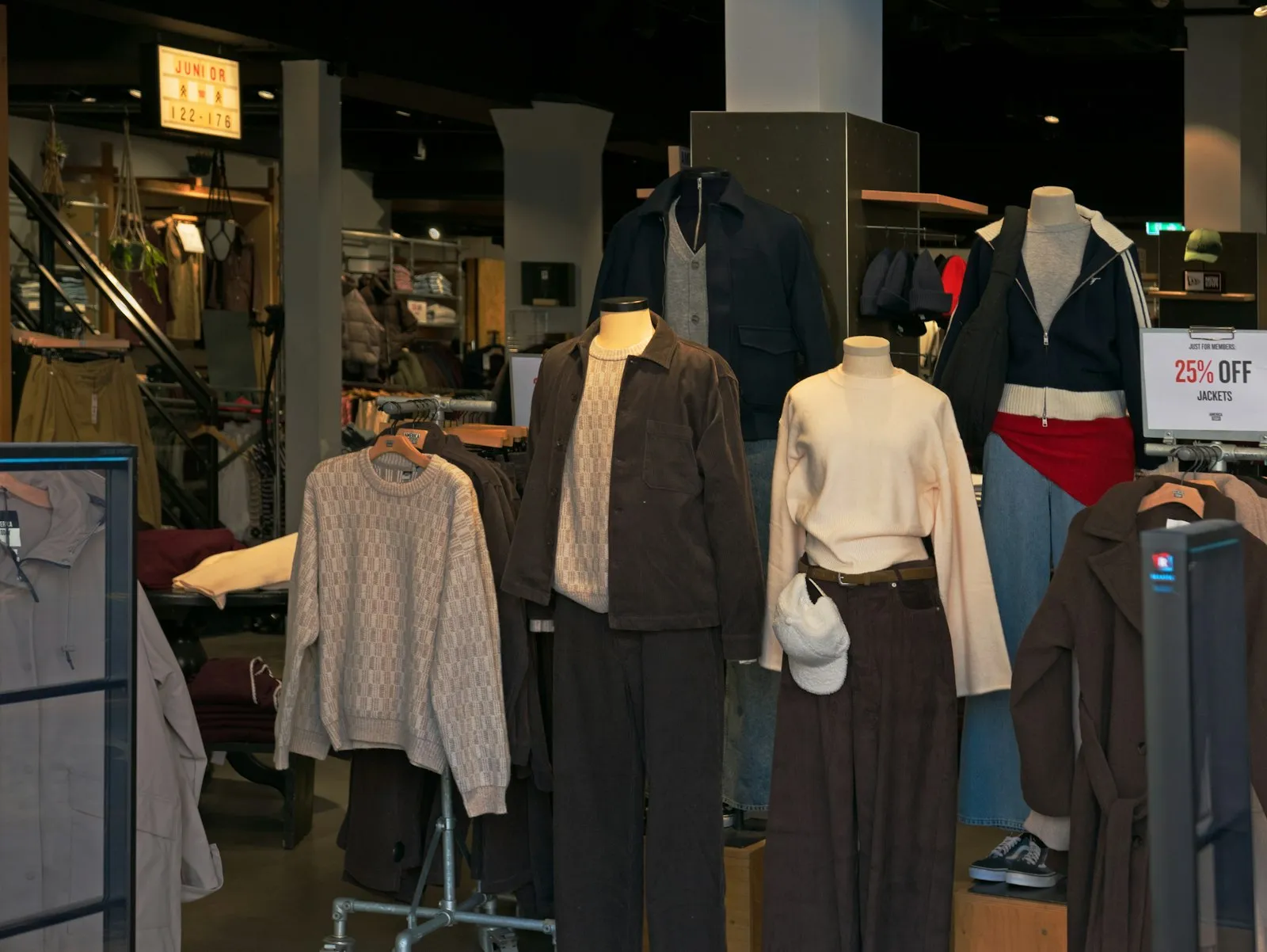
    Stock by size-colour matrix in apparel, weighed products and scale barcodes in grocery; carton-to-piece unit conversion is defined on the product card.

What does Panda AI add to Stock and inventory?

The Warehouse and Stock Agent is the Panda AI agent that answers live stock queries and reports slow-moving stock and the need for transfers between branches.

  1. Today Someone phones the warehouse to check stock With the agent Live stock queries over WhatsApp
  2. Today Slow-moving stock is only noticed at the stock count With the agent A slow-moving and excess stock report every week
  3. Today The need for a transfer between branches is seen late With the agent Transfer suggestions ready for each branch

Jobs it takes on

  • Live stock and location queries
  • Slow-moving and excess stock analysis
  • Shipment and picking lists
  • Transfer suggestions between branches
  • Stock count variance reports
  • Critical level alerts

The agent prepares, a person approves. Anything that posts a record or sends something outside the company goes through your approval.

Explore Panda AI agents

Frequently asked questions about Stock and inventory

Which store types is it used in?

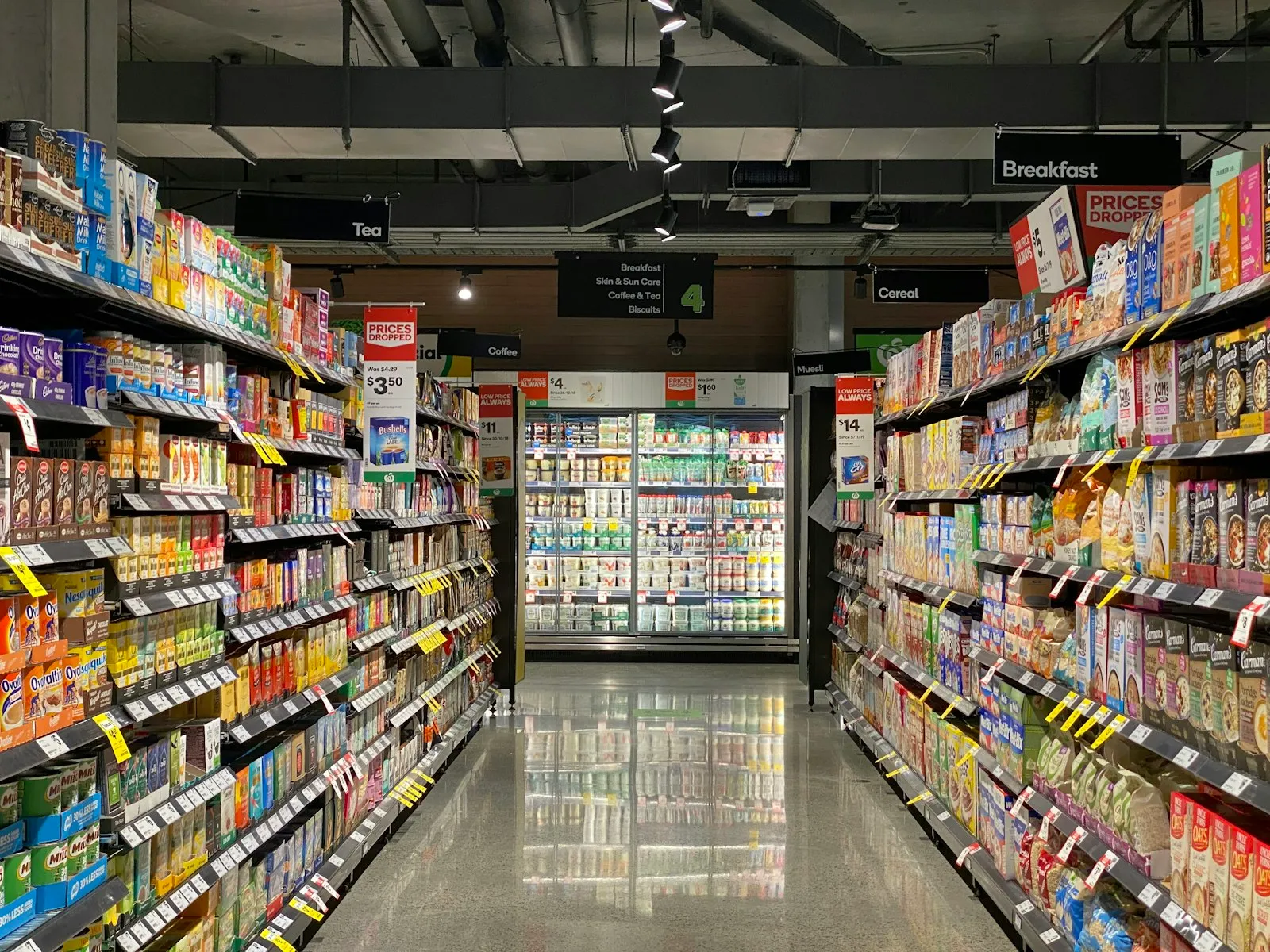
Supermarkets and grocery use expiry dates, FEFO issue and weighed products; apparel uses the size-colour matrix and seasonal stock; electronics uses serial numbers and warranty tracking; wholesalers and distributors use multiple warehouses and large-volume transfers. The warehouse and card structure is adjusted by type at setup.

Are our existing barcodes and labels used?

Yes. The existing barcode is written on the product card, and more than one barcode can be linked to the same product. Scale barcodes are defined with a weight rule. For products without a barcode, shelf and product labels are printed from the system; the label template is yours, and shelf labels are reprinted when a price changes. Linking the same barcode to two products is blocked.

What is the difference between FIFO and FEFO, and which is chosen?

FIFO issues the first batch received first; FEFO issues the batch with the nearest expiry date first. FEFO is chosen for dated products such as food, cosmetics and medicines, and FIFO for the rest. The rule is defined by product group; the cashier does not choose the order, the system picks the lot itself. The lot-level issue history appears in the report.

What happens to a product nearing its expiry date?

How many days in advance to warn is defined by product group; the list goes to the manager every morning by branch and shelf. The manager picks a discount campaign, a transfer between branches or a return to the supplier. An expired product cannot be sold at the till and leaves stock with a waste voucher. The waste amount is reported by product and branch.

Can counting be done while the store is open?

Yes. Counting is done partially by shelf or product group; the list downloaded to the handheld terminal is scanned, and the difference appears instantly with the record. Sales made during counting are marked separately. The difference list closes with the warehouse supervisor's approval, and the reason for the difference stays in the report. Count history and closed differences are kept in date order.

How do transfers between branches work?

The sending branch issues a transfer waybill and the goods move to a virtual in-transit warehouse; the receiving branch accepts by barcode, and missing or damaged goods are recorded as differences. Where an electronic delivery note is required, the document goes to the tax platform. The stock of both branches shows correctly at the same time. Transfer time and short deliveries are reported by branch.

How is warranty tracked for serial-numbered products?

The serial number is scanned at goods receipt and linked to the customer card at sale; the warranty start date comes from the receipt. When a service request arrives, the sales record, invoice and customer are found on one screen by serial number. For electronics and white goods stores it is linked with the after-sales service module. The serial number history stays on the same card in returns and exchanges.

What does the agent do in stock and inventory?

Till sales, transfers and stock records are compared every day by branch; the difference list and the list of products nearing their expiry date are ready in the morning. The warehouse supervisor approves the correction; the agent does not issue stock vouchers, it produces the list. An accepted difference voucher stays in the audit log with the name of who approved it. Scenario: stock difference.

See Stock and inventory with your own data

Describe your process in a few sentences and we will show you the modules that fit.

  • 15+ years of enterprise software experience
  • In the cloud or on your own server
  • Processes compliant with KVKK (Turkey's data protection law)

Last reviewed: · Panda Yazılım product team