Retail Management

The field team writes orders in a notebook and re-enters them at the office in the evening; nobody knows whether the visit happened

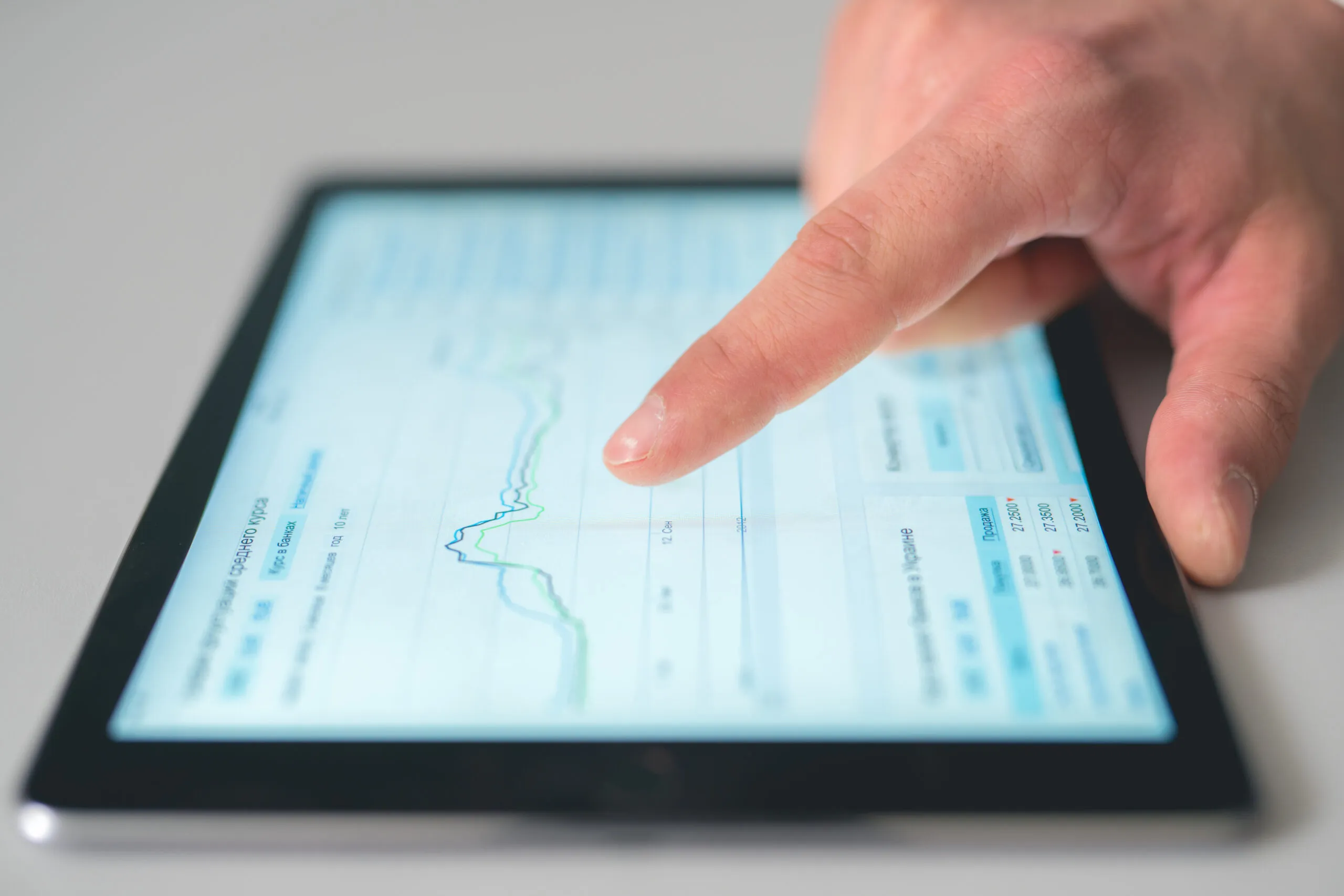
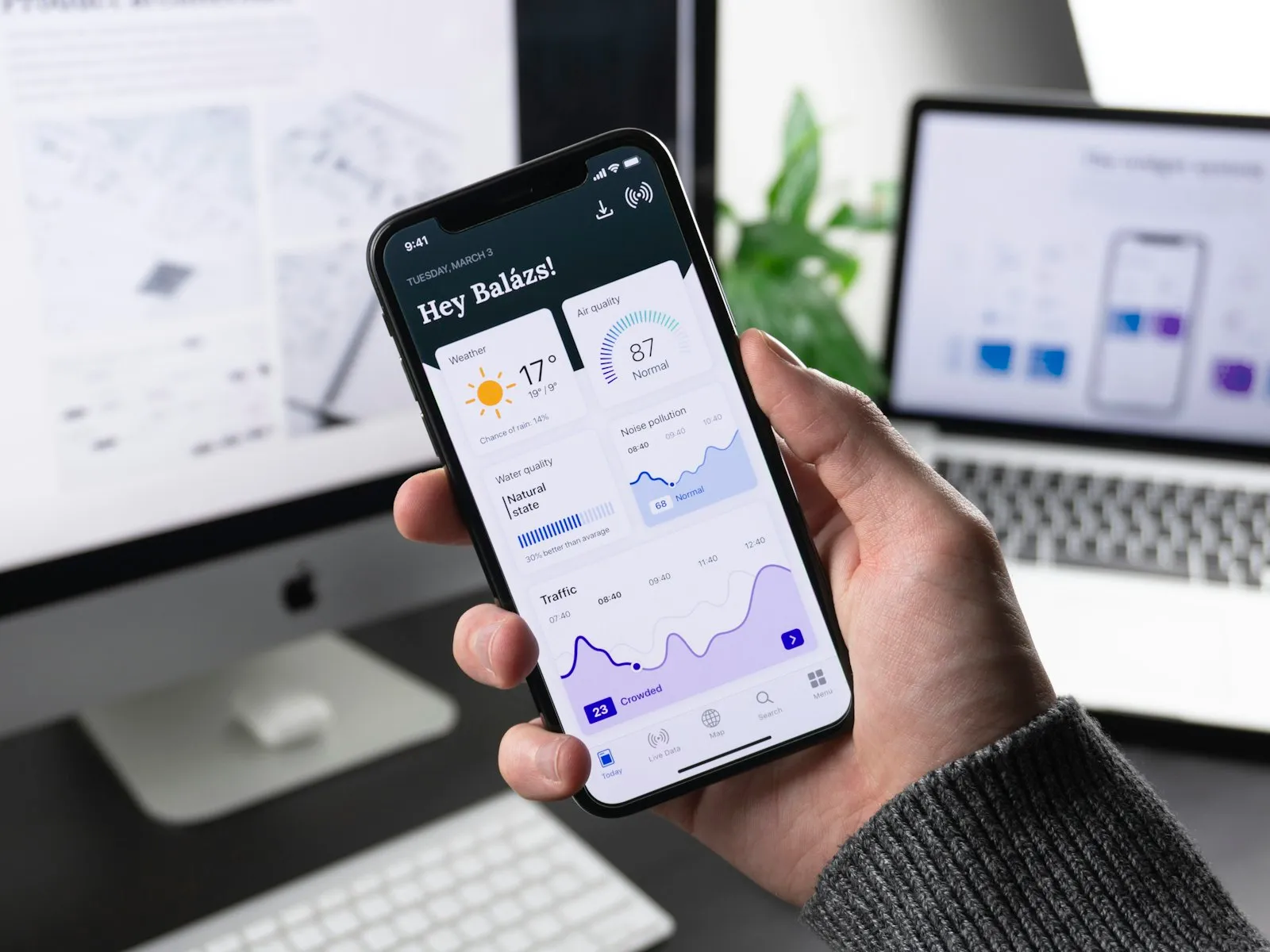
Field Sales and Mobile Operations takes the orders, stock queries, collections and visit reports of van sales reps and field salespeople from a tablet or phone. GPS visit records, route plans and photo reports are visible at head office at the same time.

Field sales and mobile operations
In short

Field Sales and Mobile Operations is the Panda Store module that gives the field sales team order taking from a tablet or phone, instant stock queries, collection and cheque or note recording by mobile POS, GPS-based visit start, route planning and photo visit reports. An order reaches head office instantly, stock is reserved and the collection is posted to the customer account card; it works offline in areas without internet and synchronises when the connection returns.

How is this work done today?

  • The order goes in a notebook, then into the software in the evening

    The sales rep writes the order in a notebook at the customer and types it into the computer at the office in the evening; a product that is out of stock is communicated to the customer by phone the next day.

    1 sales rep × 1 hour / day
  • Nobody knows whether the visit happened

    The daily visit plan is in Excel; which customer was actually visited and how long the rep stayed is learned from a verbal report in the evening.

    1 field manager × 1 hour / day
  • The collection receipt is on paper

    Cash and cheques received in the field are written on receipts by hand and handed to accounting once a week; the customer balance is updated a week late.

    2 people × 2 hours / week

How does Field sales and mobile operations work?

  1. 1

    Customers, route and price list download to the phone

    The field salesperson's customer list, regional price list, campaigns and open balances download to the mobile app; the daily route is suggested by distance and visit frequency.

  2. 2

    The visit starts with GPS

    Check-in is done at the customer's location; the visit duration and location are recorded, and a shelf photo, competitor product and customer note are added to the report.

  3. 3

    Order and collection are completed in the field

    Products are selected, stock and price are visible on screen, the order goes to head office with a digital signature and stock is reserved; a cash, card or cheque collection is posted to the customer account card instantly.

  4. 4

    Head office sees it at the same time

    The order lands in the warehouse as a picking list and the collection enters till reconciliation; a planned but missed visit is flagged in the morning report.

See how Field sales and mobile operations would work in your business

Tell us briefly about your process and we will walk through the screens with your own example.

  • Reply the same business day
  • 15+ years of experience
  • 90 client businesses

Field sales and mobile operations features

Field sales and mobile operations: Mobile order taking
  • Mobile order taking

    Product selection, price and discount display and confirmation by digital signature from a tablet or phone; the order reaches head office instantly and stock is reserved.

  • Instant stock query

    While in front of the customer, you see how much stock there is of which product; an alternative product suggestion and a delivery date are given on the same screen.

  • Collection in the field

    Credit card by mobile POS, cash collection records and receipt of cheques and notes; the collection reflects on the customer account instantly, and the receipt PDF goes to the customer.

Field sales and mobile operations: GPS visit control
  • GPS visit control

    The visit starts with check-in at the customer's location; duration and location are recorded, and a planned but missed visit is flagged in the report.

  • Route planning

    Customers to visit are suggested as a daily route by distance and visit frequency; the field manager edits the order, and the team is visible on a map.

  • Photo visit report

    Shelf image, product placement and competitor product photos; customer requests, complaints and notes are in the visit record, and management follows the field visually.

  • Offline work

    In areas without internet, orders, collections and visit records are kept on the device; they synchronise with head office when the connection returns, and conflicting records are listed.

  • Target and bonus

    Revenue, visit count and collection target per field salesperson; the actual is on the mobile screen, and the bonus calculation goes to payroll by the defined rule.

What does Panda AI add to Field sales and mobile operations?

The Sales and Quotation Agent is the Panda AI agent that brings price, stock and customer history together and prepares a draft quotation in minutes.

  1. Today Price, stock and discount are checked separately for each quotation With the agent A draft quotation is ready in minutes
  2. Today The customer’s history lives in the rep’s memory With the agent The customer’s history is in front of you with one message
  3. Today Quotations nobody follows up quietly disappear With the agent Reminders arrive for pending quotations

Jobs it takes on

  • Draft quotations and pro formas
  • 360° summary per customer
  • Lost-customer and opportunity alerts
  • Mobile queries for the field team
  • Sales performance reports
  • Quotation follow-up reminders

The agent prepares, a person approves. Anything that posts a record or sends something outside the company goes through your approval.

Explore Panda AI agents

Frequently asked questions about Field sales and mobile operations

Which store and distribution types is it suitable for?

Wholesalers and distributors use it for dealer visits and hot and cold selling; supermarket and grocery suppliers for shelf checks and shipments with expiry dates; electronics and technology dealers for service visits and serial-numbered delivery; textile wholesalers for taking season collection orders on a tablet.

Does the app work without internet?

Yes. The customer list, price and stock information download to the device in the morning; orders, collections and visit records are kept offline. When the connection returns, the records are sent to head office; if stock changed in the meantime, the conflicting order falls to the field manager as a list and is closed with approval. Region and customer authority are defined per field salesperson.

How does the GPS visit record work for staff?

The visit starts with check-in at the customer's location; location and duration are recorded, and location is not tracked outside working hours. The staff information notice and KVKK consent (KVKK is Turkey's data protection law) are prepared at setup. A check-in outside the location is flagged in the report; the field manager talks to the staff member about the reason and makes the decision. The number of pending records is visible on the app screen.

How is the route planned, and is it mandatory?

A daily route suggestion comes out by visit frequency, customer address and distance; the field manager changes the order or adds a customer. The field salesperson sees the route on a map, and a deviation is flagged in the report. The route is a suggestion; when a customer calls urgently the order is broken and a record is kept. Location data is not kept beyond the statutory retention period.

How does a collection taken in the field reach the till?

A cash collection is posted to the field salesperson's virtual till, a card collection to the mobile POS account, and a cheque to the portfolio; the customer balance updates instantly and the receipt goes to the customer as a PDF. At day end the field till is handed over to the central till, and the difference list goes to accounting. The daily route can also be taken as a PDF.

Can the customer see their open balance and past orders during the visit?

The field salesperson sees the open balance, overdue invoices, recent orders and return history on the customer card; a statement PDF is sent to the customer on the spot. For a customer over their credit limit, the order screen warns; whether the sale may continue is set by the authority setting. The receipt number is written on the collection line of the customer account card.

What device should the field team have?

An Android tablet or phone is enough; the mobile POS device is connected according to your bank agreement. If a device is lost, app access is closed from head office and the data on the device is erased. At setup, a user and region authority are defined for each field salesperson; existing devices are checked at discovery. Customer information opens only on the screen of an authorised field salesperson.

What does the agent do in field sales?

GPS visit records, orders and collections are compiled into a single report every morning; a planned but missed visit is flagged. The field manager decides on the route and target; the agent does not change the route or send messages to staff. The report goes to the field manager at 07:00. App updates are sent from head office to all devices. Scenario: morning report.

See Field sales and mobile operations with your own data

Describe your process in a few sentences and we will show you the modules that fit.

  • 15+ years of enterprise software experience
  • In the cloud or on your own server
  • Processes compliant with KVKK (Turkey's data protection law)

Last reviewed: · Panda Yazılım product team