
How is such a portal used?
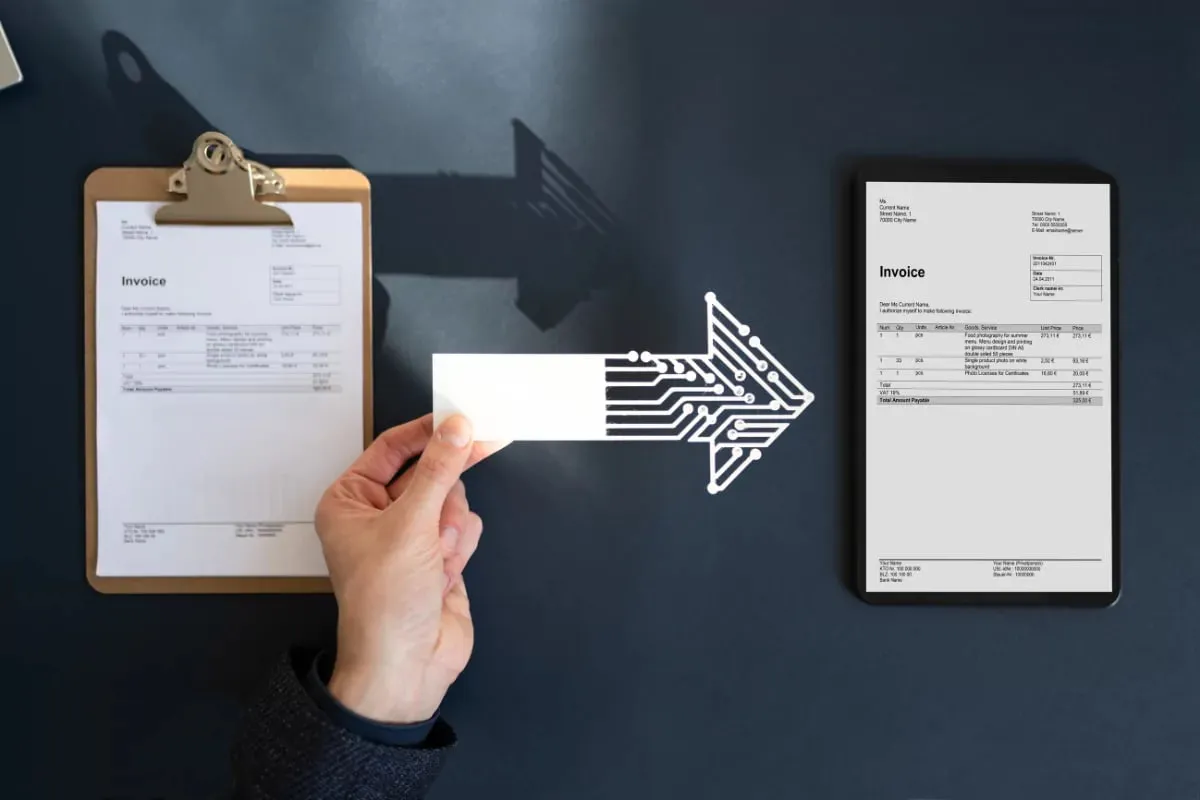
The taxpayer logs in with a user code and password. In the portal, an invoice is created by entering buyer information, line items, VAT and totals by hand, then signed and sent to the buyer. The list of incoming e-invoices can also be seen through the portal. Separate application and authorization steps are usually required for use. The document does not land in ERP automatically; it has to be entered separately or transferred as a file for recording. Besides issuing documents, such portals often offer functions such as registered taxpayer lookup.