
Panda ERP

Stocktake night: three people, paper lists, results the following week

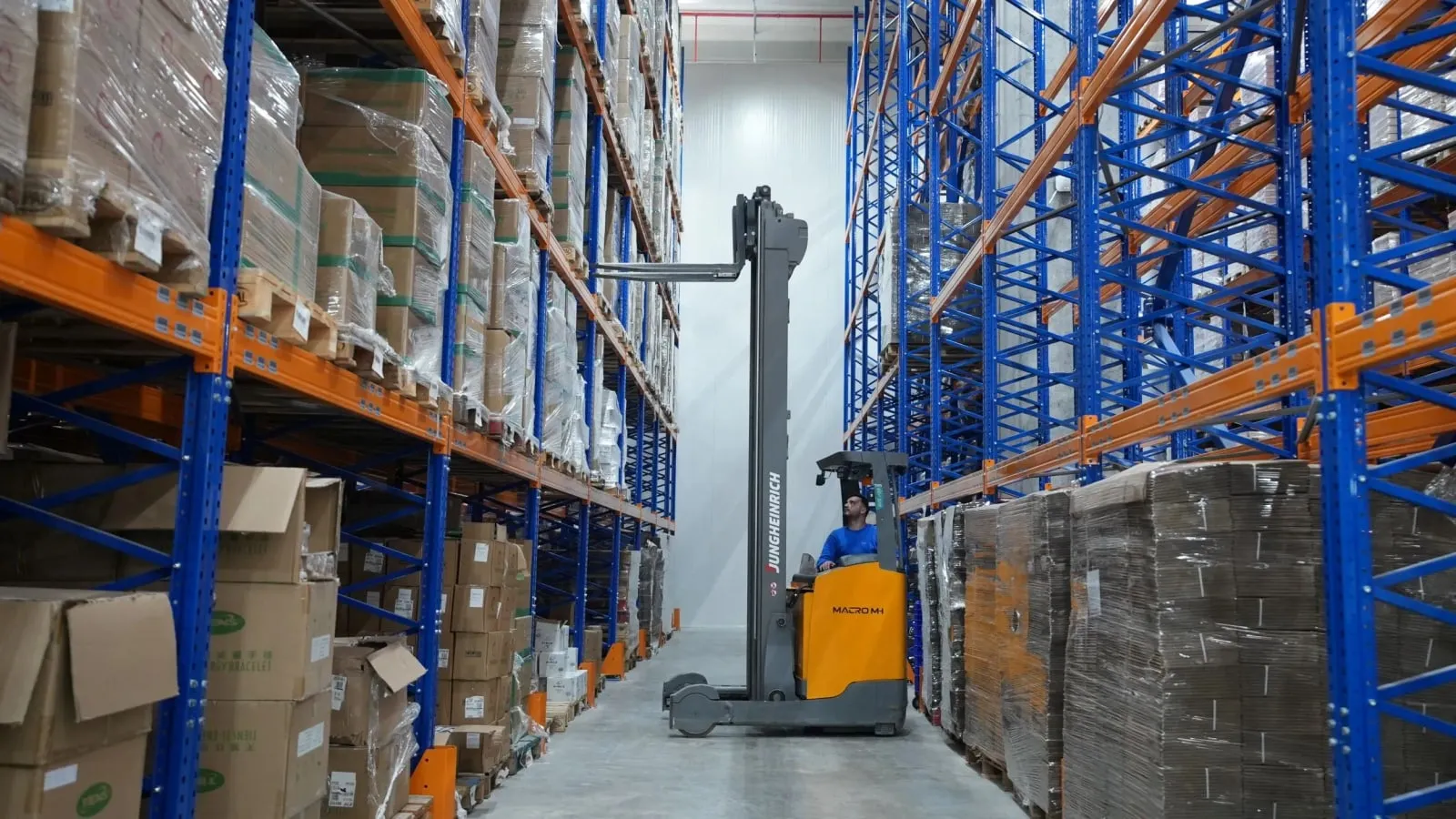
Warehouse Management focuses on operations inside the warehouse: shelf addresses, goods receipt and dispatch with a handheld terminal, barcode stocktaking, pallet and lot tracking. What is on the shelf shows on the terminal.

Warehouse management
In short

Warehouse Management is the Panda ERP module that runs operations inside the warehouse: shelf and address definition, goods receipt, picking and dispatch with a handheld terminal, barcode or serial-based stocktaking, pallet and lot tracking, and label printing from a Bluetooth printer. The Stock and Warehouse module holds the stock level; this module records which shelf and which pallet that stock sits on and who scanned it.

How is this work done today?

  • Stocktaking is done with paper lists

    At the year-end count, three people walk the shelves with paper lists and the results are typed into Excel the following week; when a difference is found, nobody knows which shelf it was.

    3 people × 2 days / stocktake
  • The storekeeper hunts for the product

    The picking list gives the product name but not the shelf; a new storekeeper walks the aisles to find the item.

    1 storekeeper × 1 hour / day
  • Labels are printed in the office

    For a product that arrives at goods receipt without a barcode, the label is printed on the office printer and carried to the warehouse; the product goes onto the shelf unlabelled.

    1 person × 30 minutes / receipt

How does Warehouse management work?

  1. 1

    Shelves and addresses are defined

    The warehouse is addressed by aisle, shelf and slot; every address gets a barcode. A product's default address is written on its card, and the current layout is imported from Excel.

  2. 2

    Goods receipt from the terminal

    The incoming waybill opens on the handheld terminal, the product and quantity are scanned, a label is printed from the Bluetooth printer for products without a barcode, and the product is put away by scanning the shelf.

  3. 3

    Picking and dispatch

    The order picking list goes down to the terminal in address order; the storekeeper scans the shelf and the product, a missing item is flagged instantly, and the dispatch waybill is issued from the scanned quantity.

  4. 4

    Stocktake and variance

    Counting is done shelf by shelf with the terminal and the scanned quantity is compared with the record; the variance list goes to the warehouse manager with shelf addresses, and an approved adjustment voucher is issued.

See how Warehouse management would work in your business

Tell us briefly about your process and we will walk through the screens with your own example.

  • Reply the same business day
  • 15+ years of experience
  • 90 client businesses

Warehouse management features

Warehouse management: Shelf and address management
  • Shelf and address management

    Aisle, shelf and slot addresses; address barcodes, product-to-address mapping, empty address list and put-away suggestion appear on the terminal.

  • Goods receipt with a handheld terminal

    The purchase waybill opens on the terminal, products are scanned, short and over deliveries show on the waybill line; the product is put away by scanning the shelf.

  • Picking and dispatch

    Address-sorted picking list, scan-based picking, carton and pallet building; the dispatch waybill is issued from the scanned quantity.

Warehouse management: Barcode and serial-based stocktake
  • Barcode and serial-based stocktake

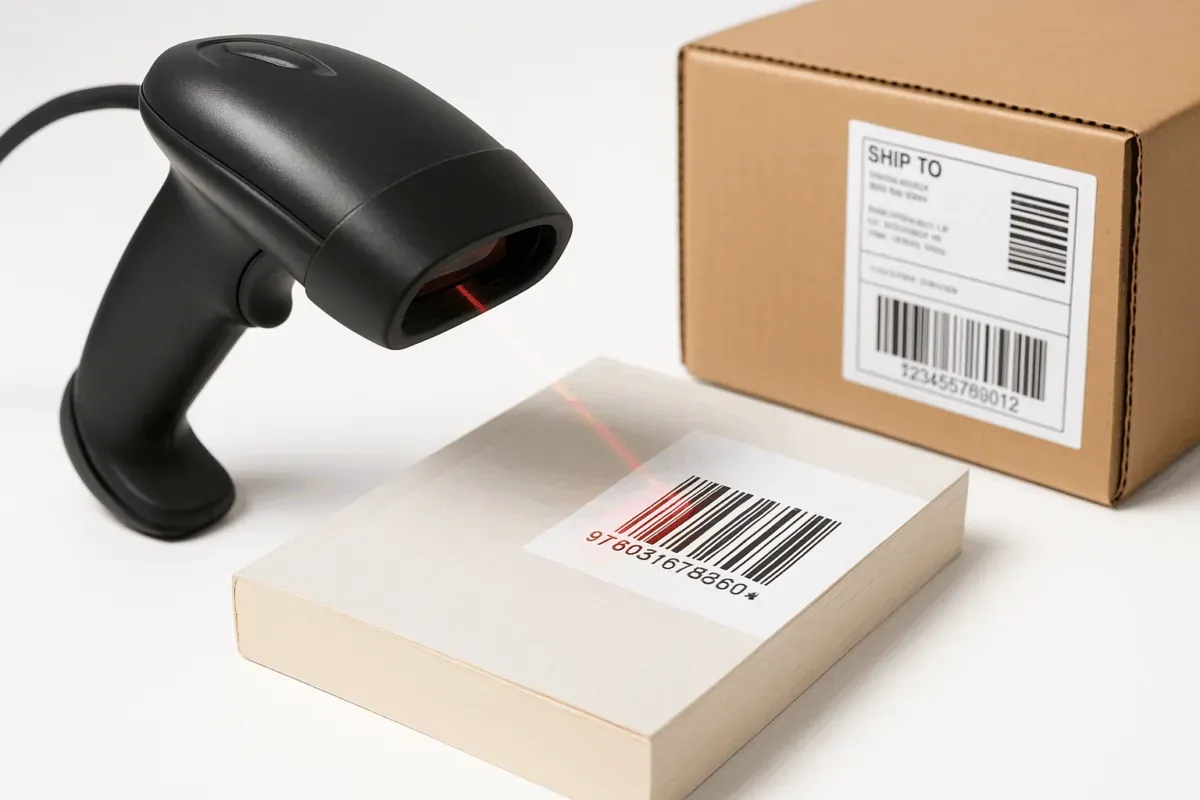
    Shelf-based count orders, blind counting, serial and lot-based counting; the variance list comes with shelf addresses and the adjustment voucher is issued with approval.

  • Pallet and lot tracking

    Product and lot under a pallet label; pallet movement with one scan, and lot expiry date and FIFO order visible on the terminal.

  • Labels and printers

    Product, shelf and pallet labels; printed from the terminal with a Bluetooth thermal printer, working with your existing printers and readers.

  • Branch and warehouse reports

    Which product moved how much in which branch and period; minimum and maximum stock level, stock turnover and critical stock reports.

  • Accounting, production and e-commerce link

    Warehouse movements share one record with stock, accounting, production and e-commerce stock; a marketplace order drops straight onto the picking list.

What does Panda AI add to Warehouse management?

The Warehouse and Stock Agent is the Panda AI agent that answers live stock queries and reports slow-moving stock and the need for transfers between branches.

  1. Today Someone phones the warehouse to check stock With the agent Live stock queries over WhatsApp
  2. Today Slow-moving stock is only noticed at the stock count With the agent A slow-moving and excess stock report every week
  3. Today The need for a transfer between branches is seen late With the agent Transfer suggestions ready for each branch

Jobs it takes on

  • Live stock and location queries
  • Slow-moving and excess stock analysis
  • Shipment and picking lists
  • Transfer suggestions between branches
  • Stock count variance reports
  • Critical level alerts

The agent prepares, a person approves. Anything that posts a record or sends something outside the company goes through your approval.

Explore Panda AI agents

Frequently asked questions about Warehouse management

How is it different from the Stock and Warehouse module?

The Stock and Warehouse module holds the product card, warehouse-level stock, transfers and critical levels. Warehouse Management runs how that stock moves inside the warehouse: shelf address, receipt and dispatch with a handheld terminal, barcode stocktaking, pallets. A small warehouse is fine with the first module; a racked warehouse uses both together.

Which handheld terminals work?

Handheld terminals running Android, and phone cameras. The Panda Barcode app is installed on the terminal; if your existing device runs Android, no new investment is needed. A terminal with a scanner is recommended for a busy warehouse and a phone for light use; both show the same screen.

Does the warehouse have to stop during stocktaking?

No. A shelf-based count order is opened; counted shelves are locked while movement continues on the others. Counting a few shelves every day instead of one periodic count shrinks the year-end stocktake, and the variance list goes to the warehouse manager with shelf addresses.

How is a product that arrives without a barcode received?

The waybill line is selected on the terminal, the label for the product is printed on the Bluetooth thermal printer on the spot, and the product is labelled and put away by scanning the shelf. If the supplier has a barcode, it is added to the product card as a second barcode and read directly at the next receipt.

In what order is the picking list produced?

In shelf address order, so the storekeeper walks the aisle once. Several orders can be picked in one round, and products are separated into a carton or pallet by scanning. A missing item is flagged on the list, and a partial shipment stays open on the order record.

Is there lot and expiry date tracking?

Yes. Lot and expiry date are scanned or entered at goods receipt; the picking list suggests lots in FIFO or FEFO order. The list of products nearing expiry goes to the warehouse manager, and the quarantine shelf is defined as a separate address.

Do e-commerce orders drop onto the warehouse screen?

Yes. Panda E-Commerce and marketplace orders arrive on the picking list; an order picked by scanning is shipped with a cargo label. Because warehouse stock is the same record as e-commerce stock, a product the warehouse does not have is not sold on the site, and cancellations drop.

What does the agent do in the warehouse?

Barcode stocktake, goods receipt and dispatch records are compared with stock every day; a shelf-level variance list reaches the warehouse manager each morning. The manager approves or corrects the variance; the agent does not change stock records or issue adjustment vouchers. Scenario: stock variance.

See Warehouse management with your own data

Describe your process in a few sentences and we will show you the modules that fit.

  • 15+ years of enterprise software experience
  • In the cloud or on your own server
  • Processes compliant with KVKK (Turkey's data protection law)

Last reviewed: · Panda Yazılım product team