Moving to e-invoicing: step by step
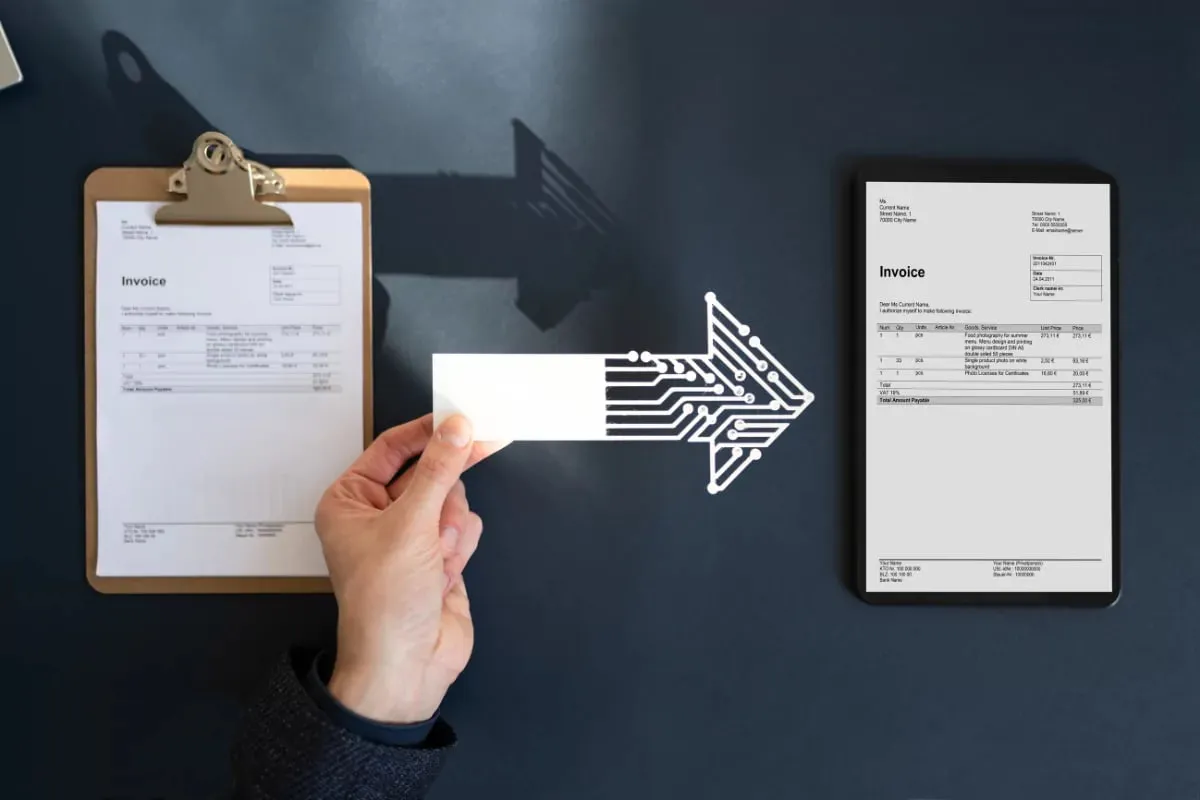
Moving to e-invoicing takes five steps: check whether it is mandatory for you, register with your tax authority or network where required, choose a service provider or a portal, connect your ERP, and issue invoices in a test environment first. The real goal is for invoices to leave the ERP without being re-keyed, and for incoming invoices to reach the ERP without being typed in.
Do you have to move to e-invoicing?
Whether e-invoicing is mandatory depends on your country, your company's size or line of business, and whether you sell to businesses, consumers or the public sector. Rules change over time, so this article gives no thresholds. Check your own situation with your accountant or the tax authority's current announcements.
You may want to move even if it is not mandatory. Your customers may expect e-invoices, or paper invoices may burden you with printing and storage. A voluntary move goes through the same steps.
When checking the mandate, do not look at company size alone. Some lines of business or customer types may carry separate obligations; confirm this too with your accountant and the official announcements. Whatever the decision, planning your go-live date ahead of the mandate date spares you the rush of the last week.

How do you register?
Depending on the country, you register with the tax authority's platform, join an e-invoice network such as Peppol through an access point, or both. Login usually requires a digital certificate or e-signature. The registration is usually made by the company's authorized person or the accountant. Gather your documents before registering.
- Are the company name, tax number and authorized-person details up to date?
- Has the digital certificate or e-signature been obtained, if one is required?
- Is it clear which connection method you will choose during registration?
Once registration is complete, you appear in the directory of e-invoice participants. From then on your trading partners can find you there and send you e-invoices. That means you must also be ready to process incoming invoices.
Service provider or the government portal?
An e-invoice can be issued in three ways: a free government portal where one exists, a cloud service through a certified provider or access point, or a direct integration. Which one suits you depends on your invoice volume and whether you use an ERP.
When is the portal enough?
If you issue few invoices a month and entering each one by hand is not a problem, a portal may be enough. But for every invoice you retype the ERP data into the portal; errors and lost time come from there.
When do you need a service provider?
If you want to issue invoices from the ERP, receive incoming invoices automatically, and handle electronic delivery notes and statutory ledgers from the same place, choose a service provider. Questions to ask the provider:
- Does it have a ready connection to your ERP, or is separate work needed?
- Can it pass incoming invoices to the ERP via API or file?
- How long does it store invoices, and can you take an archive copy yourself?
- Through which channel and during which hours is support provided?
- Is pricing based on credits or on a package?
How is the ERP integration set up?
The aim is to enter an invoice once. In the ERP the invoice is created from an order or delivery note, the ERP sends it to the provider, and the status coming back from the provider or the tax platform (accepted, rejected, error) is written back to the ERP. Test all three directions.
- Customer and supplier account cards must hold the correct tax number and e-invoice address; a wrong address sends the invoice through the wrong channel.
- Stock cards must have unit, VAT rate and withholding information complete.
- Invoice series and numbering must be compatible with the provider.
- Will an incoming invoice land in the ERP as a purchase invoice or as a draft? Decide this up front.
Matching incoming invoices with orders and delivery notes is a separate job. Here an AI agent can read the invoice, match it to the related order and show the difference to a person; a person approves the posting.
How are incoming invoices processed?
From the moment you are registered, your suppliers start sending you electronic rather than paper invoices. These invoices land on the provider's screen; moving them into the ERP is a separate step. You have three options: download files from the provider screen and upload them to the ERP, have the ERP pull them from the provider automatically, or use an agent that reads the invoice and turns it into an ERP record.
The first option works at low volume. As volume grows you need automatic pulling and matching. Comparing an incoming invoice with the purchase order and the goods-receipt delivery note brings amount and quantity differences to light before payment.
What should you try in the test environment?
Before going live, issue trial invoices in the provider's test environment. Try not only the clean scenario but the broken ones too. A test invoice has no real financial effect; but to avoid mixing test records in the ERP, use a separate company or a separate series.
- A normal sales invoice, a discounted sale and different VAT rates
- A return invoice and a cancelled invoice
- A foreign-currency invoice
- A withholding or exempt invoice (those that apply to your sector, if any)
- A rejected invoice or one returning an error: does the ERP show the right status?
- An incoming invoice: does it reach the ERP with the right amount and the right account?
How are team and responsibilities shared during the move?
Moving to e-invoicing is not one person's job. Accounting knows the invoice, sales knows the customer account data, IT sets up the connection. If responsibilities are not written down, every problem gets passed to someone else.
- Accounting: invoice types, VAT and withholding rules, archive responsibility.
- Sales and account owner: customers' tax numbers, email addresses and whether they can receive e-invoices.
- IT or ERP owner: provider connection, user permissions, backups.
- Manager: the go-live date and the day the old method is dropped.
Assign an owner for incoming invoices too. Outgoing invoices usually run smoothly; incoming invoices arrive at different times by email, portal and provider. If it is unclear which channel is the main one, the same invoice may be recorded twice, or not at all.
What should you watch for when going live?
Set go-live for a date like the start or middle of the month; issuing the first invoice during the month-end rush is a risky choice. On switch day at least one person should be able to reach provider support directly.
In the first month after go-live, compare outgoing and incoming invoice counts between the provider screen and the ERP. If the numbers do not match, you see early where something went missing; at month-end close the same gap costs far more.
- Write down your paper invoice stock and the date until which you will use the old method.
- Tell your customers about the new method in advance; make sure email addresses and tax numbers are correct.
- In the first week, check outgoing and incoming invoices every day: are any rejected, does the ERP balance match the provider's?
- Settle who will carry the storage and archive responsibility.
After go-live, moving on to other electronic document steps such as delivery notes, statutory ledgers and electronic reconciliation gets easier, because the same provider and the same ERP connection are used. When planning the next step, wait first for this move to settle; monitoring rejection and error rates for two months speeds up later rollouts.