Electronic delivery notes in practice: what changes

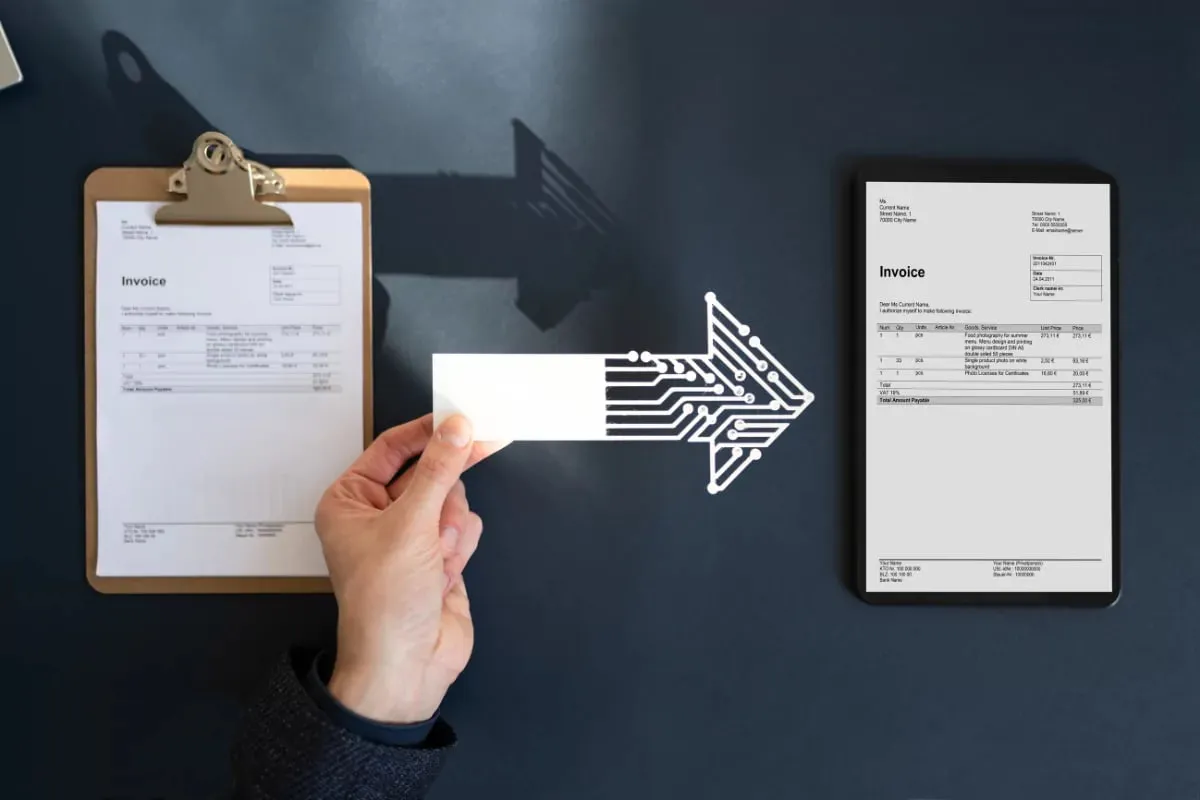
An electronic delivery note replaces the paper note that travels with the goods by a digital document. What really changes in the warehouse is not that you stop printing paper but that the document must be complete before the shipment leaves: recipient, line items, vehicle plate and driver details must be entered in the ERP, the document must be issued from the system, and the recipient's response must flow back into it.
What changes in the shipping process with electronic delivery notes?
With a paper delivery note the driver sets off, and if information is missing it is corrected on the road or on arrival. With an electronic note the document is issued before shipping and sent to the recipient electronically. So missing information has to be caught in the warehouse; correcting it on the road is hard.
The practical result: shipment preparation and document preparation finish at the same time. Instead of first picking the goods and then preparing the document, you build a flow where the document is ready the moment picking ends.
Take an example: an urgent order arrives in the afternoon and must be picked and loaded. In the paper system the note is written or printed by hand and the driver leaves. With an electronic note the order must be complete in the ERP, the customer account card correct and the vehicle details entered; if any is missing, the document is not issued and the vehicle waits at the gate. That is why missing information must be caught at order time, not at the gate.

How is the warehouse process organized?
Warehouse staff do not issue the document; they supply the correct data so it can be issued. Think of the process in four points: order, picking, check, dispatch.
- Order: the items to ship, quantities and delivery address must be clear in the order.
- Picking: if the picked quantity differs from the order, the delivery note is issued for the picked quantity and the difference is recorded separately.
- Check: item, quantity and, if needed, lot or serial number are verified by barcode.
- Dispatch: the vehicle is loaded, the document is issued from the ERP, and the status shows as shipped in the ERP.
If you use a handheld terminal or barcode reader, errors in picking and checking fall, because the system warns when the wrong product is scanned. The process can also be set up in a warehouse without barcodes, but then a person does the checking.
One purpose of electronic delivery notes is that every shipment leaving the warehouse can be traced. For you the benefit is that shipment information sits in one place, and you can answer a recipient, an account manager or an audit with the same document when needed.
Why do vehicle and driver details matter?
In an electronic delivery note the carrier information is part of the document. Check which fields are mandatory against the rules that apply to you and your provider's schema; we give no field list in this article. In general the vehicle plate, the driver's name and ID details and who the carrier is are requested.
- Keep vehicle and driver details as records in the ERP; pick from a list instead of typing them by hand on each shipment.
- If subcontracted vehicles are used often, make it a rule that the plate and driver are reported to the warehouse before shipping.
- Define the document update step in advance for when the vehicle changes at the last minute: who changes it, how is it approved?
- If you carry with your own fleet, assign the driver to the vehicle.
How do recipient response times work?
After receiving the delivery note, the recipient may respond with acceptance or rejection. Whether such a response is required, and its time limit and consequences, depend on the rules where you operate; check the current rule with your accountant or the relevant authority, we do not state a time limit here.
What matters on your side is that the response is visible in the ERP. Delivery notes with no response, accepted notes and rejected notes should be tracked in separate lists. If a rejection arrives, read the reason: wrong quantity, wrong account, wrong product?
- Track delivery notes awaiting a response with a daily list.
- Set in advance the responsible person and the closing route for rejected documents.
- You also have to give the same response for goods you receive; assign a person on the purchasing side too.
How is an electronic delivery note generated automatically in the ERP?
The aim is never to write a delivery note by hand. When the sales order is approved in the ERP, a warehouse dispatch order is created, picking finishes, and the ERP sends the delivery note data to the provider. The provider signs the document and delivers it to the recipient; the recipient's response returns to the ERP.
- Order, delivery note and invoice must stay linked to each other; an invoice must be creatable from the delivery note.
- The customer account card must carry the e-delivery-note flag and the correct address.
- The product card must have the unit and, where needed, transport information complete.
- If a single shipment holds several orders, choose up front whether to issue one delivery note or separate ones.
For incoming delivery notes, an AI agent can read the document, match it with the purchase order and list the differences. A person approves the goods receipt and its posting. This means comparing on screen instead of stamping paper in the warehouse.
How does the warehouse team prepare for this change?
The technical setup can finish in a week; changing habits takes longer. Warehouse staff have worked for years with paper in hand. In the new setup they have to look at the screen, complete the information before shipping and follow the document in the system.
- Run training in the warehouse on a real shipment; classroom explanation is not enough.
- Post on the wall the first three checks for when the document does not issue during shipping: account details, vehicle and driver details, connection.
- Everyone should know whom to call when a problem occurs. If there is a night shift, it should have a phone number too.
- For the first two weeks, have one person review every shipment the next morning: any rejection, any delivery note with no response?
There is a change on the accounting side too. Since delivery notes are a precondition for invoices, tracking open delivery notes makes month-end invoicing easier. You will want to see every week, as a report, which delivery notes have still not been invoiced.
How are transfers between warehouses and returns handled?
A sales shipment is the best-known flow, but a document may also be needed when goods move between two warehouses of the same company or when a customer returns goods. Settle up front, with your accountant and the rules that apply to you, which movements will run through electronic delivery notes, and define a separate flow in the ERP for each movement type.
- Transfer between warehouses: separate approval and receipt steps for the sending and the receiving warehouse.
- Customer return: the returned goods' receipt into the warehouse linked in the same record with the return invoice.
- Goods sent out for subcontract work or repair: matching the document when they come back.
Response times also affect operations. If the recipient rejects the document, accepting the goods may become a problem; so have a short talk with your large customers before the rollout. Knowing which email address and which person will see the document means having the contact ready before a rejection arrives.
What problems come up most often in the rollout?
In the first weeks most problems come from data, not from technology. If you check the list below before the rollout, the first weeks go more calmly.
- The address or tax number on the customer account card is outdated.
- The document was issued before the quantity picked in the warehouse was posted to the ERP.
- Driver or plate details were not entered at shipping time.
- It is unclear what to do when the internet or provider connection drops; have a fallback method.
- It is unclear who is responsible for which document between warehouse and accounting.
Start with a small trial shipment: one warehouse, one customer account, a few items. Once the process has settled, extend it to the other warehouses and shipment types (returns, transfers between warehouses).