
Panda CRM

Visit notes are written at the office in the evening, and the field team's day is invisible to head office

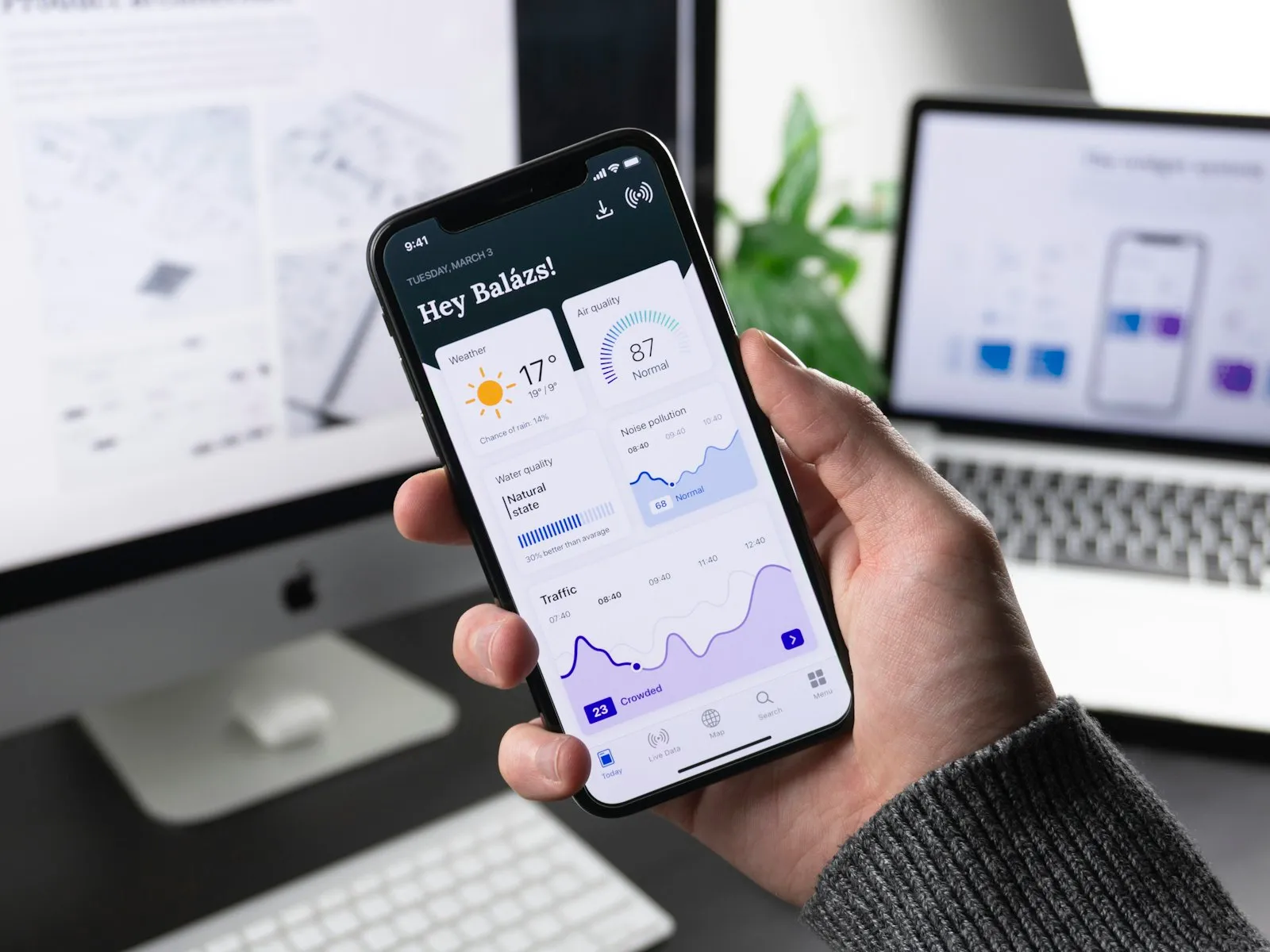
Uyum Mobil CRM is the phone and tablet app of Panda ERP CRM. The field team carries the customer card, visits and tasks with them; it works without internet and head office sees a visit instantly.

Uyum Mobil CRM
In short

Uyum Mobil CRM is the Android and iOS app of the Panda ERP CRM modules. The field team enters the customer card, visit, meeting and activity records from the phone; the manager follows the records in real time. When there is no internet connection, data is kept on the device and synced encrypted when the connection returns. Daily tasks, meetings and sales reminders arrive on the device as notifications.

How is this work done today?

  • The visit note is left for the evening

    The field representative visits customers all day and writes the note on a computer at the office in the evening; details are forgotten and some visits are never written.

    1 representative × 45 minutes / day
  • No customer information in the field

    The representative learns the customer's latest order, open complaint and who was met by phoning head office.

    2 people × 15 minutes / visit
  • The manager learns about the field at the end of the day

    Which representative went to which customer and what was discussed; the manager waits for the evening report or the Monday meeting.

    1 sales manager × 1 hour / day

How does Uyum Mobil CRM work?

  1. 1

    The app is installed, permissions are defined

    The Android and iOS app is installed on the phone; the user signs in with their CRM permissions and sees only their own customers and region.

  2. 2

    The customer card in the pocket

    Contacts, call history, open quote, latest order and support ticket are in the app; preparation before a visit is done on the phone.

  3. 3

    Visits and activities are entered instantly

    The visit note, photo, call record and next task are written next to the customer; without internet they wait on the device and sync when the connection returns.

  4. 4

    Head office follows live

    Visits, activities and tasks are on the head office screen in real time; notifications and reminders arrive on the device. The agent summarizes the note and suggests a task.

See how Uyum Mobil CRM would work in your business

Tell us briefly about your process and we will walk through the screens with your own example.

  • Reply the same business day
  • 15+ years of experience
  • 90 client businesses

Uyum Mobil CRM features

Uyum Mobil CRM: Customer card on mobile
  • Customer card on mobile

    Contacts, call history, open quote, latest order and support ticket on the phone screen; calls and emails start from the card.

  • Visit and activity records

    Visit note, photo, location and call record; with check-in, the visit start and end time are written on their own.

  • Real-time field tracking

    The manager follows visit, call and activity records live; planned and completed visits side by side.

Uyum Mobil CRM: Offline work
  • Offline work

    Without internet the customer card opens and records are entered; when the connection returns, the device and head office sync encrypted.

  • Notifications and reminders

    Daily tasks, meetings and sales reminders arrive on the device as notifications; a notification closes when the task is completed.

  • Opportunities and quotes

    The opportunity stage is changed from the phone, a quote draft is prepared and emailed; with Mobile Field Sales, orders and collections are added.

  • Data security

    Sync between devices is encrypted; a lost device's access is shut off from head office and the app data on the device is wiped.

  • Route and plan

    The daily visit plan on a map; route order, distance and the list of customers not visited on screen.

What does Panda AI add to Uyum Mobil CRM?

The Sales and Quotation Agent is the Panda AI agent that brings price, stock and customer history together and prepares a draft quotation in minutes.

  1. Today Price, stock and discount are checked separately for each quotation With the agent A draft quotation is ready in minutes
  2. Today The customer’s history lives in the rep’s memory With the agent The customer’s history is in front of you with one message
  3. Today Quotations nobody follows up quietly disappear With the agent Reminders arrive for pending quotations

Jobs it takes on

  • Draft quotations and pro formas
  • 360° summary per customer
  • Lost-customer and opportunity alerts
  • Mobile queries for the field team
  • Sales performance reports
  • Quotation follow-up reminders

The agent prepares, a person approves. Anything that posts a record or sends something outside the company goes through your approval.

Explore Panda AI agents

Frequently asked questions about Uyum Mobil CRM

Which modules does Uyum Mobil CRM cover?

It covers the field screens of the Customer Management, Customer Relationship, Lead, Opportunity and Job Tracking modules. If the Mobile Field Sales module is on, orders, collections, stock and account lookup are added to the same app. Whichever module the permission opens, that screen shows.

Which phones does it run on?

It runs on Android and iOS phones and tablets. The app is installed from the store and the user signs in with their CRM permissions. A company device or a personal device can be used; on a personal device only the app data belongs to the company and it can be wiped from head office.

What happens where there is no internet?

The customer card, task list and latest records are kept on the device; visit notes, photos and activities are entered offline. When the connection returns, records sync with head office encrypted. If two people changed the same record, a conflict list goes to the manager, who decides.

Does the manager see where everyone is in the field?

With a visit check-in, the start and end time, visit location and note are visible at head office. This is not continuous location tracking; only the location at the moment of the visit record is kept. What information is monitored is set in writing at setup and communicated to the team.

What do the notifications cover?

The day's tasks, an approaching meeting, a reminder whose due date has come, a newly assigned lead or ticket, an order awaiting approval. The user and the manager set which notification arrives. Tapping a notification opens the card concerned; it closes when the task is completed.

Can quotes and orders be entered from the field?

A quote draft is prepared in Uyum Mobil CRM and sent by email. For orders, collections and stock lookup, the Mobile Field Sales module is turned on; it comes as an additional tab inside the same app. The order is checked against stock and risk limit on the spot.

How is data security ensured?

Sync between the device and head office is encrypted; the app opens with user permissions and the session time is defined. If a device is lost, access is shut off from head office and the app data on the device is wiped. Who entered which record and when is kept in the audit log.

What does the agent do in mobile CRM?

The visit note and photo entered from the field are written to the customer card, the note is summarized and the next step is suggested as a task. The field representative approves or edits the task; the agent does not send messages to the customer and does not change the visit plan.

See Uyum Mobil CRM with your own data

Describe your process in a few sentences and we will show you the modules that fit.

  • 15+ years of enterprise software experience
  • In the cloud or on your own server
  • Processes compliant with KVKK (Turkey's data protection law)

Last reviewed: · Panda Yazılım product team